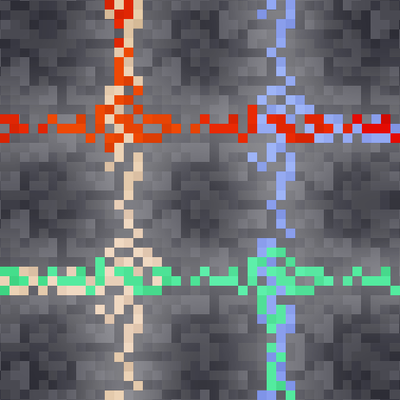
CMT's PowerStones
Java mod listed for Minecraft 1.18–1.21. Download on the author's site.
⬇ Download on CurseForge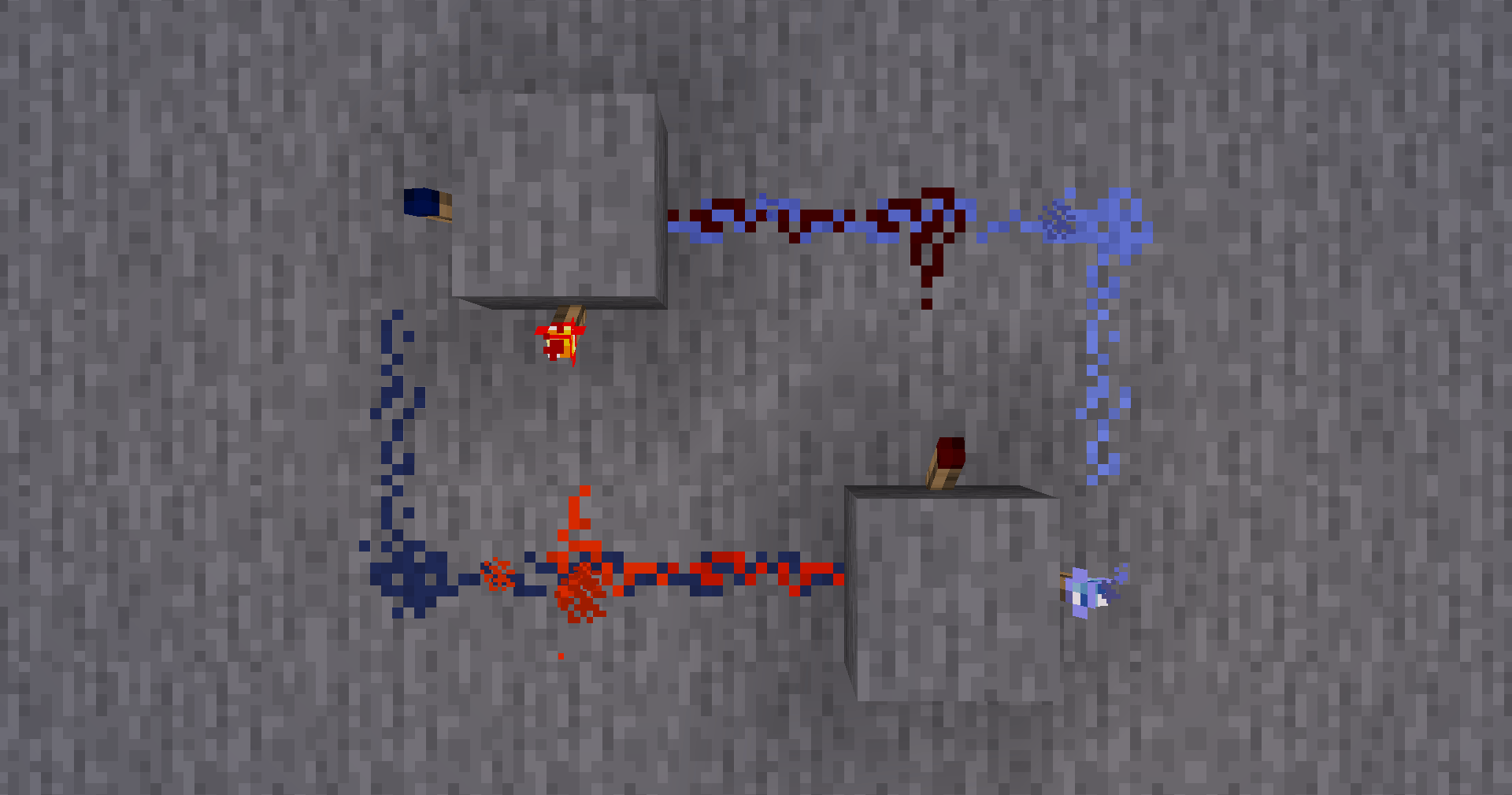
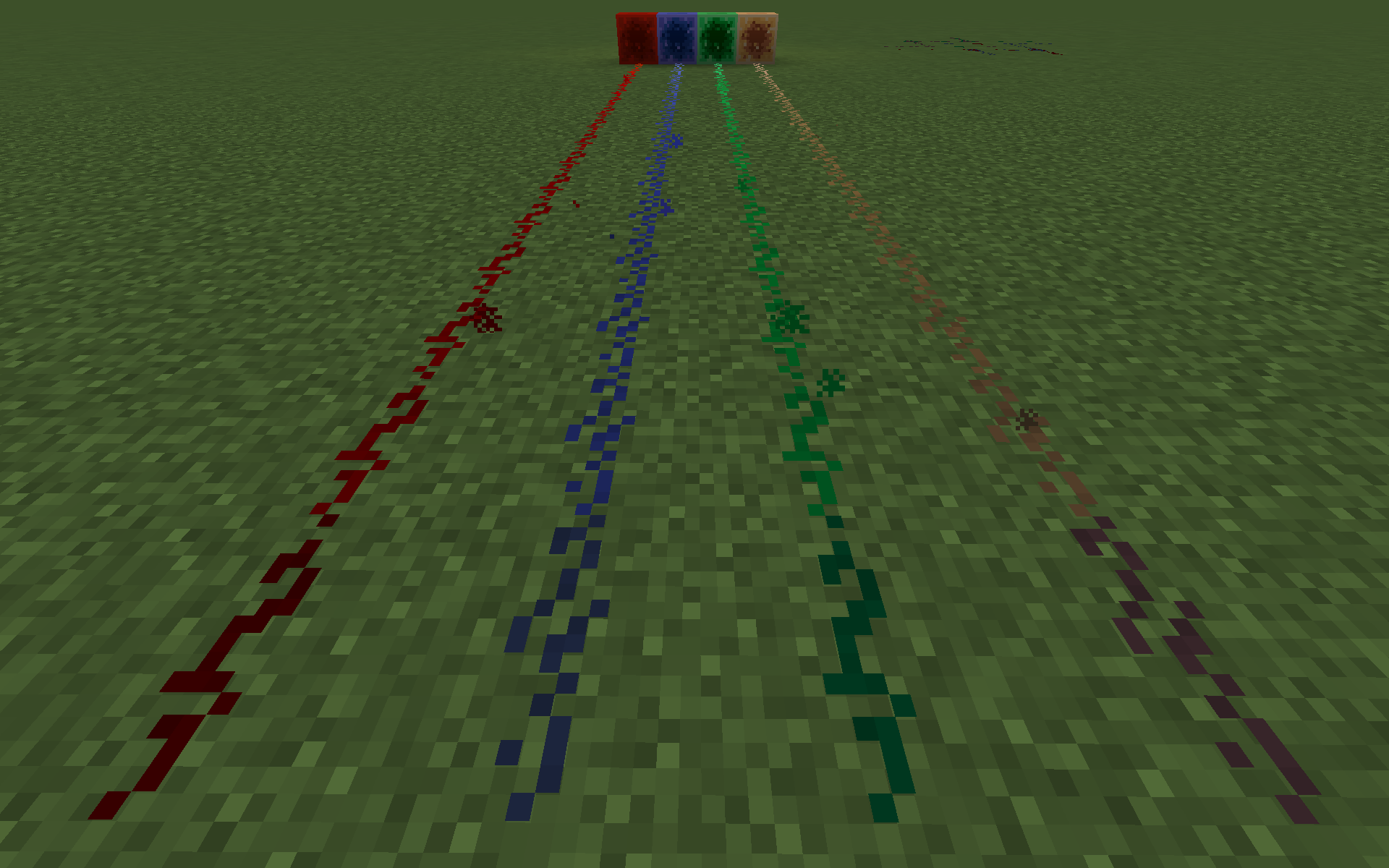
 PowerStones
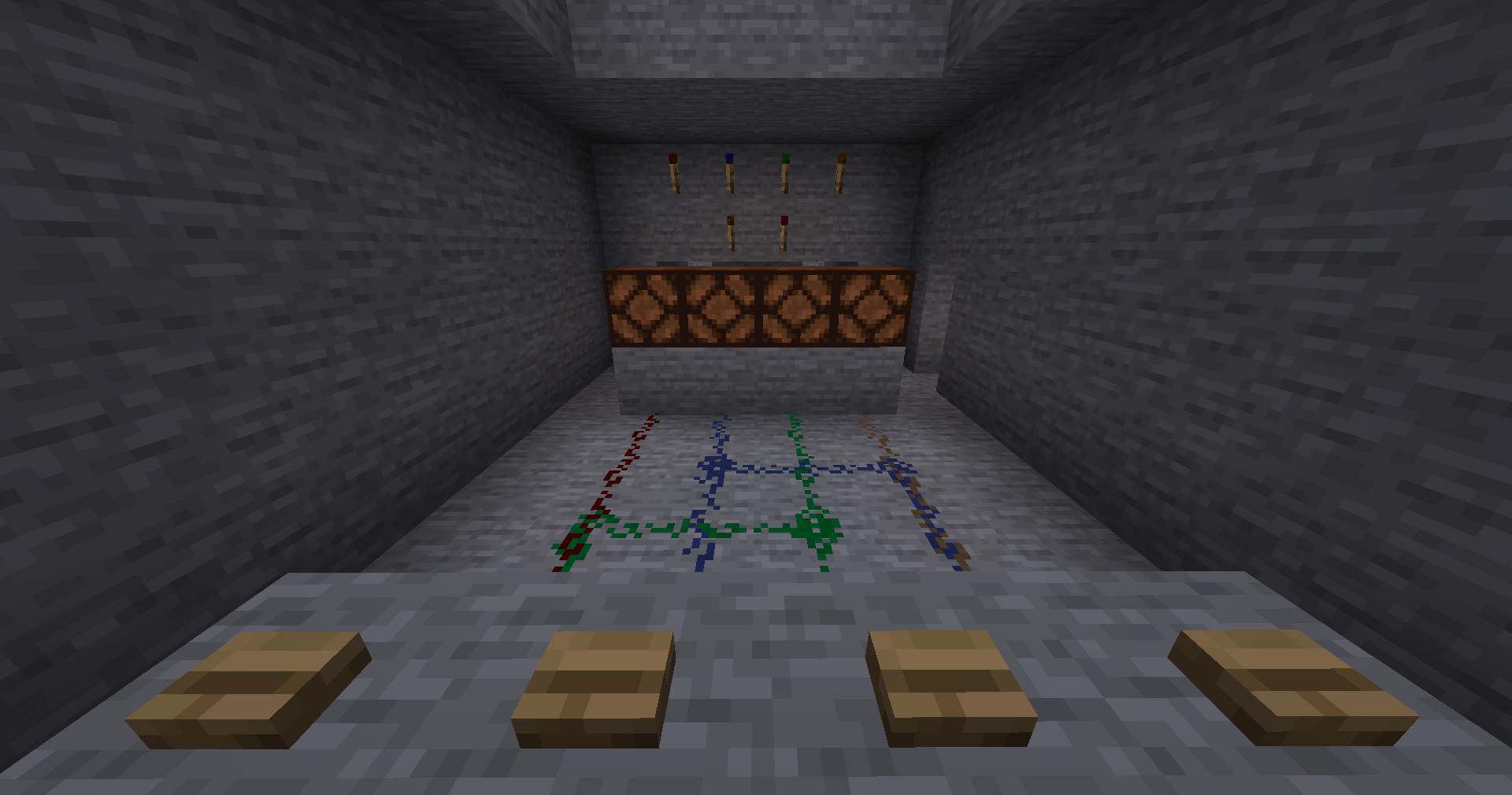
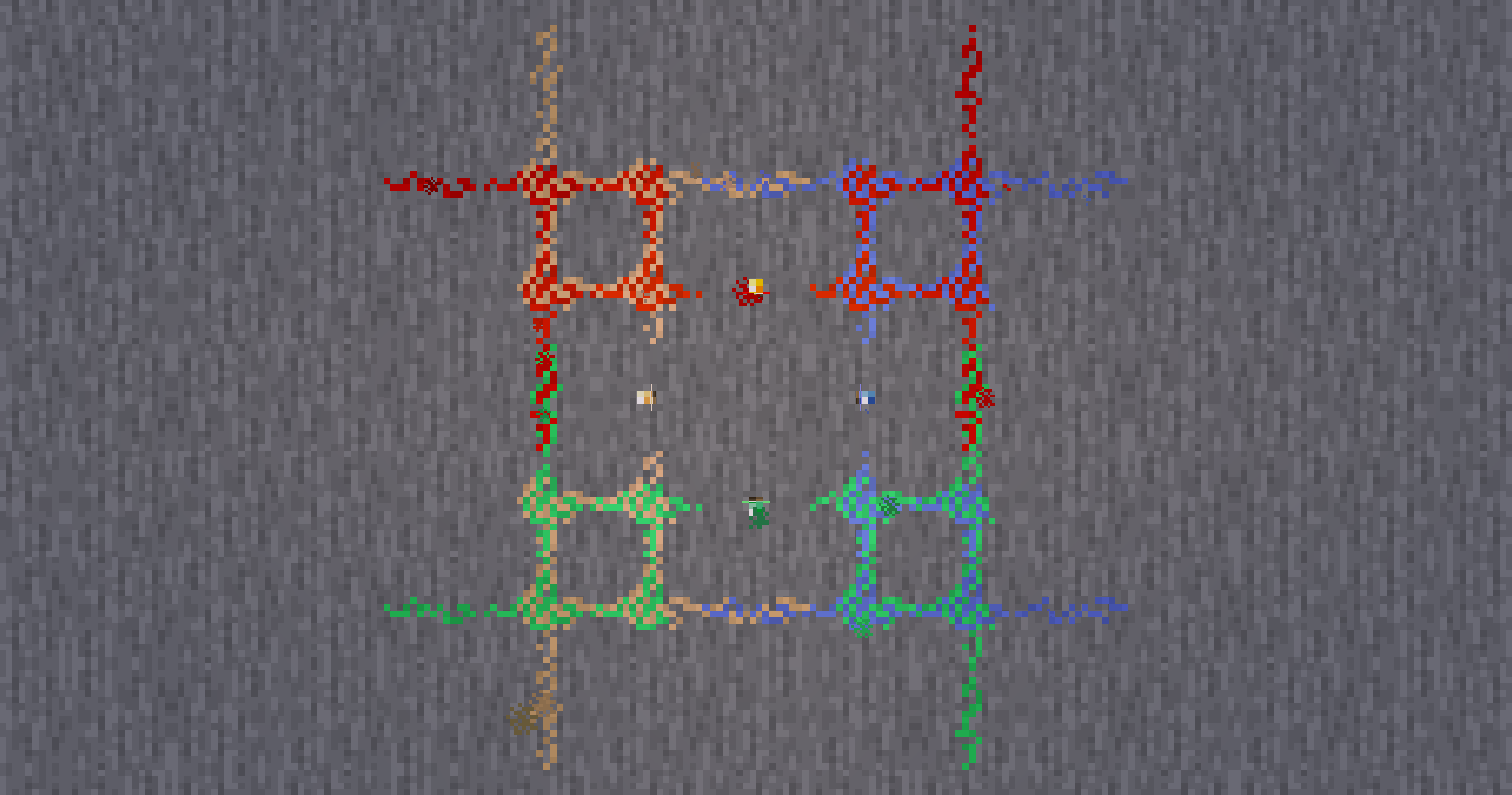
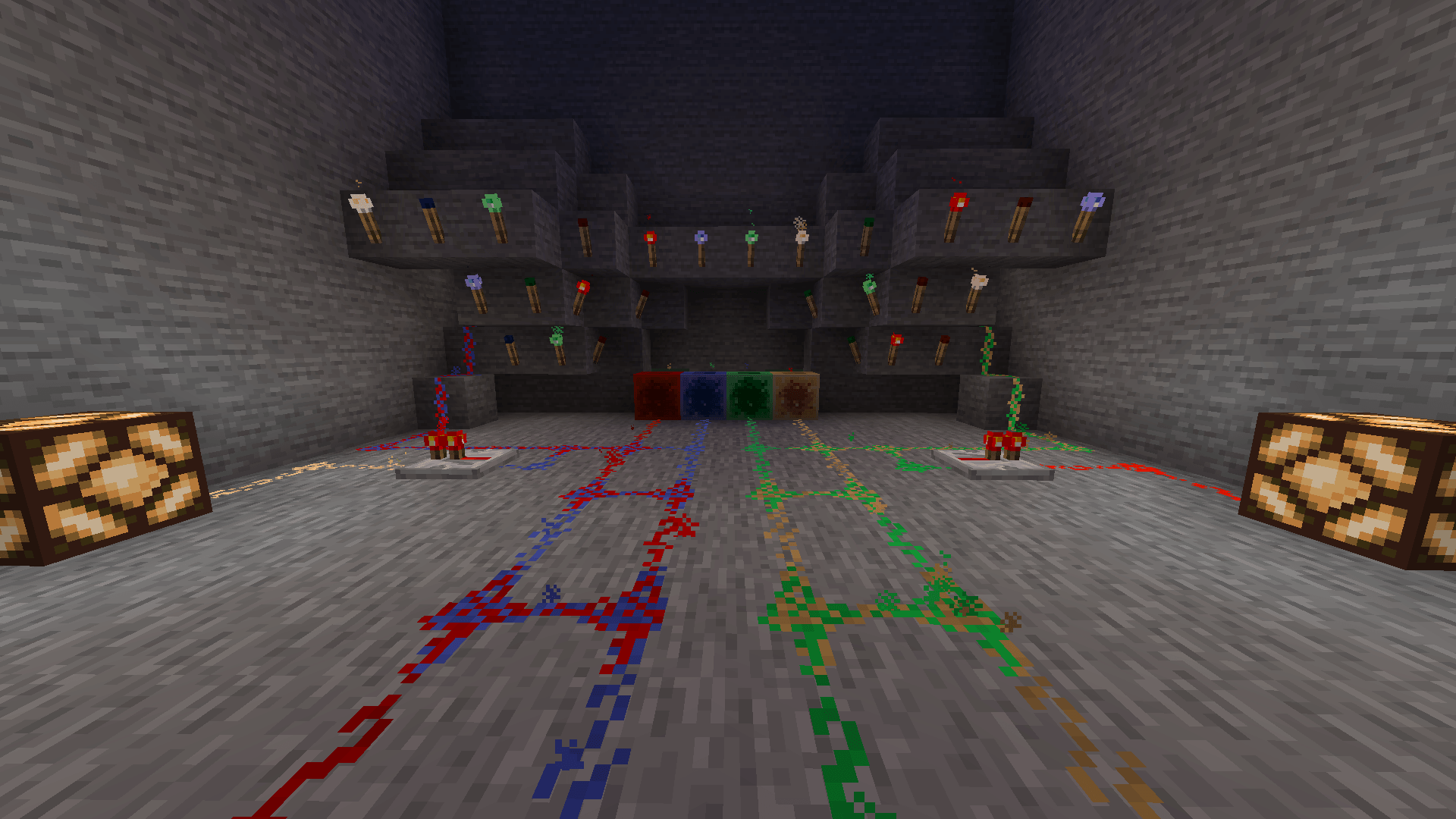
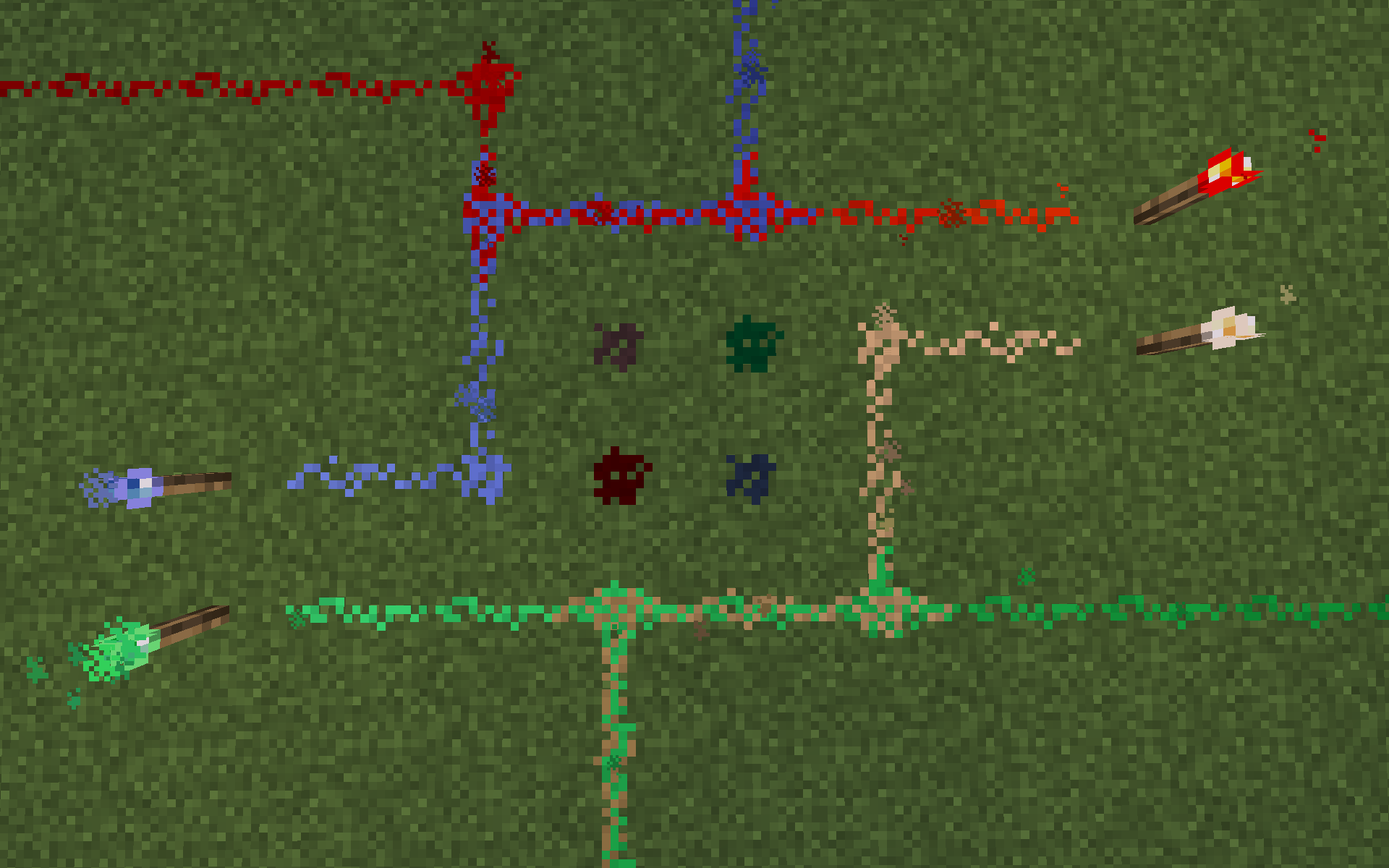
Minecraft mod with overlapping wires of Redstone, Bluestone, Greenstone and Yellowstone

Copyright (c) 2023-2026 CalvinMT
Dependencies
Mods needed to be installed in order for PowerStones to function correctly:
Fabric
- Fabric API - Essential for Fabric mods to work.
- FerriteCore (Fabric) - Enables Minecraft to load with the default number of RAM, instead of 12GB which requires the addition of an argument (-Xmx12G).
Forge
- FerriteCore (Forge) - Enables Minecraft to load with the default number of RAM, instead of 12GB which requires the addition of an argument (-Xmx12G).
Compatibility
PowerStones is compatible with other redstone mods, such as Red Bits or Redstone Bits.
It is intended to make PowerStones compatible with as much other mods as possible, but this will take some time.
If there is a mod that you like which seems incompatible with PowerStones, please make an new issue on GitHub using the "Mod compatibility request".
Features
Functionalities
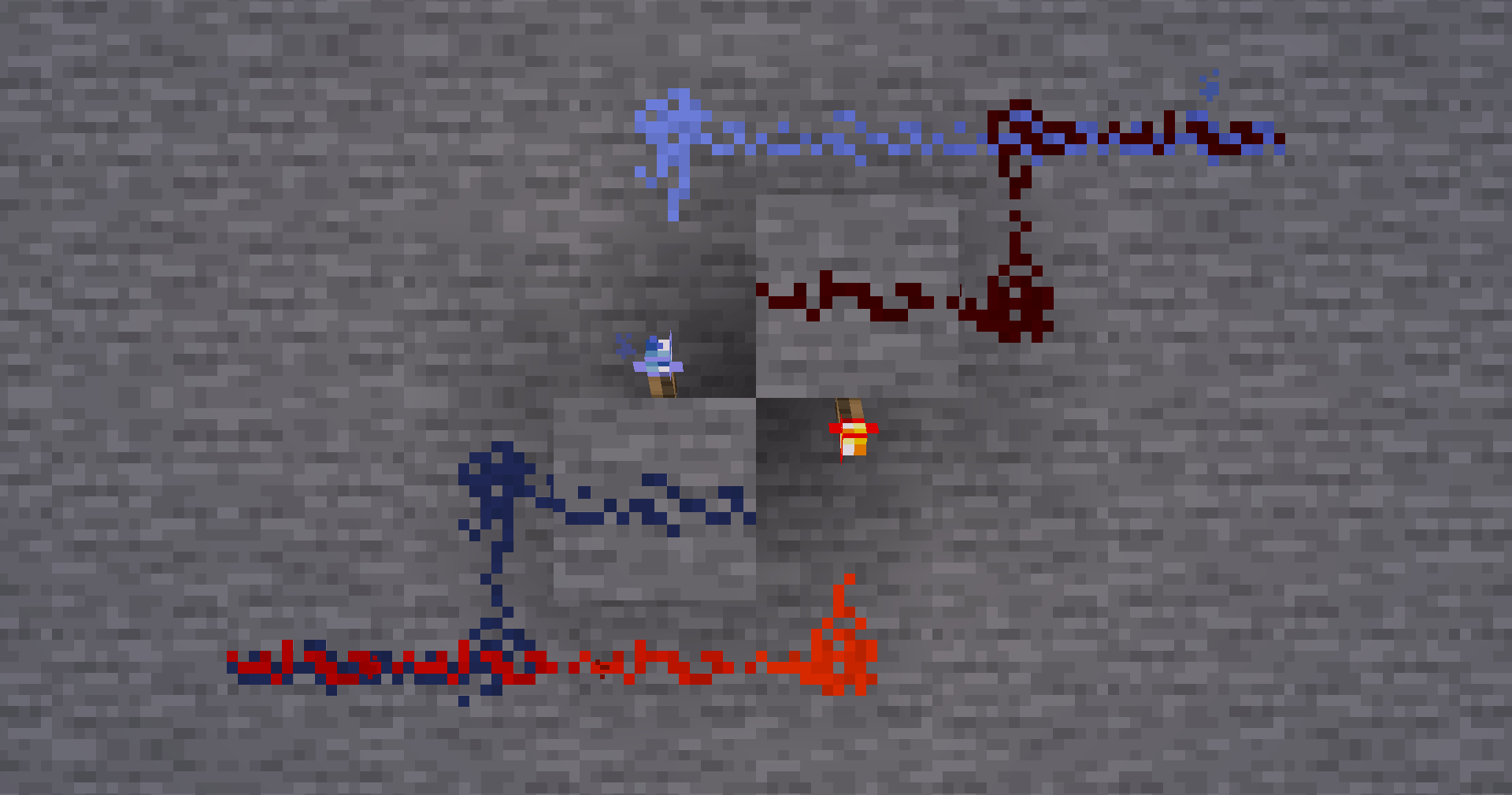
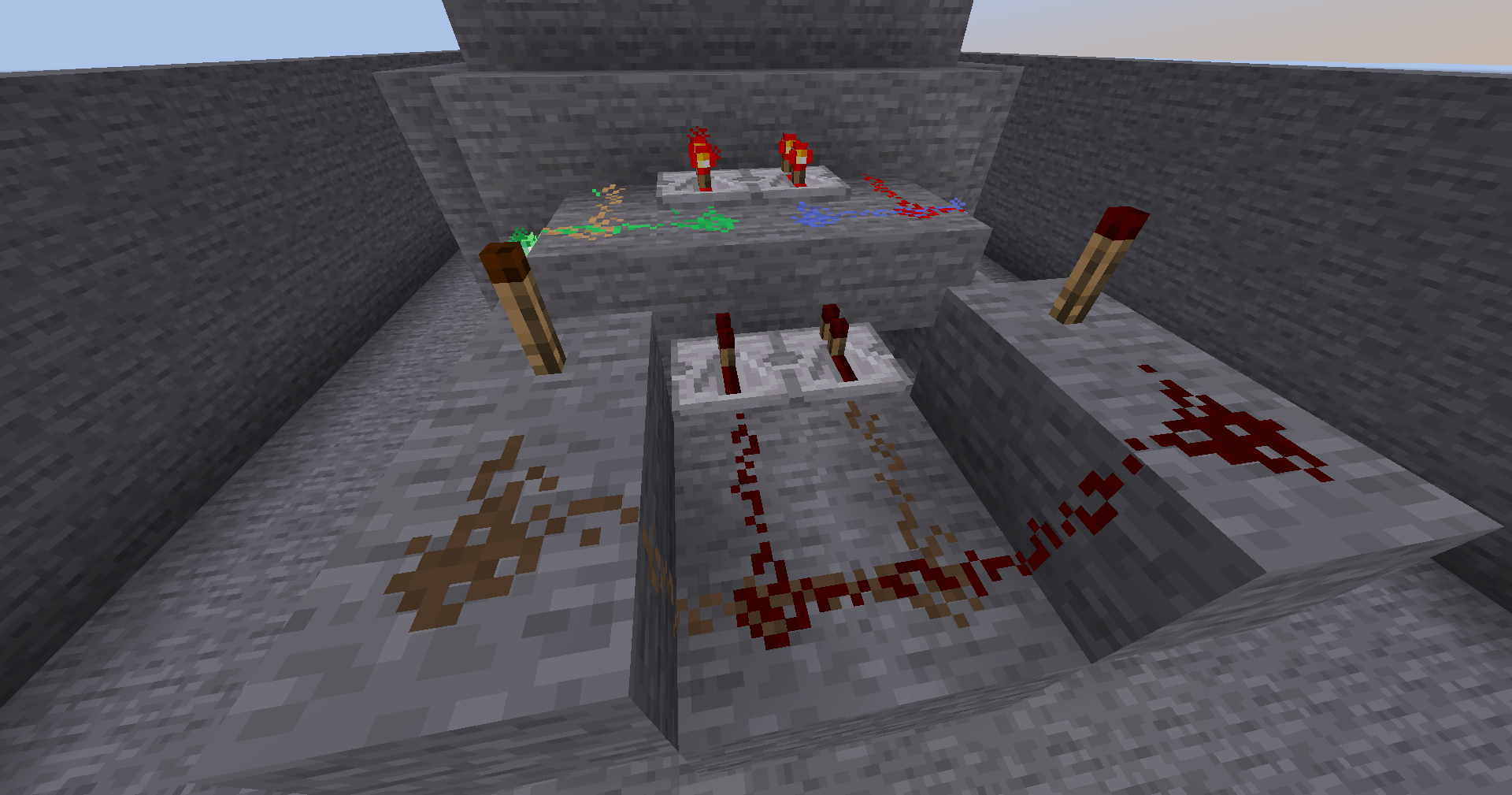
- Four independent wire colours are available: Redstone, Bluestone, Greenstone, and Yellowstone, each carrying its own separate power signal.
- Powerstone wires can overlap in pairs, allowing two independent wire colours to occupy the same block without interfering with each other.
- Each wire colour only connects to and receives power from wires, blocks, torches, repeaters, comparators, and other redstone components of the same colour.
- Redstone Repeaters can transfer power from one wire colour to another, allowing controlled interaction between otherwise independent circuits.
- Breaking a wire while holding a powerstone dust item only removes wire channels matching the colour of the item held, making it easy to edit overlapping wires without disturbing the other channel.
Blocks and items
- Redstone


- Bluestone


- Greenstone


- Yellowstone


- Bluestone Block


- Greenstone Block


- Yellowstone Block


- Bluestone Torch


- Greenstone Torch


- Yellowstone Torch


Implementation process and limitations
The initial idea was to be able to place all four powerstone wires on a single block. This meant that the redstone wire block would have had more than 5 308 416 states (3x3x3x3x16x16x16x16) compared to its unmoded version of 1 296 states (3x3x3x3x16). As all states of all the game's blocks are computed on startup, this would have taken more computation time and memory than a computer can handle.
In order to keep the initial idea, an effort was made to limit the powerstone's power to two states (0-1), instead of sixteen (0-15). This lowered the number of states for the redstone wire block down to its unmoded version of 1 296 states (3x3x3x3x2x2x2x2). However, this number of states would not have been final as more would have been added to display all possible connections. Eventually, the implementation proved itself too complicated and unreasonable to continue, as it required an overhaul of the redstone wire block's power updates and removed all vanilla redstone functionalities related to redstone power levels.
The idea of having overlappable powerstones still viewed as a goal, an attempt to first add bluestone on top of redstone was made with success through the addition of another power property and the incrementation of both power properties by one. Thus, the number of states for the redstone wire block was of 23 409 (3x3x3x3x17x17), which only added a couple of seconds more to the loading time.
Extending the mod with greenstone and yellowstone wires could not have been achieved through the addition of two more power properties for the same reason as stated in the initial idea (too many states). The choice had then been made to make wires overlappable by pairs. Redstone wires would be overlappable with bluestone wires, while greenstone wires would be overlappable with yellowstone wires. This was easily achievable through the addition of a single property with two states (one state per pair of powerstones), ending with a number of states for the redstone wire block of 46 818 (3x3x3x3x17x17x2). Adding this basic property rendered the game's startup slower (~1mn30s). However, with higher concern, the number of memory (RAM) needed in order for the game to load every state approximated 12GB. Even if asking users to add a simple Java argument in the Minecraft's launcher to extend the maximum amount of allocated memory to the game is done for other mods, 12GB of memory is huge in comparison to the small addition this mod would have brought to the game.
As the powerstone pair property seemed like a good settle point to bring the project as close to the initial goal as it could have after six weeks of learning and developping, the decision was taken to find a mod which could considerably reduce the amount of memory allocated to run the game with PowerStones. After a quick search, FerriteCore seemed adequate and, against all expectations, made it possible for the game to run with PowerStones wihtout changing the maximum amount of allocated memory (<4GB). Although PowerStones has become dependent of a performance mod, users can benefit from it without worrying about memory consumption.
PowerStones was initially developed to be used with Fabric and largely relied on mixins. After a sufficiently successful start of the mod and wanting to make it useable with Forge, help was sought on the Forge Discord. However, asking mixin related questions only brought criticism towards the O-So-Cursed-Mixin reliance of PowerStones. Although the suggestions were helpful in their depth, their arrogant form and suppositions could have been left behind. In spite of this unpleasant experience with some of Forge's community, time and rational reasoning proved to show that using each mod loader's API and separate powerstone classes instead of overrelying on mixins would be best, not only to make it available through Forge, but also to minimise bugs and maximise mod compatibility. An overhaul of the mod then took place to apply these necessary changes.
With the high number of states introduced by the implementation, the dependency on FerriteCore became a necessary compromise rather than an optional optimisation. However, it also highlighted the need for a more sustainable architectural approach. A logical next step for PowerStones was therefore to refactor the MultipleWires system into a BlockEntity-based implementation, an approach that several users had already identified as essential for reducing state complexity while improving overall performance and extensibility. In this context, a contributor from the community, AtronixMH48, offered valuable assistance by providing a modified version of the mod featuring a BlockEntity-driven solution. This contribution was carefully reviewed to ensure full understanding of its mechanics and was partially refined before being integrated into the project, ultimately removing PowerStones’ dependency on FerriteCore.
Following the BlockEntity refactor, the rendering of multiple wire blocks remained limited by the vanilla block model, which could not correctly represent two wires with different connection layouts on the same block. A custom baked model was therefore introduced to render both wire channels independently, using the connection data stored in the MultipleWiresBlockEntity. This major change made it possible for each wire to preserve its own straight runs, corners, junctions and vertical connections without affecting the appearance of the other. With this rendering foundation in place, the multiple wire implementation was then generalised beyond the original redstone-bluestone and greenstone-yellowstone pairs to support all six possible pair combinations between redstone, bluestone, greenstone and yellowstone. Although PowerStones still limits overlapping wires to two colours per block, any two of the four available colours can now share the same space while keeping their power levels and connections independent.
Colour choices
The colours blue, green and yellow were chosen around the year 2012, when this project first came into mind. One of the goals was to make better application of poorly used and almost unuseful, but abundant resources such as lapis lazuli, emerald and glowstone dust.
Each new powerstone colour comes from a combination of the redstone's colour and the resource's colour used in the powerstone's recipe. First, the powerstone texture was coloured with the resource's colour. Then, the redstone's texture was layered above it before finally applying to the redstone layer a colour dodge blending filter with ~30% opacity (75/255).

Contributions
Please discuss substantial features before implementing them.
Unsolicited feature pull requests may be declined even if they are technically correct.
Bug fixes, small compatibility fixes, and well-scoped improvements are generally more likely to be accepted.
Contributors
- CalvinMT
- AtronixMH48 (Refactor
MultipleWiresBlockto a Block Entity)
Licence
PowerStones is licensed under the Mozilla Public License Version 2.0.
If you reuse or modify this project, you must retain the required copyright and licence notices in accordance with the Mozilla Public License 2.0.
If you create a project based on PowerStones, a visible acknowledgement of PowerStones and a link back to the original repository are greatly appreciated.
- Edition: Minecraft Java
- File type: .jar
- Minecraft versions listed: 1.21.11, 1.21.1, 1.20.1
- How to install: Install the matching mod loader (Forge, Fabric or NeoForge) for your Minecraft version. → Download the .jar. → Put it in the .minecraft/mods folder and launch that loader profile.
- Where to get it: Opens on CurseForge — not every file is mirrored on our own servers.
Install steps are the general flow for this file type — How to install Minecraft Java mods & modpacks walks through it step by step.
CMT's PowerStones is a free Minecraft Java mod. Compatible with Minecraft 1.21.11, 1.21.1, 1.20.1, 1.19.3 and newer. Downloaded 4,111 times (via CurseForge). Download it and open it directly in the game.