ModsJava
Draftout Mod (26.1.2) – Compete in Fast-Paced Survival Bingo Races
Minecraft Java mod. Downloads from the MC Java Mods app on Android.
⬇ Download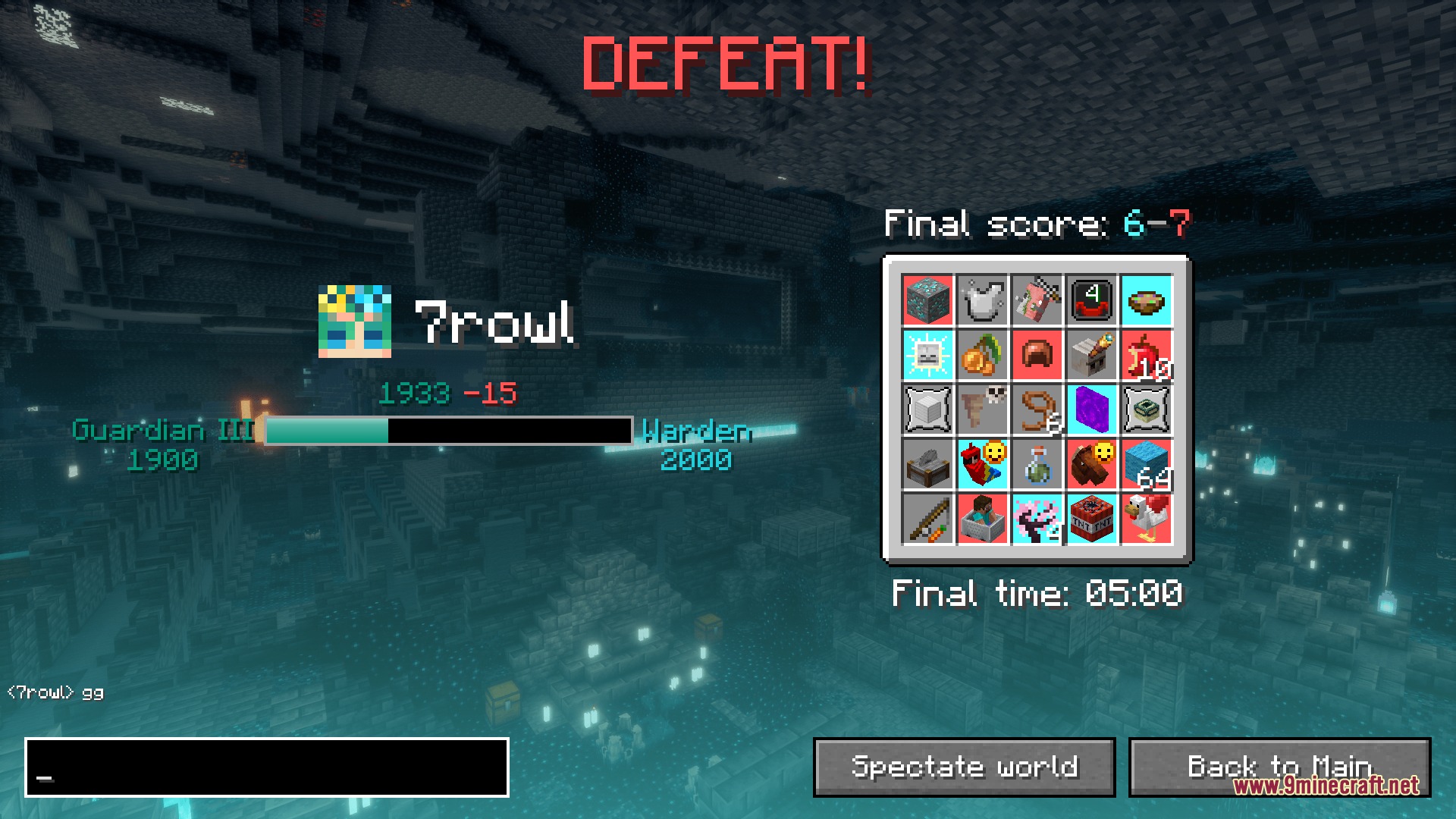
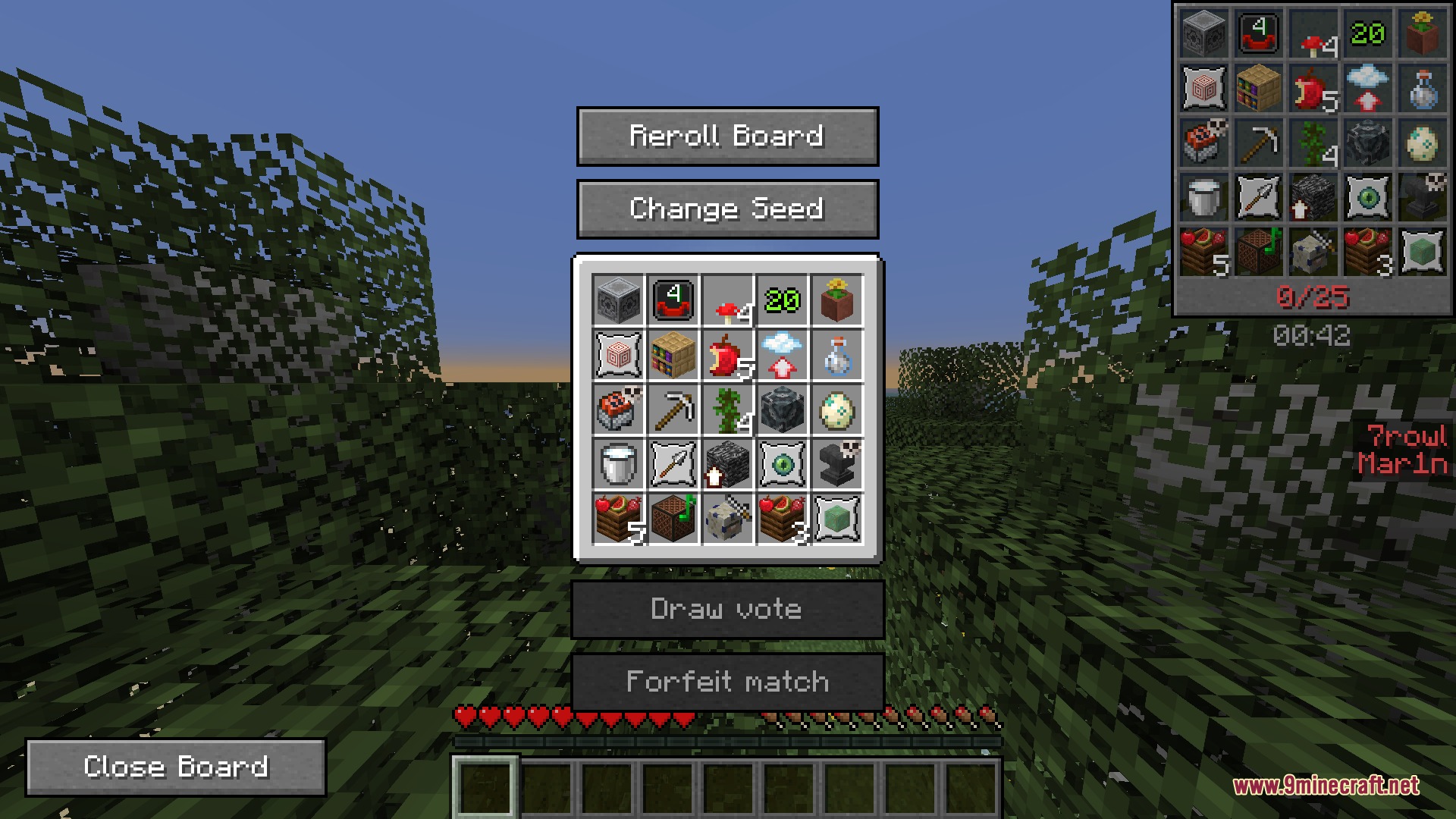
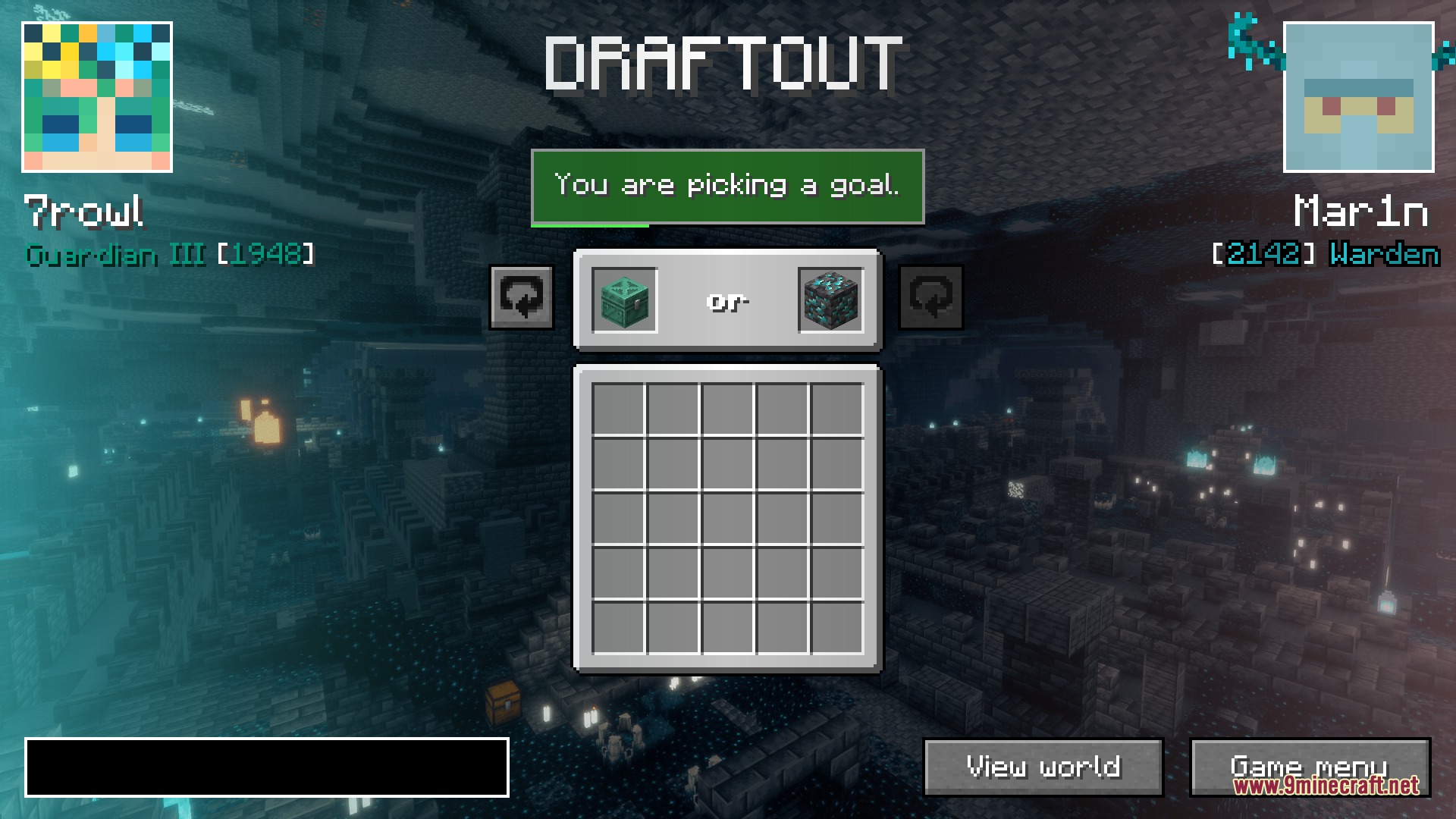

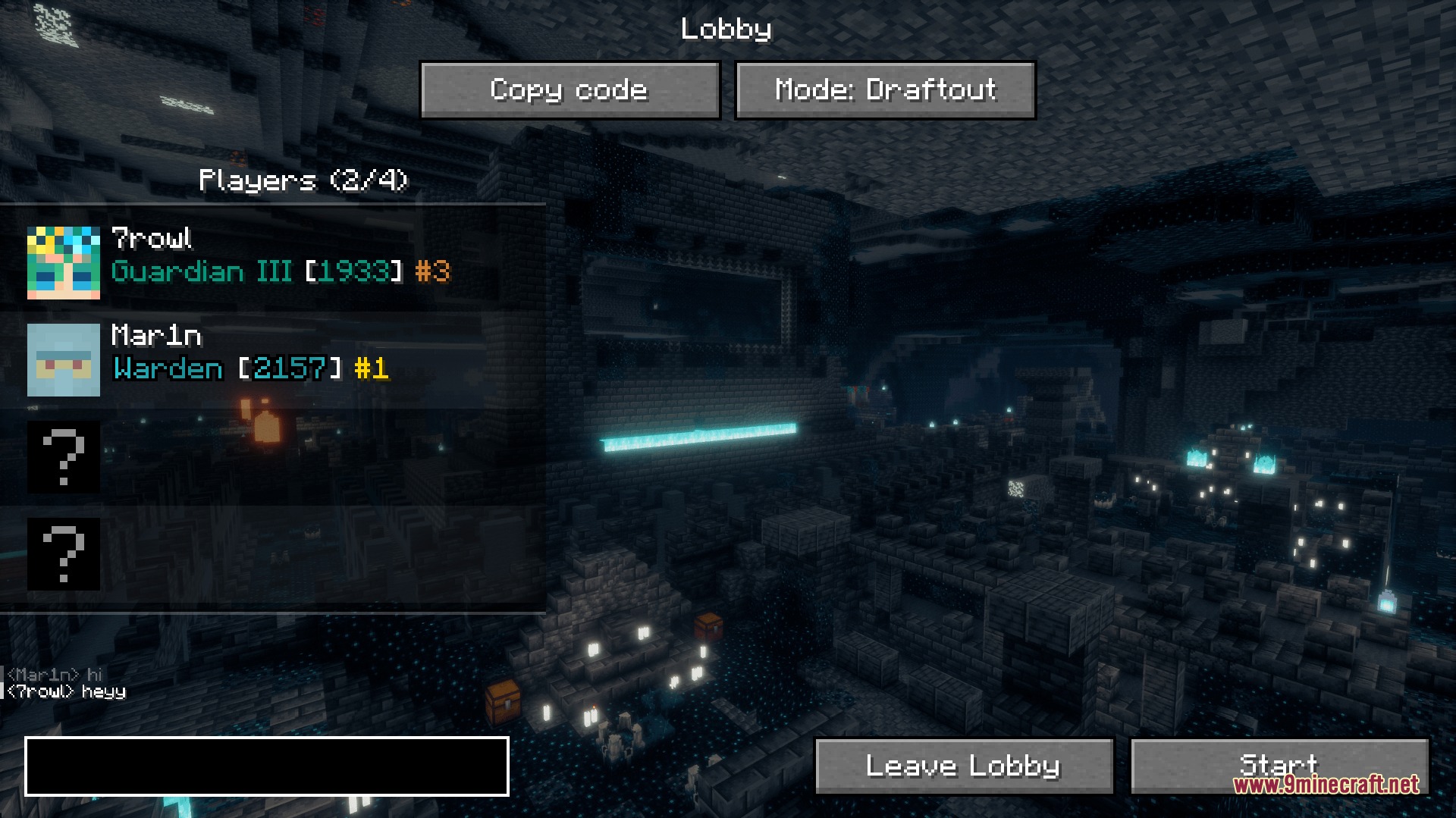
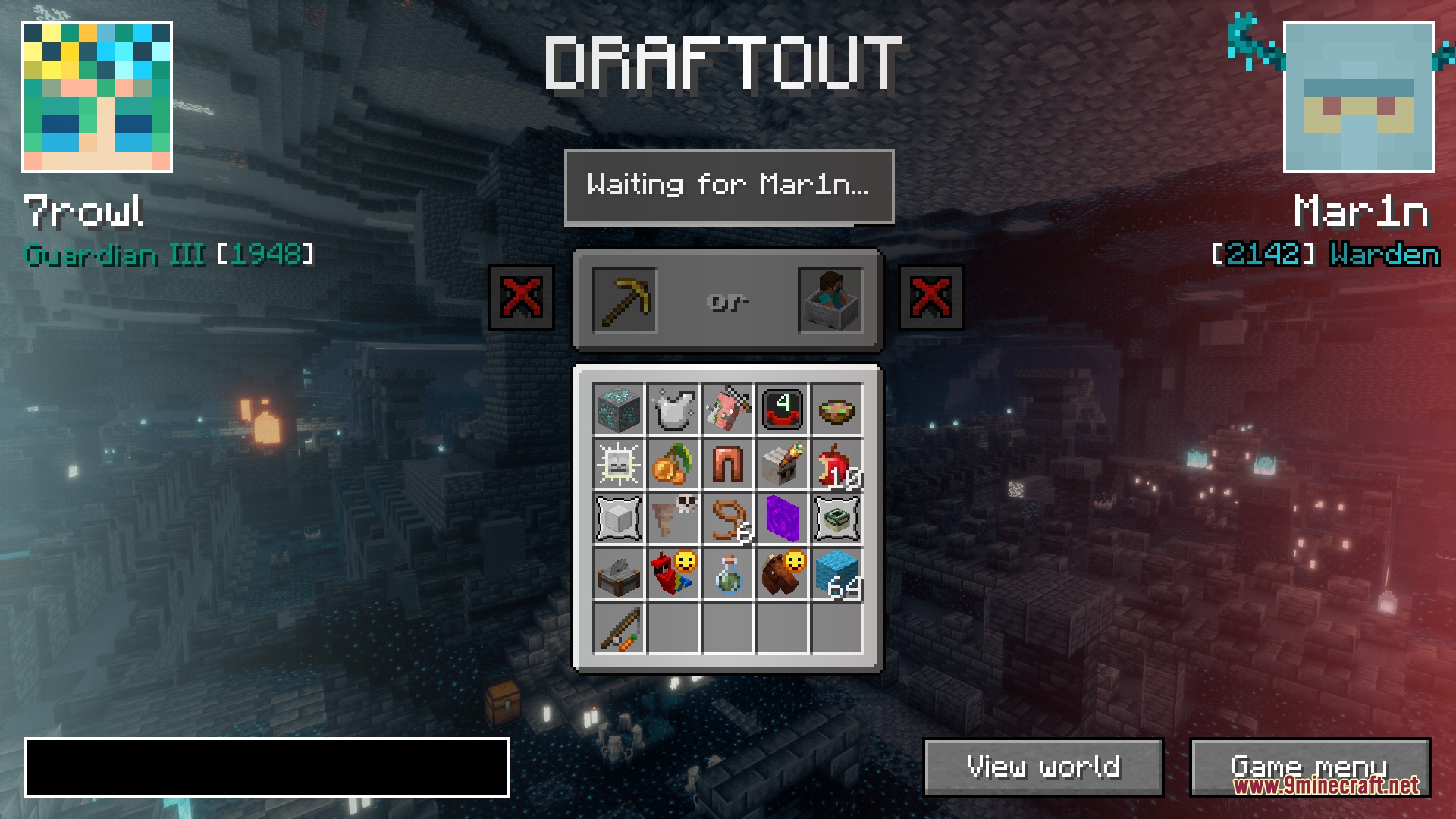
Draftout Mod brings a competitive bingo game into your Minecraft world. It lets you build a custom board of goals by taking turns picking challenges with your opponent. Once the board is ready, you race to complete the tasks faster than the other player. This mod connects your singleplayer world to a server so you can track your rival’s progress in real time.
Features:
- Custom Board Drafting: Lets you pick between two different goals during the draft phase to build your personalized game board.
- Generates worlds with tweaked random elements and guarantees important structures so both players have a fair start.
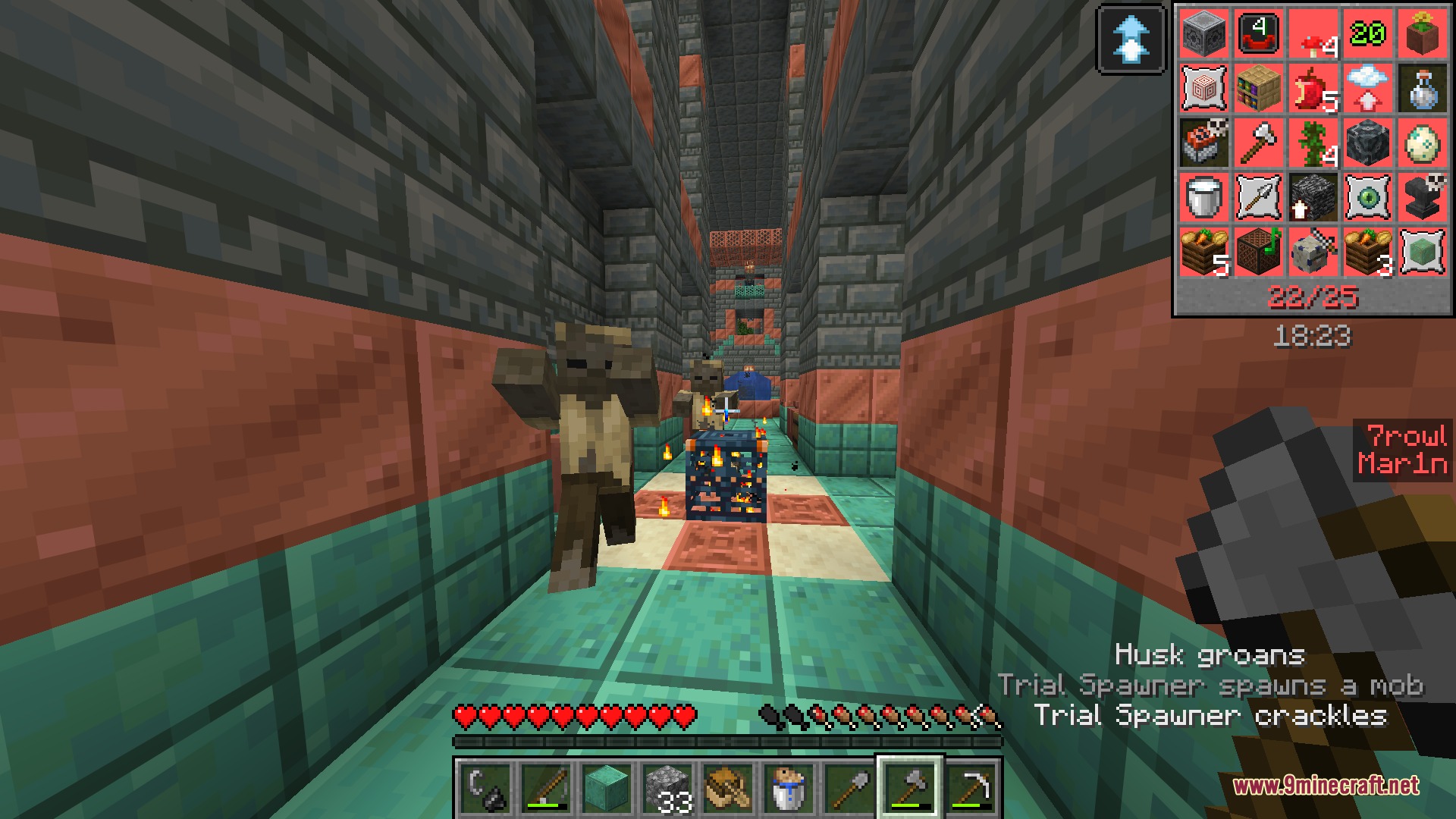
- Shows your opponent’s chat messages, advancements, and dimension changes while you play in your own singleplayer world.
- Includes a built-in update tool that downloads new patches directly from the server menu.
Game Modes:
- Quick Play gives you a smaller four-by-four grid with a thirty-minute time limit and easier goals.
- Competitive mode features a five-by-five grid, a longer time limit, and a ranked leaderboard based on your score.
- Private lobbies let you invite up to three friends to play any setup you want.
How to Play:
- Connect to the Draftout Mod server from your main menu.
- Choose a game mode or join a private lobby with your friends.
- Take turns picking goals during the drafting phase to build the bingo board.
- Load into your singleplayer world and race to finish the goals before the time runs out.
- Complete thirteen tasks before your opponent to win the match.
Screenshots:
Draftout Mod Download Links
Quick facts
- Edition: Minecraft Java
- File type: .jar
- How to install: Install the matching mod loader (Forge, Fabric or NeoForge) for your Minecraft version. → Download the .jar. → Put it in the .minecraft/mods folder and launch that loader profile.
- Where to get it: In MC Java Mods, or directly above on this page.
Install steps are the general flow for this file type — How to install Minecraft Java mods & modpacks walks through it step by step.
File checked by MCModsHub
- Downloads as 444876.mcaddon
- Download size: 6.4 MB
- Download link checked 22 Sept 2026 — working
- Mirrored on our own servers — the download does not depend on the original host
These come from our own check of the pack file, not from the source page.