
ModsJava
Inventory Companions Mod (26.2, 1.21.1) – Never Craft Alone with Tiny Animated
Java mod listed for Minecraft 1.21. Downloads from the MC Java Mods app on Android.
⬇ Download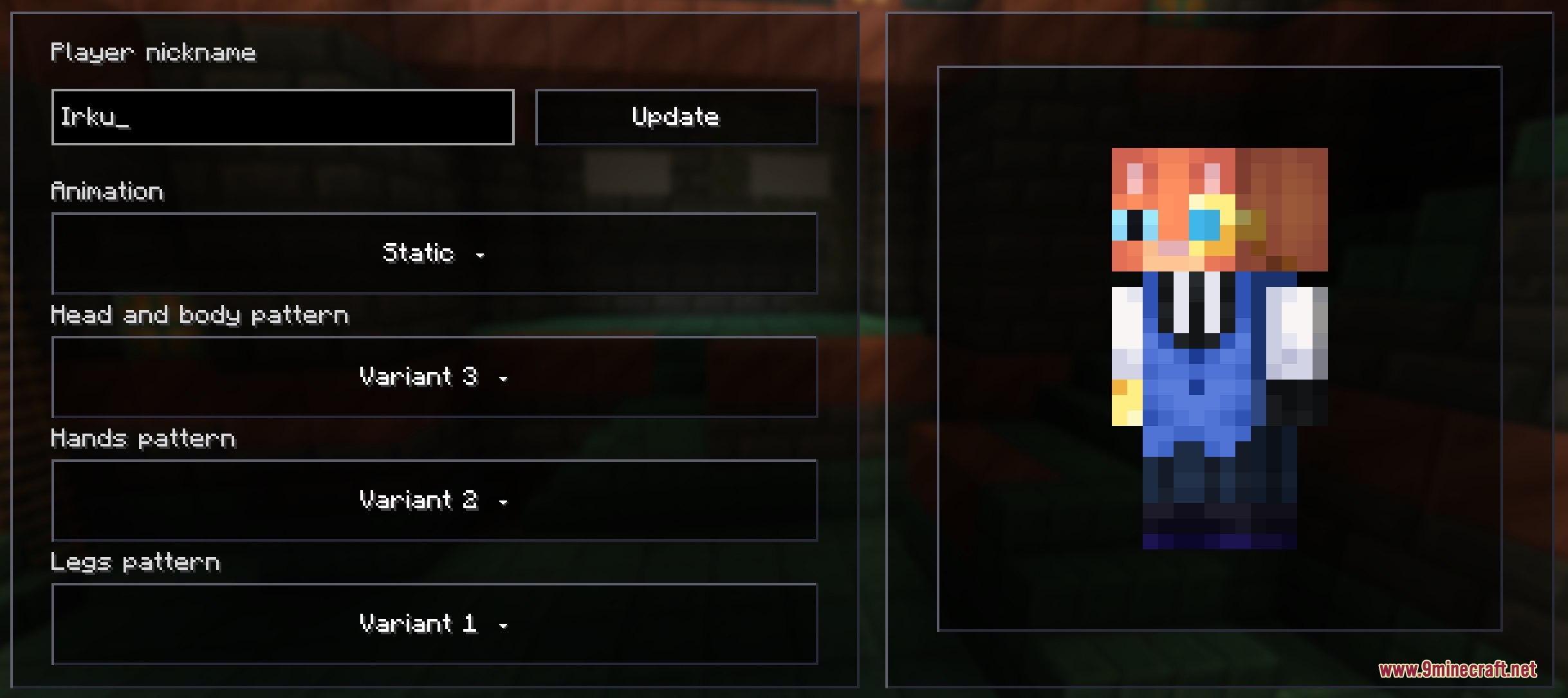
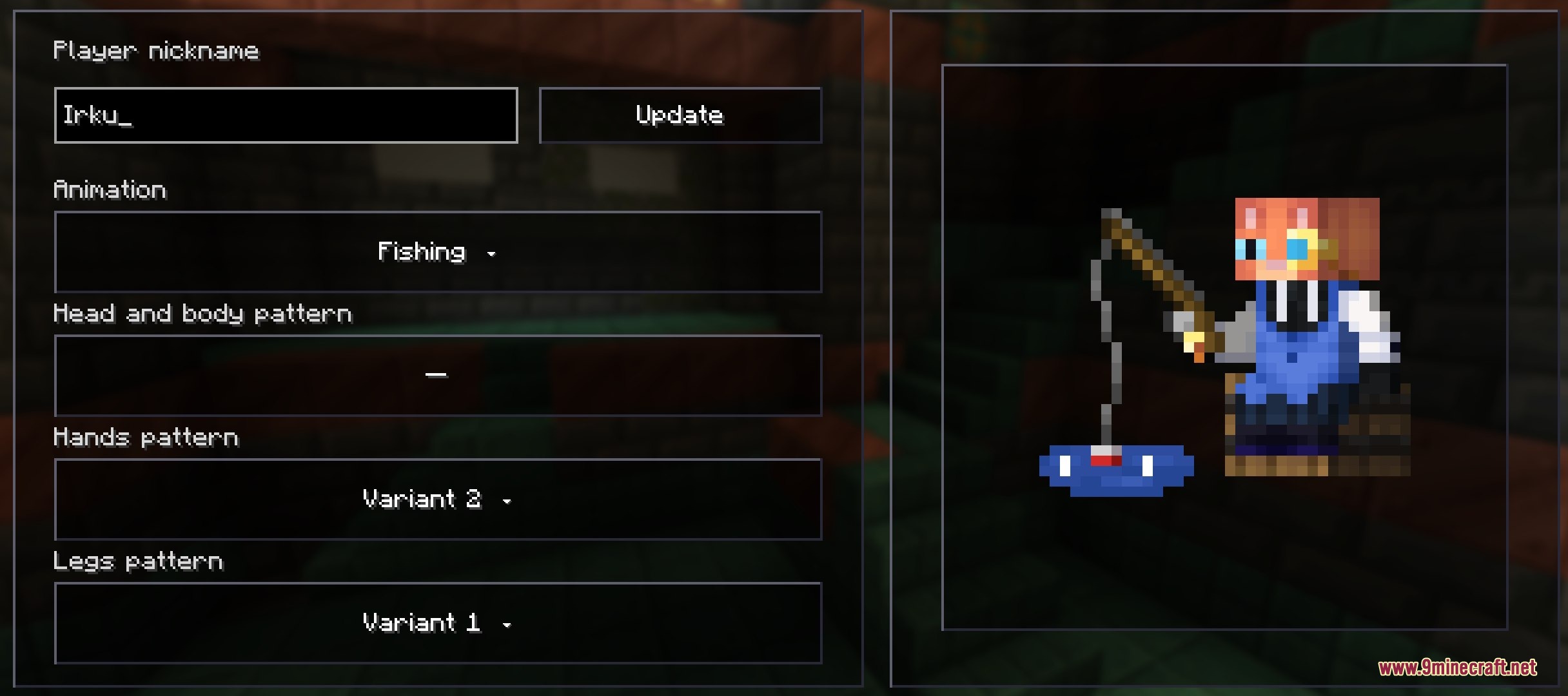
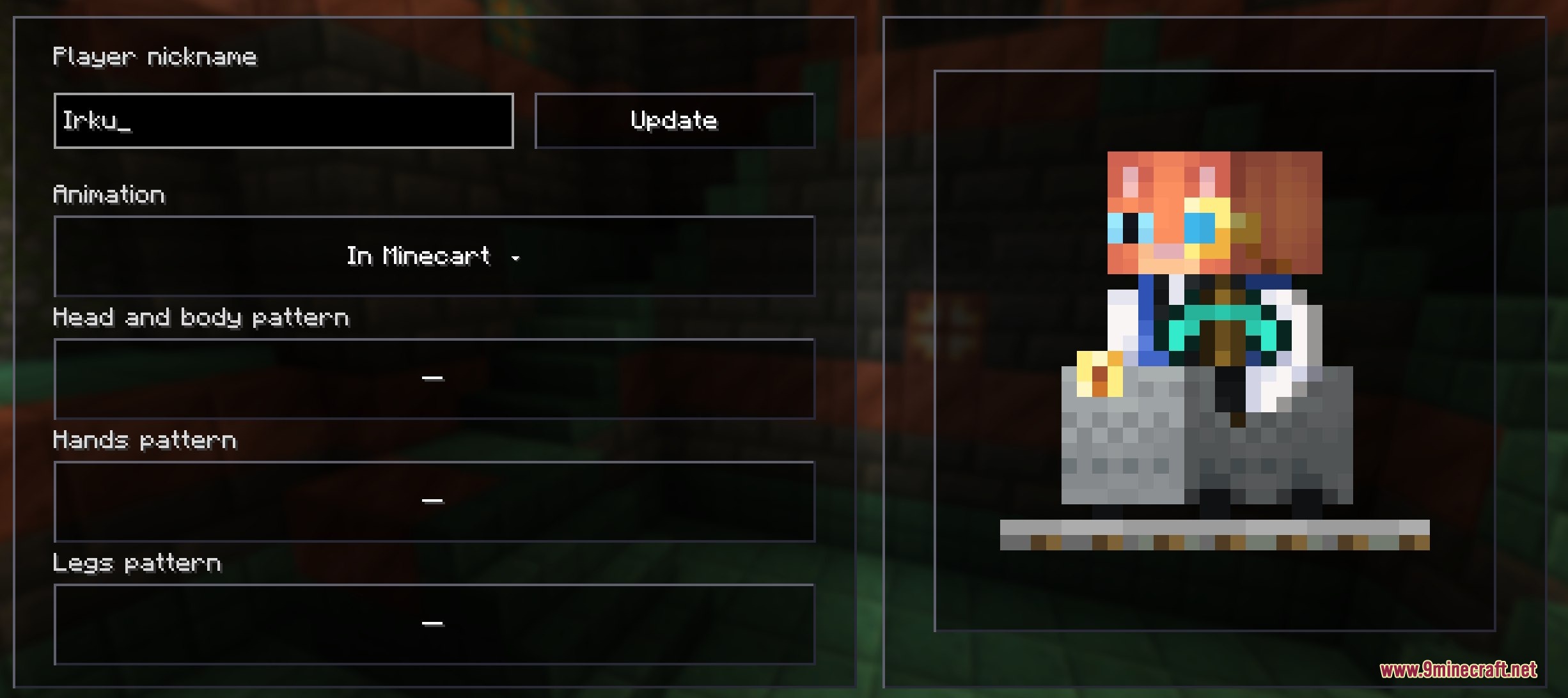
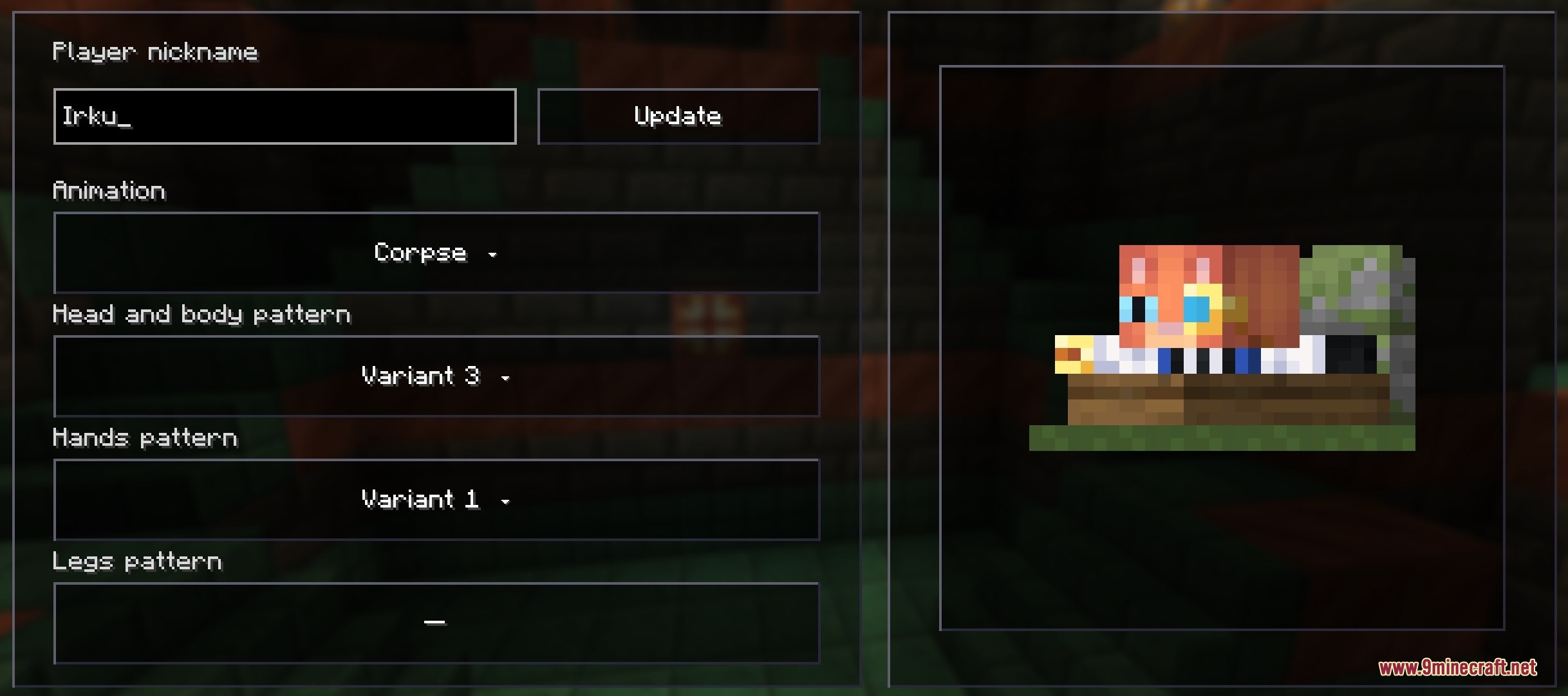
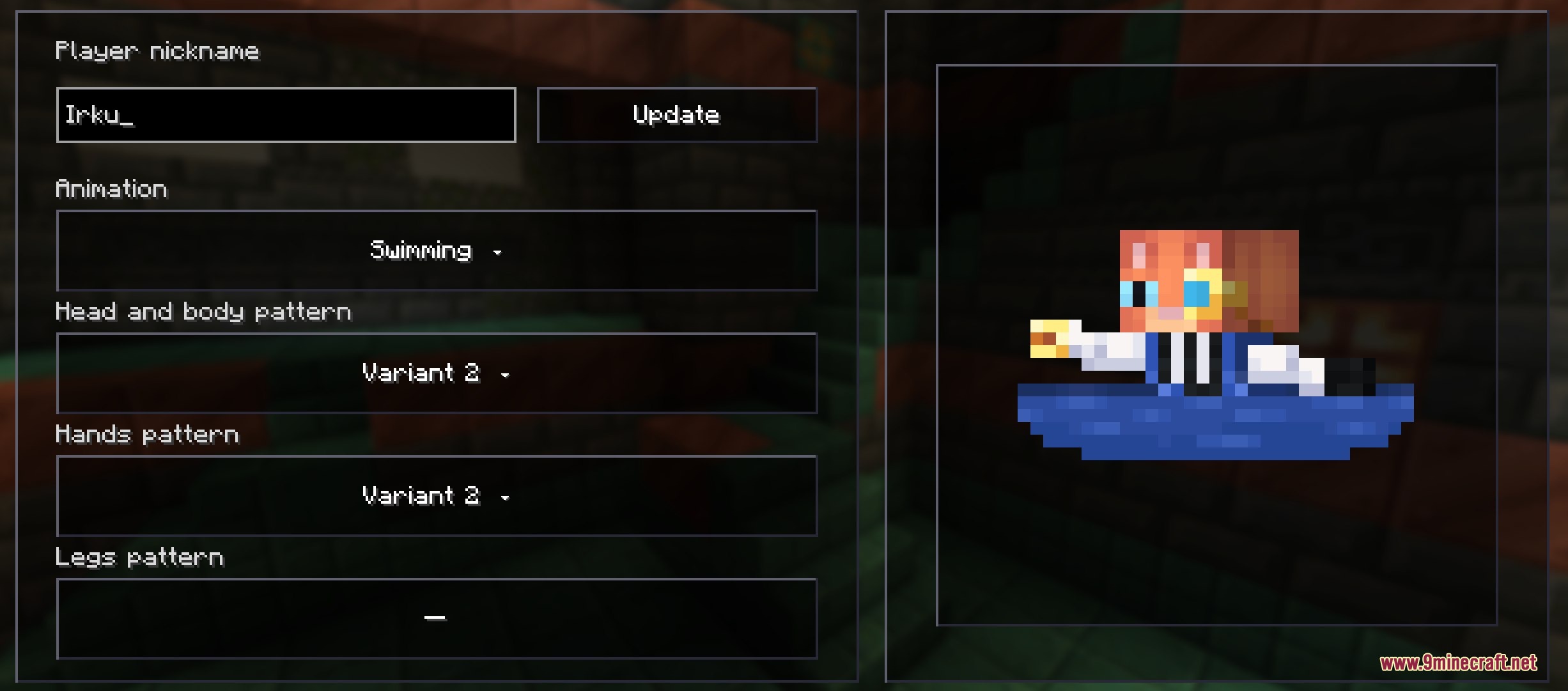
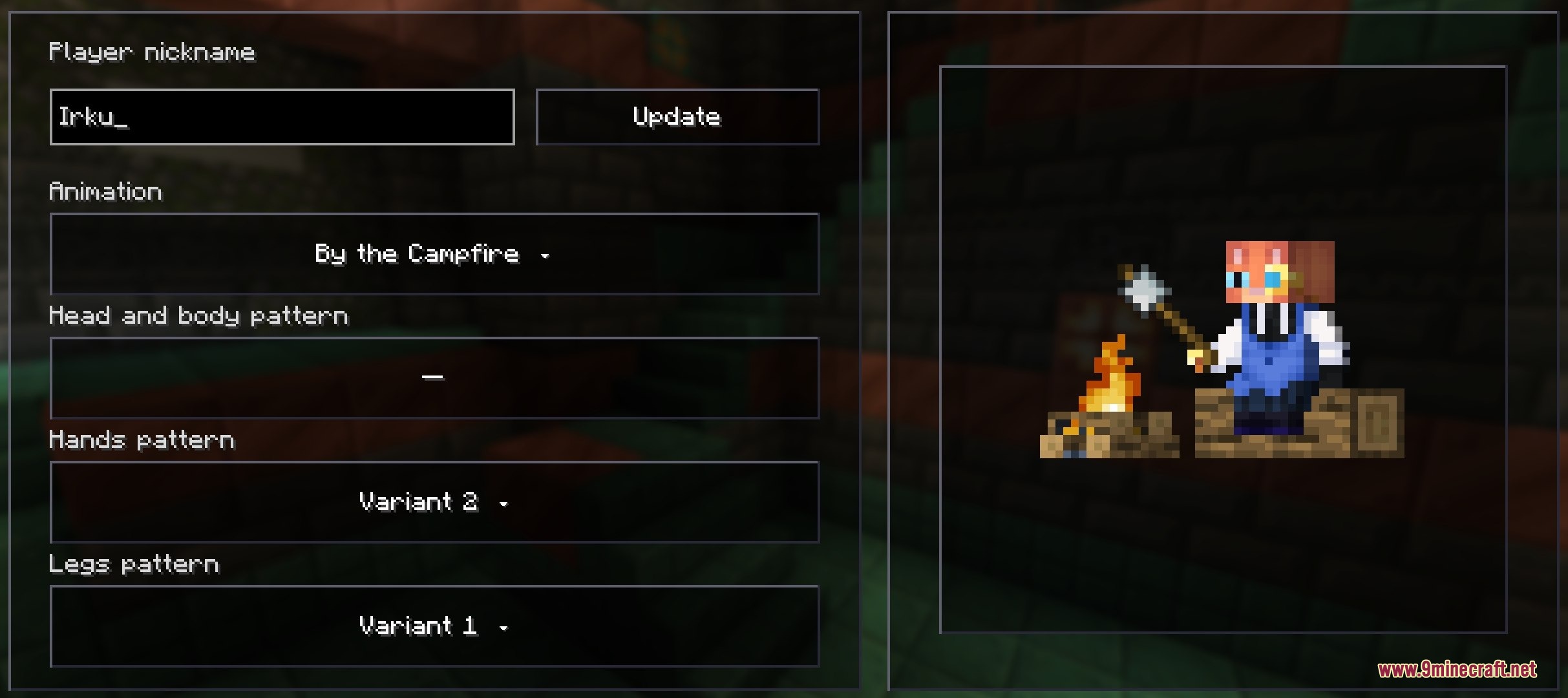
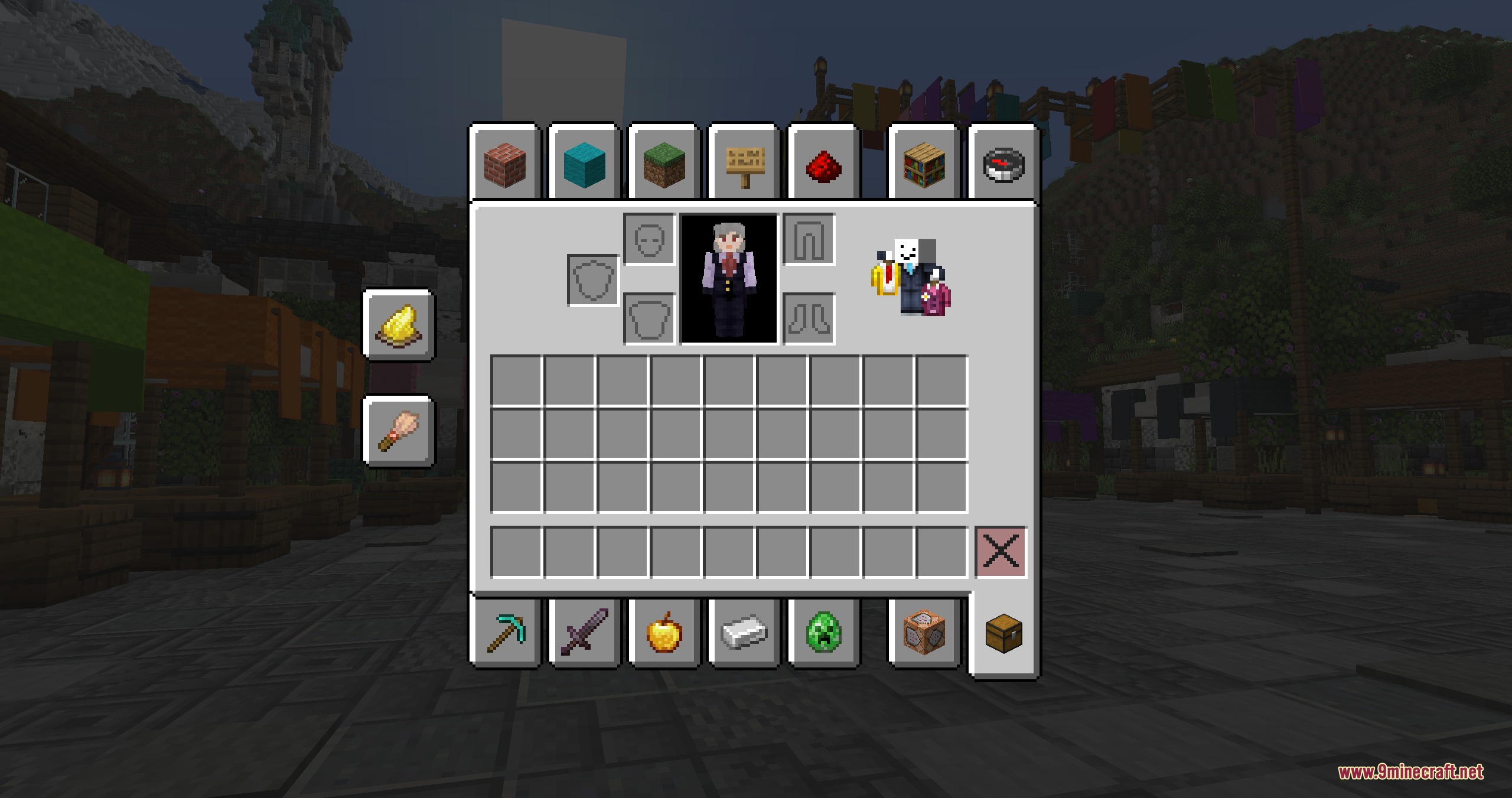
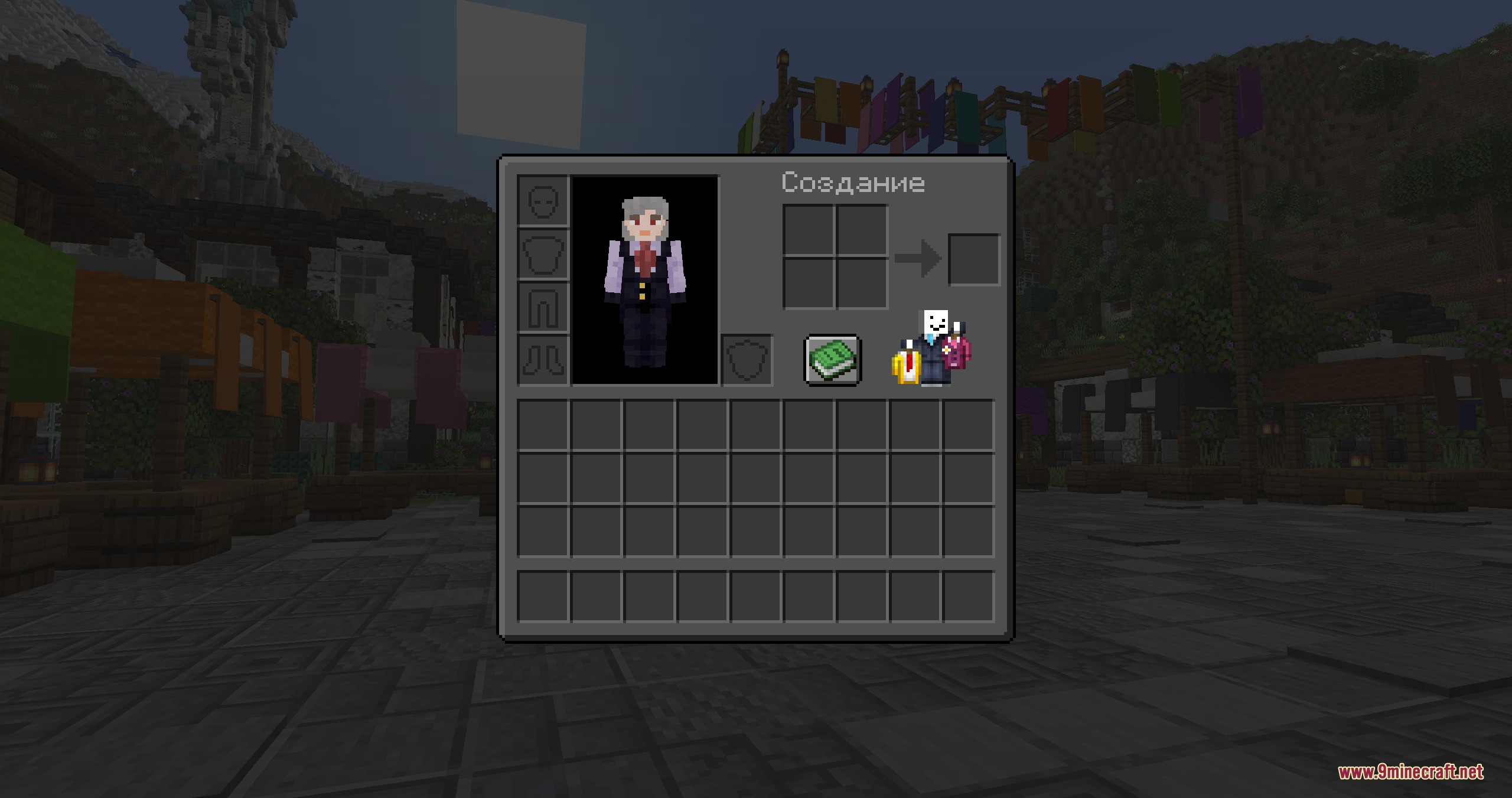
Inventory Companions Mod adds a tiny, animated friend right into your inventory screen. This mod lets you pick a cute character to hang out with you while you check your items, craft, or open chests. You can even use your own Minecraft skin to make a tiny version of yourself that moves around on the screen.
Features:
- Places a small animated character inside your inventory and other game menus.
- Lets you choose from a list of pre-made popular characters and YouTubers.
- Allows you to type in any player’s nickname to load their custom skin as your companion.
- Includes different fun animation patterns, like fishing, swimming, or sitting by a campfire.
- Works inside all game menus, including chests, crafting tables, and furnaces.
- Keeps things purely visual right now without changing how the actual game plays.
Configuration:
Companion: pick which pre-made character you want to see in your inventory.Player by Nickname: type a name to load a custom skin and pick an animation pattern for it.Position: move the character around the screen so it looks good in both survival and creative modes.
How to Use:
- Install the required config mod so the settings menu works properly.
- Open the mod settings menu from your game’s main screen.
- Pick a pre-made character from the list or type a nickname to use a custom skin.
- Adjust the position sliders if the character blocks your items or slots.
- Open your inventory in the game to see your new tiny friend.
Screenshots:
Inventory Companions Mod Download Links
Quick facts
- Edition: Minecraft Java
- File type: .jar
- Minecraft version listed: 1.21.1
- How to install: Install the matching mod loader (Forge, Fabric or NeoForge) for your Minecraft version. → Download the .jar. → Put it in the .minecraft/mods folder and launch that loader profile.
- Where to get it: In MC Java Mods, or directly above on this page.
Install steps are the general flow for this file type — How to install Minecraft Java mods & modpacks walks through it step by step.
File checked by MCModsHub
- Downloads as 444891.mcaddon
- Download size: 454 KB
- Download link checked 22 Sept 2026 — working
- Mirrored on our own servers — the download does not depend on the original host
These come from our own check of the pack file, not from the source page.