
ModsJava
Artemis Better Biomes Mod (26.2) – Wander Through Beautiful and Realistic Biomes
Minecraft Java mod. Downloads from the MC Java Mods app on Android.
⬇ Download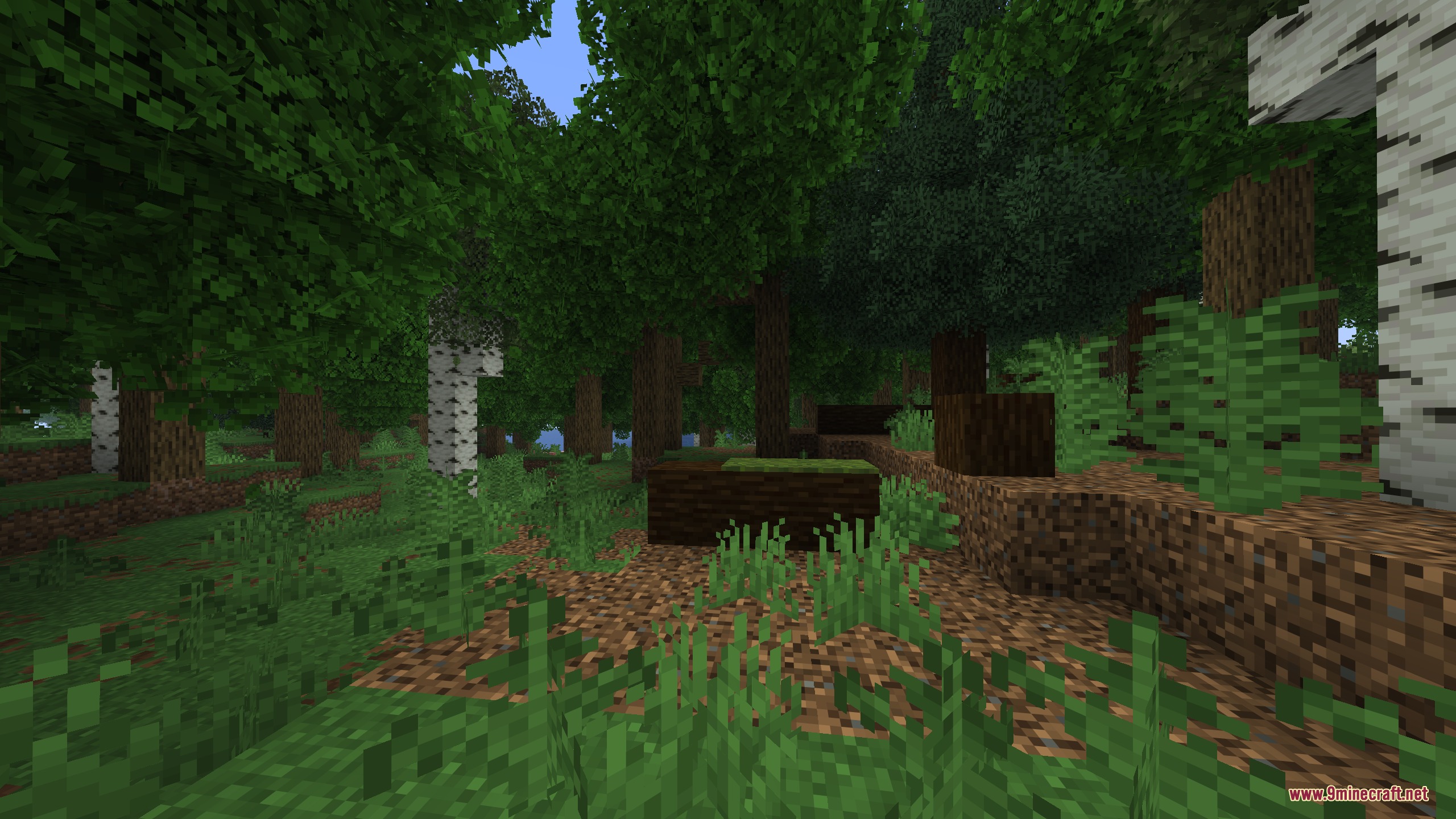
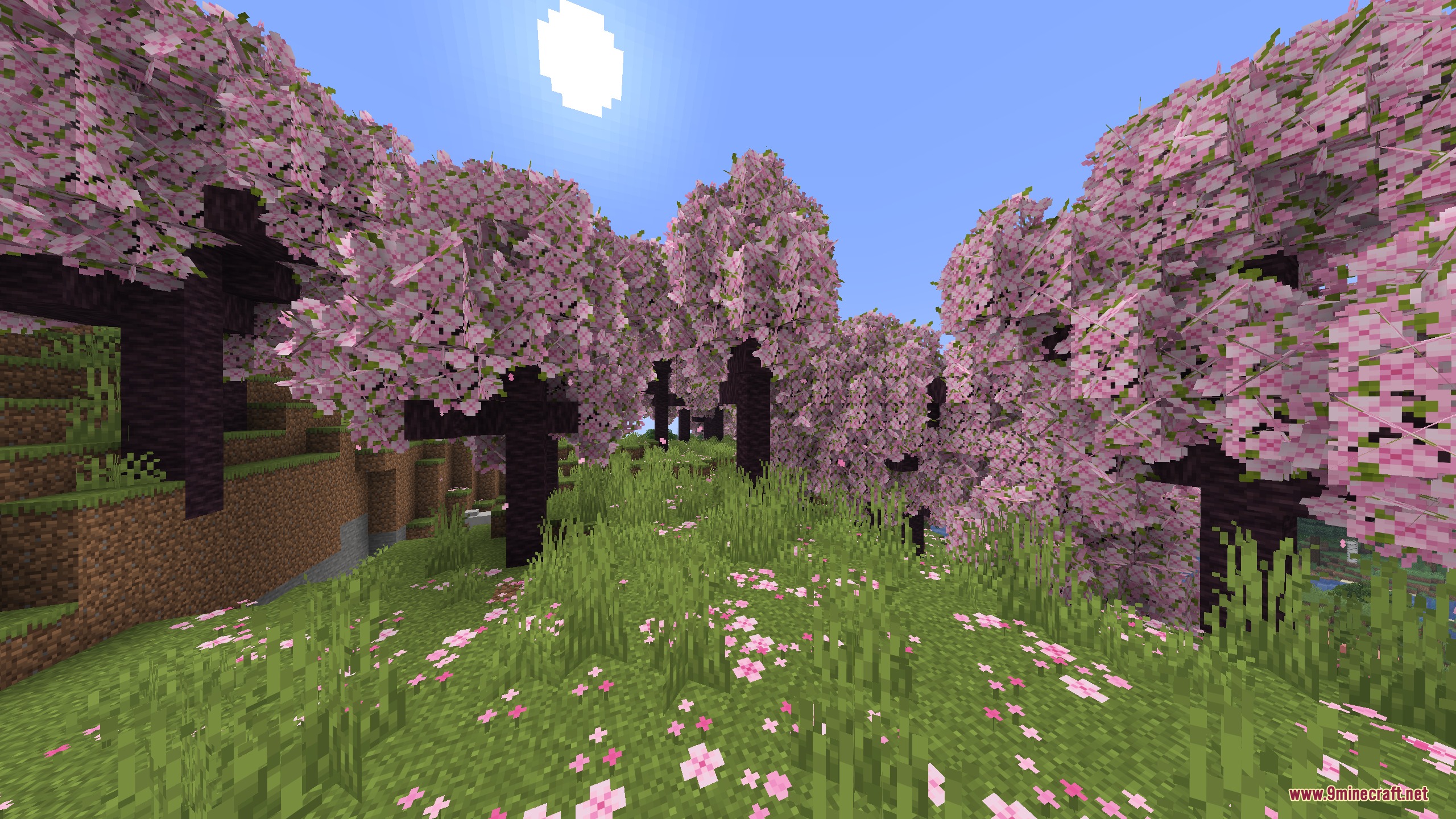
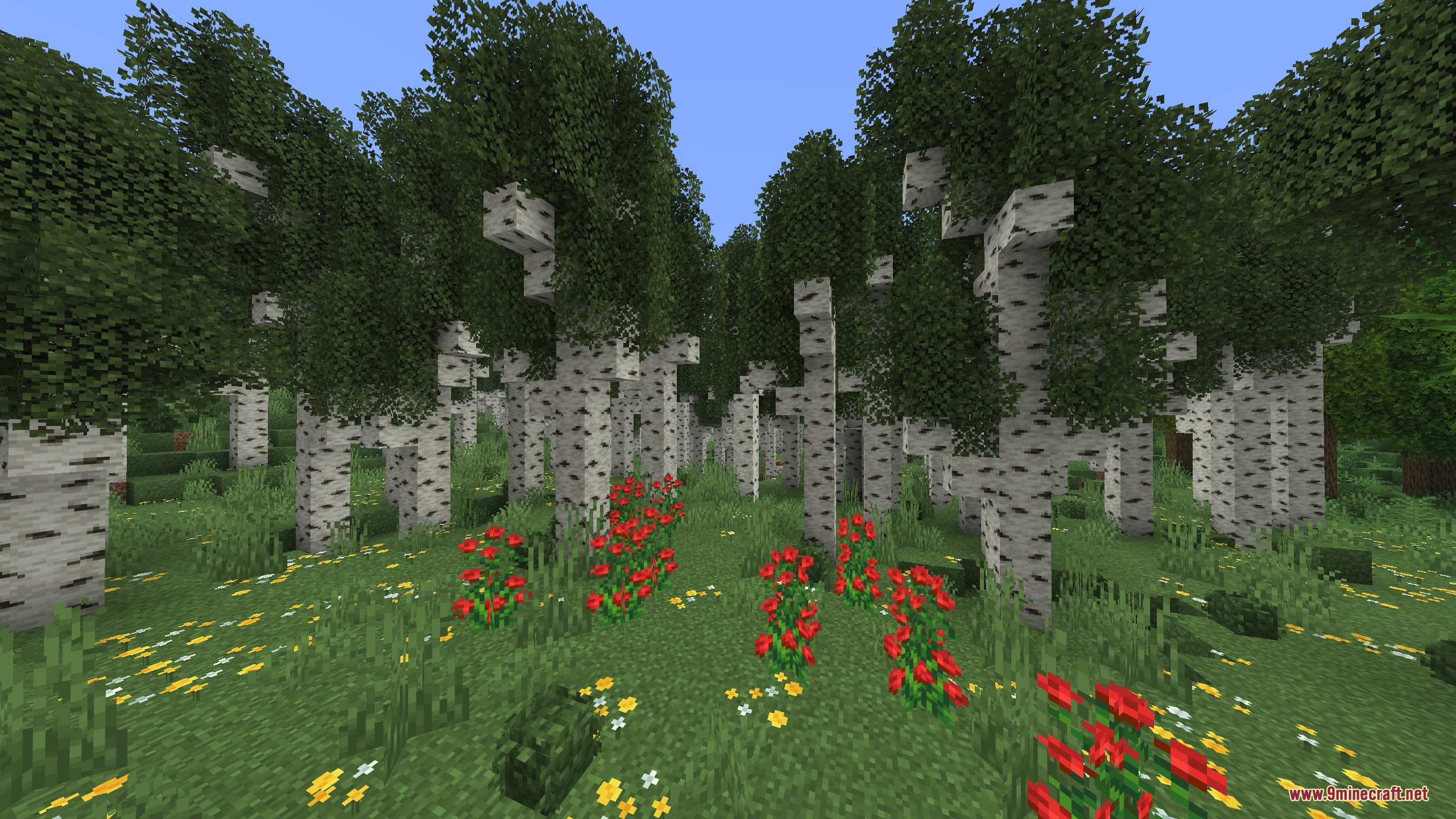
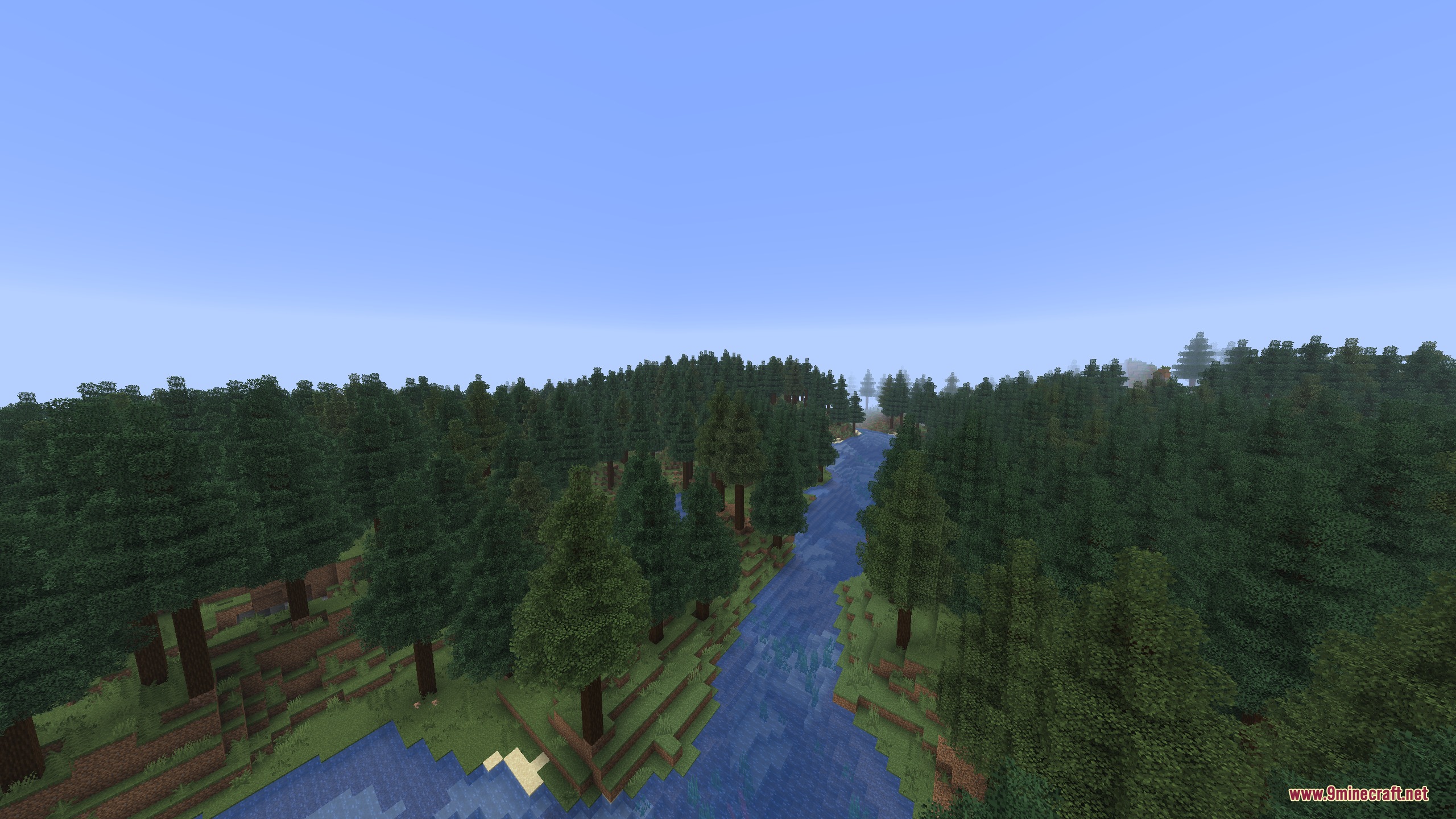
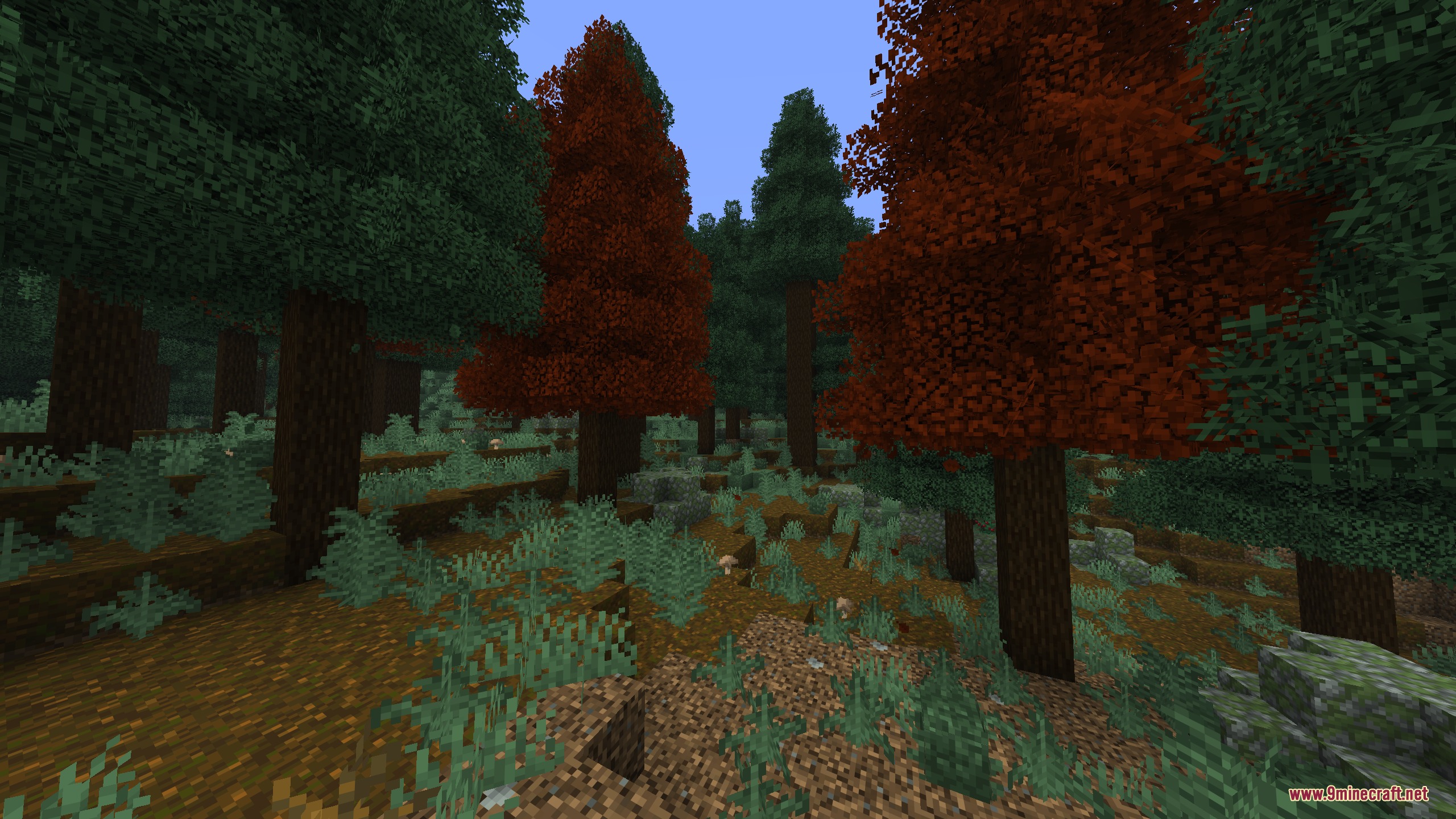
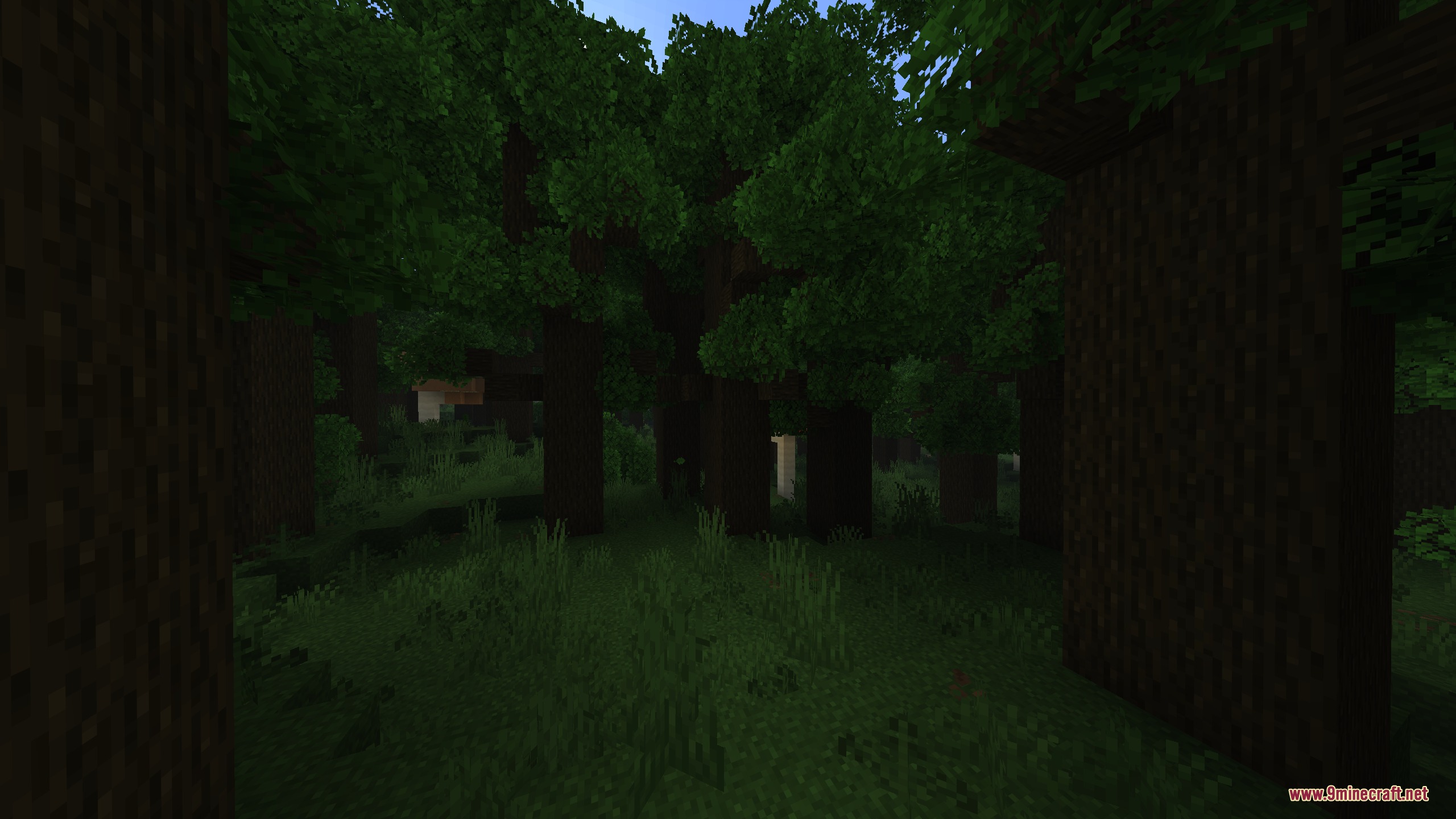
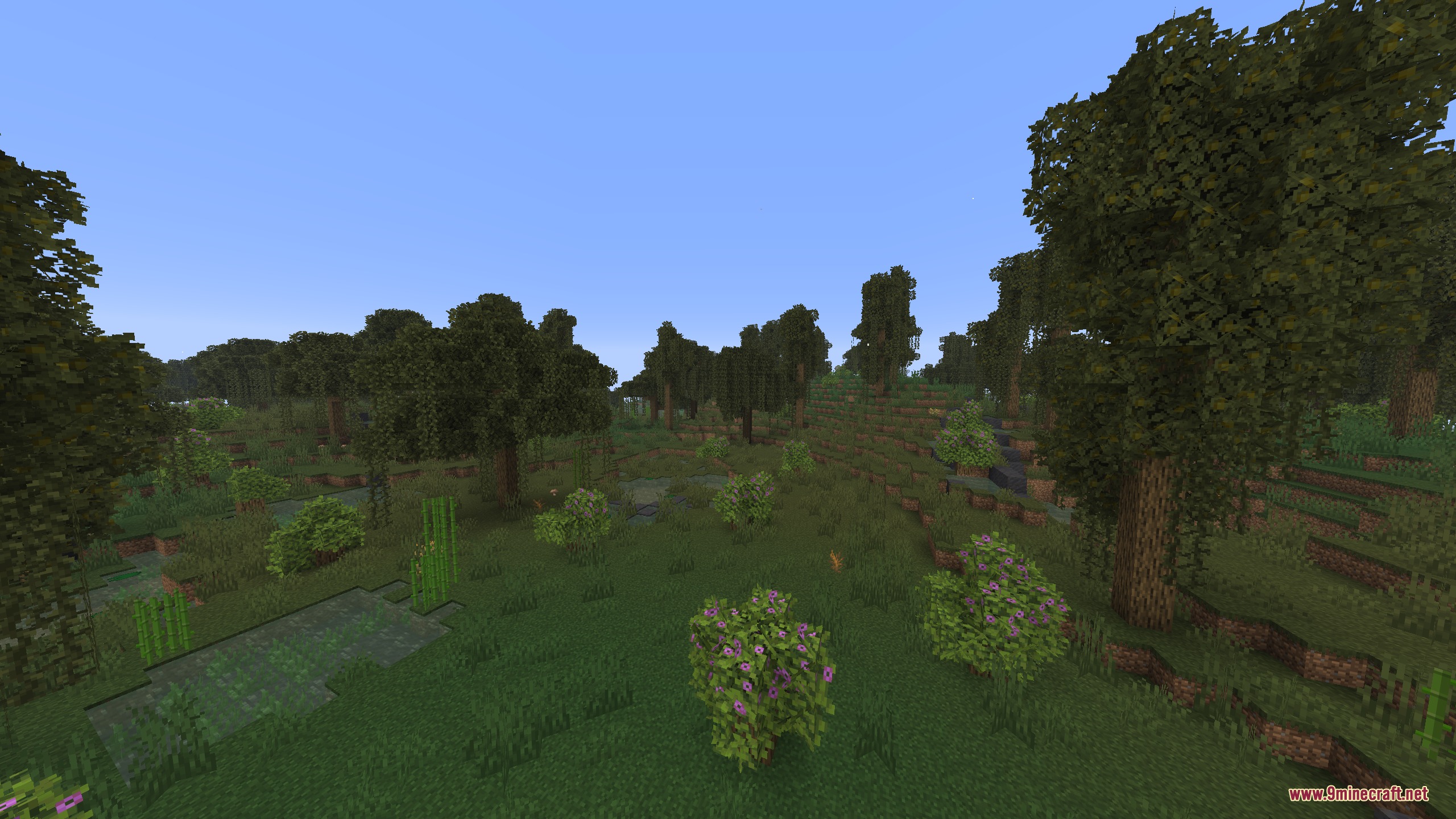
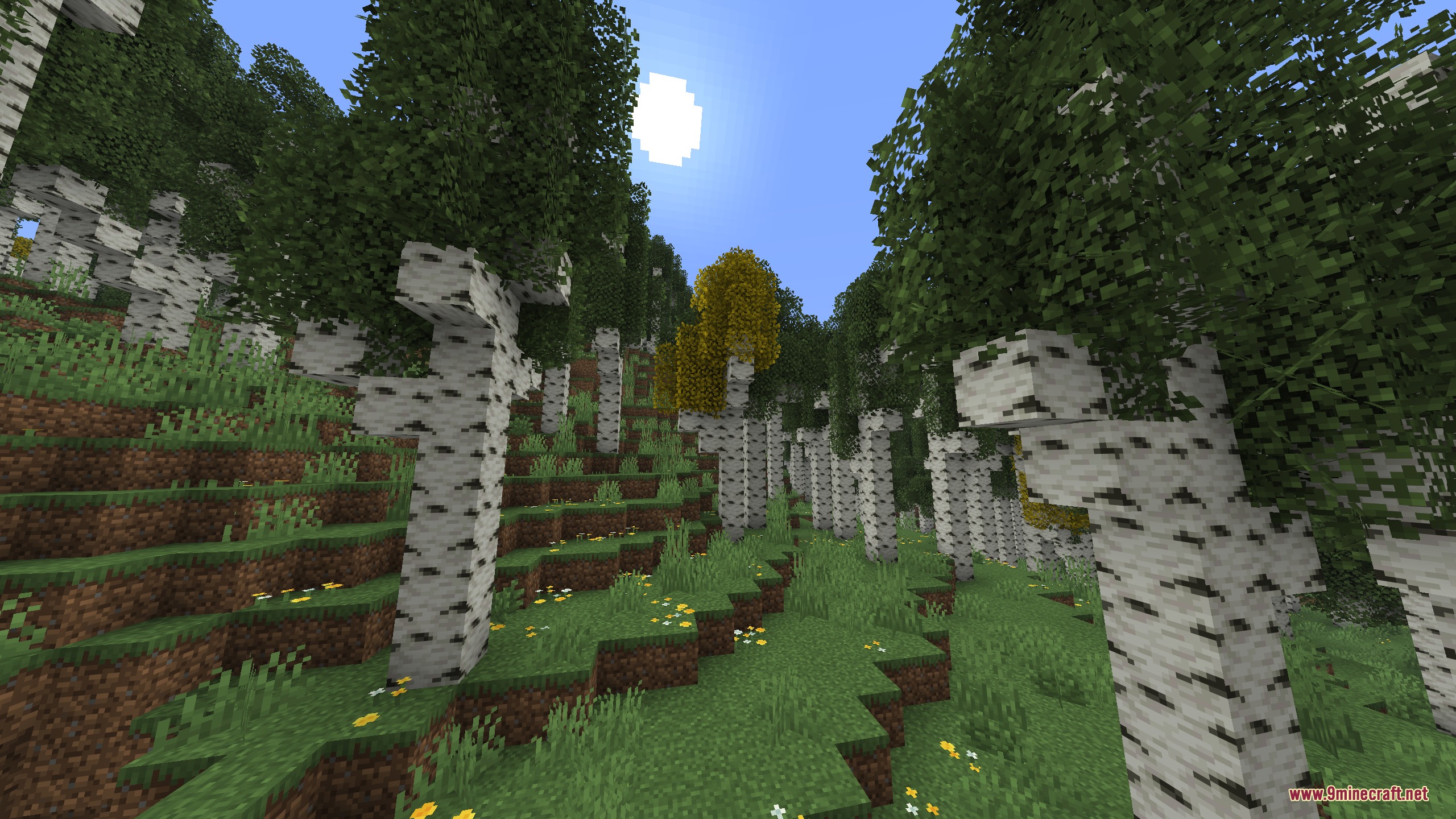
Artemis Better Biomes Mod transforms the look of your Minecraft world without changing how you play the game. It gives the Overworld a fresh coat of paint by making skies, fog, and lighting look much more colorful. You get to explore smoother mountains, cleaner rivers, and forests filled with tall, realistic trees. The mod keeps everything feeling like normal Minecraft, just prettier and more fun to walk through.
Features:
- Taller Trees: Replaces short, blocky trees with taller and fuller versions that look much more natural.
- Colorful Skies: Changes the sky, fog, and lighting colors in every biome to make the world look brighter.
- Adds windy background sounds to mountains and windswept areas so they feel alive.
- Generates smoother rivers and cleaner mountain shapes for a better view.
- Makes mangrove swamps easier to walk through and helps the game run faster in those areas.
- Keeps normal gameplay exactly the same because it does not add any new blocks or items.
Screenshots:
Artemis Better Biomes Mod Download Links
Quick facts
- Edition: Minecraft Java
- File type: .jar
- How to install: Install the matching mod loader (Forge, Fabric or NeoForge) for your Minecraft version. → Download the .jar. → Put it in the .minecraft/mods folder and launch that loader profile.
- Where to get it: In MC Java Mods, or directly above on this page.
Install steps are the general flow for this file type — How to install Minecraft Java mods & modpacks walks through it step by step.
File checked by MCModsHub
- Downloads as 444895.mcaddon
- Download size: 727 KB
- Download link checked 25 Sept 2026 — working
- Mirrored on our own servers — the download does not depend on the original host
These come from our own check of the pack file, not from the source page.