Fullbrightnees +
Bedrock add-on listed for Minecraft 1.21–26.x (behavior pack only). File opened and checked on 15 Aug 2026; installs from the MC Bedrock Mods app on Android.
⬇ Download on CurseForgeThe author built this one for Minecraft 26.30. On other versions it may install and then do nothing.
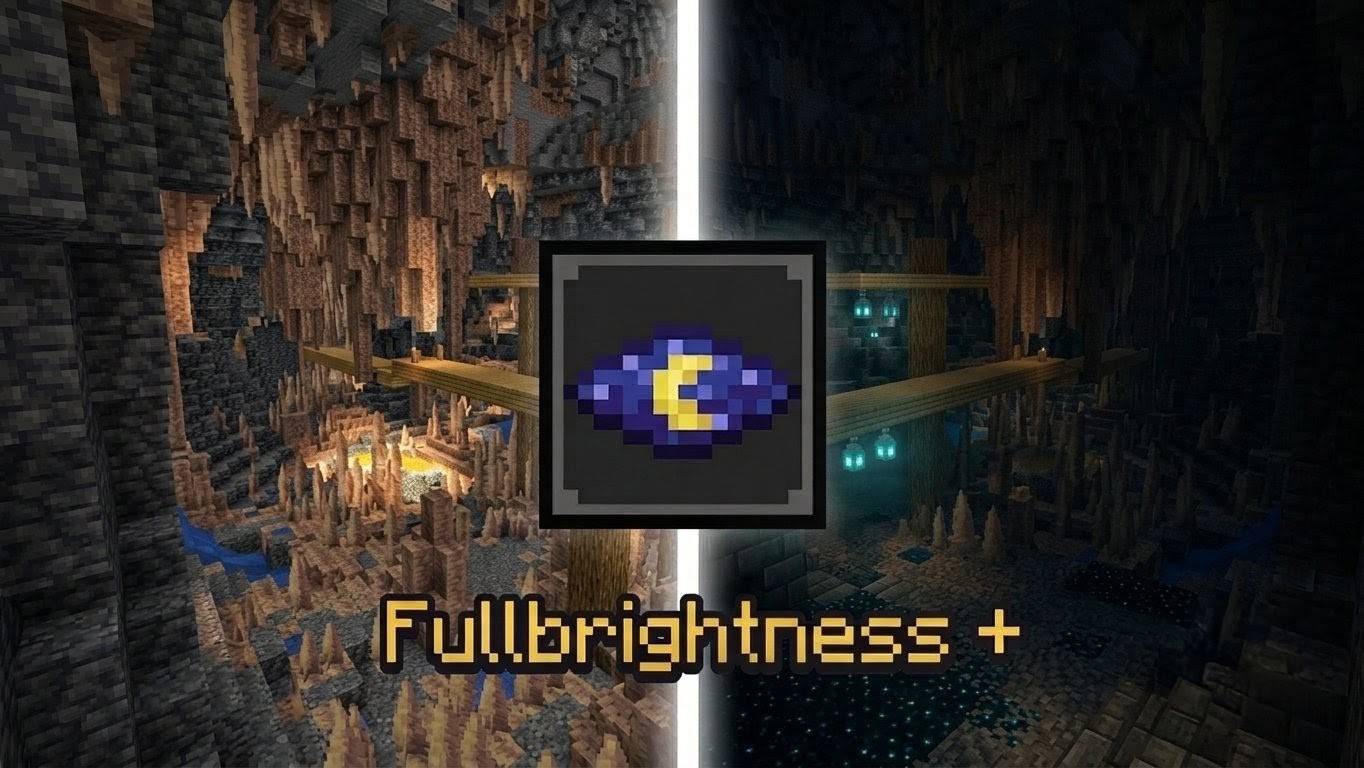
Fullbrightnees + is a lightweight, performance-friendly Script API addon for Minecraft Bedrock Edition designed to provide maximum environment visibility in dark caves, mines, and night conditions without requiring torches or Night Vision potions.
Key Features
* Uninterrupted Visibility: Elevates ambient lighting to maximum brightness across all dark environments.
* Particle-Free Display: Eliminates the swirling particle graphics typical of standard potion effects, keeping your view clear.
* Optimized Performance: Operates on lightweight client-side JavaScript to ensure no FPS drops or latency issues.
* Seamless Compatibility: Designed to run smoothly alongside existing resource and behavior packs.
Technical Details
* Platform: Minecraft Bedrock Edition (JavaScript / Script API)
* Mechanism: Dynamically adjusts player vision components to maintain a constant maximum light level.
* Requirements: Requires the Beta APIs option to be enabled under Experimental Features in world settings.
Installation & Setup
* Import the .mcpack file into Minecraft.
* Open the World Settings for the world where you want to apply the mod.
* Navigate to Behavior Packs in the left menu and activate Fullbrightnees +.
* Go to Experiments and toggle on Beta APIs.
* Launch your world; the brightness effect will apply automatically.
- Edition: Minecraft Bedrock
- File type: .mcpack or .mcaddon
- Minecraft version listed: 26.30
- How to install: Download the .mcpack or .mcaddon file. → Open it — Minecraft imports it. → In your world: Behavior Packs → Available → Activate, then the same under Resource Packs.
- Where to get it: Opens on CurseForge — not every file is mirrored on our own servers.
Install steps are the general flow for this file type — How to install Minecraft Bedrock addons & mods walks through it step by step.
- Pack type: .mcpack — a single pack
- Manifest requires Minecraft 1.21.80 or newer
- Complete pack — everything it depends on is inside the file
- Download size: 47 KB
- Download link checked 26 Sept 2026 — working
These come from our own check of the pack file, not from the source page.