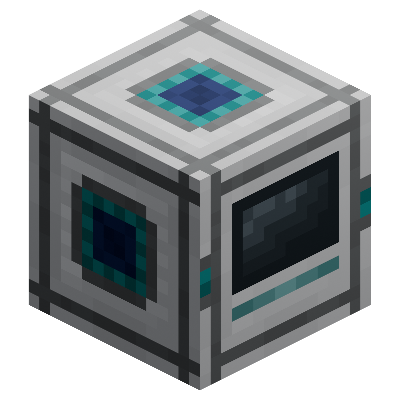
UtilityCraft: Digital Storage
Official UtilityCraft expansion that introduces powerful digital storage networks, high-capacity Storage Cells, centralized item access, integrated…
⬇ Download on CurseForgeThe author built this one for Minecraft 26.30. On other versions it may install and then do nothing.
UtilityCraft: Digital Storage
Requires UtilityCraft v3.5.0+
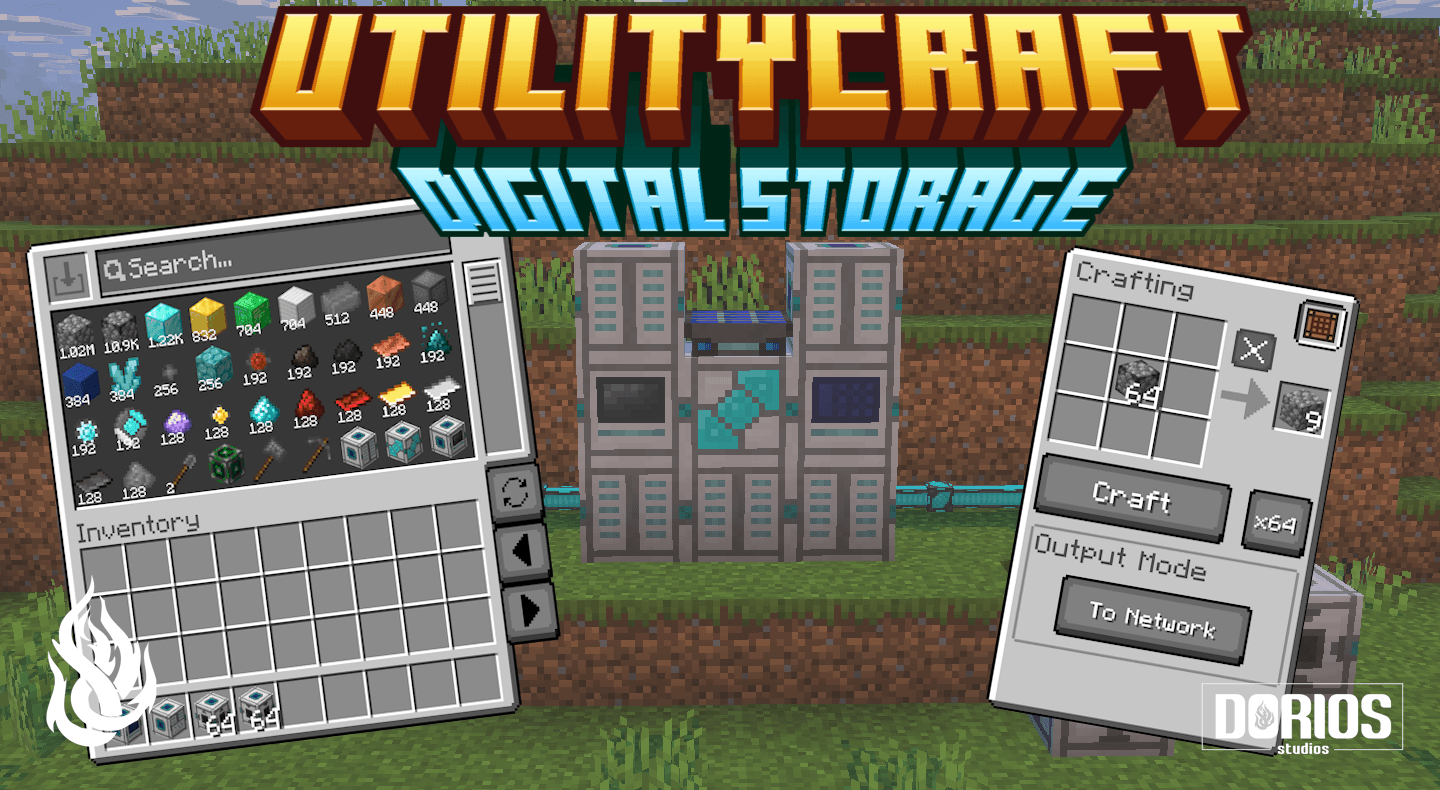
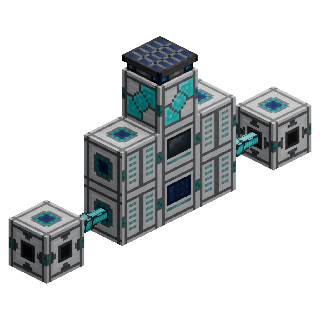
UtilityCraft: Digital Storage is an official UtilityCraft extension that introduces a powerful digital network for storing, organizing, and accessing your items.
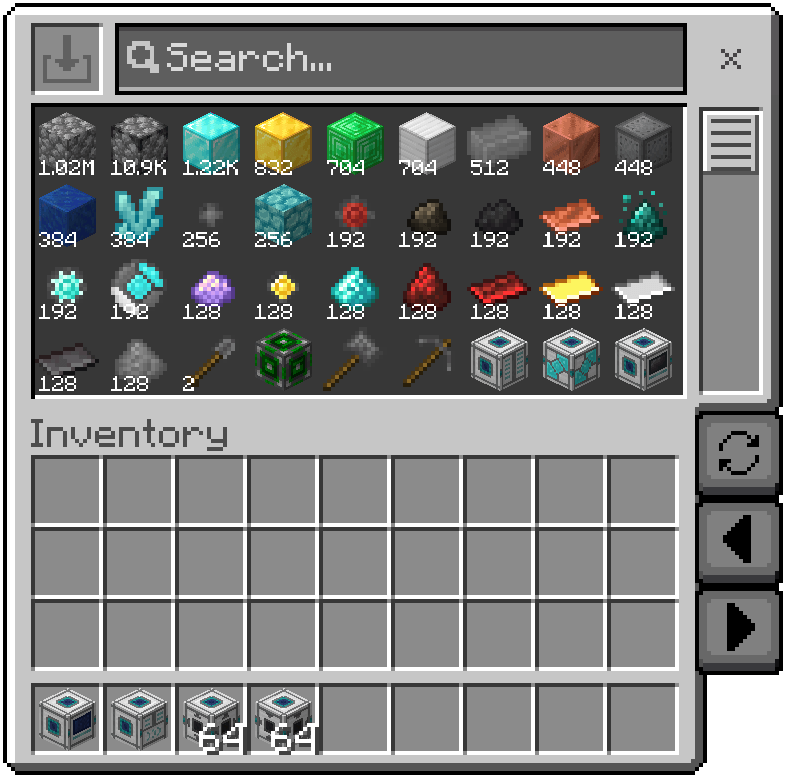
Build a Storage Center, connect Storage Cell Drives, and expand your network with high-capacity Storage Cells. Access everything from a single Storage Terminal, craft directly using stored items, and automate item movement with Import and Export Buffers.
Whether you need a compact storage room or a massive system with virtually infinite capacity, Digital Storage keeps every item organized and always within reach.
- Massive storage capacity with upgradeable Storage Cells
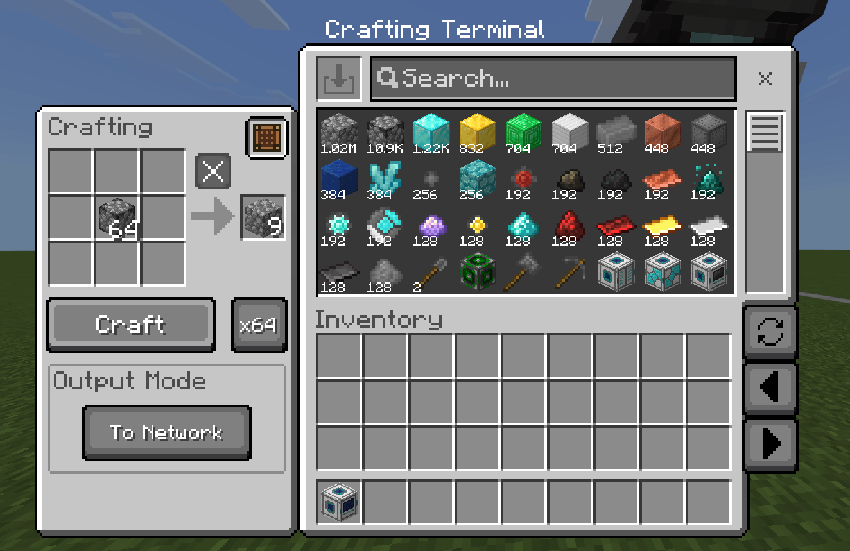
- Storage and Crafting Terminals for instant item access
- Automated importing and filtered exporting
- Multiple independent networks in the same world
- Fast Storage Cell-to-Cell transfers
- A clean, powerful alternative to traditional chest rooms
More Information
Looking to learn more or stay up to date with the latest UtilityCraft news?
You can find detailed guides, documentation, and advanced setup instructions on our official Dorios Studios
For updates, announcements, beta access, community projects, and idea sharing, join our official Discord server:
Dorios Studios Discord
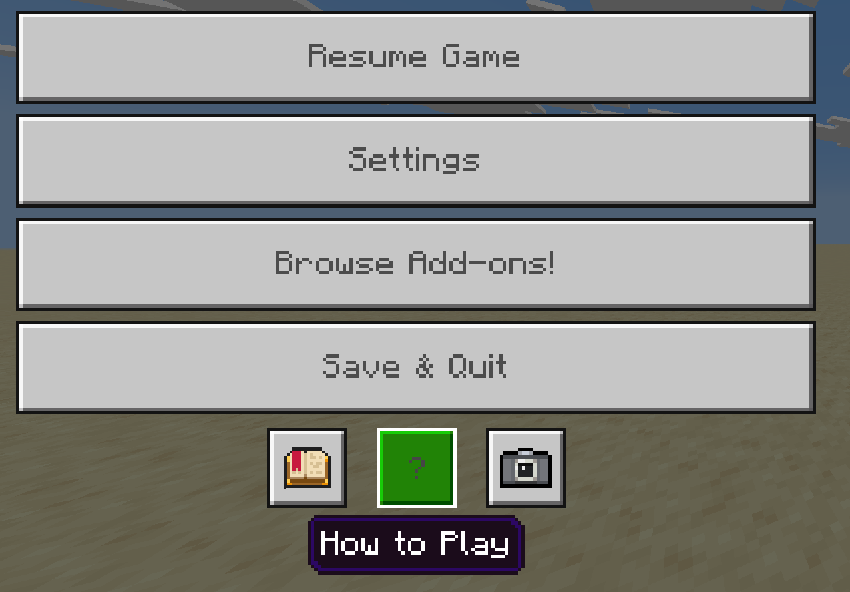
Guide in Game! You can find it at the top of the How to Play Section in the pause menu.
Tutorial
Producing Silicon
Silicon is one of the most important materials in Digital Storage. Crush Nether Quartz in a Crusher to obtain Quartz Dust, then smelt the dust in a Furnace to produce Silicon.

Building a Basic Network
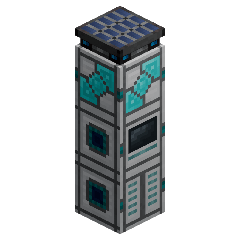
Digital Storage includes two different terminals:
- The Storage Terminal lets you search, insert, and retrieve items.
- The Crafting Terminal lets you access your items and craft directly using materials stored in the network.
To build your first network:
- Place a Storage Center and supply it with DE power.
- Place a Storage Cell Drive and insert at least one Storage Cell.
- Add a Storage Terminal or Crafting Terminal.
- Place the machines next to each other or connect them using Network Cables.
Once connected, the network configures itself automatically.
Storage Cells
Storage Cells determine the total capacity of your network:
- Storage Cell: 1,024 items
- Basic Storage Cell: 4,096 items
- Advanced Storage Cell: 16,384 items
- Expert Storage Cell: 65,536 items
- Ultimate Storage Cell: 409,600 items

Each Storage Cell Drive can hold up to 16 cells. Add multiple drives to expand your network and store millions of items in one searchable digital inventory.
Expanding and Automating
Use Network Cables to extend your network across your base and connect additional terminals, drives, and automation blocks.
- Import Buffers automatically send large quantities of items into the network.
- Export Buffers extract selected items using configurable filters.
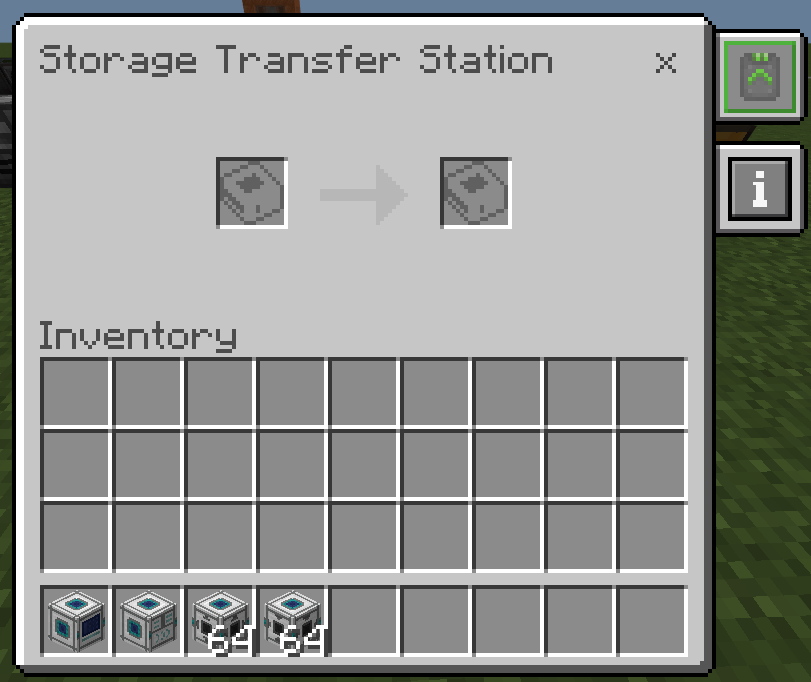
- Storage Transfer Stations move stored items directly between two Storage Cells. Place the source cell on the left and the destination cell on the right.
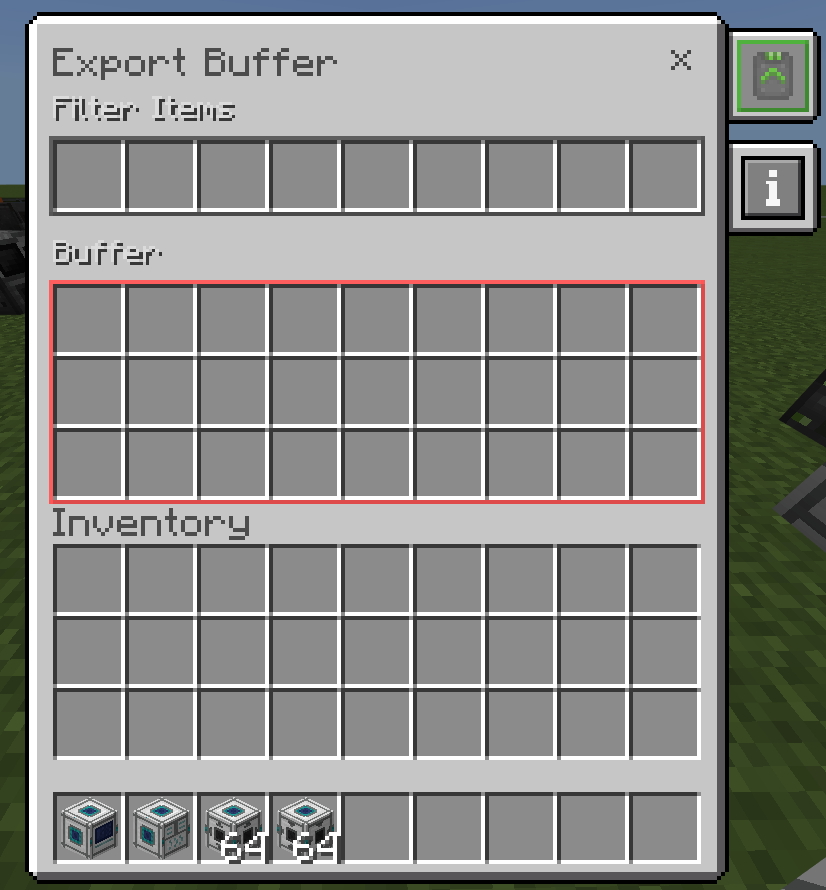
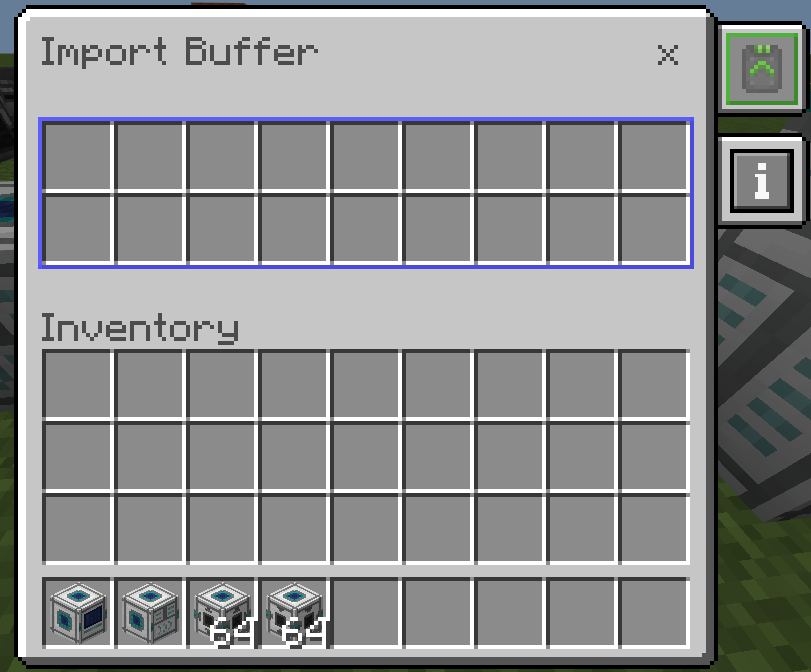
Every connected network must contain exactly one Storage Center. Additional Storage Centers must be placed on separate networks.
- Edition: Minecraft Bedrock
- File type: .mcpack or .mcaddon
- Minecraft version listed: 26.30
- How to install: Download the .mcpack or .mcaddon file. → Open it — Minecraft imports it. → In your world: Behavior Packs → Available → Activate, then the same under Resource Packs.
- Where to get it: Opens on CurseForge — not every file is mirrored on our own servers.
Install steps are the general flow for this file type — How to install Minecraft Bedrock addons & mods walks through it step by step.
- Pack type: .mcaddon — behaviour and resource pack in one file
- Manifest requires Minecraft 1.21.120 or newer
- Complete pack — everything it depends on is inside the file
- Download size: 482 KB
- Download link checked 26 Sept 2026 — working
These come from our own check of the pack file, not from the source page.