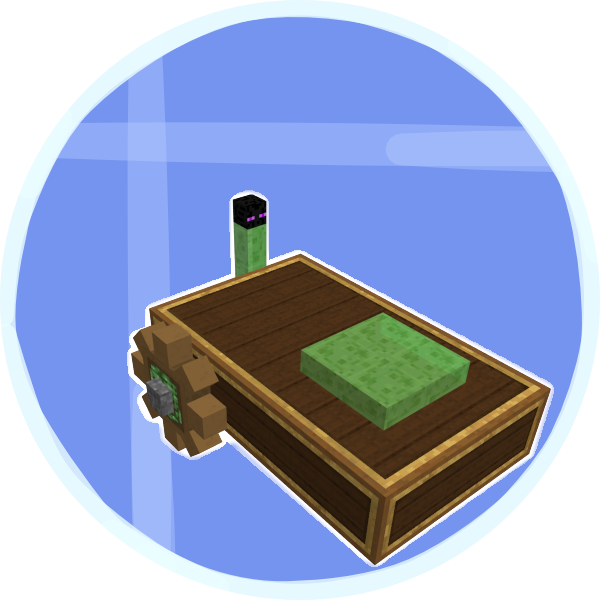
Create Shrunk
Java mod listed for Minecraft 1.19. Download on the author's site.
⬇ Download on CurseForge
Create Shrunk
Currently in beta

Harness the powers of enderman and the properties of slime to craft tools with the power to shrink.
Build the Portable Shrink Device, with a single press you can shrink down to 1/8 your normal size, which is 4 pixels tall. Alternatively, hold crouch while you press the button and shrink down to 1/16 your normal size, which is 2 pixels tall. If you are already shrunken, then when you press the button, you will change back to your normal size. The shrinking effect lasts for 1 in-game day, or 20 minutes.
This device is intended to be available in the early middle game after you visit the nether. The crafting process relies on Create machines and is short and fun. I recommend using JEI or an alternative to see the recipes in game. If you are having trouble crafting, I prepared a short video showing you how to craft it, you can find the video below.
Requirements
Create - 0.5.1a
Pehkui - 3.7.4
Geckolib - 3.1.4
Crafting Process
Contact
If you have any questions, need support, want to see dev updates or share your ideas join my Discord server.
- Edition: Minecraft Java
- File type: .jar
- Minecraft version listed: 1.19.2
- How to install: Install the matching mod loader (Forge, Fabric or NeoForge) for your Minecraft version. → Download the .jar. → Put it in the .minecraft/mods folder and launch that loader profile.
- Where to get it: Opens on CurseForge — not every file is mirrored on our own servers.
Install steps are the general flow for this file type — How to install Minecraft Java mods & modpacks walks through it step by step.
Create Shrunk is a free Minecraft Java mod. Compatible with Minecraft 1.19.2. Downloaded 27,945 times (via CurseForge). Download it and open it directly in the game.