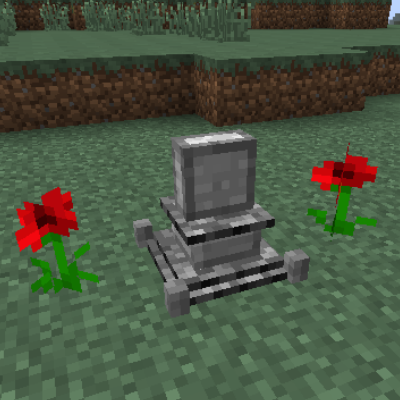
GraveStones - Die Classy Updated
Minecraft Java mod. Downloads from the MC Java Mods app on Android.
⬇ Download on CurseForge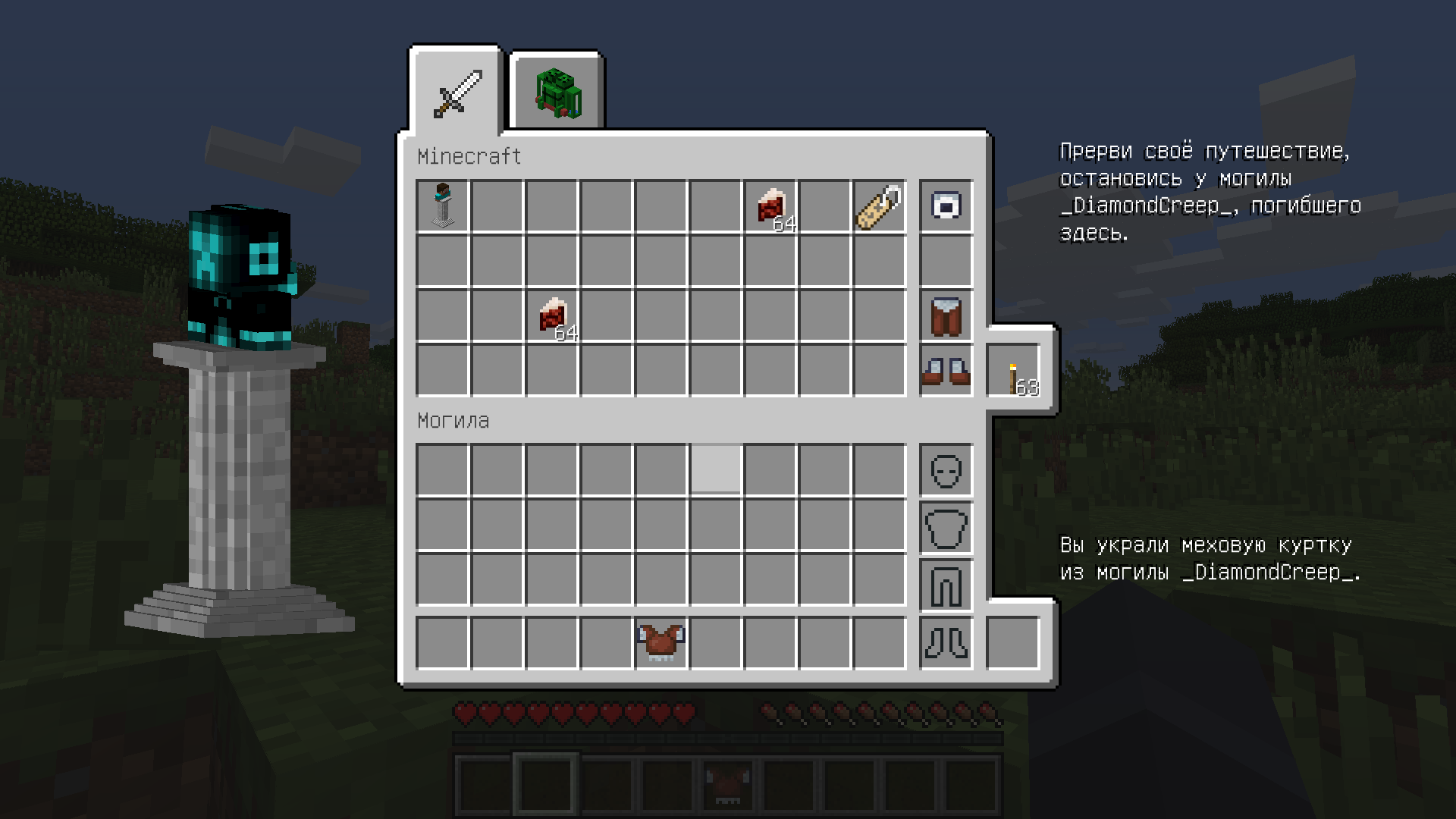
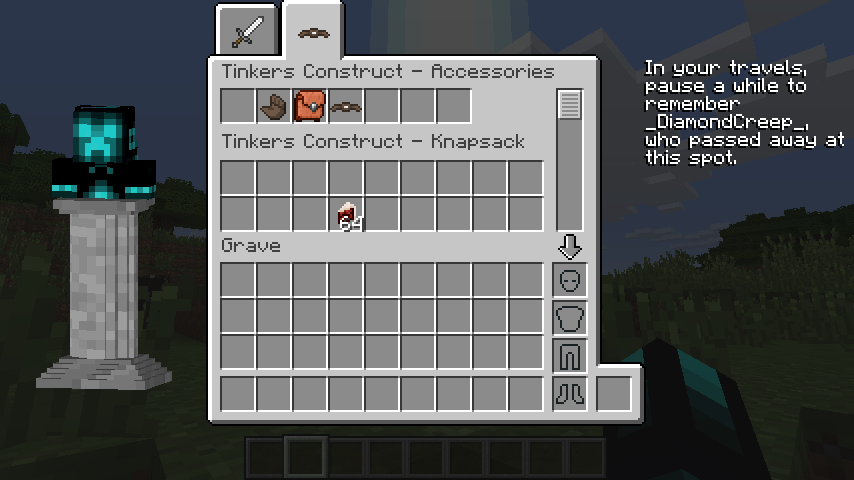
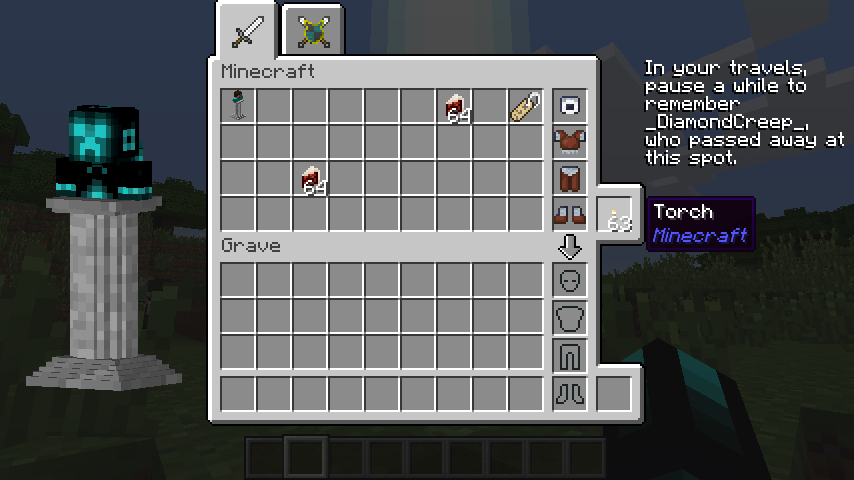
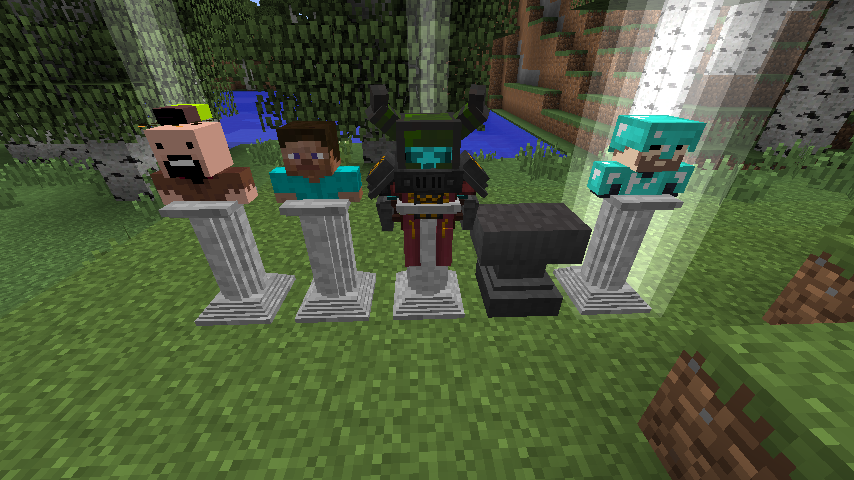
So why does this thing exist?
To my mind Gravestones - Die Classy is the best gravestone mod ever created (at least for minecraft 1.7.10). But unfortunately minecraft 1.7.10 is long gone and no one really maintains mods for it. And even more unforunately there are some issues with the Gravestones mod. For example it conflicts with other mods that add a way to keep your inventory after death - Twilight Forest, Thaumic Horizons, you name it. Or for whatever reason armor put onto a player bust gravestone renders perpendicularly to it.
And, because no one else would fix it, I did it by myself. And there you have it - Gravestones Die Classy Updated
Featuring:
- Almost any other inventory keeping (but not gravestone spawning) mod support
- Correct armor render (including armor with custom models)
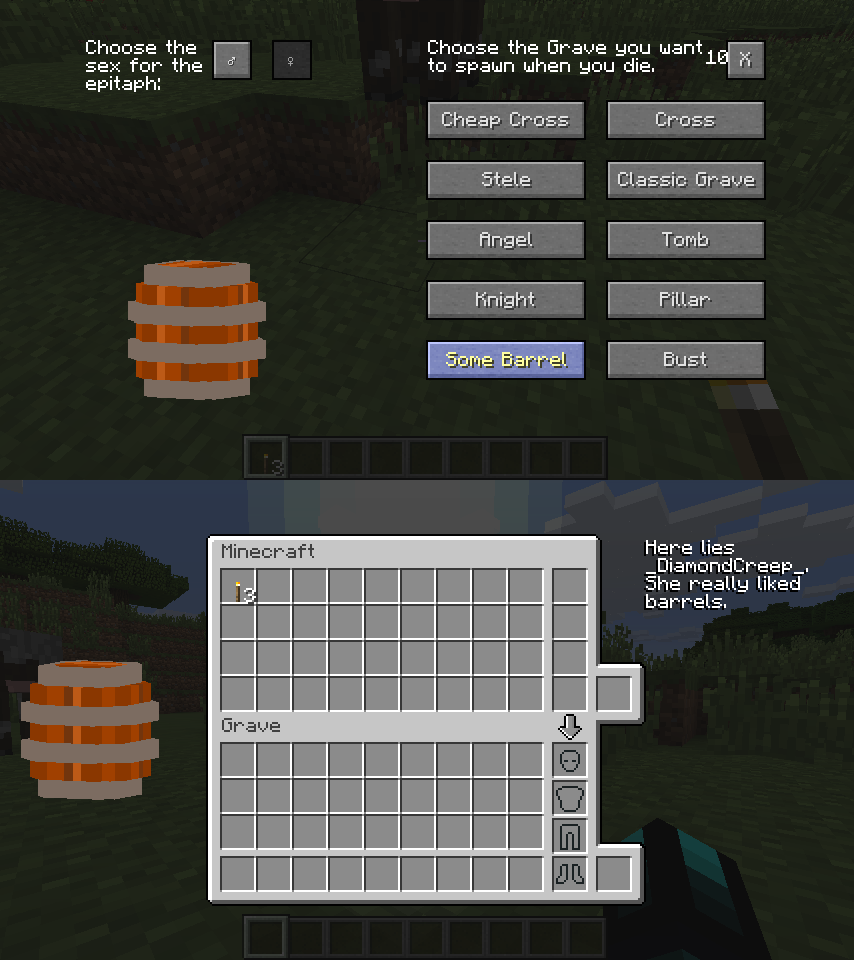
- Properly working skin system, based on vanilla skull mechanic
- Russian translation (because I'm also a translator)
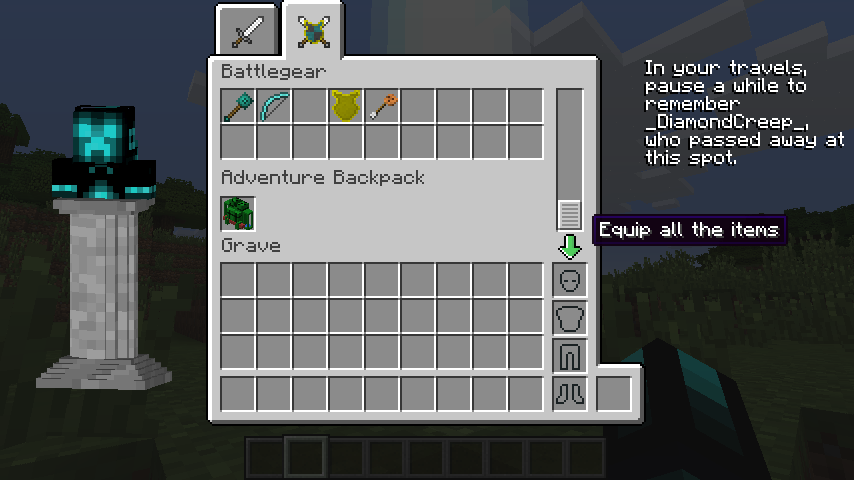
- A nice way to switch between tabs if your gravestone holds more than five different inventories
Compatibility:
Gravestones will store items from following mods adding new inventories:
- Baubles/Baubles Extended
- Galacticraft
- Tinkers Construct
- RPG Inventory
- Mariculture
- Cosmetic Armor Reworked
- Satchels
- Aether Legacy
- Mine & Blade: Battlegear 2
- Traveller's Gear
- Sextiary Sector 2
- Adventure Backpack
When running alongside mods with options to keep your inventory after death (Twilight Forest, Thaumic Horizons, etc.) Gravestones should spawn after the attempt to keep inventory, and keep all remaining items.
Legal issues
I've got a permission from Subaraki (or should I say AbsolemJackdaw?) himself to update his mod as long as I keep it open source. So yeah, no problem here
- Edition: Minecraft Java
- File type: .jar
- How to install: Install the matching mod loader (Forge, Fabric or NeoForge) for your Minecraft version. → Download the .jar. → Put it in the .minecraft/mods folder and launch that loader profile.
- Where to get it: Opens on CurseForge — not every file is mirrored on our own servers.
Install steps are the general flow for this file type — How to install Minecraft Java mods & modpacks walks through it step by step.
- Ships as GraveStones - Die Classy 1.8.1.jar — drop this file into the mods folder
- Download size: 233 KB
- Download link checked 17 Oct 2026 — working
These come from our own check of the pack file, not from the source page.