
DirectionHUD Fabric
Java mod listed for Minecraft 1.19–1.21. Downloads from the MC Java Mods app on Android.
I don't know my version or loader
DirectionHUD




DirectionHUD is a fully customizable Minecraft Fabric mod that enhances the vanilla navigation experience. With the mod, you can save coordinates, track other players, see death locations, all with full customization with the /hud and /destination commands.
Help localize DirectionHUD on Crowdin!
Where does the mod work? - DirectionHUD both works on client and server, but for now the client side only supports single player & DirectionHUD servers. As with anything, that can change with time. \ How do I set custom destinations? - You can use /dest set <XYZ> to set a destination, but the main commands for the mod are /hud and /destination, if you are stuck try one of them out! \ Why does it feel like a plugin? - DirectionHUD was originally a plugin, but I am currently working on making it feel more like a mod!
Check out my other Projects!




Features
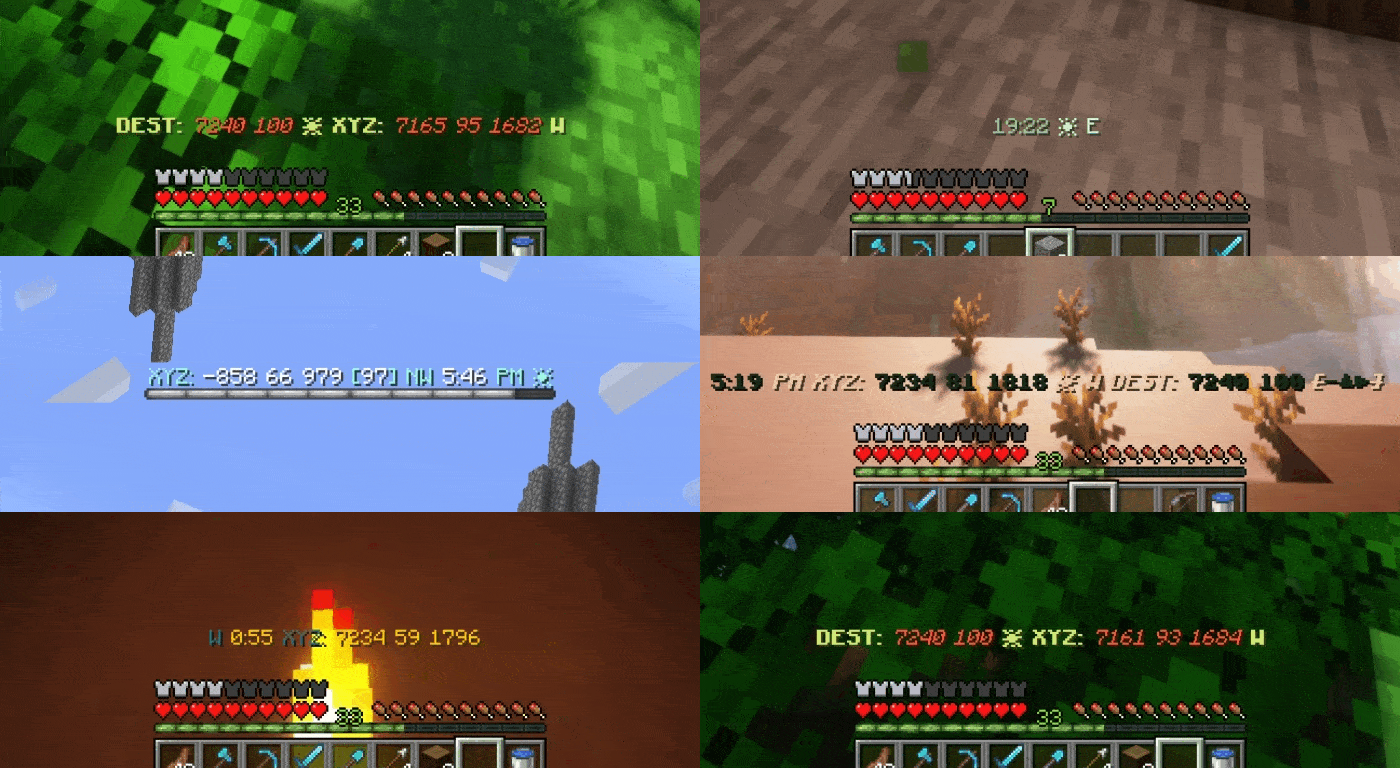
Press H to toggle the hud.
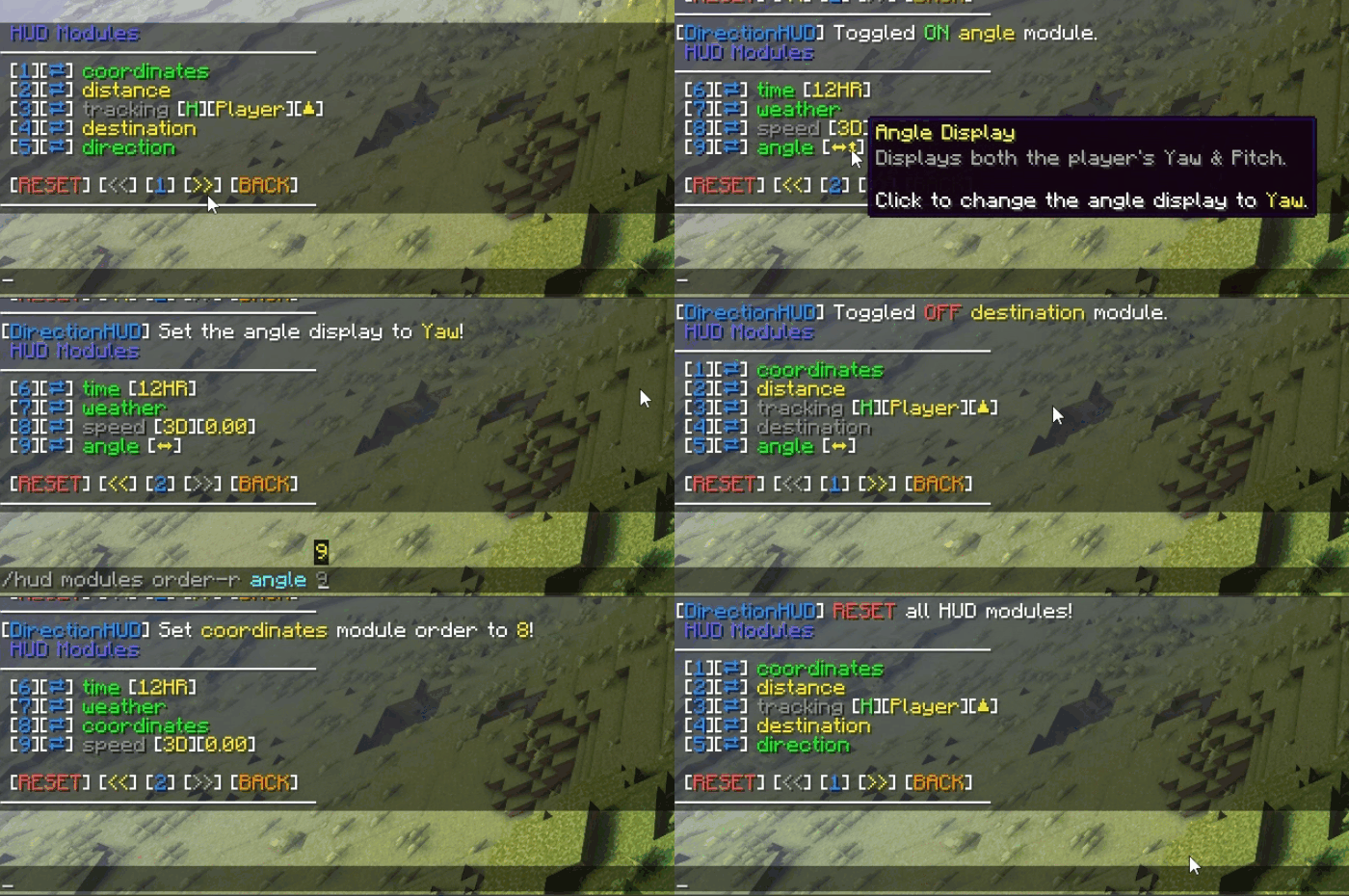
HUD Customization
Toggle and customize HUD modules to your liking, while sorting them to be perfect for you.
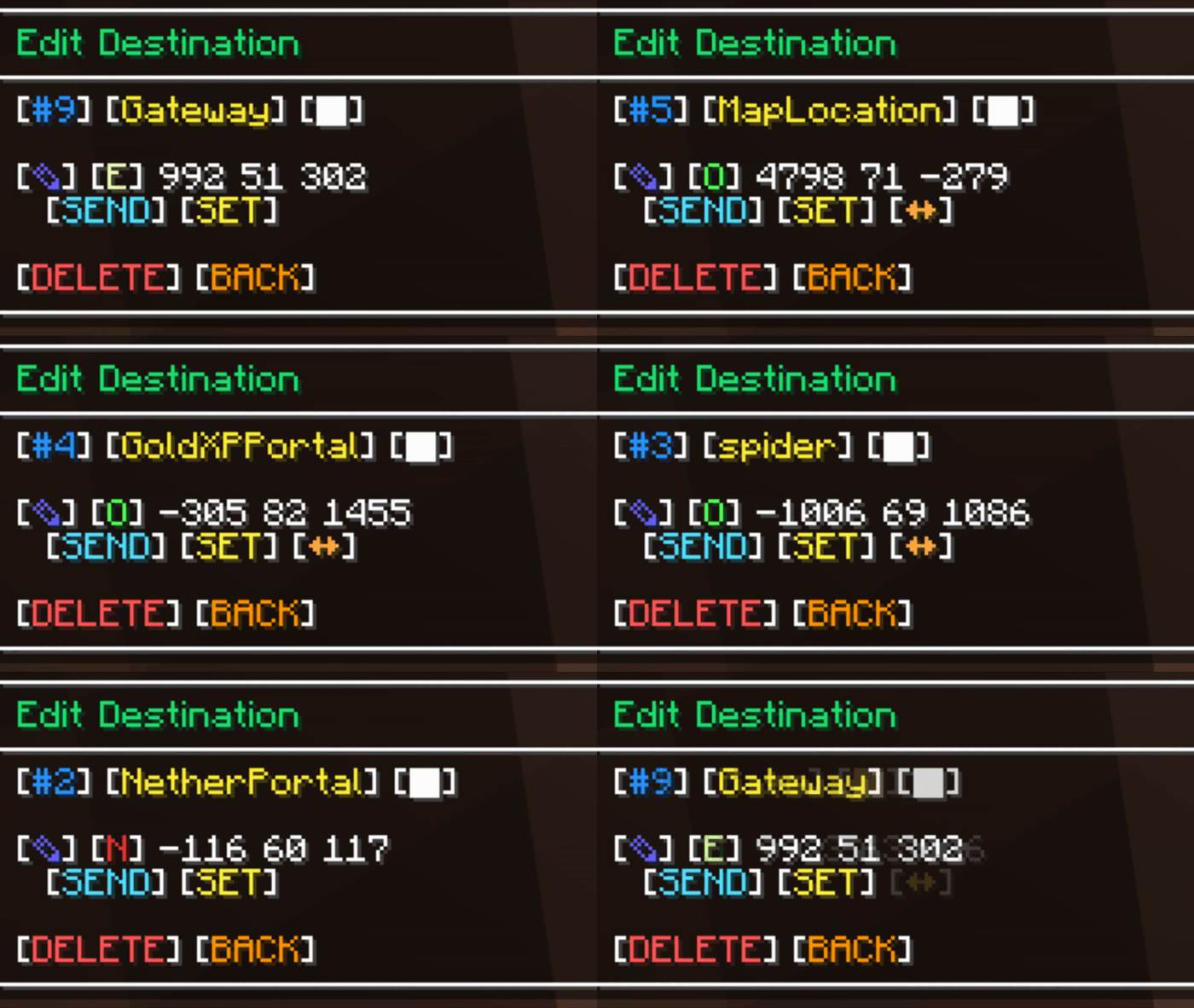
Saving Coordinates
Tired of writing down base locations? \ Save, set, convert, and edit coordinates easily using the chat UI.
Tracking
Having trouble hunting down keeping up with your friends? \ Send a tracking request and start your adventures!
Death Saving
Which cave did I die in… \ See your past previous deaths (customizable in the config)
Command Settings
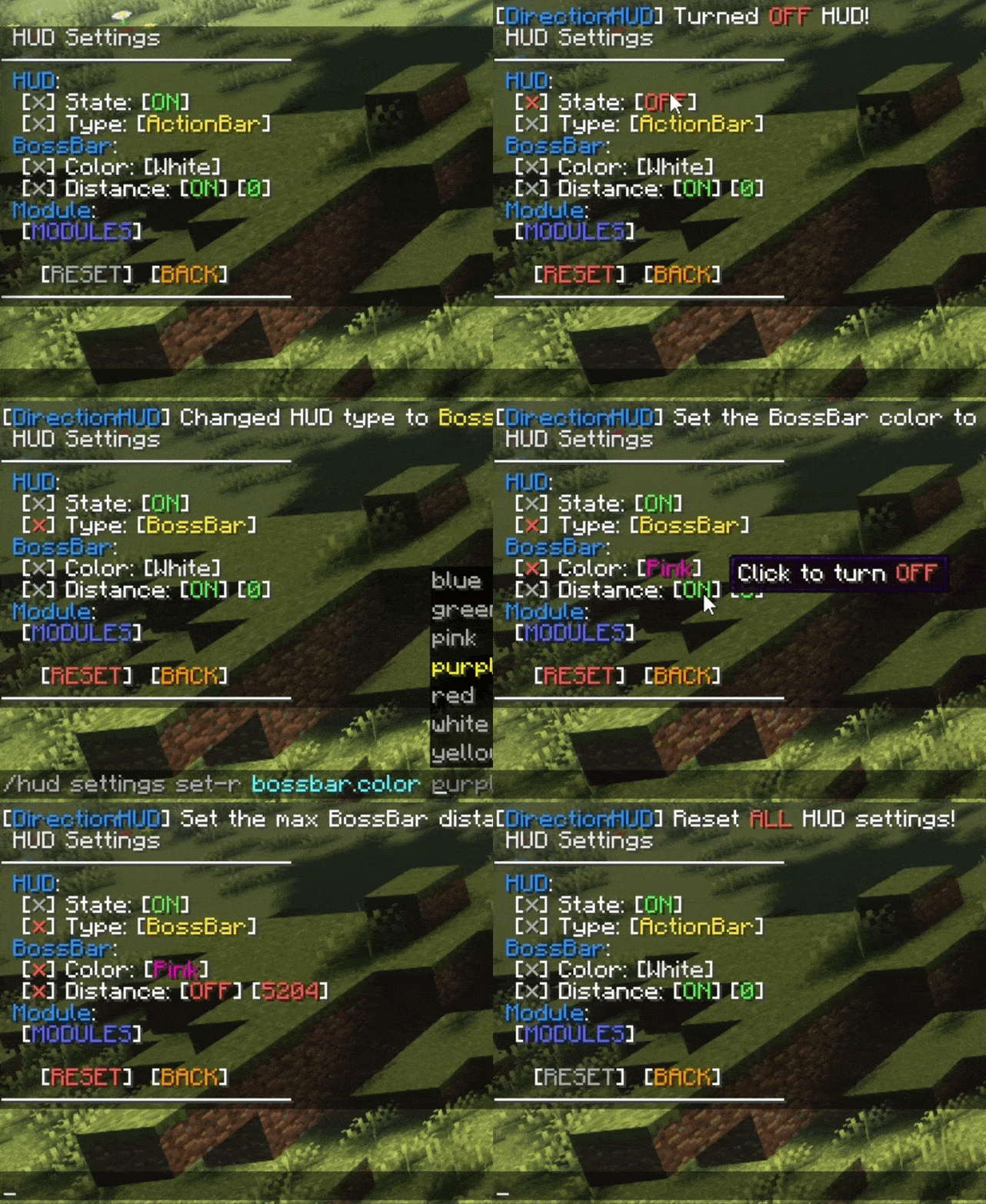
CUSTOMIZATION? MORE \ Toggle destination & HUD settings, like bossbar color or autoclear status.
 \
\
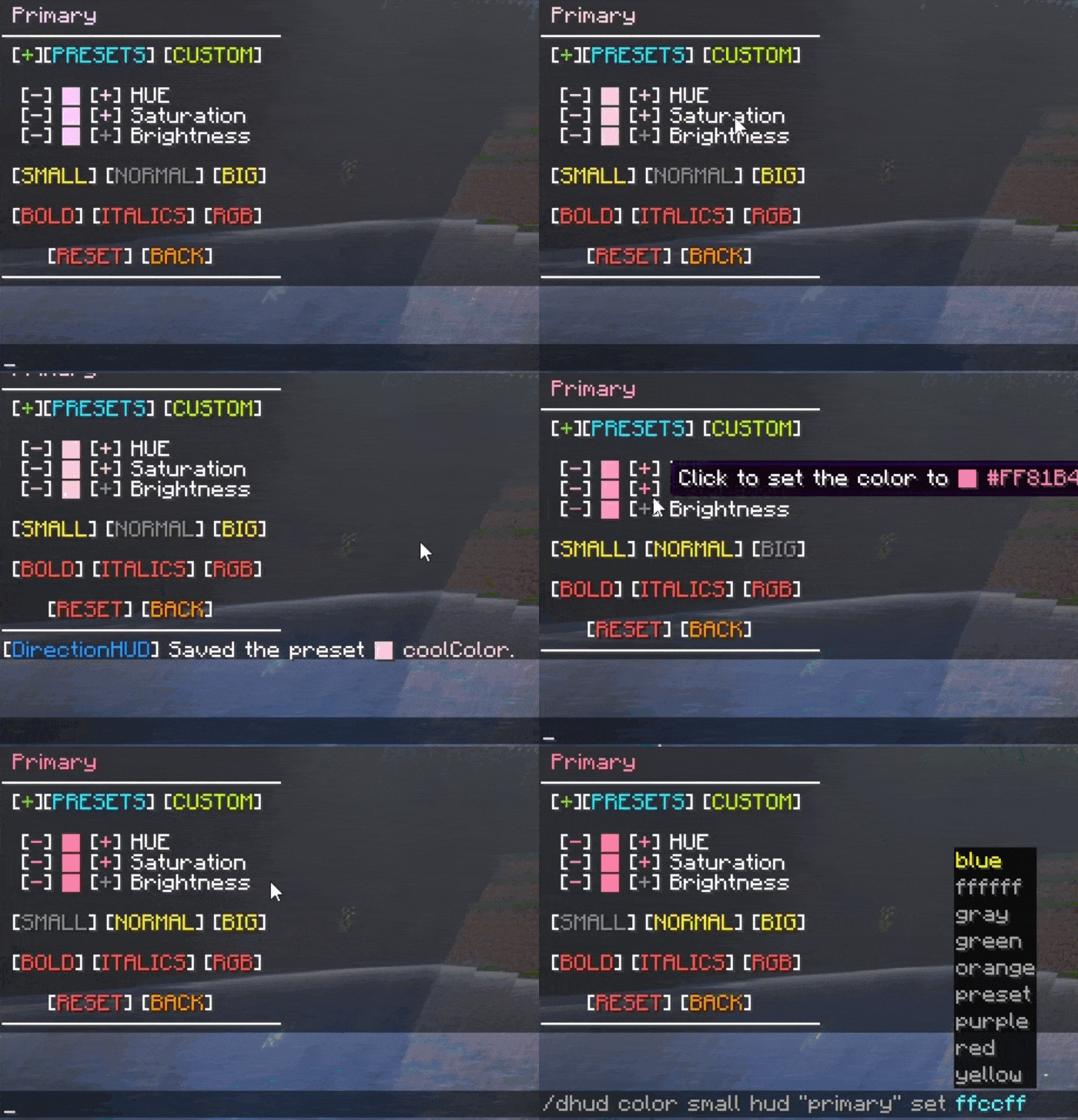
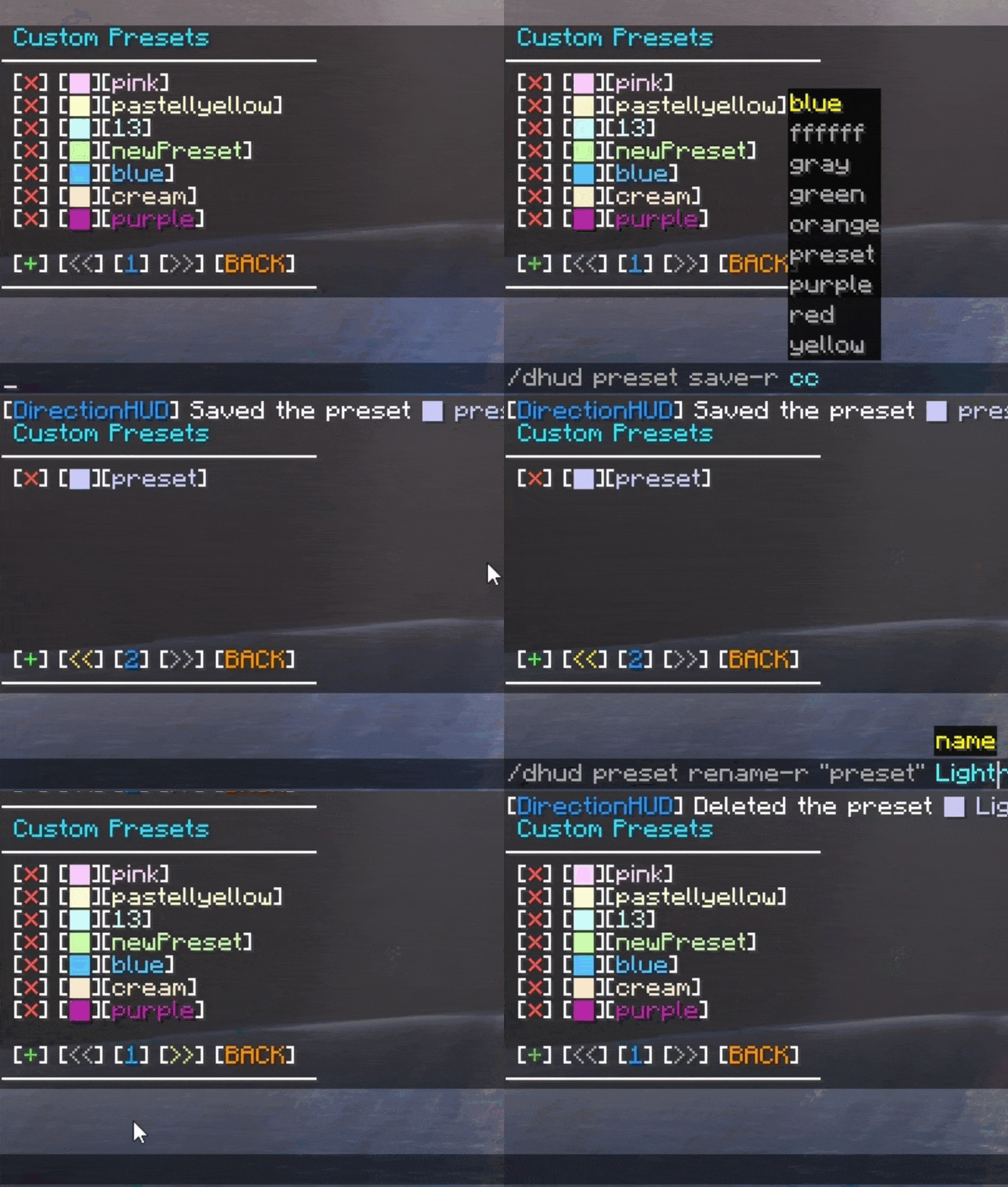
Color Perfection
Need to find the perfect color combination? \ Use the included presets, make a custom preset with the name of your choice, or use the color picker to set your favorite colors!
 \
\
Config Settings
Change default player configs and DirectionHUD settings using the config file when running on server, or use ModMenu & YetAnotherConfigLib when running on client.
Future Goals - GitHub
- Edition: Minecraft Java
- File type: .jar
- Minecraft versions listed: 1.21.11, 1.21, 1.21.1
- How to install: Install the matching mod loader (Forge, Fabric or NeoForge) for your Minecraft version. → Download the .jar. → Put it in the .minecraft/mods folder and launch that loader profile.
- Where to get it: Opens on CurseForge — not every file is mirrored on our own servers.
Install steps are the general flow for this file type — How to install Minecraft Java mods & modpacks walks through it step by step.
- Ships as directionhud-1.19.4-v1.3.1.jar — drop this file into the mods folder
- Download size: 172 KB
- Download link checked 26 Sept 2026 — working
These come from our own check of the pack file, not from the source page.