
Finality Industries - Omnia
Java modpack listed for Minecraft 1.18–1.20. Downloads from the MC Java Mods app on Android.
I don't know my version or loader
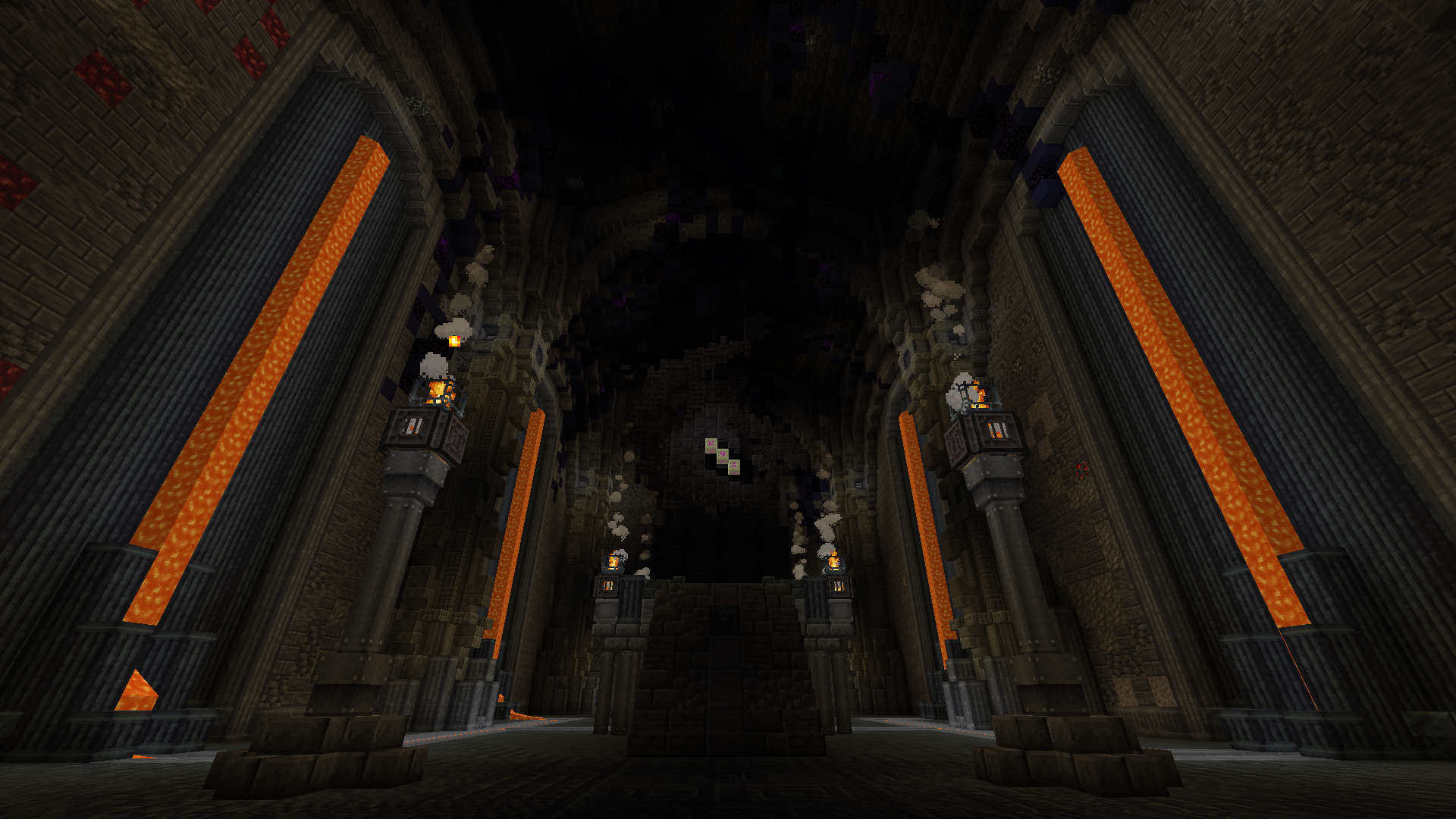









Pinned
- The 1.21.1 version of Finality Omnia, has been postponed due to breaking changes in KubeJS and other mods.
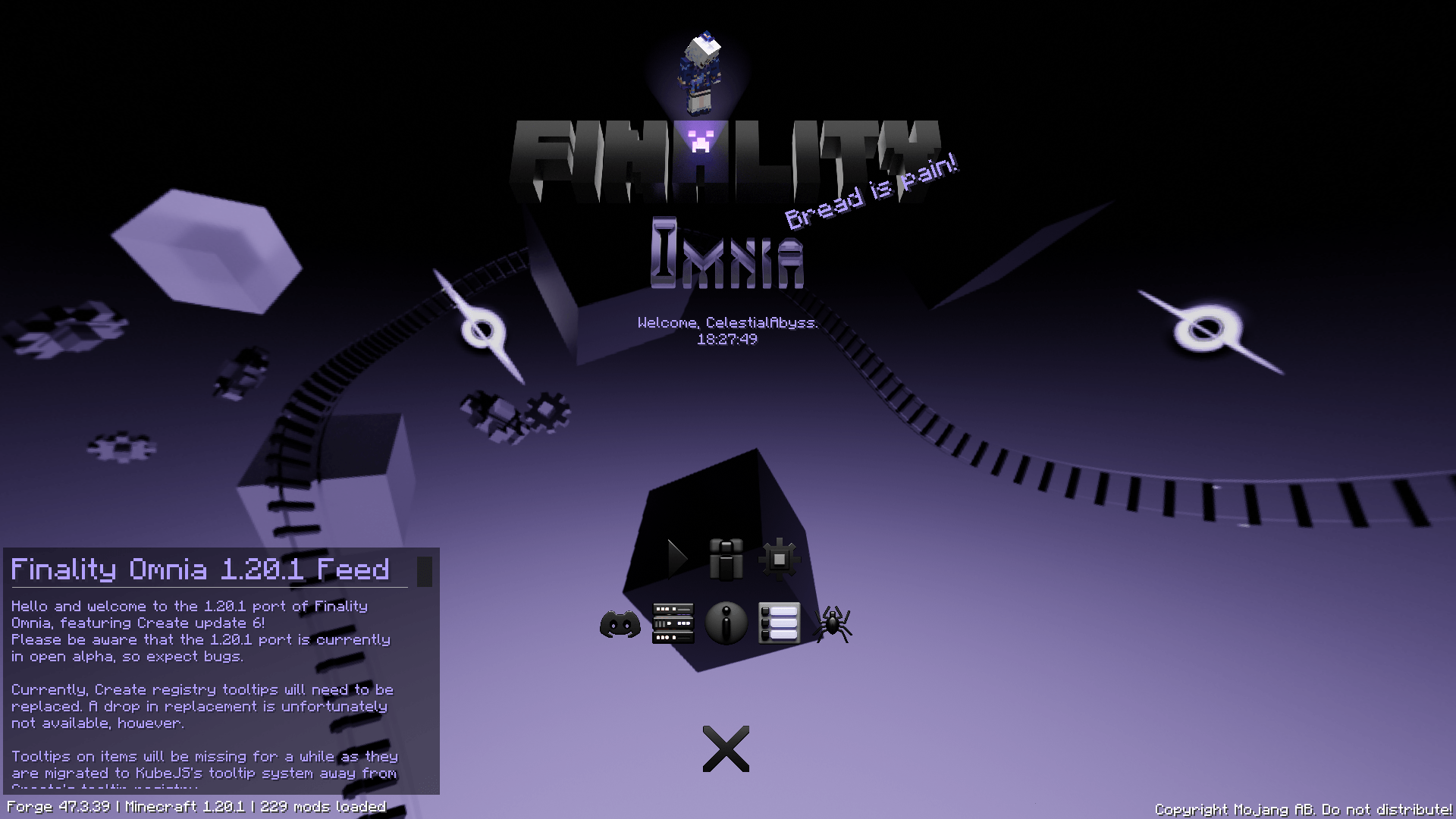
- 1.20.1 is now available with full support of Create v6.0 and EMI! This may make automation easier for some of you. However, EMI support is still optional and will require TMRV.
- [1.20.1] It has come to my attention that binary crafting recipes are not working as intended due to being able to be mirrored and I was under the assumption that KubeJS Create creates mechanical crafting recipes as noMirrored by default. This was not the case.
Important Notices
Before playing this modpack, there a few things that need to be pointed out.
§ This modpack is far from finished despite the "Beta" label.
- This project was created based on what I like from my experiences with modded Minecraft, so I wouldn't consider this anything special.
- I learned that projects with the Alpha label are not downloadable by the CurseForge client, so this had to be done. This does mean that the modpack is also in the playtesting stage and bugs with quest progression are to be expected. Please tell us if you encounter any issues on GitHub or in the Discord server.
- The foundations to proceed to the ultimate end goal are implemented, so you can technically complete the modpack without having to 100% every quest. Quests are also optional and are only there for guidance.
§ There are four variants of the modpack.
- Finality Omnia (you are here) - Combined traits from Tau and Genesis.
- Finality Tau - Horror focused.
- Finality Genesis - Tight focus with Create 0.5.1.
- Finality Mote - Merely a fragment, only containing Create and the other core mods to be as lightweight as possible.
§ New updates and changes will be documented on the Wiki which can be accessed from here https://project-vyre.github.io/finality-wiki/ or the Wiki tab above. Please check back often for updates and upcoming changes.
§ Permission to use the Yes Steve Models mod has been granted by one of the mod authors. Please support their continued development here: Yes Steve Model - Minecraft Mod
1.20.1
Work in progress description for 1.20.1.
1.18.2
undefinedundefinedundefinedundefined- Finality 0.6.0b is being worked on with KubeJS Create being updated to support Create 0.5.1. I suggest backing up your worlds and taking a look at the changelog here: https://project-vyre.github.io/finality-wiki/docs/changelog_finality/docs_finality/logs_v06/version_06/
§ The update version is postponed on 0.5.9b. KubeJS Create does not have compatibility for Create 0.5.1. Please be patient with the KubeJS team.
- Update 0.5.9.1b has been released with the return of Draconic Evolution, Mekanism, Mahou Tsukai and Cloud Storage. Enjoy!
- As of version 0.5.9b, the modpack will no longer be using FTB Chunks due to the inability to share waypoints with your Team. If you are on version 0.5.8b please take the time to save your waypoints and their exact XYZ coordinates before updating! We are not responsible for your loss if you are someone who does not read the changelog.
- Recipes heavily rely on Create's crafting methods, so progression will feel similar to shapez.io and Factorio just to name a few of the inspirations for the modpack.
- Tight integration with Mystical Agriculture and ExtendedCrafting + Avaritia.
- Mods like L_Ender's Cataclysm, The Graveyard and Savage Ender Dragon are there.
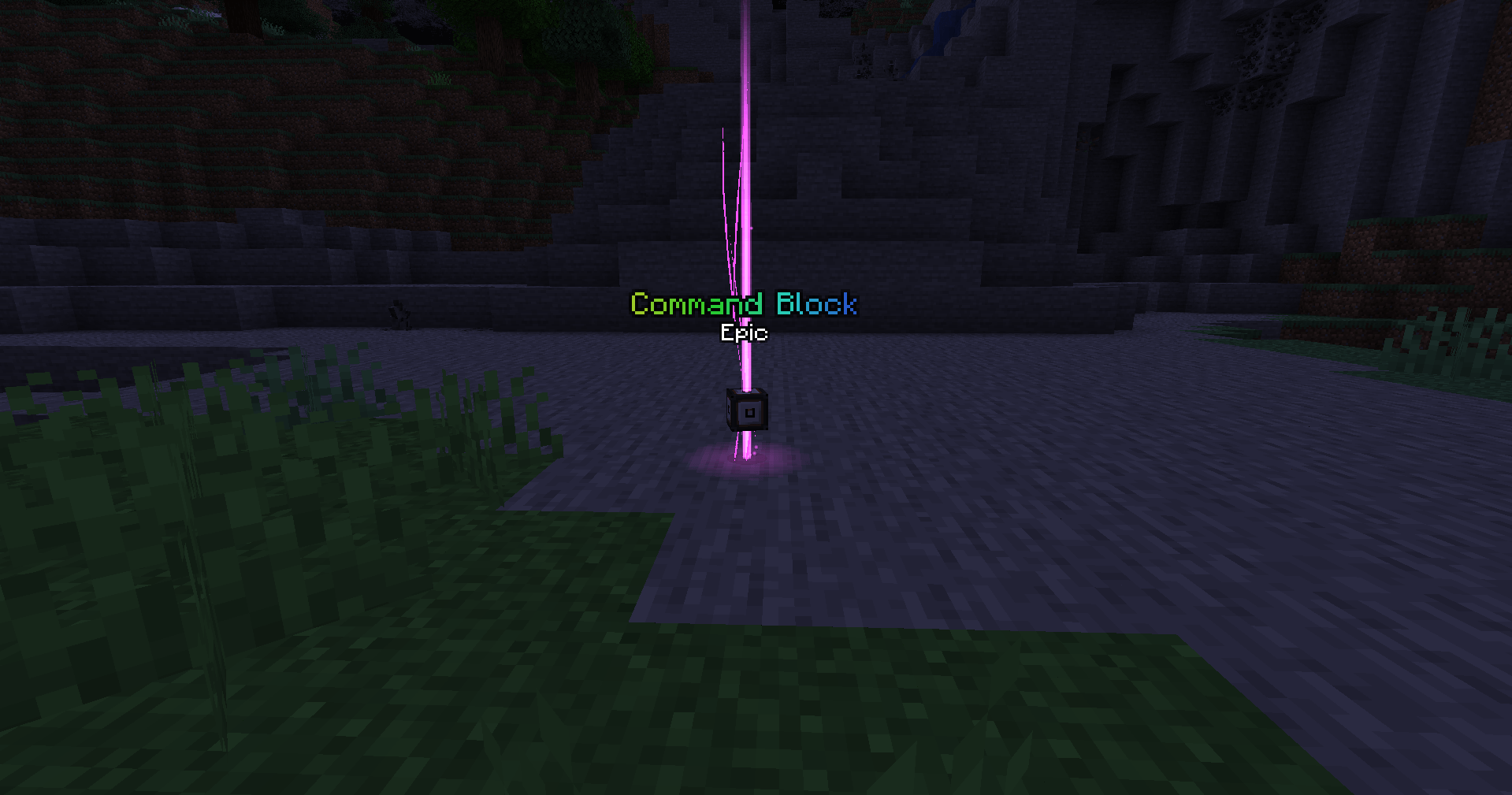
- As soon as you are loaded into a world, you are given the decision to either play Minecraft on "normal mode" or "I regret everything" with the certain cursed ring in your possession. Be careful and read tooltips thoroughly.
Contributors & Artists
I can't thank you all enough for helping with modpack development!
- squoshi (KubeJS, Modpack Developer, D&D Bard) - Helped with my stupidity at times. Please check their modpack here too: https://www.curseforge.com/minecraft/modpacks/magna
- Reveter (KubeJS) - Provided a script fix for KubeJS Legacy mishaps because NBT check on a tooltip script was not working as intended…
- YT Mango (KubeJS) - Provided a script fix for KubeJS because item quantifiers were not working. Example: 9x minecraft:coal_block being read as a singular minecraft:coal_block in a recipe even though I wrote the script to require exactly nine coal blocks.
- Lexxie Raven Black (KubeJS, Lady Lexxie Black on the KubeJS Discord) - Provided a script fix for the same problem above.
- DMJaxun (Pixel Artist from the Create Discord) - Providing Thermal Series sheet sprites.
Hardware Specifications
- Recommended allocated memory: 6 GB (6144 MB)
- This modpack might not run well on laptops with Intel U series CPUs.
CurseForge App Help
I have been noticing that a lot of people don't know how to update a modpack, so here are some images contained in the spoilers to help.
Instructions on how to change amount of allocated memory on the CurseForge launcher:

Step 1: Click the three circles next to the orange Play button then click Profile Options.
§

Step 2: Uncheck Use System Memory Settings and set the slider to 6144MB.
§
Instructions on how to change modpack version because I keep uploading updates:
undefinedundefinedundefinedundefinedWhenever you hover your mouse over the modpack icon in the CurseForge launcher, ever noticed these arrows?

Click that, and make sure you're on the newest version of the modpack. Click the newest version, and be sure to read the changelog.
I will explicitly mention if there are any world breaking changes in the changelog, in which case you may want to back up your worlds which are located in the saves folder or back up your structures with Create's Schematic & Quill, then regenerate the world.
Texture Changes
To better suit certain recipes and aesthetic or feel, items from the following mods have been retextured from the following mods:
- Akashic Tome
- Morph o Tool
- Tempad
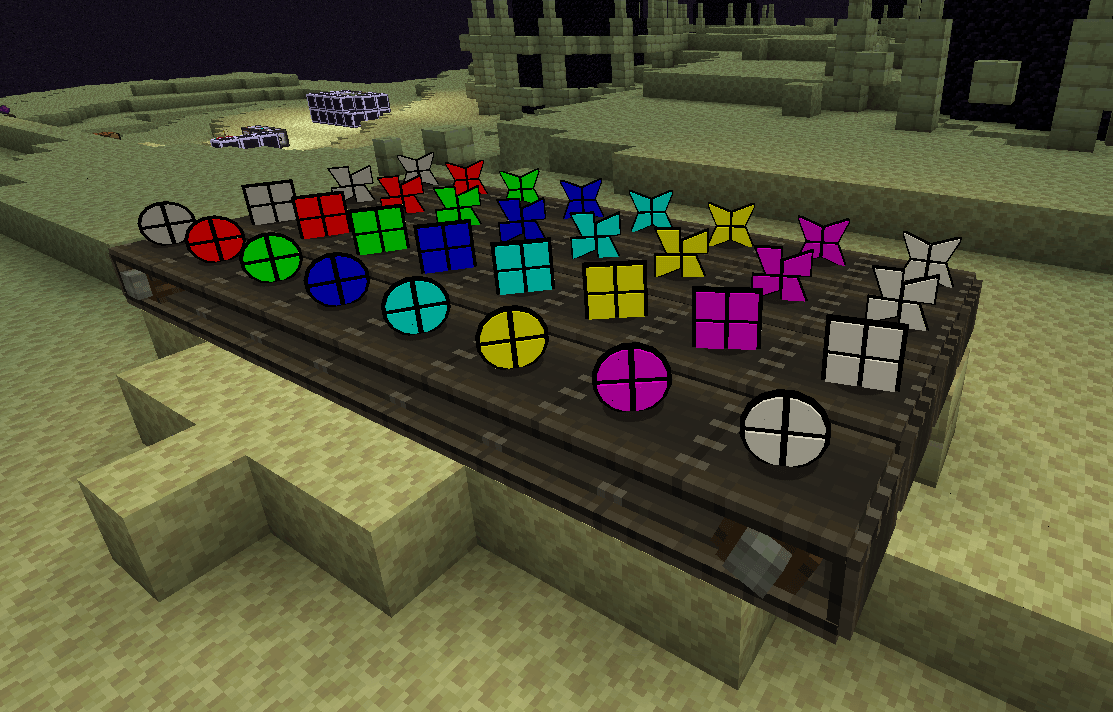
- End Remastered
Full credit goes to all art teams involved in the projects above. That means that the original work still belongs to them.
FAQ
[Answers below apply as of May 2023]
How do I get started?
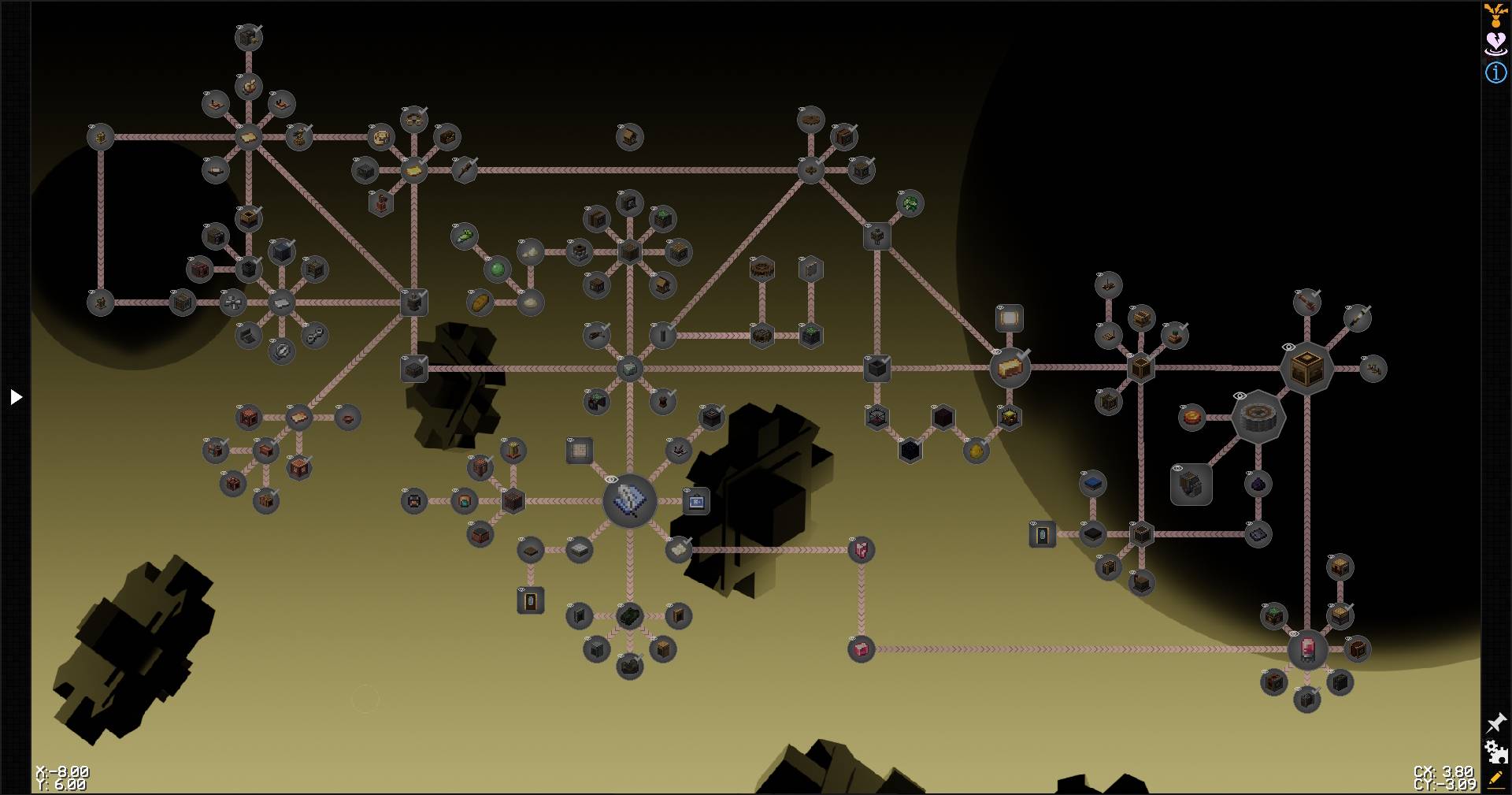
§ Use the Tome of Finality and / or the FTB Quests quest network. I spent a lot of time trying to organize it visually for ease.
Images are not loading correctly on FTB Quests! How can I fix this?
§ Make sure you have Finality Customizations loaded in-game in the resource packs settings page and that it is always on top.
How heavily modified are recipes in the modpack?
§ I modified multiple recipes and will be modifying more in the future as time goes on, the modpack isn't exactly optimized performance wise due to the amount of mods present.
Why are there going to be two versions of your modpack?
§ There are mod authors who have dropped development for 1.18.2 in favor of 1.19.3 only or dropped 1.19.2 support for only 1.19.3+ and 1.18.2. It's a bit troublesome to not get the experience and items I want to have. For example: The Withered Beacon from Cracker's Wither Storm mod is only available on 1.19.3 and 1.18.2 ONLY, and the author has stated he will NOT be backporting. The same applies to L_Ender's Cataclysm where the Harbinger boss will only be available on 1.19.2 onwards.
What is the purpose of this modpack? What was the idea behind it?
§ First, this modpack started as an idea inspired by automating excessive amounts of materials. Then the idea was cultivated over time and tested with friends. Problem is I am quite the perfectionist so it might be a while before I can consider something to be a "Release" candidate even though it is already stable. This description is temporary as I will be updating it over time, but that is the general synopsis of my modpack without spoiling too much.
- Edition: Minecraft Java
- File type: .jar
- Minecraft versions listed: 1.20.1, 1.18.2
- How to install: Install the matching mod loader (Forge, Fabric or NeoForge) for your Minecraft version. → Download the .jar. → Put it in the .minecraft/mods folder and launch that loader profile.
- Where to get it: Opens on CurseForge — not every file is mirrored on our own servers.
Install steps are the general flow for this file type — How to install Minecraft Java mods & modpacks walks through it step by step.
- Downloads as Finality Omnia-1201.0.2-alpha.35.zip
- Download size: 290.7 MB
- Download link checked 27 Sept 2026 — working
These come from our own check of the pack file, not from the source page.