
Jack's Server Side Tweaks
Java mod listed for Minecraft 1.19–1.21. Downloads from the MC Java Mods app on Android.
Server-side features, including chest labels, display items, a fully fledged item editor, a command defined datapack utility and more
I don't know my version or loader
Archived
JSST has been archived so I can stay focused on a smaller amount of mods for now. It was mainly just a sandbox-y type mod I could add random features for, but would require a rewrite to make it more maintainable in current versions.
⚙️ Jack's Server Side Tweaks v2
Provides a suite of server-side tweaks and survival-friendly tools to the game.
Features
All features can be disabled individually, and are highlighly configurable. For more details, see the the wiki.
🗺️ Map Editor

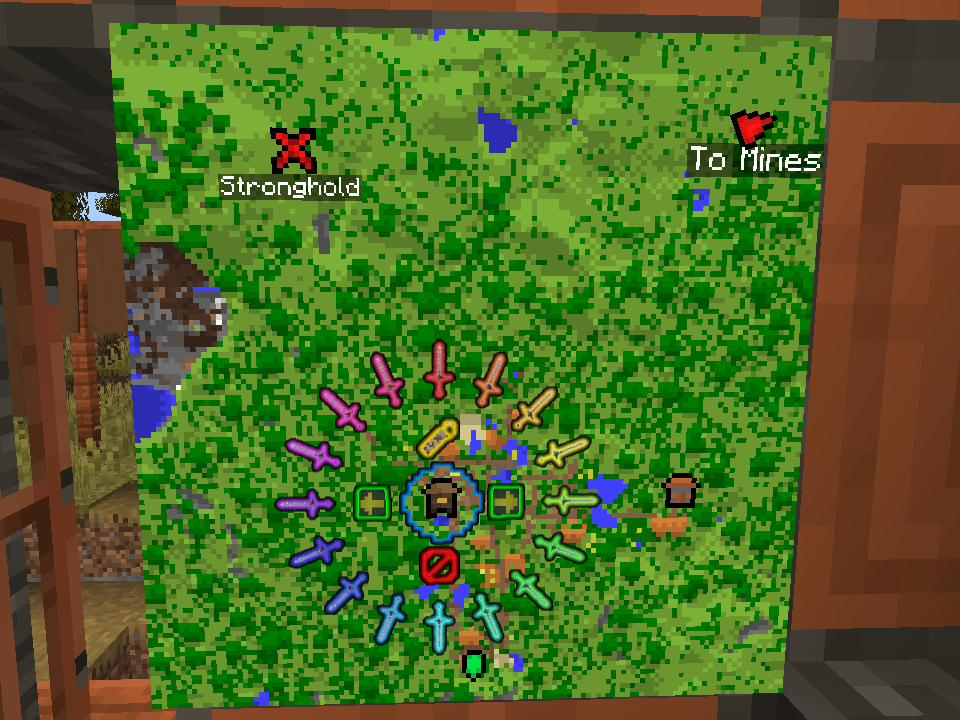
An in-game map editor, accessible by placing a map in an item frame and right clicking with a feather. You can add, rotate and add labels to a variety of icons, and easily remove them after.
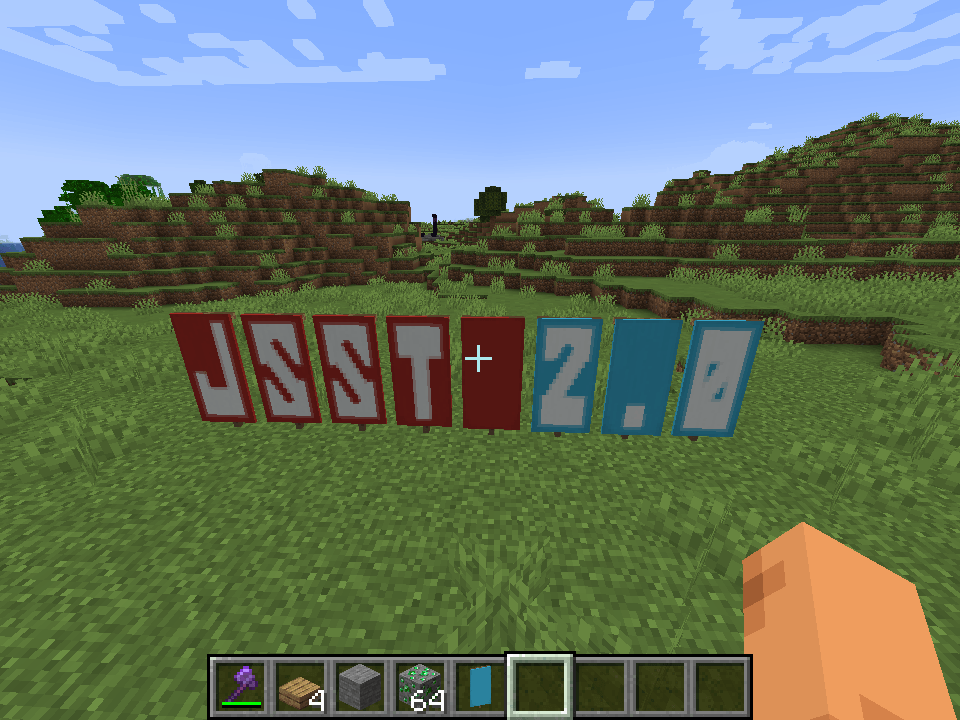
🔤 Banner Writer

A command to generate text on banners. Works in survival, as long as you have enough banners in your hand.
👻 Concealable Item Frames

Players can now toggle the invisibility of item frames by sneak-right clicking with any invisibility potion. Shows particles when they're empty, so you don't lose them.
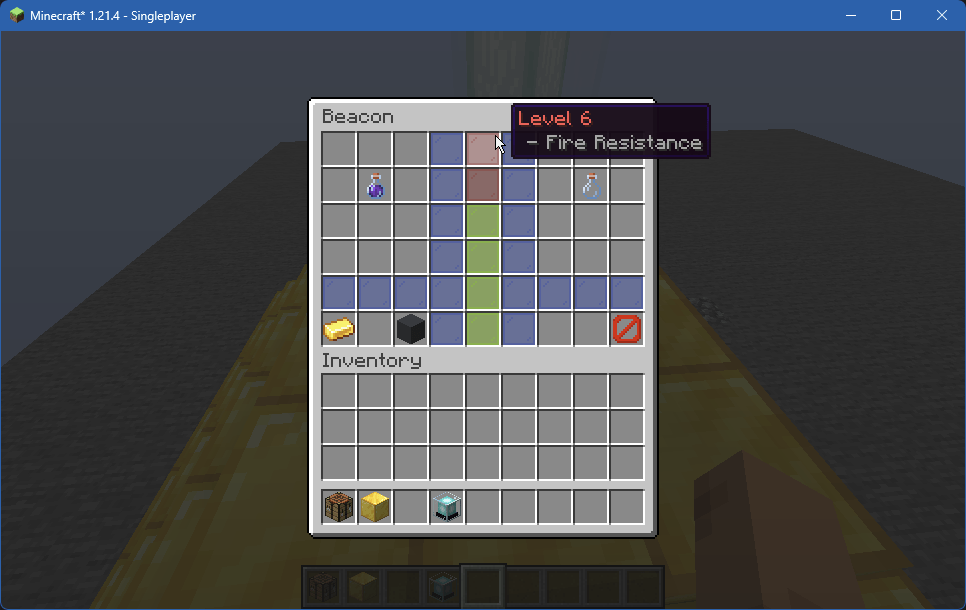
🚨 Beacon Enhancement

Adds the ability to customize the beacon's primary and secondary power set, as well as increasing the maximum level to 6. All features are fully configurable.
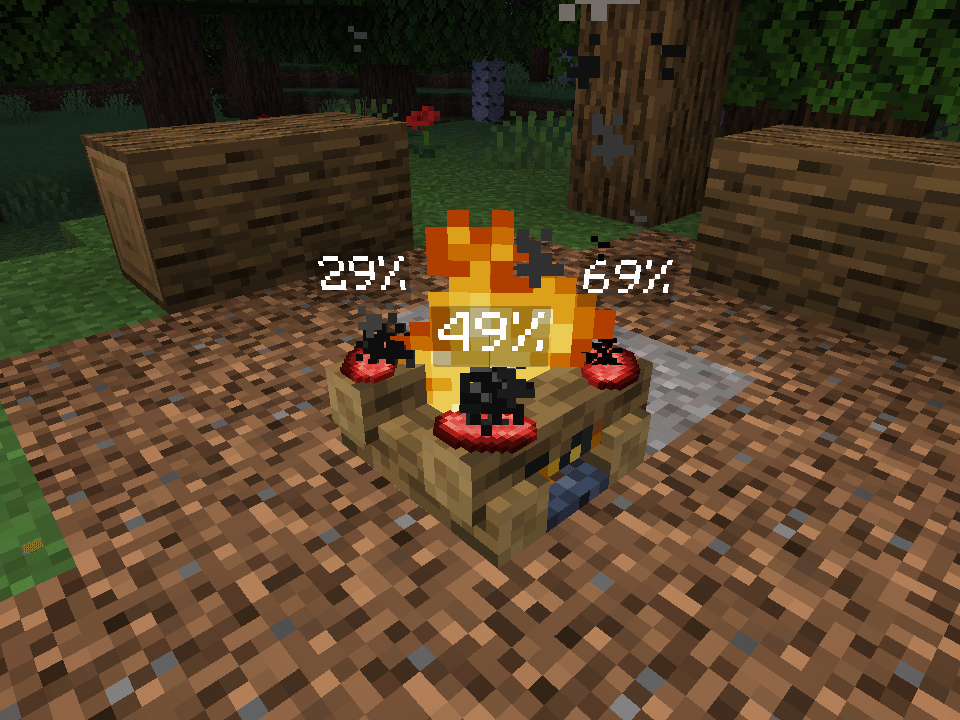
🔥 Campfire Timers

Adds a progress bar above cooking campfire items.
💡 Extra Highlights


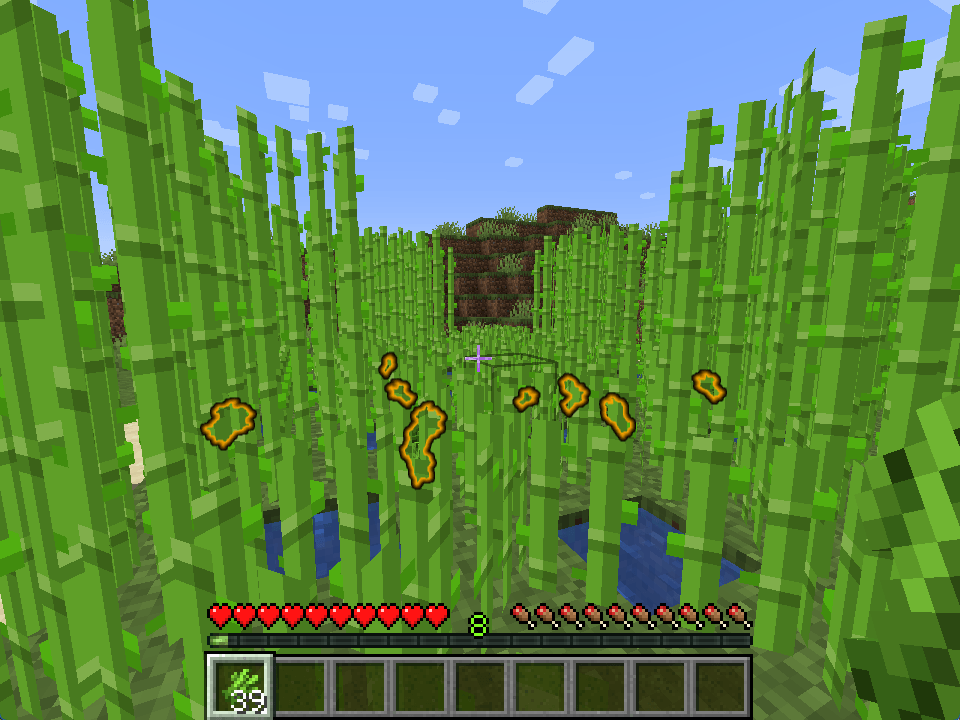
Sugarcane, when held in hand, will now highlight nearby dropped sugarcane items; useful for dense farms.
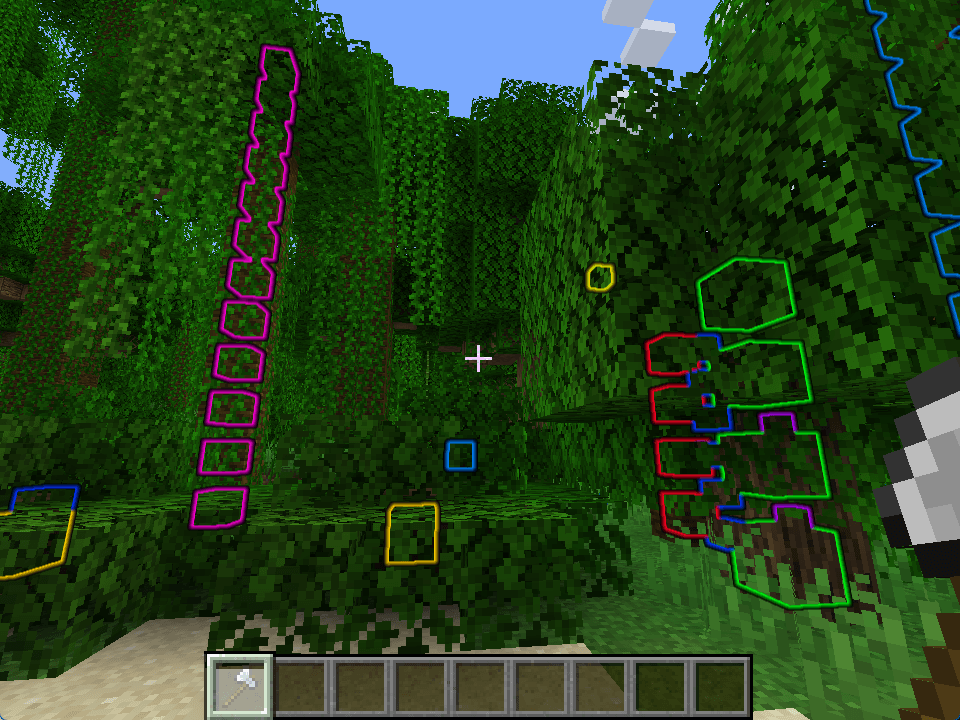
Players can also sneak-right click with an axe to find logs hidden in leaves.
🫵 Item Nudging

Mined items will now aim towards the player when mined, and will always gain enough height to be picked up from above. Especially useful for Skyblock; you'll notice it pretty quick.
🎄 Sapling Replanting

Sapling items, upon decaying, will now try to replant themselves nearby. They give eachother space and will group together for 2x2 saplings.
❓ Other features
There are also a handful of other features not easily shown:
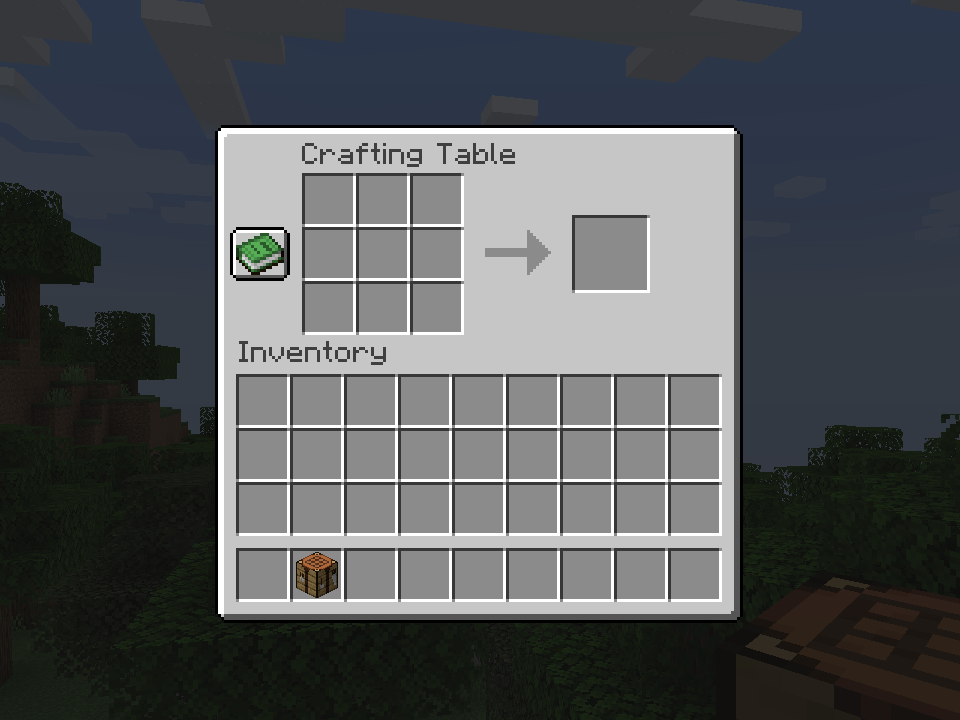
- Portable Crafting: Use crafting tables from the inventory,
- Effector Ranges: Adjust the range of active Beacons and Conduits,
- Item Editor: WIP, adds an exstensive server-side item editor GUI.
🛠️ Install & Requirements
Works both in single players worlds, and server-side only. JSST is fine to add to existing worlds, but removing it will cause some custom map decorations and beacon powers to reset.
JSST requires Fabric API and YACL.
- Edition: Minecraft Java
- File type: .jar
- Minecraft versions listed: 1.21.5, 1.21, 1.21.1
- How to install: Install the matching mod loader (Forge, Fabric or NeoForge) for your Minecraft version. → Download the .jar. → Put it in the .minecraft/mods folder and launch that loader profile.
- Where to get it: Opens on CurseForge — not every file is mirrored on our own servers.
Install steps are the general flow for this file type — How to install Minecraft Java mods & modpacks walks through it step by step.
- Ships as jsst-1.20-0.3.14.jar — drop this file into the mods folder
- Download size: 607 KB
- Download link checked 17 Oct 2026 — working
These come from our own check of the pack file, not from the source page.