Butterfly Bliss
Java mod listed for Minecraft 1.19. Downloads from the MC Java Mods app on Android.
Adds 11 new butterflies into minecraft, adds 1 new custom creature, adds 3 new blocks, adds 1 new item, adds 1 new food, adds 1 new biome and adds 2…
⬇ Download on CurseForgeThe author built this one for Minecraft 1.19.2 on Forge. On other versions it may install and then do nothing.
NOTE: MAKE SURE YOU HAVE GECKOLIB INSTALLED FOR MINECRAFT VERSION 1.19.2 OR ELSE THE MOD WILL NOT WORK!
geckolib download link: https://www.curseforge.com/minecraft/mc-mods/geckolib/download/4407241
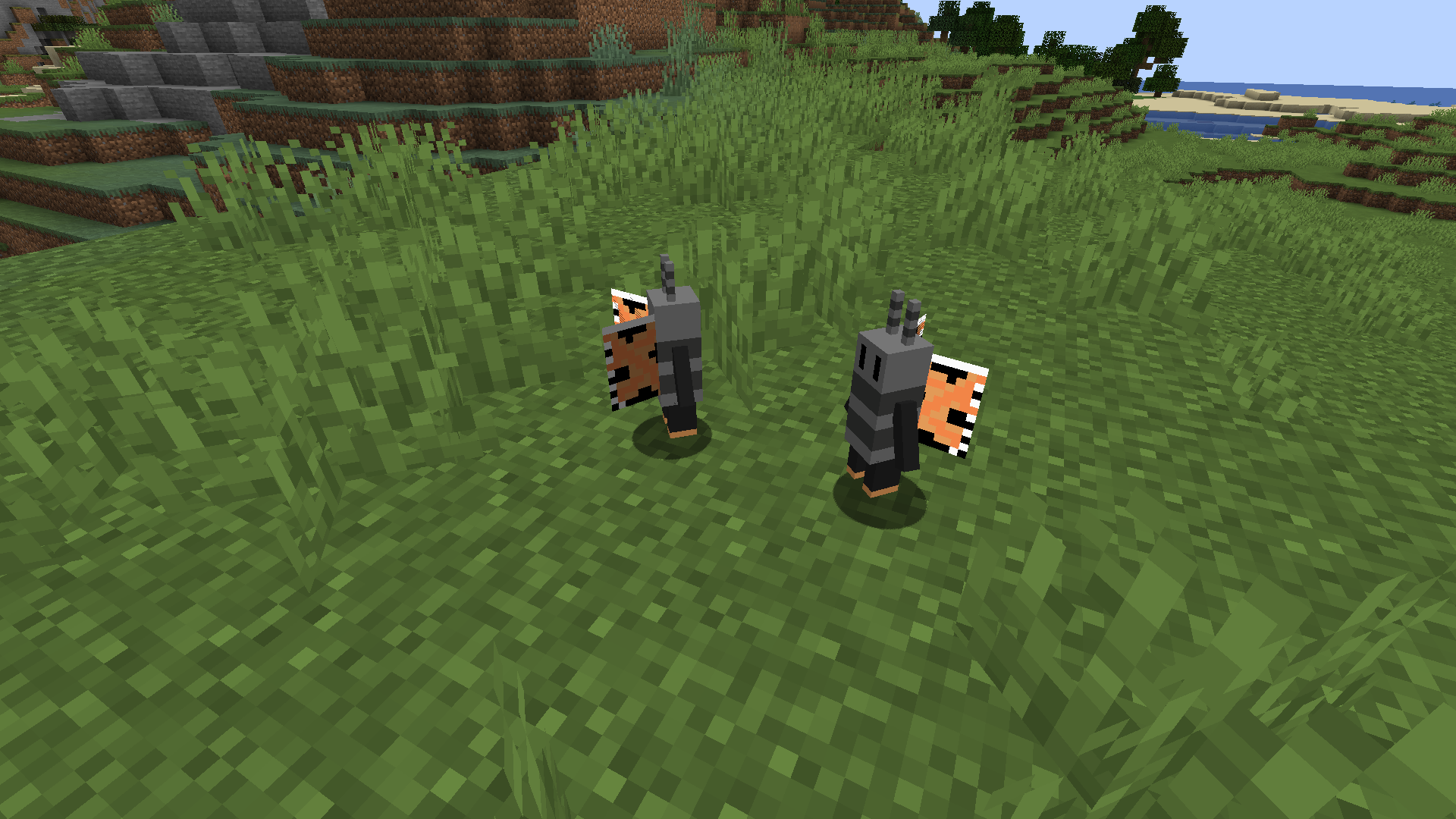
Butterfly Bliss is a Minecraft mod pack designed to add a diverse range of butterflies into the game. In addition, it introduces a new custom creature called Flutters.
FLUTTER (new creature)
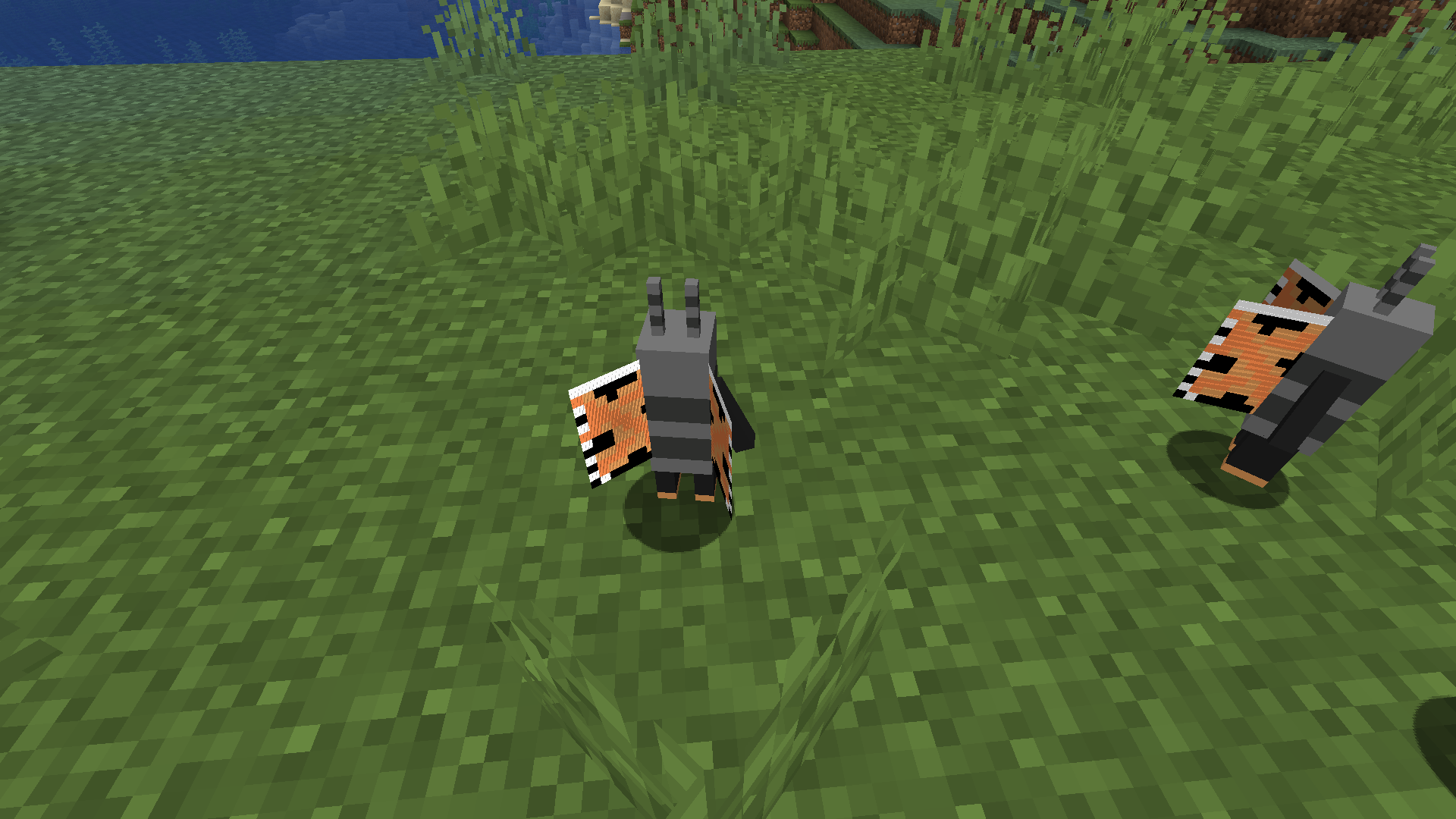
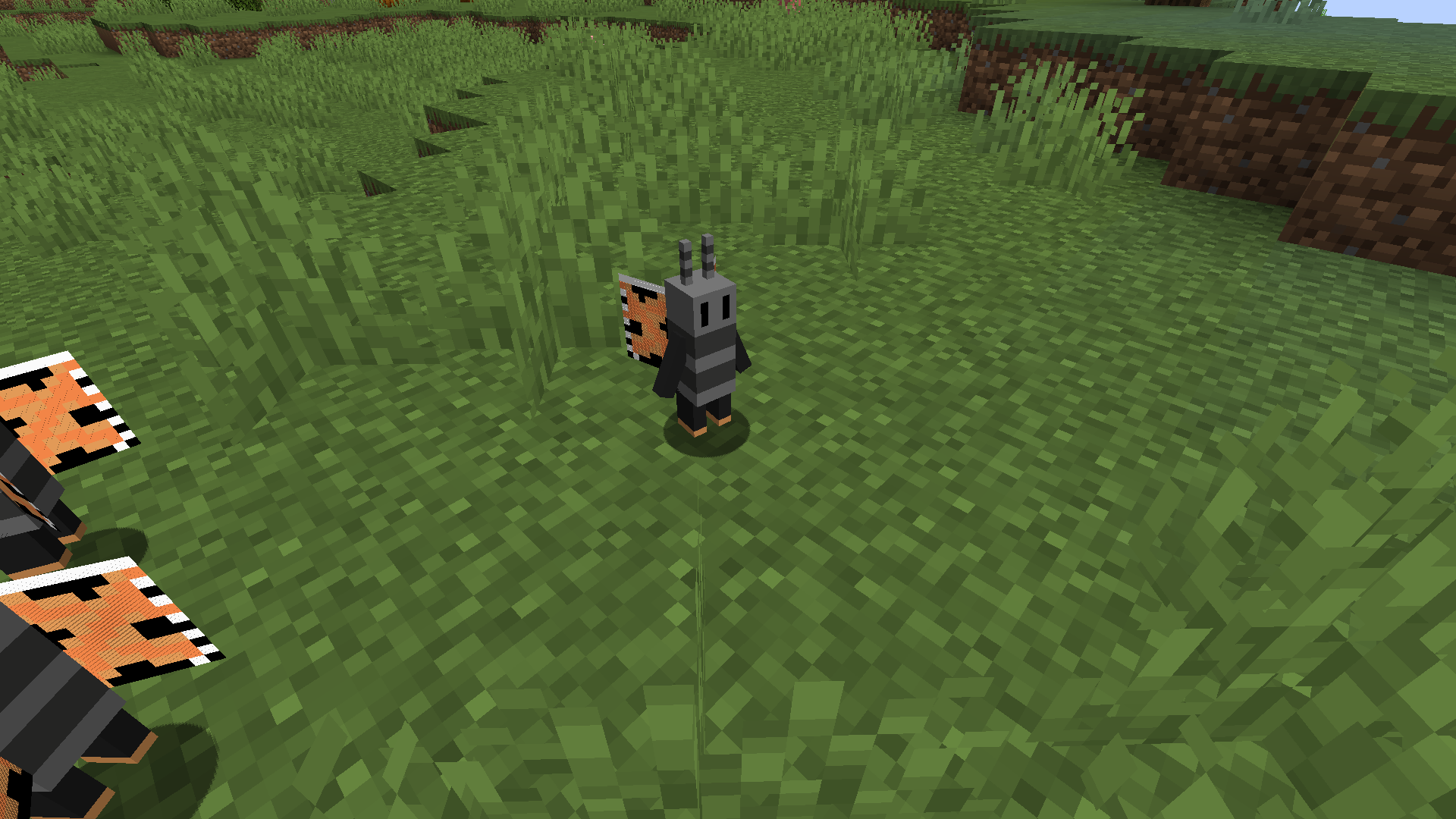
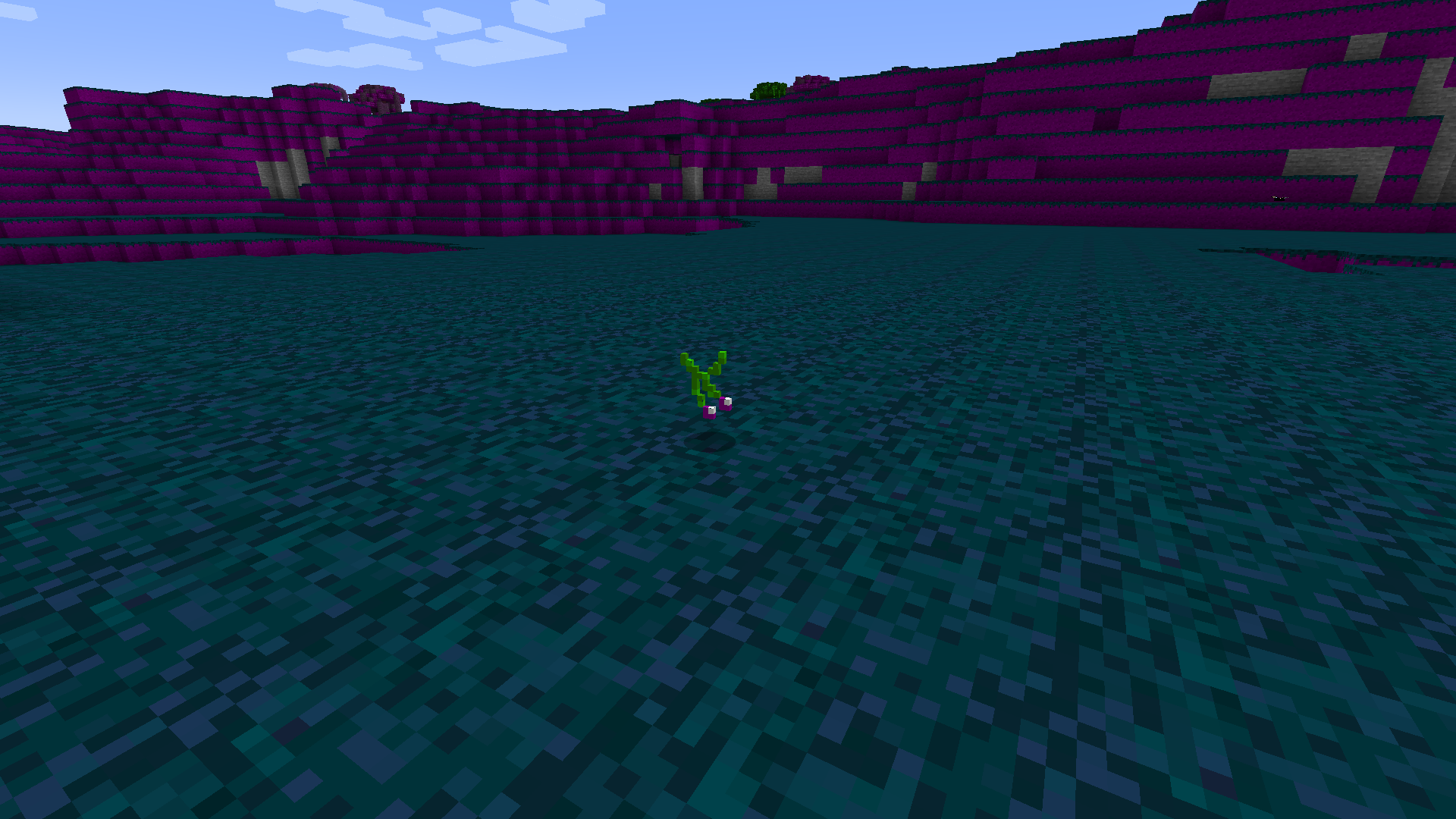
Flutters are land animals that can be found in the new Butterforest biome or on beaches. They are generally passive unless provoked, in which case they will attack and call for backup. However, they can be tamed with Butterberries, a new item introduced in the mod pack. Once tamed, Flutters will fight for you and defend you from harm. However, they are afraid of Creepers and will run away if they spot one.
BUTTERFLIES (new creature)
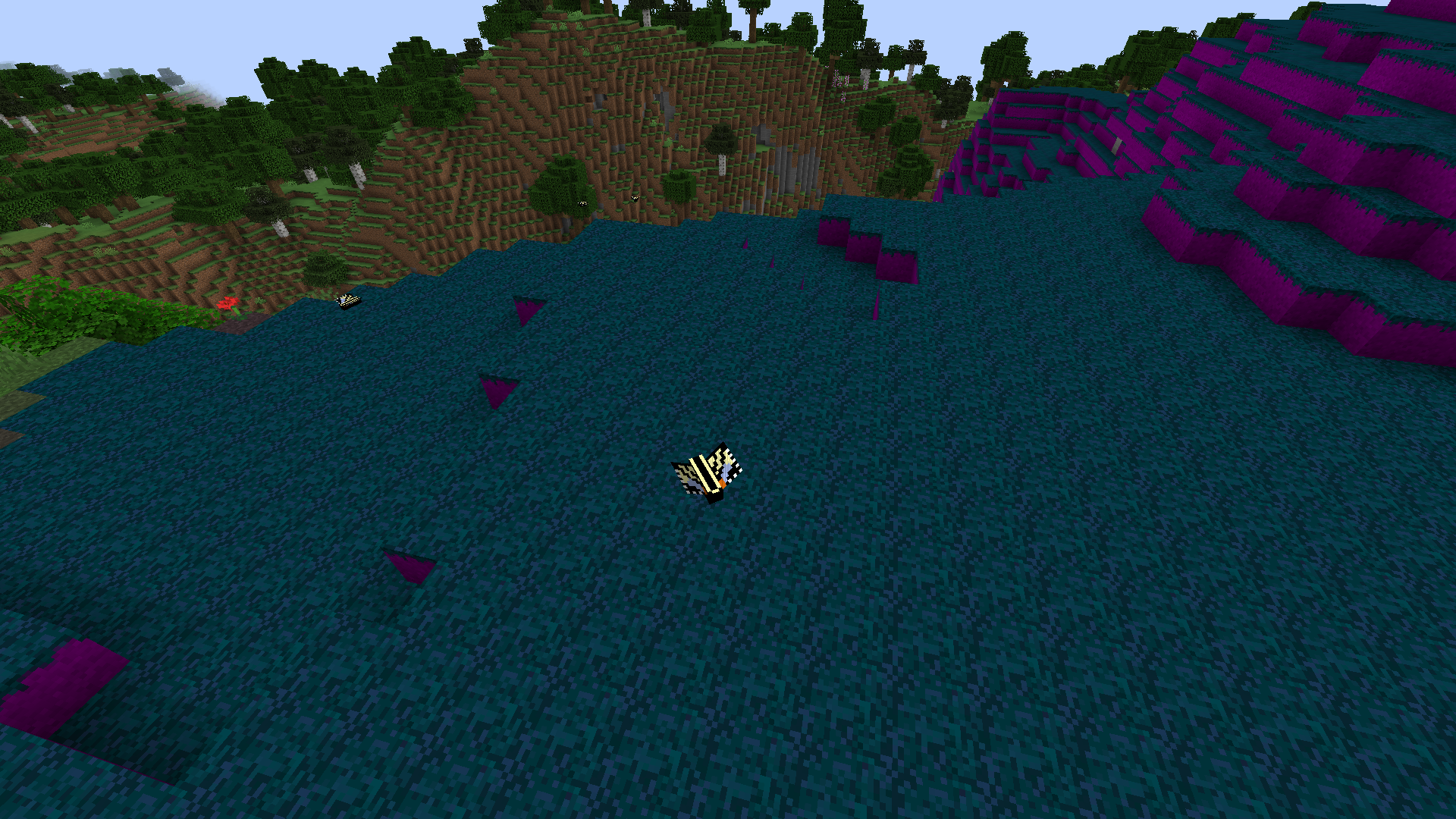
Butterflies, on the other hand, can be found all over the Minecraft map, except in snowy areas. They serve no practical purpose other than being a nice addition to the game and are mostly found in the Butterforest or regular forests.
BUTTERBLOCK (new ore)
The Butterblock is a new ore that can be found deep underground or in the Butterforest biome. When broken with a diamond pickaxe, it will drop a Butter Shard that can be smelted into a Butterberry. Butterberries can be used to tame Flutters or as a healing item.
BUTTERFOREST (new biome)
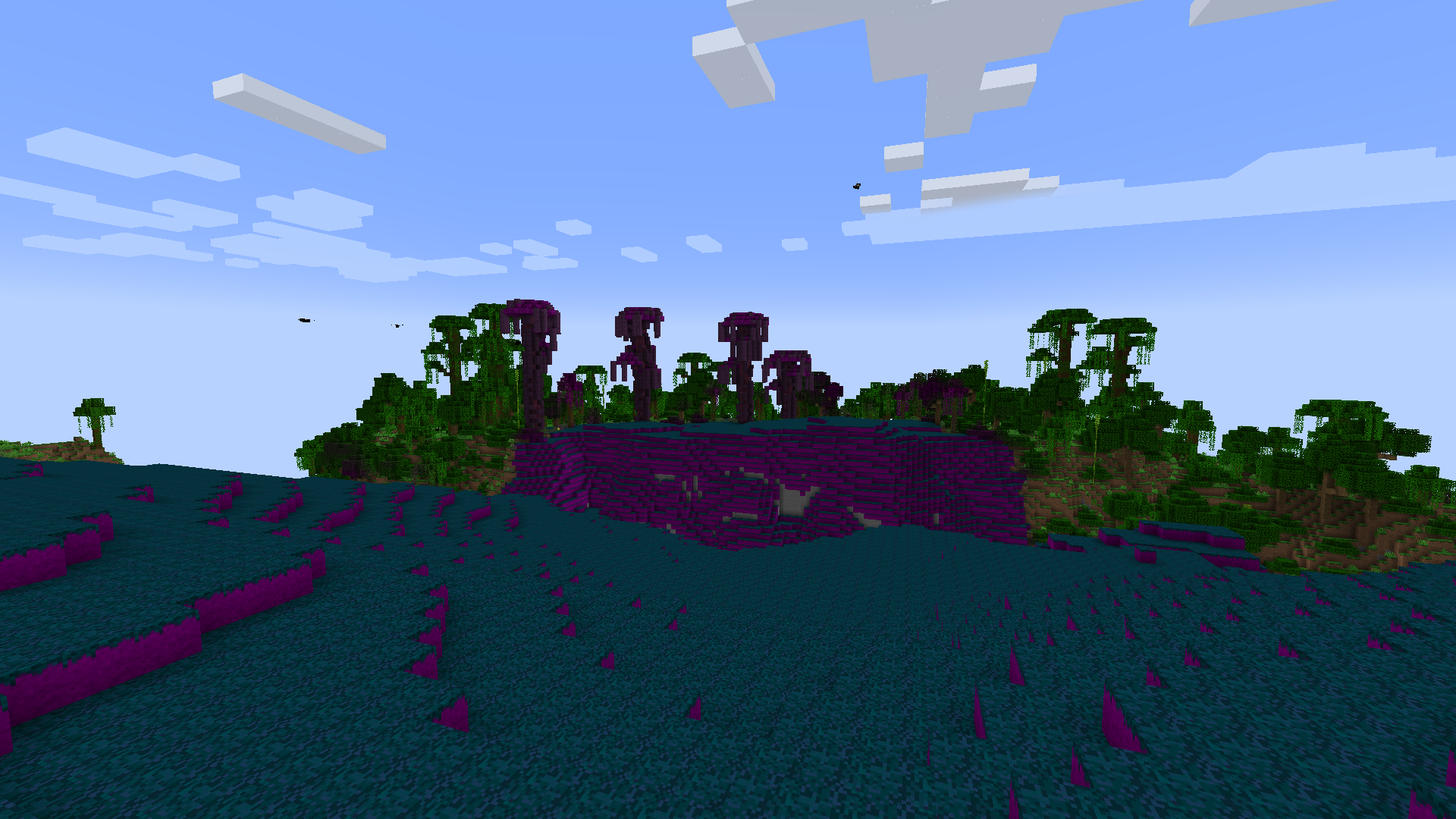
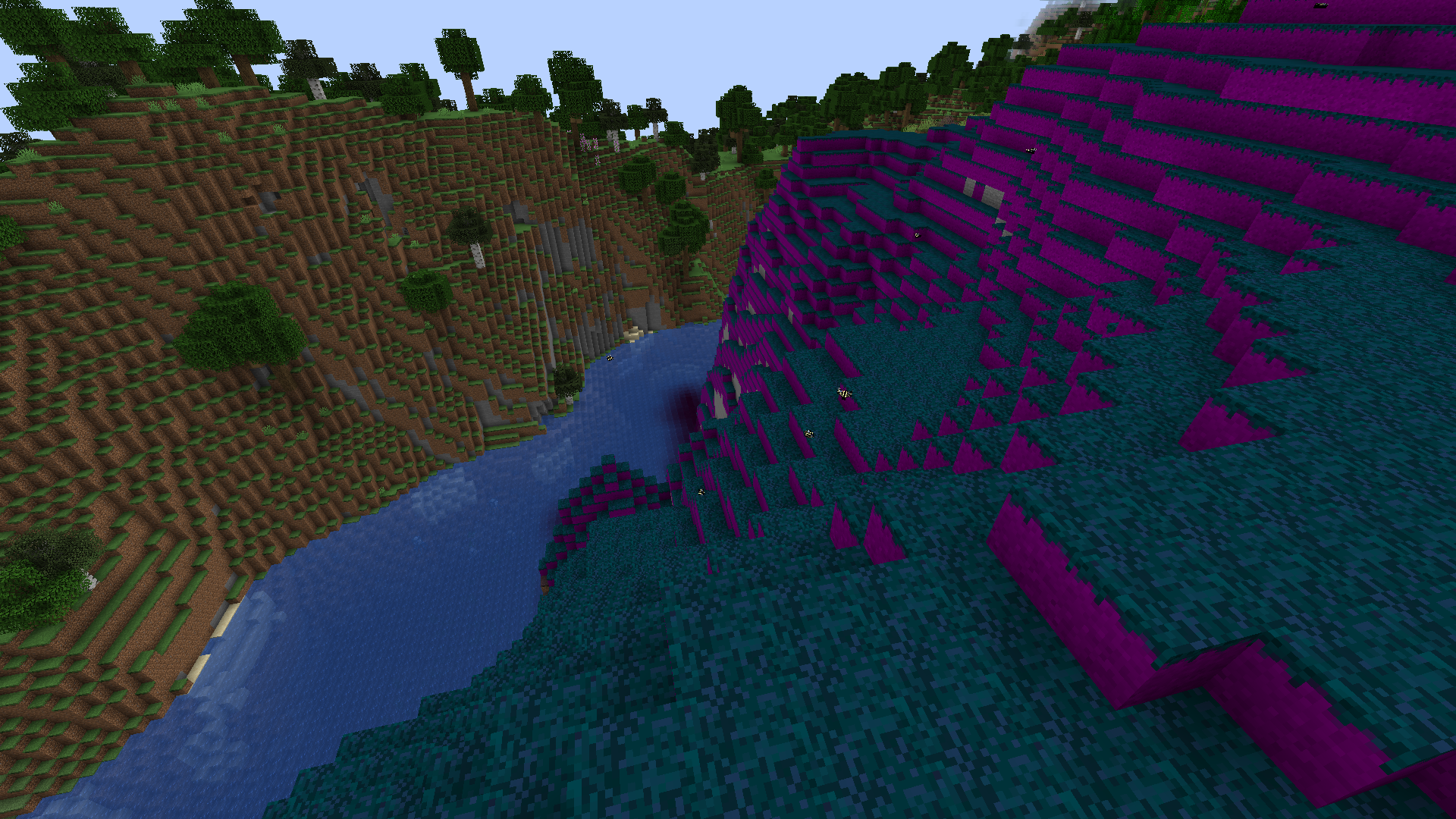
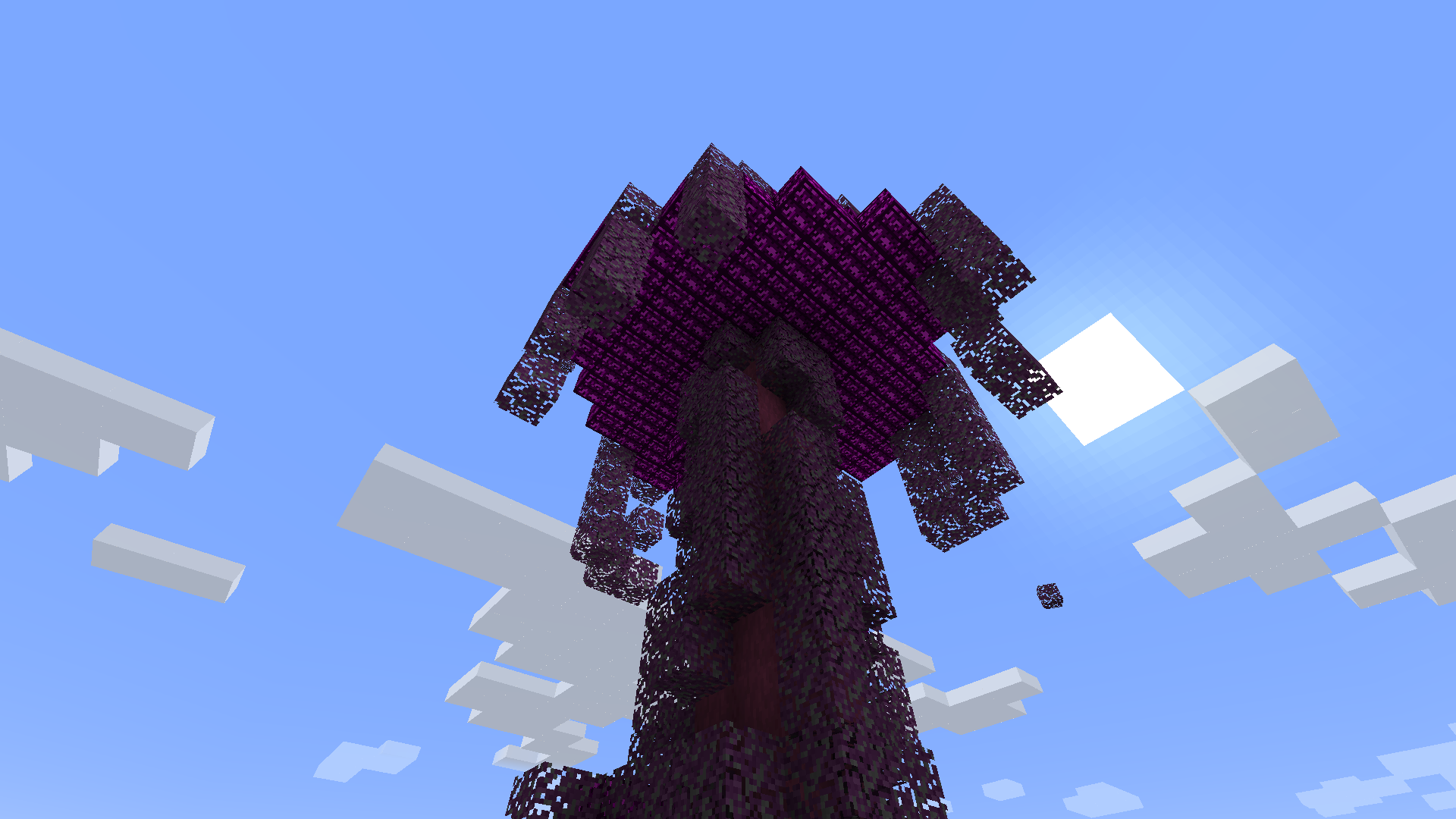
The Butterforest is a new biome made entirely of Buttergrass, with massive trees that have Butterblocks and Butter Leaves growing on them. It is the ideal location to collect Butterberries or to tame Flutters.
- Edition: Minecraft Java
- File type: .jar
- Minecraft version listed: 1.19.2
- How to install: Install the matching mod loader (Forge, Fabric or NeoForge) for your Minecraft version. → Download the .jar. → Put it in the .minecraft/mods folder and launch that loader profile.
- Where to get it: Opens on CurseForge — not every file is mirrored on our own servers.
Install steps are the general flow for this file type — How to install Minecraft Java mods & modpacks walks through it step by step.
- Ships as ButterflyBliss_1.19.2.jar — drop this file into the mods folder
- Download size: 184 KB
- Download link checked 7 Nov 2026 — working
These come from our own check of the pack file, not from the source page.