What is 'Stone'? (Colorful Caves)
Java mod listed for Minecraft 1.19–1.20. Downloads from the MC Java Mods app on Android.
I don't know my version or loader
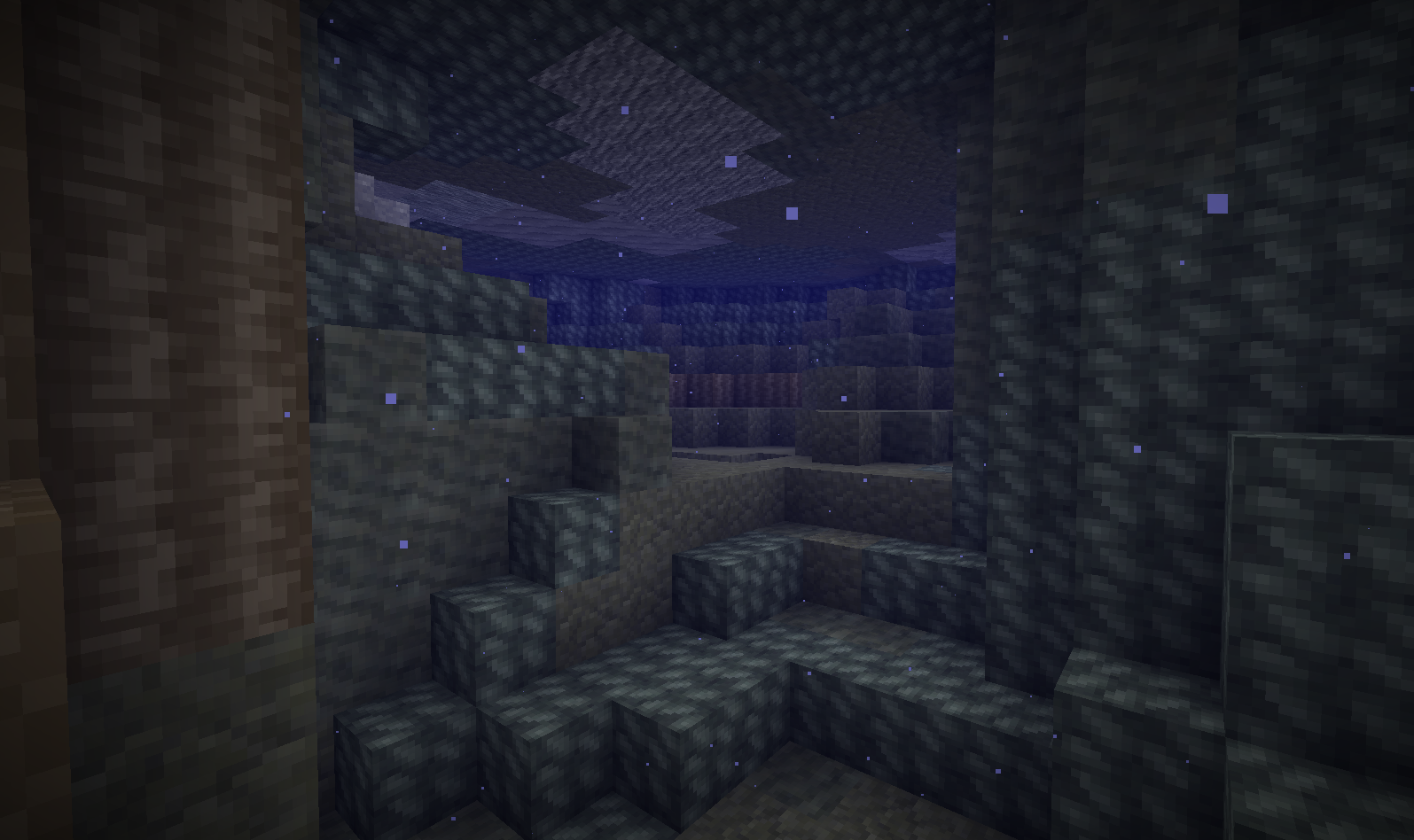
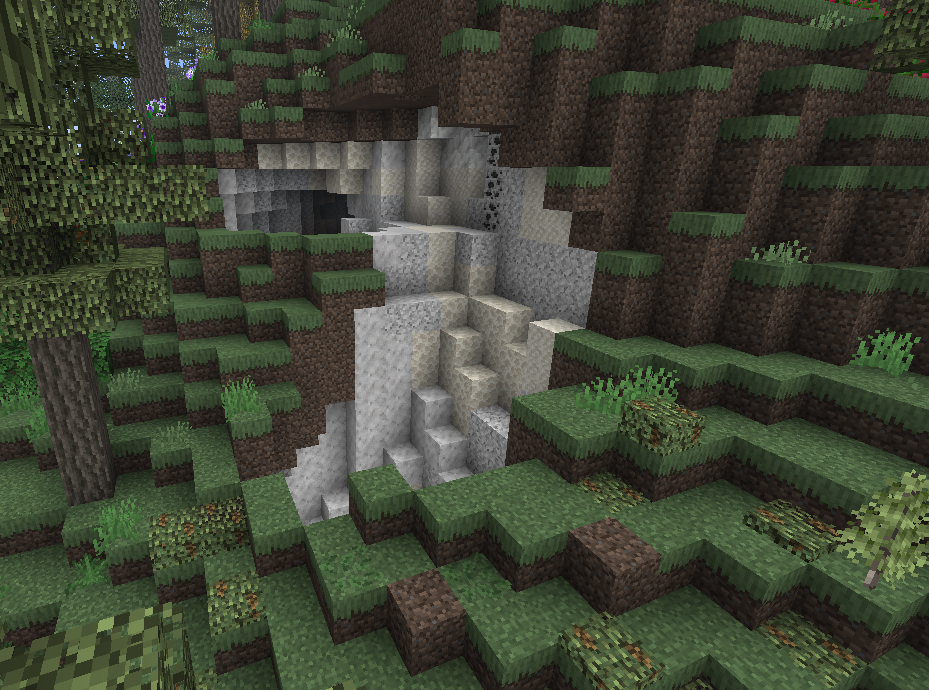
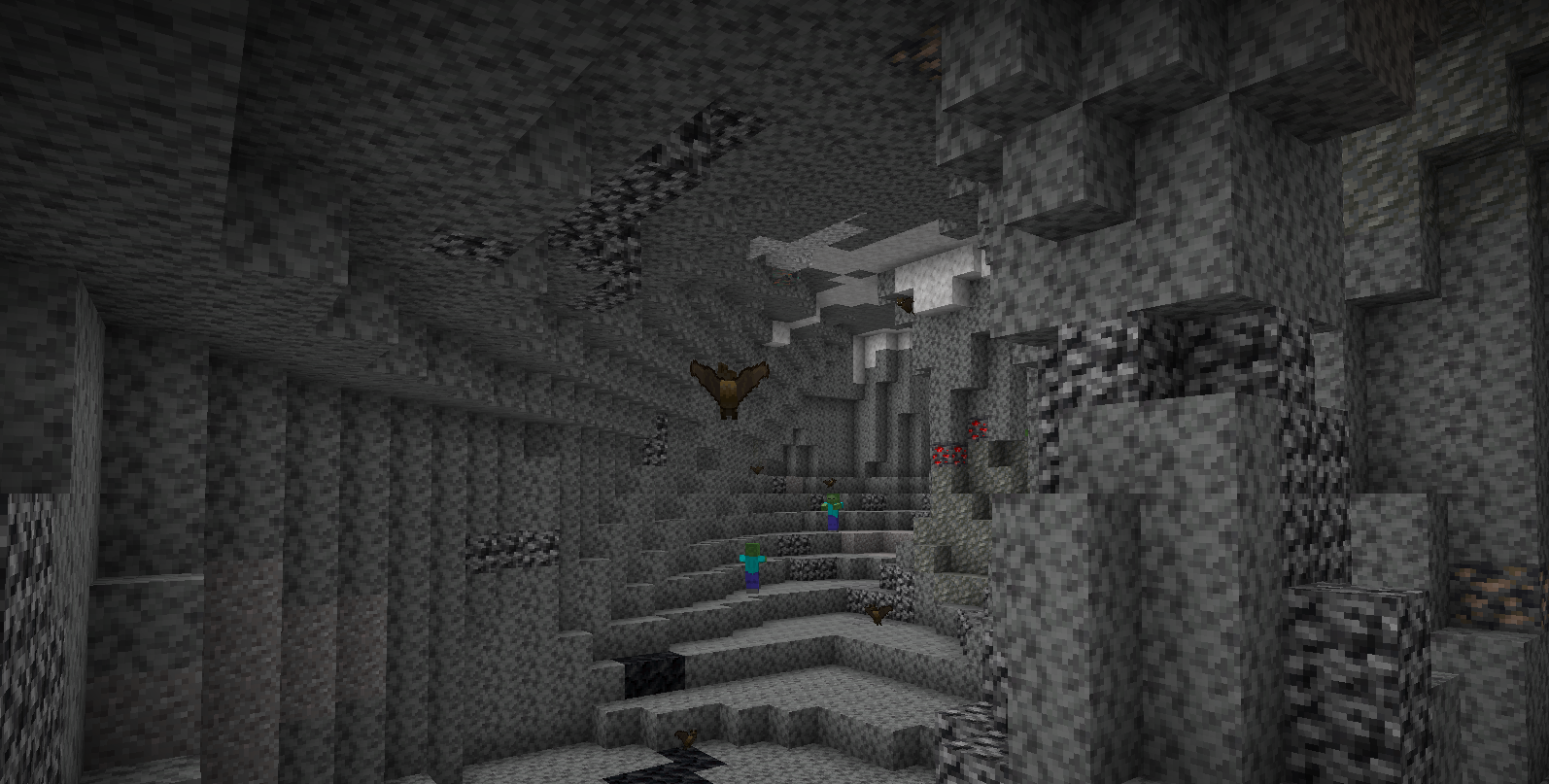


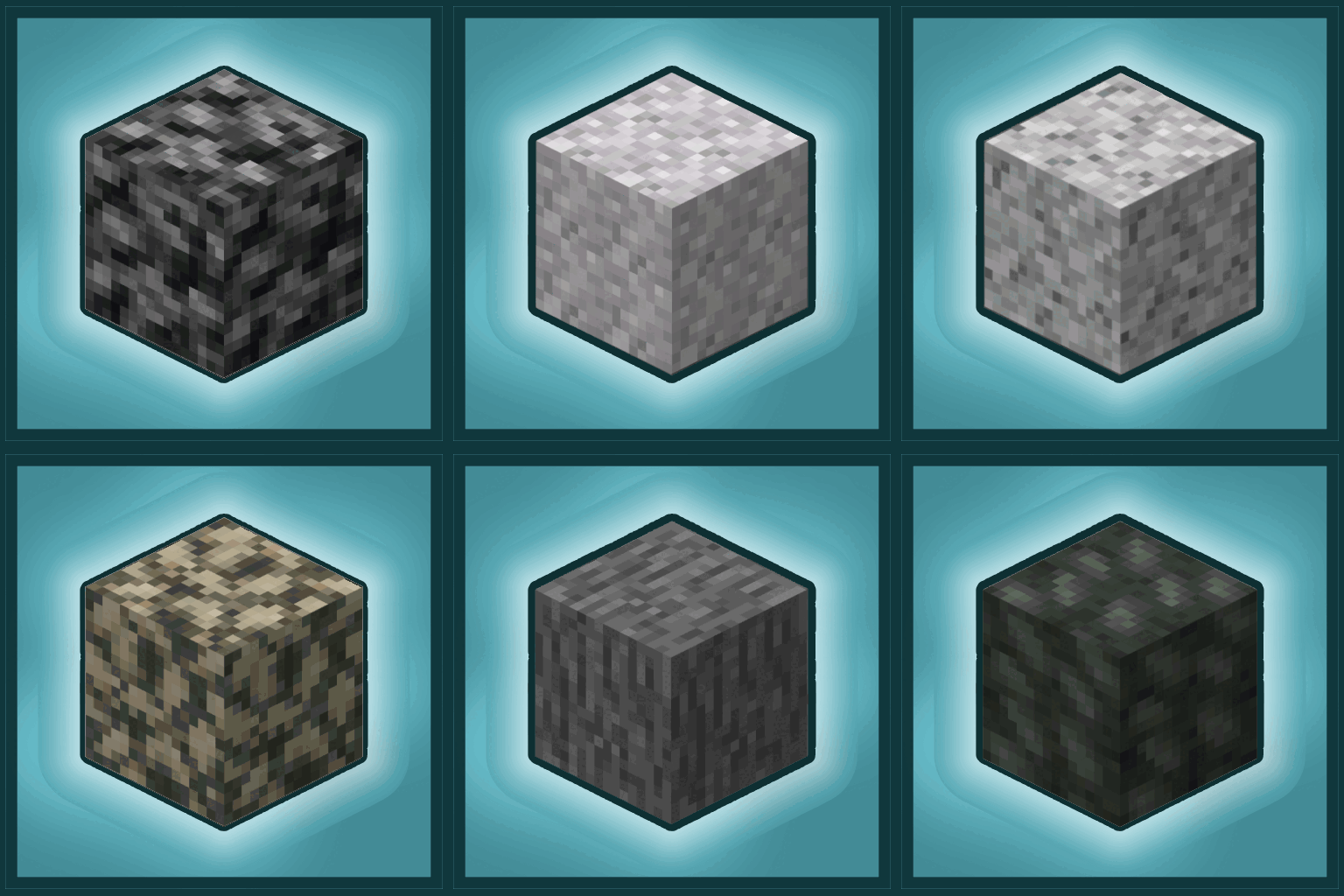
I've always found it weird that Minecraft just has a block called 'Stone'. What a generic term, and you're using it to cover so many different types of stone.
This is not doing real caves justice.


To fix this, we replaced all stone blocks with real life variants!
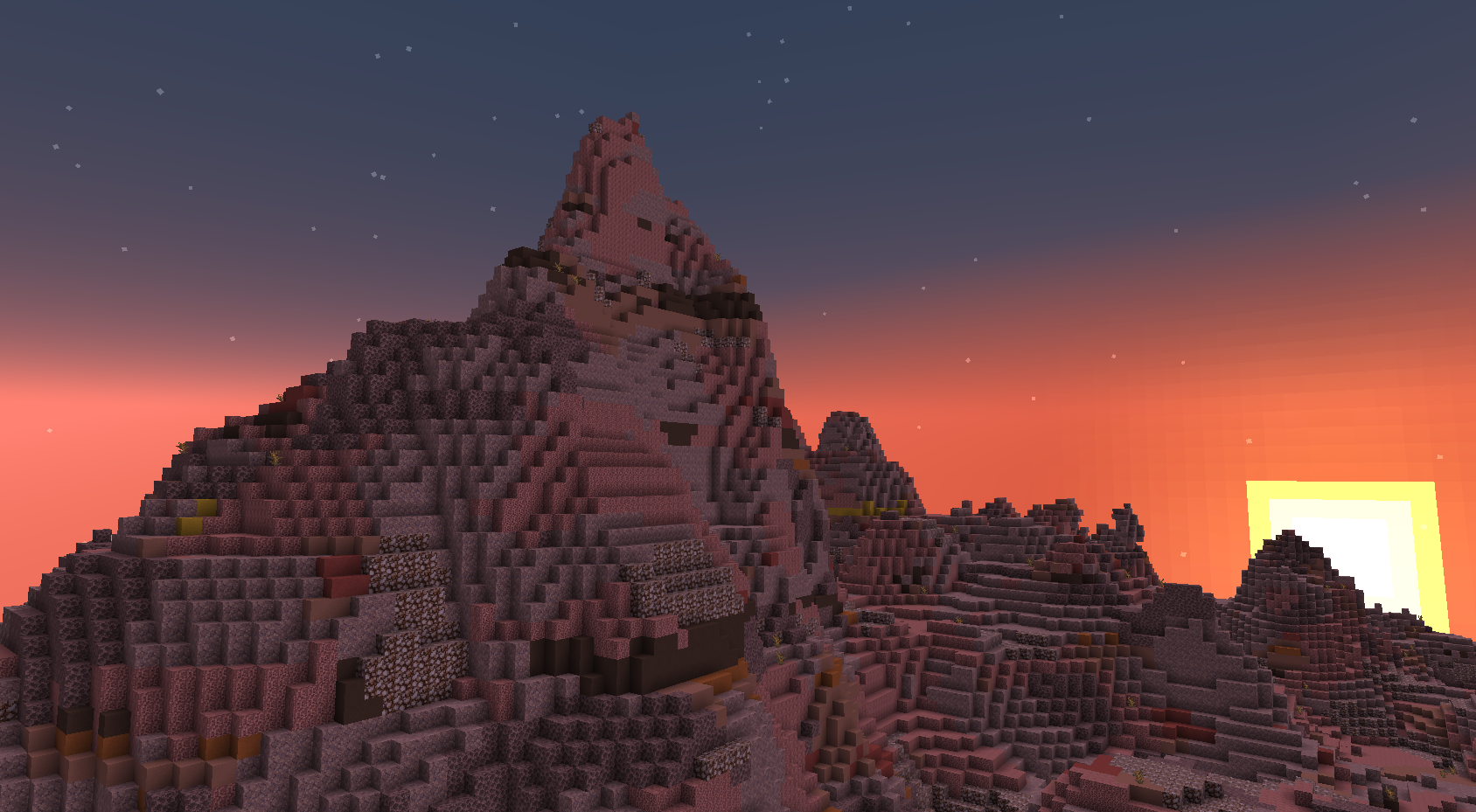
Not only that, but badlands biomes get a minor overhaul with new blocks replacing most terracotta blocks!
Now, there are a few potential issues with this mod. Luckily, I have done my best to tackle them all:
- I can't craft things with these modded blocks! How am I supposed to get stone?
I have added Forge tags that should allow you to craft stone tools, furnaces, etc. For other recipes, you can convert stone variants into cobblestone by placing 4 in your crafting inventory.

- There are way too many blocks and it's clogging up my inventory!
Once again, you can convert groups of any 4 stone variants into cobblestone using your crafting inventory. Additionally, you could use bundles, backpack mods, chests, or shulker boxes to store your blocks if you don't want to convert them.
You have full permission to use this mod in your modpack(s)! Credit is appreciated ^^
Now with Excavated Variants Compatibility!
(Click show for instructions)
In your globalresources folder, do the following:
- create a folder (the name doesn't matter)
- in this folder, create a folder named 'excavated_variants'
- in this folder, create a folder named 'what_is_stone'
- in this folder, create a folder named 'variants'
- add this file to the folder: https://drive.google.com/file/d/1RavcQrpKi72DZtyg-1-hahw0IX50vPOH/view?usp=sharing

This mod is far from perfect, but I do plan to improve it in several ways:
- Integrate BlockSwap mod or something similar to fully replace stone (world gen may still produce stone in rare instances)
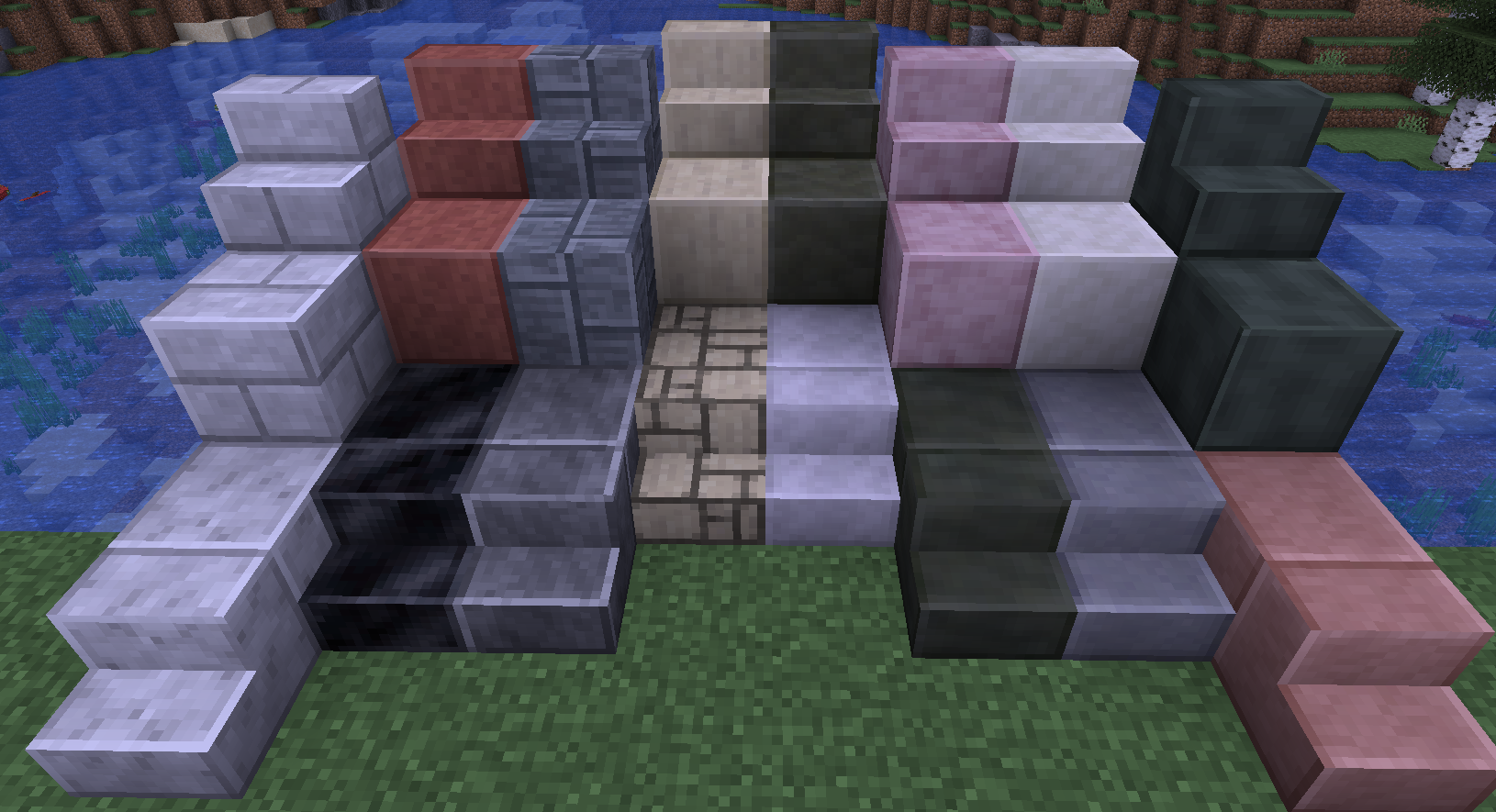
- Add more decorative building blocks (polished, brick, chiseled variants + stairs & slabs)
- Add cobblestone counterparts to some blocks
- Add more stone variants
- Remake some textures
- Add ores/alloys w/compatibility for other mods
- Separate furnace variant mod with compatibility for other mods, including this one
- Port/Backport to other versions, likely 1.18.2, 1.19.4, or 1.16.5 (Leave a comment so I know what's in the highest demand!)
- Fabric port (Maybe)
- Add compatibility to other mods, including (sorted high to low priority):
- Excavated Variants
- Any decoration mod with Stone decor in it
- Vertical Slabs Compat (I find this obsolete when the Additional Placements mod exists)

- The creators of the Unearthed Mod, for being a huge inspiration for me
- The developers of MCreator, for providing an insanely helpful tool
- All of you, for downloading my mod :D

Please leave suggestions in the issues tab, your feedback and ideas are of high value to me!
- Edition: Minecraft Java
- File type: .jar
- Minecraft versions listed: 1.20, 1.20.4, 1.19
- How to install: Install the matching mod loader (Forge, Fabric or NeoForge) for your Minecraft version. → Download the .jar. → Put it in the .minecraft/mods folder and launch that loader profile.
- Where to get it: Opens on CurseForge — not every file is mirrored on our own servers.
Install steps are the general flow for this file type — How to install Minecraft Java mods & modpacks walks through it step by step.
- Ships as What-Is-Stone_1.19.4_FORGE_v1.0.jar — drop this file into the mods folder
- Download size: 807 KB
- Download link checked 26 Sept 2026 — working
These come from our own check of the pack file, not from the source page.