CameraNoClip
Java mod listed for Minecraft 1.19–1.20. Downloads from the MC Java Mods app on Android.
I don't know my version or loader
CameraNoClip - Enhanced Third-Person View in Minecraft! (Fabric & Forge)
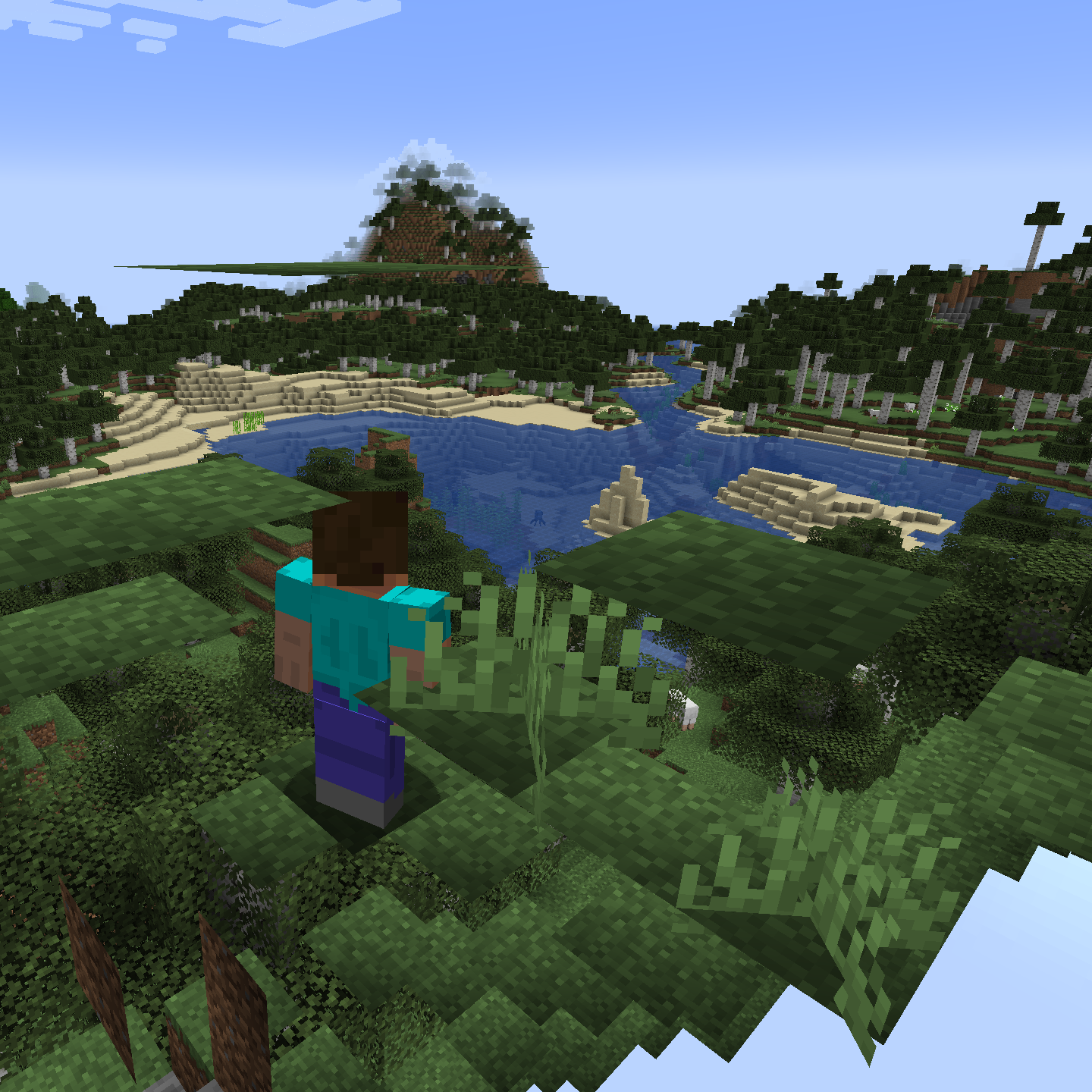
Are you tired of the annoying camera snapping effect in third-person mode? Say goodbye to those sudden zooms and enjoy a smooth, immersive experience with the CameraNoClip mod for Minecraft - with both Fabric and Forge support!
Originally a popular feature in the Wurst Client, CameraNoClip now comes as a standalone mod, allowing your camera in third-person mode to move around freely without snapping to nearby blocks and entities. This significantly improves user comfort, especially in crowded areas, where the camera would otherwise zoom in and out abruptly.

Not only does this mod improve your overall gameplay experience, but it can also be used to see through blocks at certain angles. However, if you're specifically looking for that feature, you might want to try the Wurst Client itself instead, which offers more powerful features like Freecam, CaveFinder, and X-Ray.
Don't let the camera snapping effect ruin your Minecraft experience any longer! Download the CameraNoClip mod today and enhance your third-person view like never before!
Features
- Removes the annoying camera snapping effect in third-person mode
- Allows the camera to move around freely, without snapping to nearby blocks and entities
- Improves user comfort during gameplay
- Compatible with both Fabric and Forge
Installation
- Download the CameraNoClip mod for your desired mod loader (Fabric or Forge)
- Place the downloaded .jar file in your Minecraft mods folder
- Launch Minecraft with the corresponding mod loader and enjoy your enhanced third-person view!
Important Notes
- This mod is client-side only, meaning it does not need to be installed on a server for you to enjoy its benefits.
- Make sure you have the latest version of Fabric or Forge installed for your Minecraft version.
- Edition: Minecraft Java
- File type: .jar
- Minecraft versions listed: 1.20.2, 1.20.1, 1.20
- How to install: Install the matching mod loader (Forge, Fabric or NeoForge) for your Minecraft version. → Download the .jar. → Put it in the .minecraft/mods folder and launch that loader profile.
- Where to get it: Opens on CurseForge — not every file is mirrored on our own servers.
Install steps are the general flow for this file type — How to install Minecraft Java mods & modpacks walks through it step by step.
- Ships as CameraNoClip-1.0pre2-MC1.19.x-Fabric.jar — drop this file into the mods folder
- Download size: 5 KB
- Download link checked 26 Sept 2026 — working
These come from our own check of the pack file, not from the source page.