Armor Trims Backport
Java mod listed for Minecraft 1.16–1.19. Downloads from the MC Java Mods app on Android.
I don't know my version or loader
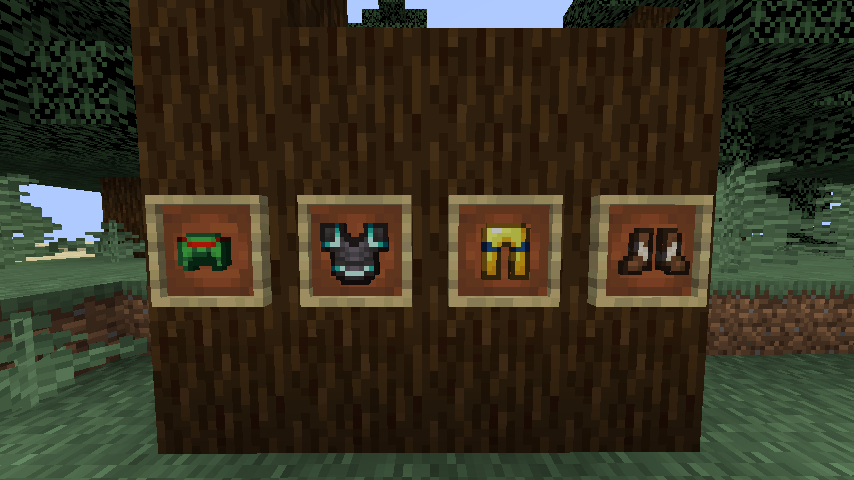
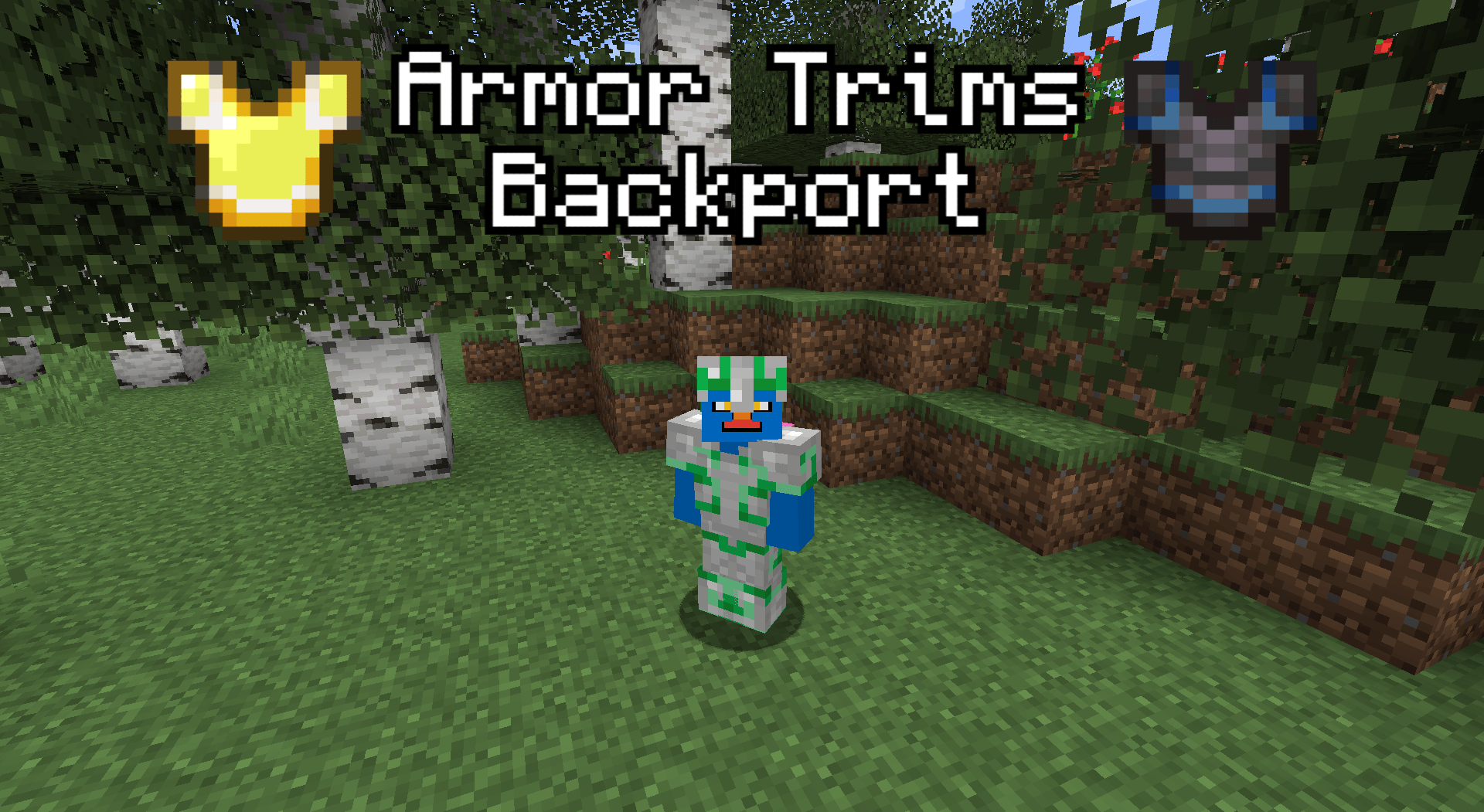

Armor Trims Backport allows you to decorate your armor with various materials.
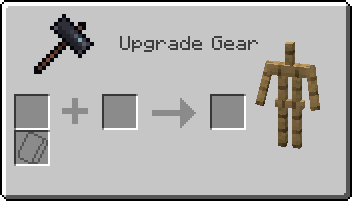
When interacting with a smithing table, this is what you'll see instead of the normal GUI:
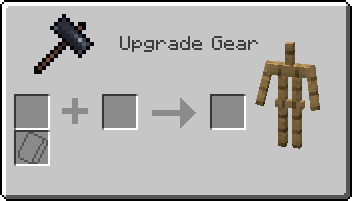
Regular smithing recipes can still be laid out as normal, ignoring the smithing template slot.
This excludes netherite upgrading—which has been disabled in favor of the Netherite Upgrade Smithing Template, but can be reenabled if you so desire.
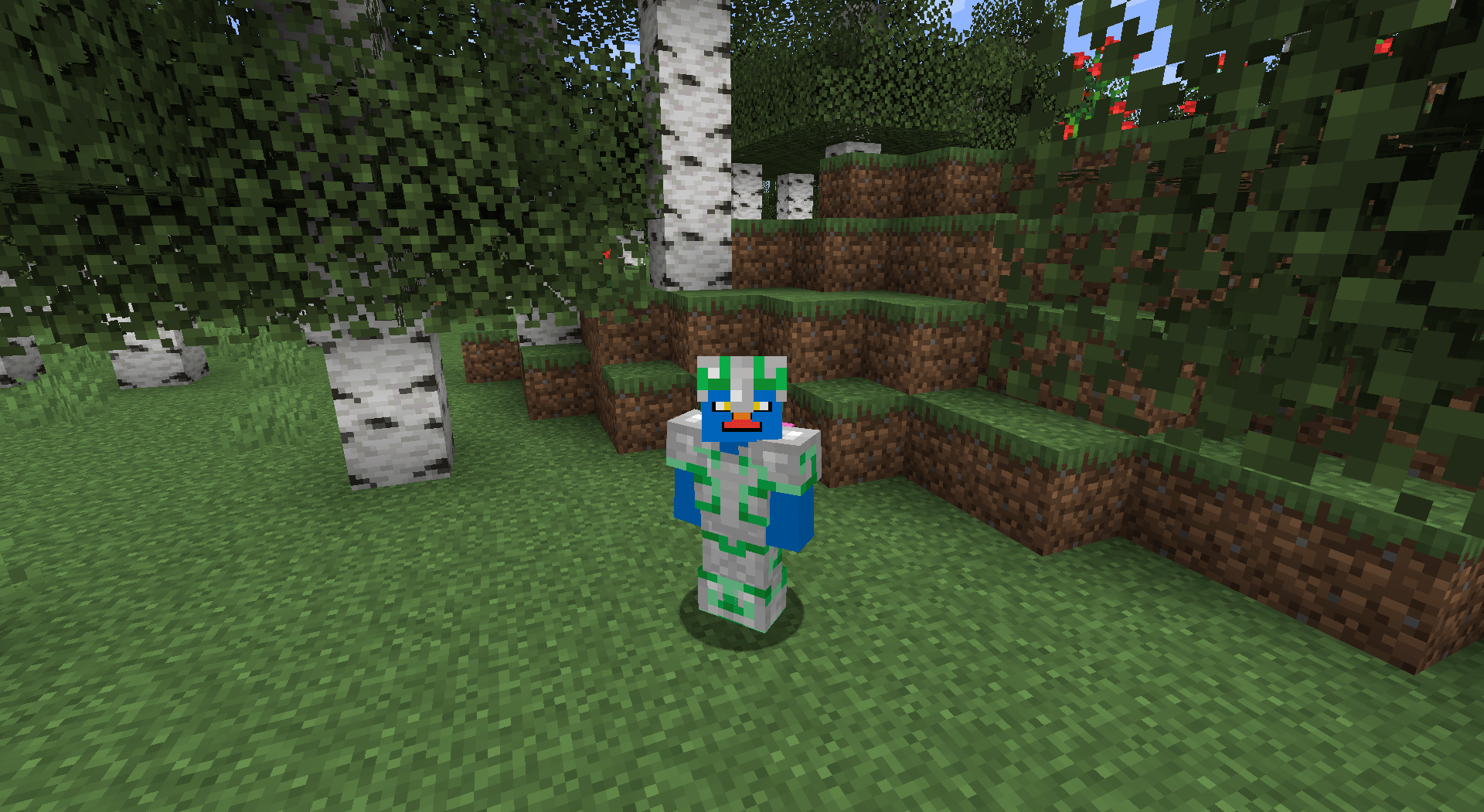
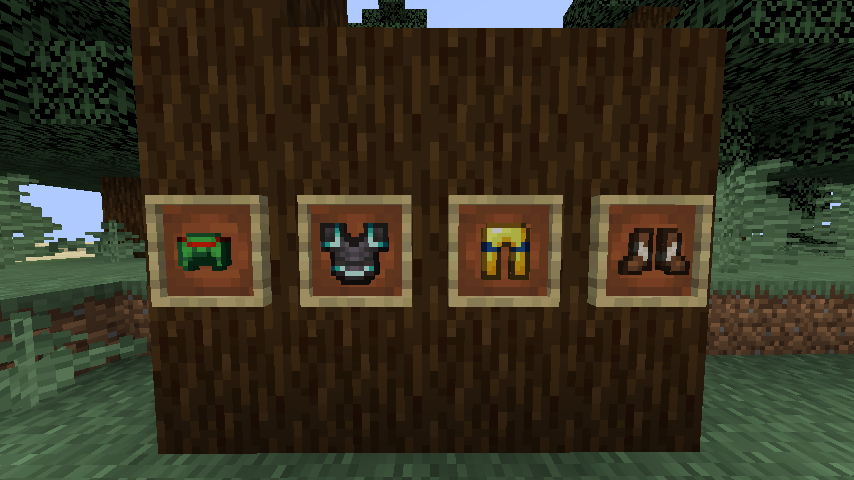
Trims are visible on the player (obviously) and are also displayed on the item. 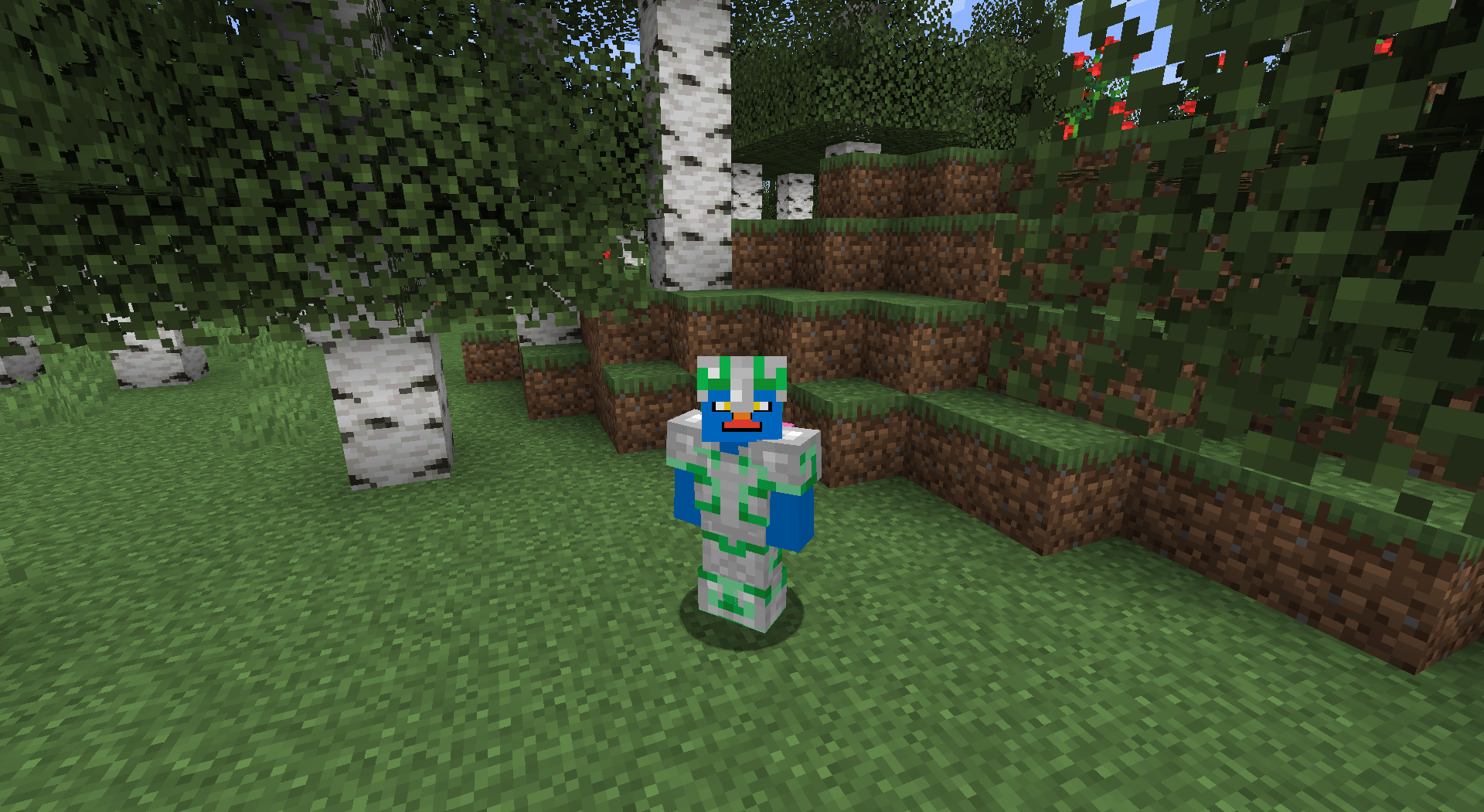
- Edition: Minecraft Java
- File type: .jar
- Minecraft versions listed: 1.19.2, 1.18.2, 1.16.5
- How to install: Install the matching mod loader (Forge, Fabric or NeoForge) for your Minecraft version. → Download the .jar. → Put it in the .minecraft/mods folder and launch that loader profile.
- Where to get it: Opens on CurseForge — not every file is mirrored on our own servers.
Install steps are the general flow for this file type — How to install Minecraft Java mods & modpacks walks through it step by step.
- Ships as armor_trims-fabric-1.19.2-2.0.1.jar — drop this file into the mods folder
- Download size: 200 KB
- Download link checked 26 Sept 2026 — working
These come from our own check of the pack file, not from the source page.