
Comfy Cobble Creatures
Java modpack listed for Minecraft 1.19. Downloads from the MC Java Mods app on Android.
⬇ Download on CurseForgeThe author built this one for Minecraft 1.19.2 on Forge. On other versions it may install and then do nothing.
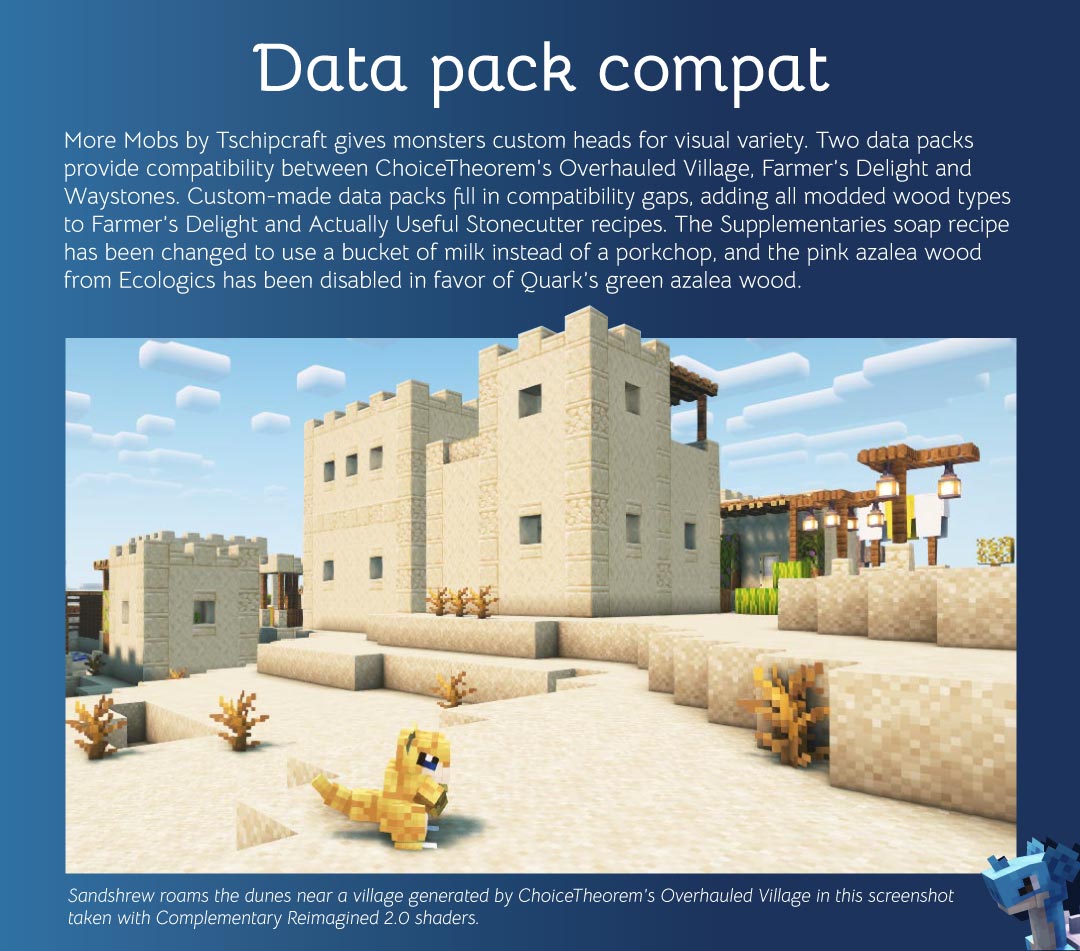

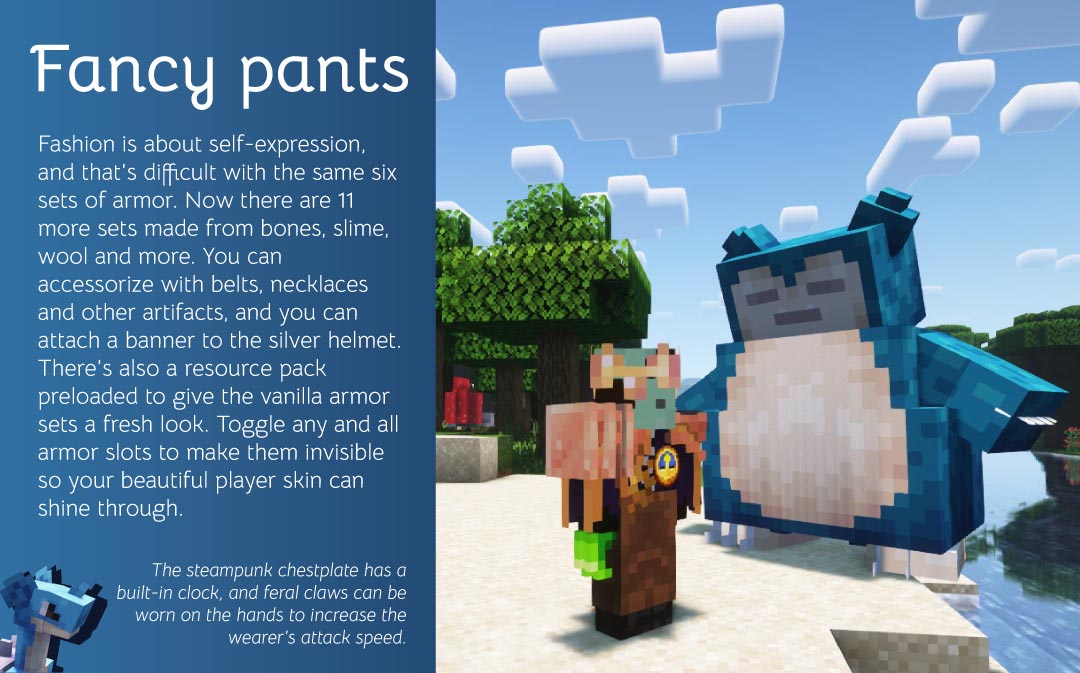
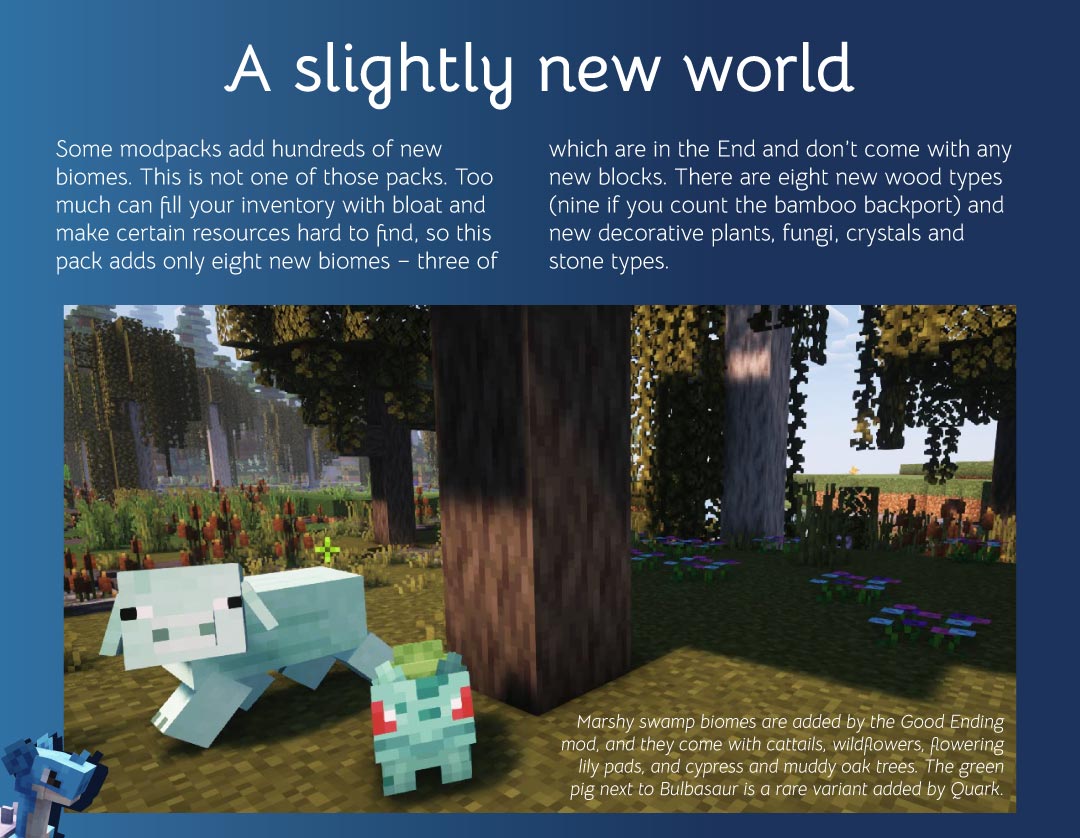

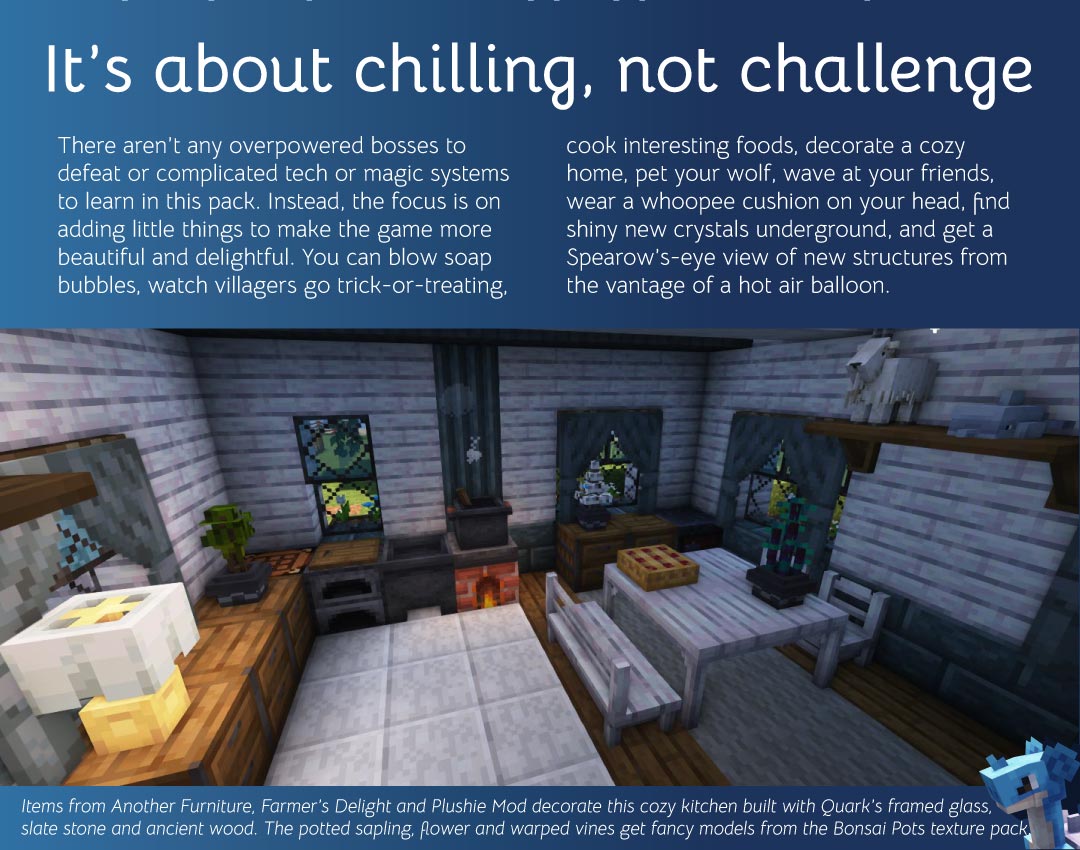
Blocky monsters are just the beginning in this modpack designed to make gameplay relaxing and friendly. Players will begin with a starter kit to ease the early-game grind, including a quest book to help navigate the new features. The 151 mods are carefully balanced for compatibility, performance optimization, cosmetics and quality-of-life improvements, as well as a healthy helping of new structures, blocks and mechanics.
Try these textures
Players are encouraged to load their own favorite texture packs (Vanilla Tweaks, Unown Language and Vanilla-like 3D Bottles are highly recommended!), but a few vanilla-friendly ones are built in for convenience. Bonsai Trees by sammydoodelw adds 3D models for potted saplings and flowers. Crops 3D by NinthWorld adds 3D models for crops, flowers and other plants. Detail Brush by vectorwing, the same author of Farmer’s Delight, makes a few subtle changes to item sprites. Eclectic Trove by Grend_G adds fancy borders to tooltips. Katu’s Carpets and Rugs by HeyKatu adds woven designs to carpet. Maxi’s JourneyMap Cobblemon Minimap Icons by Maxitotito is probably self-explanatory. More Hanging Roots and More Nether Roots by TinyDaggsy add subtle variety to those textures. New Style Squid, also by TinyDaggsy, alters the squid texture to be a bit more detailed. Refined Armor, another by vectorwing, redesigns the vanilla armor sets. And Sully’s Peeves by GoesBySully makes subtle texture changes for consistency and legibility. You can disable any of these by removing them from the resourcepacks folder within the paxi folder that is located in the config folder. The modpack includes Oculus, so you can load shader packs if your machine can handle it. Complementary Reimagined 2.0 fits well and is one of the best-optimized shader packs available.
- Edition: Minecraft Java
- File type: .jar
- Minecraft version listed: 1.19.2
- How to install: Install the matching mod loader (Forge, Fabric or NeoForge) for your Minecraft version. → Download the .jar. → Put it in the .minecraft/mods folder and launch that loader profile.
- Where to get it: Opens on CurseForge — not every file is mirrored on our own servers.
Install steps are the general flow for this file type — How to install Minecraft Java mods & modpacks walks through it step by step.
- Downloads as Comfy Cobblemon-1.02.zip
- Download size: 3.5 MB
- Download link checked 27 Sept 2026 — working
These come from our own check of the pack file, not from the source page.