ModsJava
Classic MC Icon
Java mod listed for Minecraft 1.16–1.21. Downloads from the MC Java Mods app on Android.
I don't know my version or loader
Open the Minecraft launcher and look at the profile you play on — it names both, like fabric-loader-1.21.4. The version also shows in the bottom-right corner of the game's main menu.
No loader in the profile name? Then it's plain Minecraft, and these mods won't run — you need Fabric or NeoForge installed first.
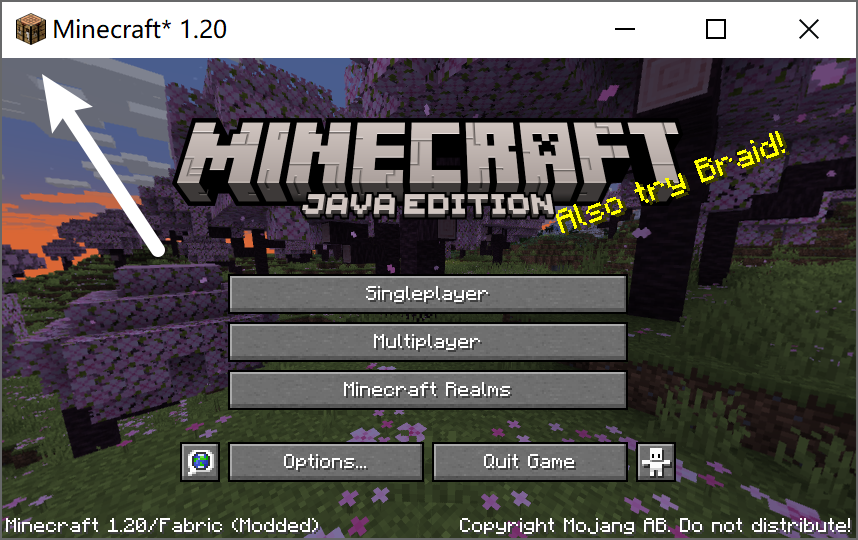
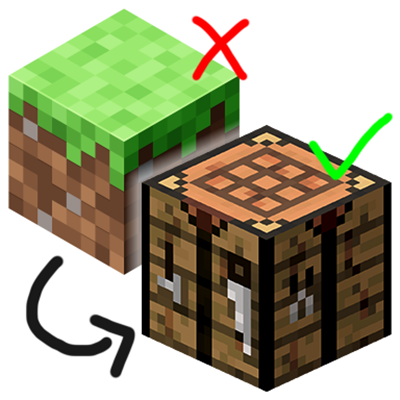
The icon for the Minecraft game window was changed from a crafting table to a grass / dirt block during the 1.20 release. This change affects all Minecraft versions, not just 1.20, which breaks how Minecraft should feel like
Here's a simple client-side mod to revert that change. Yes, the classic Minecraft icon is back!
This mod is client-side only and requires only the Fabric loader. It supports all Minecraft versions since 1.14
Quick facts
- Edition: Minecraft Java
- File type: .jar
- Minecraft versions listed: 1.21.3, 1.21.2, 1.21
- How to install: Install the matching mod loader (Forge, Fabric or NeoForge) for your Minecraft version. → Download the .jar. → Put it in the .minecraft/mods folder and launch that loader profile.
- Where to get it: Opens on CurseForge — not every file is mirrored on our own servers.
Install steps are the general flow for this file type — How to install Minecraft Java mods & modpacks walks through it step by step.
File checked by MCModsHub
- Ships as classic-minecraft-icon-v1.1.8-mc26.1.2.jar — drop this file into the mods folder
- Download size: 257 KB
- Download link checked 26 Sept 2026 — working
These come from our own check of the pack file, not from the source page.