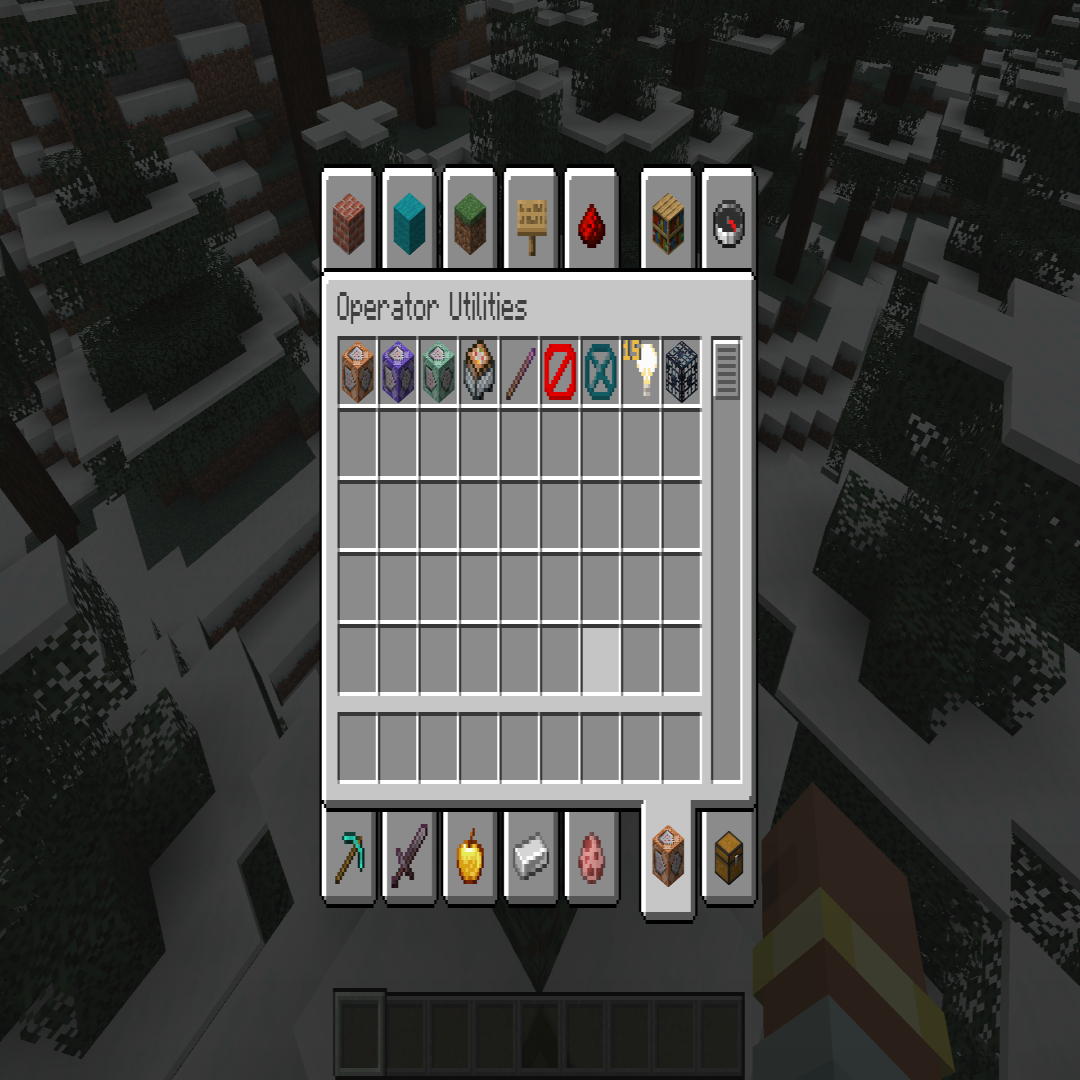
Creative Mode Utilities
Java mod listed for Minecraft 1.19. Downloads from the MC Java Mods app on Android.
This mod enhances the Creative Mode experience by introducing a variety of command block-related items, allowing players to easily access and utilize them…
⬇ Download on CurseForgeThe author built this one for Minecraft 1.19.4 on Forge. On other versions it may install and then do nothing.
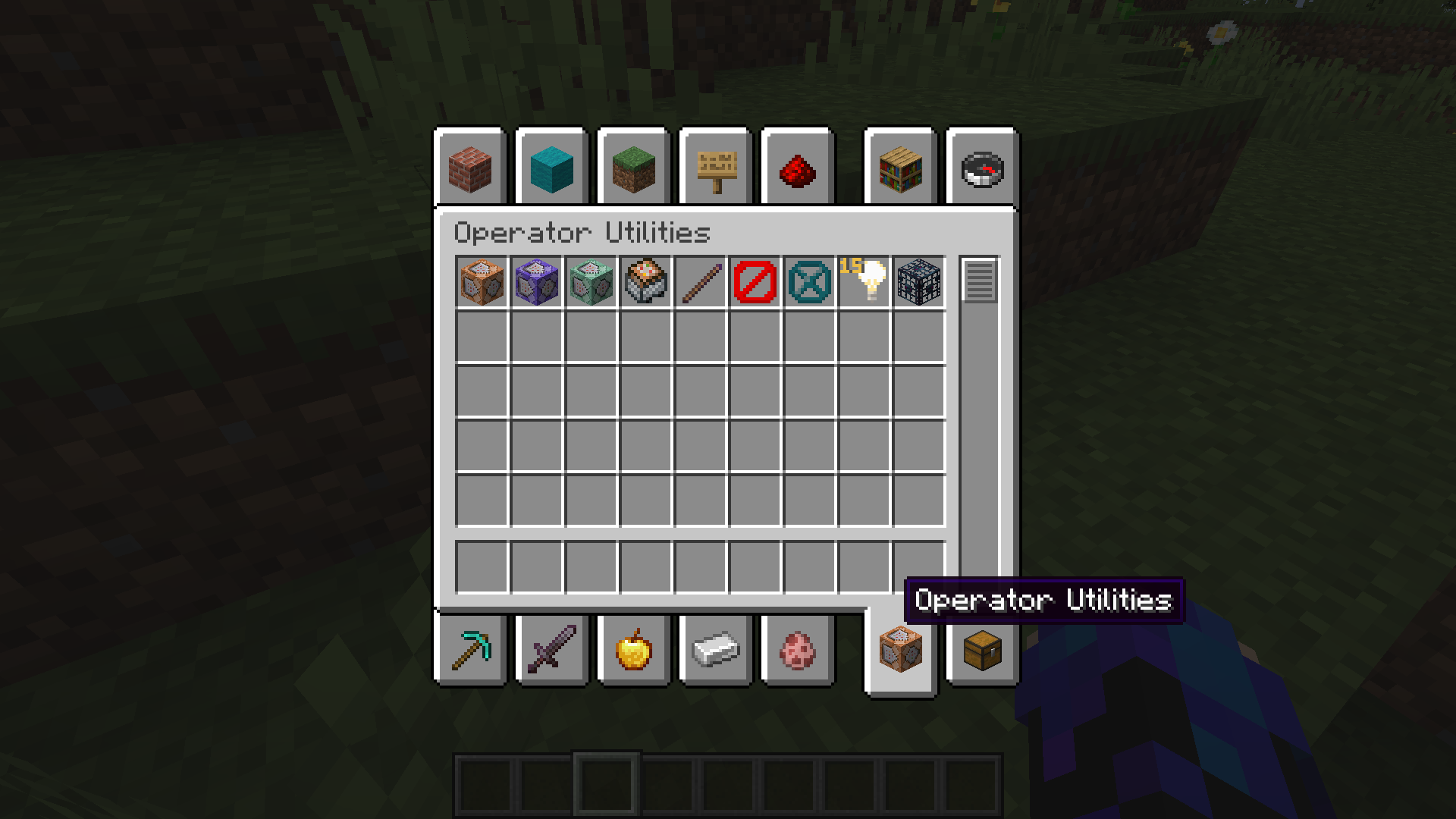
This mod aims to elevate the Creative Mode gameplay by introducing a new Creative Mode tab that offers a selection of command block-related items. With these additions, players can enhance their creative building, world customization, and automation projects without the need for manual command input.
The mod includes several key items that empower players to harness the power of command blocks in a user-friendly manner. These items include the Command Block, which allows players to execute complex commands with ease; the Repeating Command Block, capable of repeatedly running commands at specified intervals; and the Chain Command Block, enabling the creation of intricate command chains.
Additionally, the mod introduces the Command Block Minecart, enabling the mobility of command blocks within the game world, and the Debug Stick, a powerful tool for modifying and testing command block behaviors effortlessly.
To further enrich the Creative Mode experience, the mod incorporates the Light Block, providing players with a versatile lighting option for their creations, and the Barrier Block, allowing for the creation of impassable barriers in-game. Furthermore, the Structure Void Block provides a useful tool for modifying or removing specific elements within structures, while the Spawner item empowers players to customize mob spawning mechanics effortlessly.
By offering a dedicated Creative Mode tab with these command block-related items, this mod simplifies the process of accessing and utilizing command blocks. Players no longer need to rely solely on the /give command, saving time and effort while enabling the realization of complex ideas within the game.
In summary, this mod enhances the Creative Mode experience by providing a convenient and intuitive way to access and utilize command blocks and related items. It empowers players to unleash their creativity, experiment with advanced commands, and automate various aspects of their Minecraft worlds without the need for manual command inputs.
- Edition: Minecraft Java
- File type: .jar
- Minecraft version listed: 1.19.4
- How to install: Install the matching mod loader (Forge, Fabric or NeoForge) for your Minecraft version. → Download the .jar. → Put it in the .minecraft/mods folder and launch that loader profile.
- Where to get it: Opens on CurseForge — not every file is mirrored on our own servers.
Install steps are the general flow for this file type — How to install Minecraft Java mods & modpacks walks through it step by step.
- Ships as creativemodetabplus-1.0-SnapShot.jar — drop this file into the mods folder
- Download size: 4 KB
- Download link checked 17 Oct 2026 — working
These come from our own check of the pack file, not from the source page.