ModsJava
HammerMultipart
Java mod listed for Minecraft 1.20–1.21. Downloads from the MC Java Mods app on Android.
I don't know my version or loader
Open the Minecraft launcher and look at the profile you play on — it names both, like fabric-loader-1.21.4. The version also shows in the bottom-right corner of the game's main menu.
No loader in the profile name? Then it's plain Minecraft, and these mods won't run — you need Fabric or NeoForge installed first.

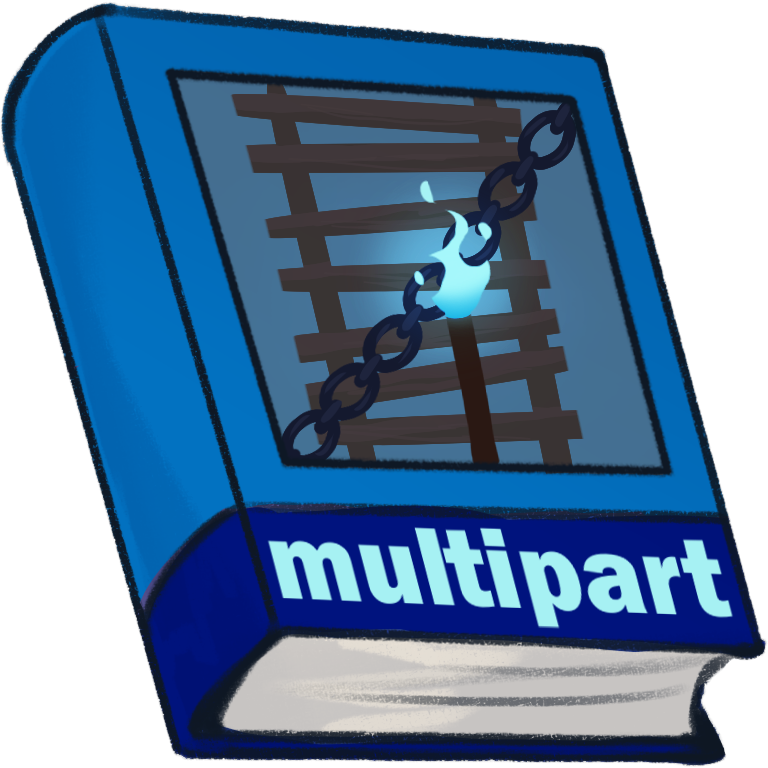
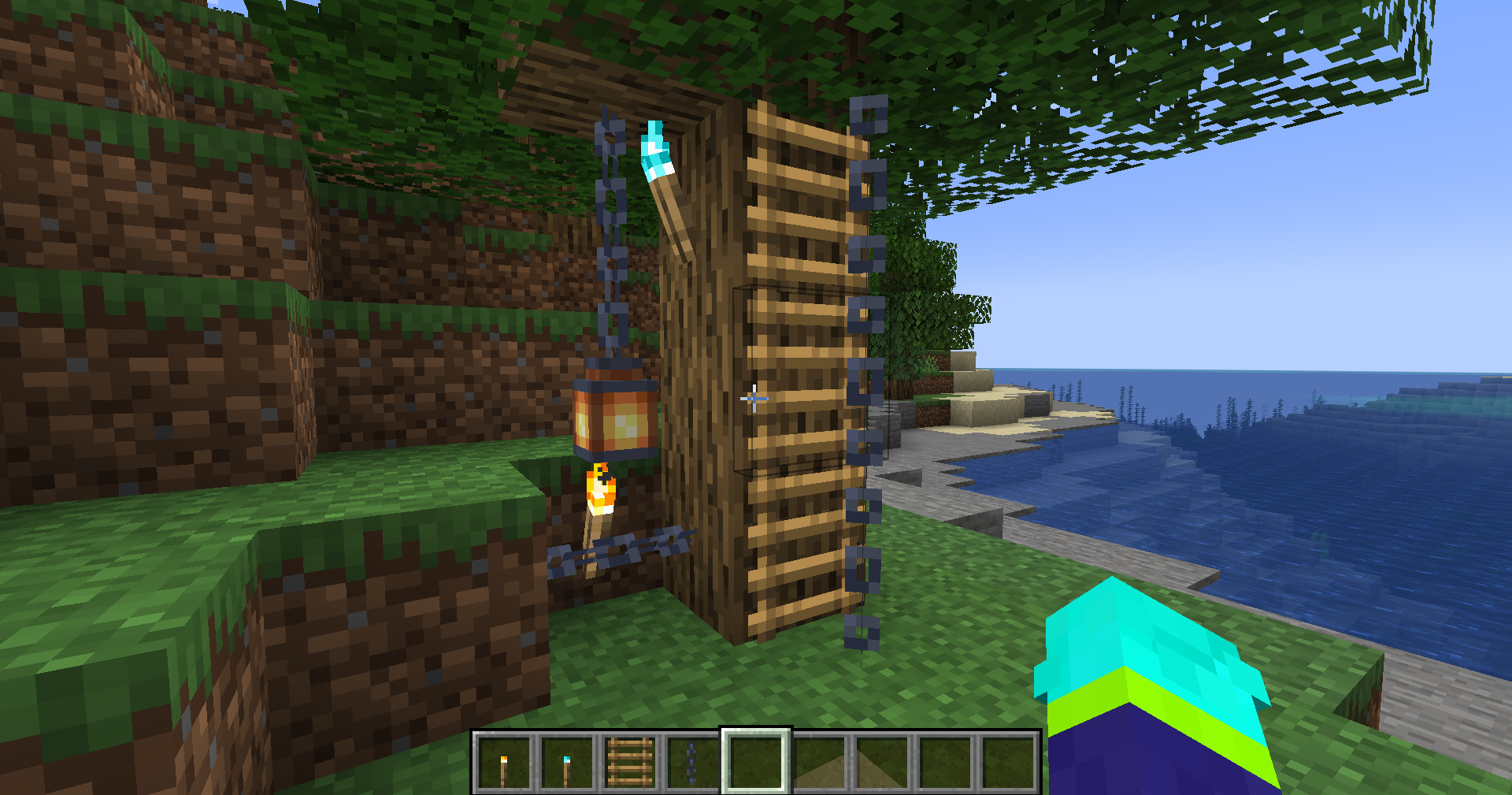
This mod is a simple library/utility mod for creating multipart blocks, rendering, interaction and all things you would expect from a multipart API.
Requires  Hammer Lib.
Features:
- Multiple Parts: Allows placing multiple parts within a single block.
- Custom Renderers: Provides custom renderers to display the multipart block visually.
- Models: Supports defining custom models for each part of the multipart block.
- Interaction: Allows interaction with individual parts of the block.
- Hitbox Overrides: Enables overriding hitboxes for each part.
- Tickers: Supports adding tickers to control behavior and updates of the multipart block.

Permissions:
- You can use this mod in your modpack.
- Yes, you are allowed to build a mod that requires HammerMultipart, but do not embed it!
- You are not allowed to repost this mod to other sites without providing a CurseForge/Modrinth download link and my permission (
 Zeitheron on Discord)
 - You are not allowed to include this (or any other mods of the DragonForge team) in your own mod. Building add-ons, however, is allowed, but a friendly PM would be good.
Note:
- The only supported version of Minecraft is the latest one that this mod exists for. DO NOT ASK TO DOWNGRADE!

Join the discord server and follow Zeitheron on 
If you would like to support my work, you can become a patron via  Patreon.
Quick facts
- Edition: Minecraft Java
- File type: .jar
- Minecraft versions listed: 1.21, 1.21.1, 1.20.1
- How to install: Install the matching mod loader (Forge, Fabric or NeoForge) for your Minecraft version. → Download the .jar. → Put it in the .minecraft/mods folder and launch that loader profile.
- Where to get it: Opens on CurseForge — not every file is mirrored on our own servers.
Install steps are the general flow for this file type — How to install Minecraft Java mods & modpacks walks through it step by step.
File checked by MCModsHub
- Ships as HammerMultipart-1.20.1-20.1.19.jar — drop this file into the mods folder
- Download size: 210 KB
- Download link checked 17 Oct 2026 — working
These come from our own check of the pack file, not from the source page.