
Ohmega
Java mod listed for Minecraft 1.18–1.21. Downloads from the MC Java Mods app on Android.
I don't know my version or loader
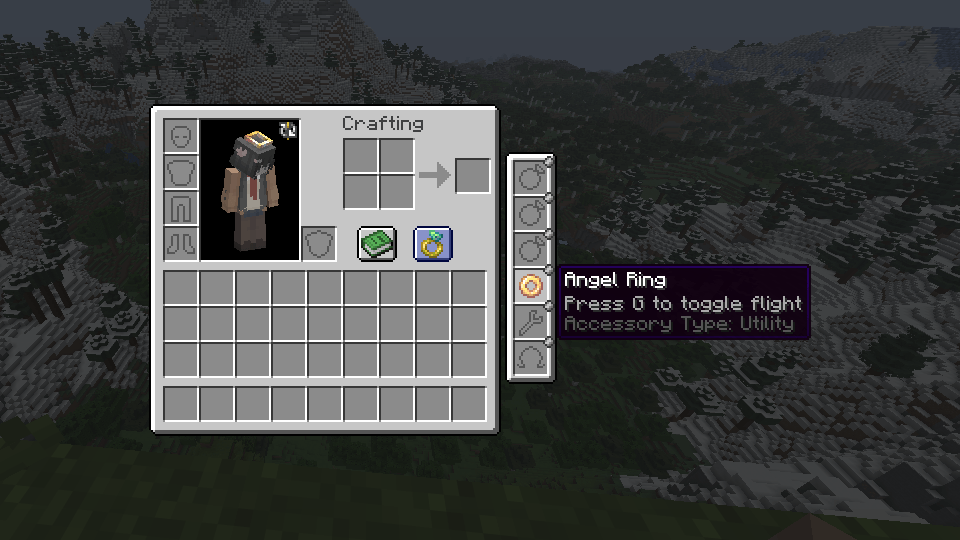
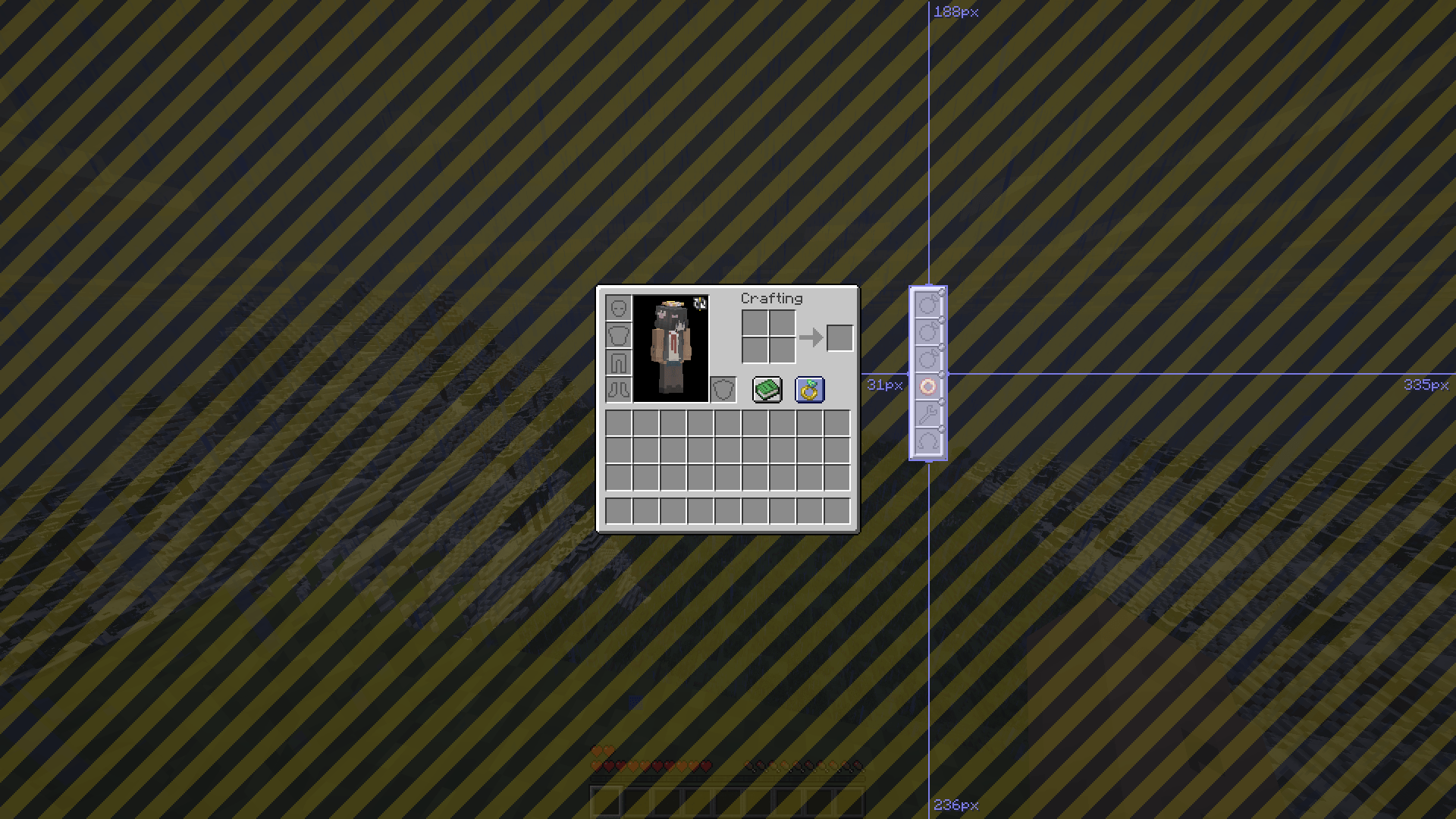
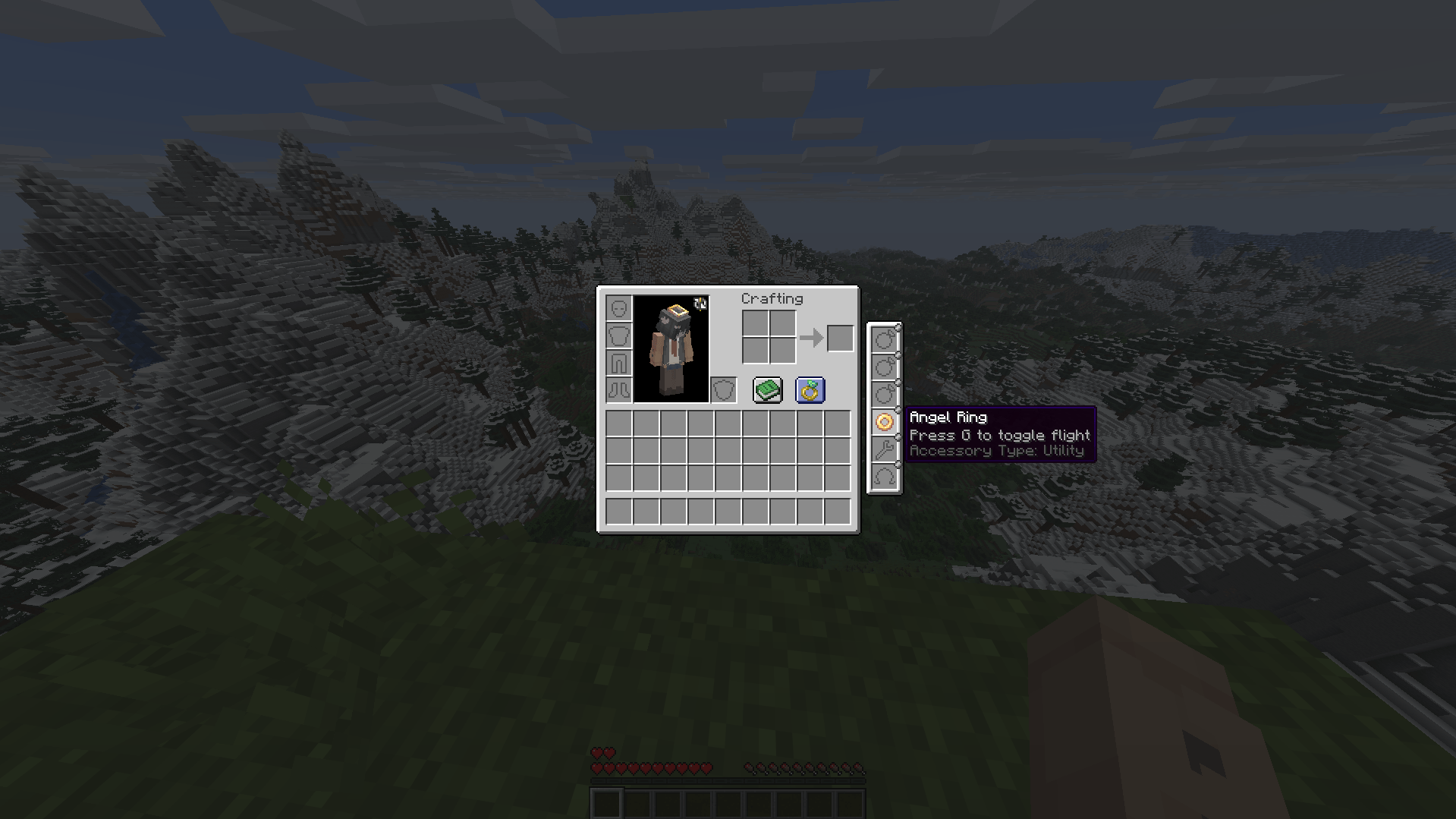
Ohmega
A modernised and lightweight data-driven accessory API for Minecraft, versions 1.18+
This mod aims to be a performant and stable alternative to other accessory API mods, while maintaining a plentiful amount of useful features both for users and developers
If you know another language and have some free time, consider helping to translate the mod here. There aren't too many translations needed per language, and your contributions will be extremely helpful.
Features
The following table describes features and the mod's version requirement in which they can be used. I am very open to feature requests, simply join the Discord and leave a message detailing what you would like to see added/changed, or create an issue report on the GitHub issue tracker.
| Feature | Version | Support / detail | Documentation |
|---|---|---|---|
| Multi-loader | >=1.4 | Fabric, Forge, NeoForge | N/A |
| Accessory rendering | >=1.6 | Broad (exp) | Yes |
| Custom slot types | >=1.3 | Full, data-driven | Yes |
| Data generation | >=1.5.8 | Accessory types, lang | Yes |
| Key-bound slots | Any | Built-in, dynamic | No |
| Accessory events | >=1.1 | Full (>=1.6) | Partial |
| Attribute modifiers | >=1.1 | Full, conditional | Yes |
| Custom screens | >=1.6 | Full (exp) | Yes |
| Configs | >=1.3 | Client & server config | N/A |
| UI Edit Screen | >=1.6 | Complete widget editing | N/A |
The Fabric version depends on the 'Fabric API' and 'Forge Config API Port' mods to function, whereas the Forge and NeoForge versions are standalone
For developers
Read the wiki to learn how to mod with Ohmega, and create your own functional accessories. If you have any questions or need support, join the Discord and leave a message with what you would like to know or need guidance with
- Edition: Minecraft Java
- File type: .jar
- Minecraft versions listed: 1.20.1, 1.21.1, 1.21.11
- How to install: Install the matching mod loader (Forge, Fabric or NeoForge) for your Minecraft version. → Download the .jar. → Put it in the .minecraft/mods folder and launch that loader profile.
- Where to get it: Opens on CurseForge — not every file is mirrored on our own servers.
Install steps are the general flow for this file type — How to install Minecraft Java mods & modpacks walks through it step by step.
- Ships as ohmega-1.5.20-neoforge+1.21.1.jar — drop this file into the mods folder
- Download size: 165 KB
- Download link checked 26 Sept 2026 — working
These come from our own check of the pack file, not from the source page.