
Sword in the Stone
Java mod listed for Minecraft 1.18–1.21. Downloads from the MC Java Mods app on Android.
This mod adds fun unique swords that you can find throughout your world! Each one has random stats and a random magical ability.
I don't know my version or loader

About
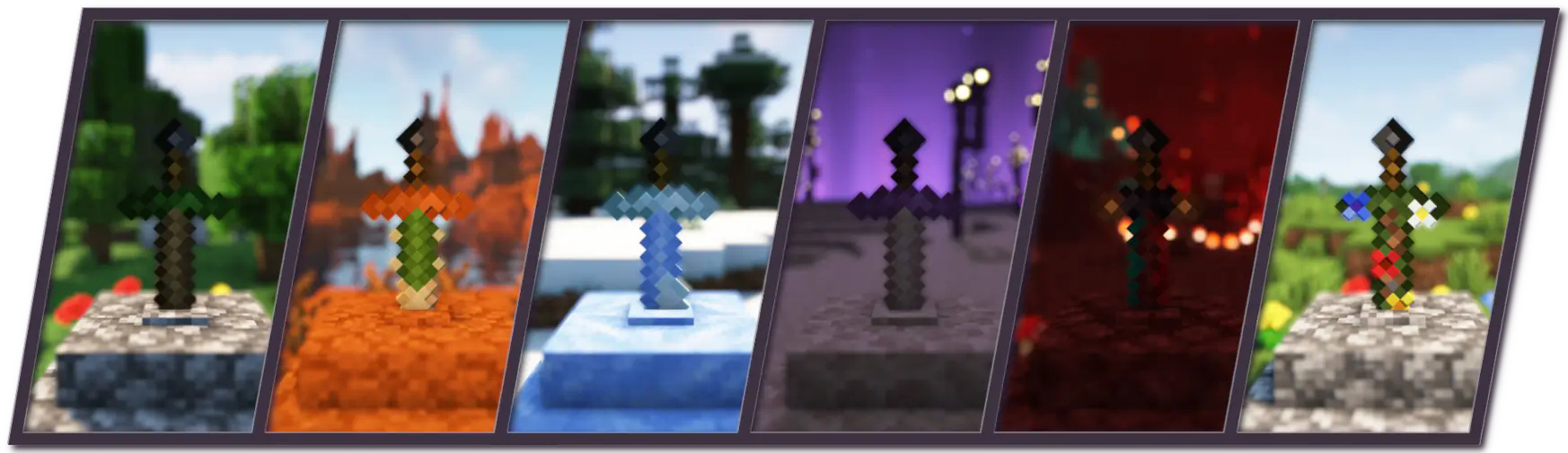
Sword in the Stone is a weapon mod that aims to improve exploration by adding fun and unique swords that the player can find throughout the world. Available for Forge 1.18.2, 1.19.2, 1.19.4, and 1.20.1, and NeoForge 1.21. No dependencies are required.
Sword Stones
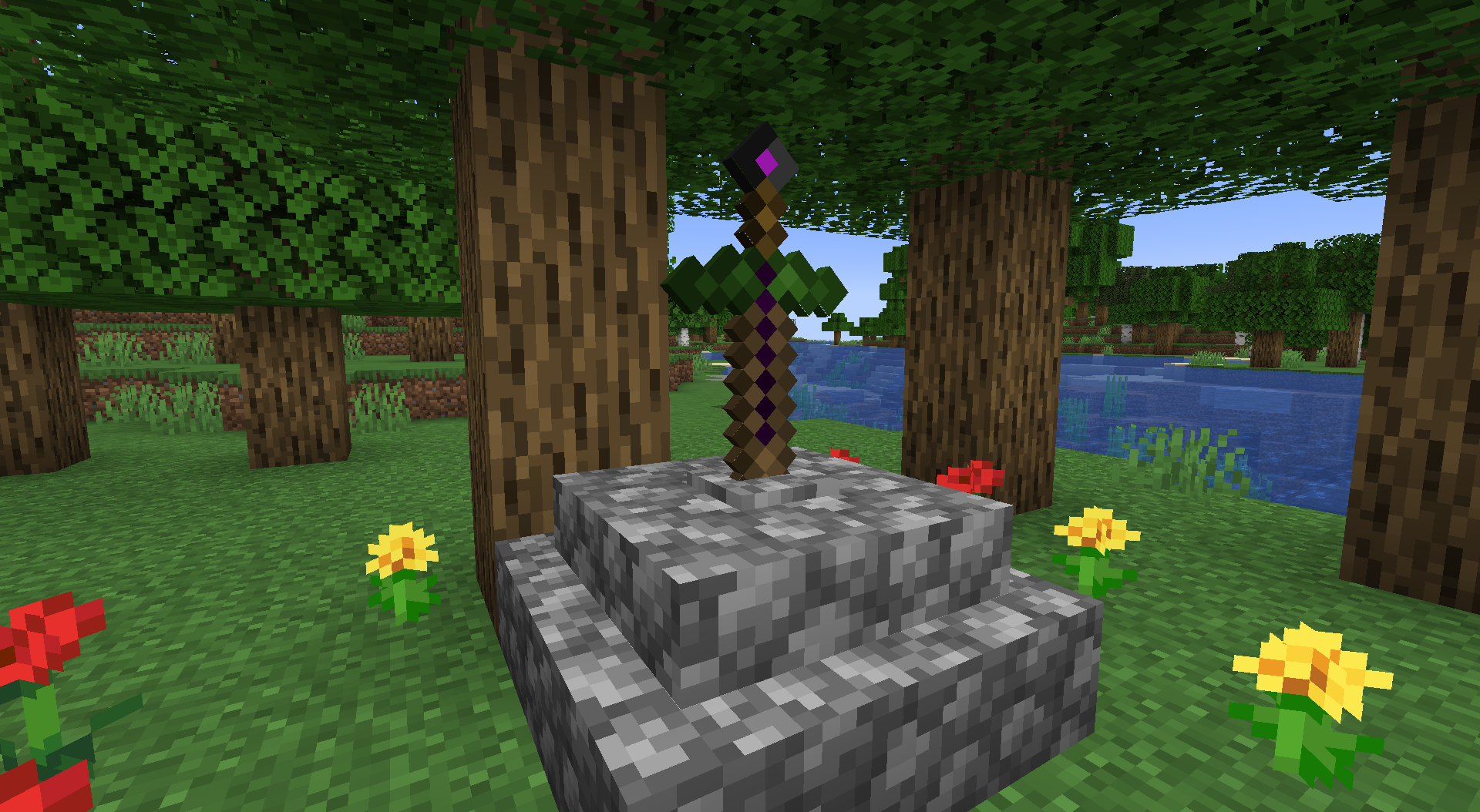
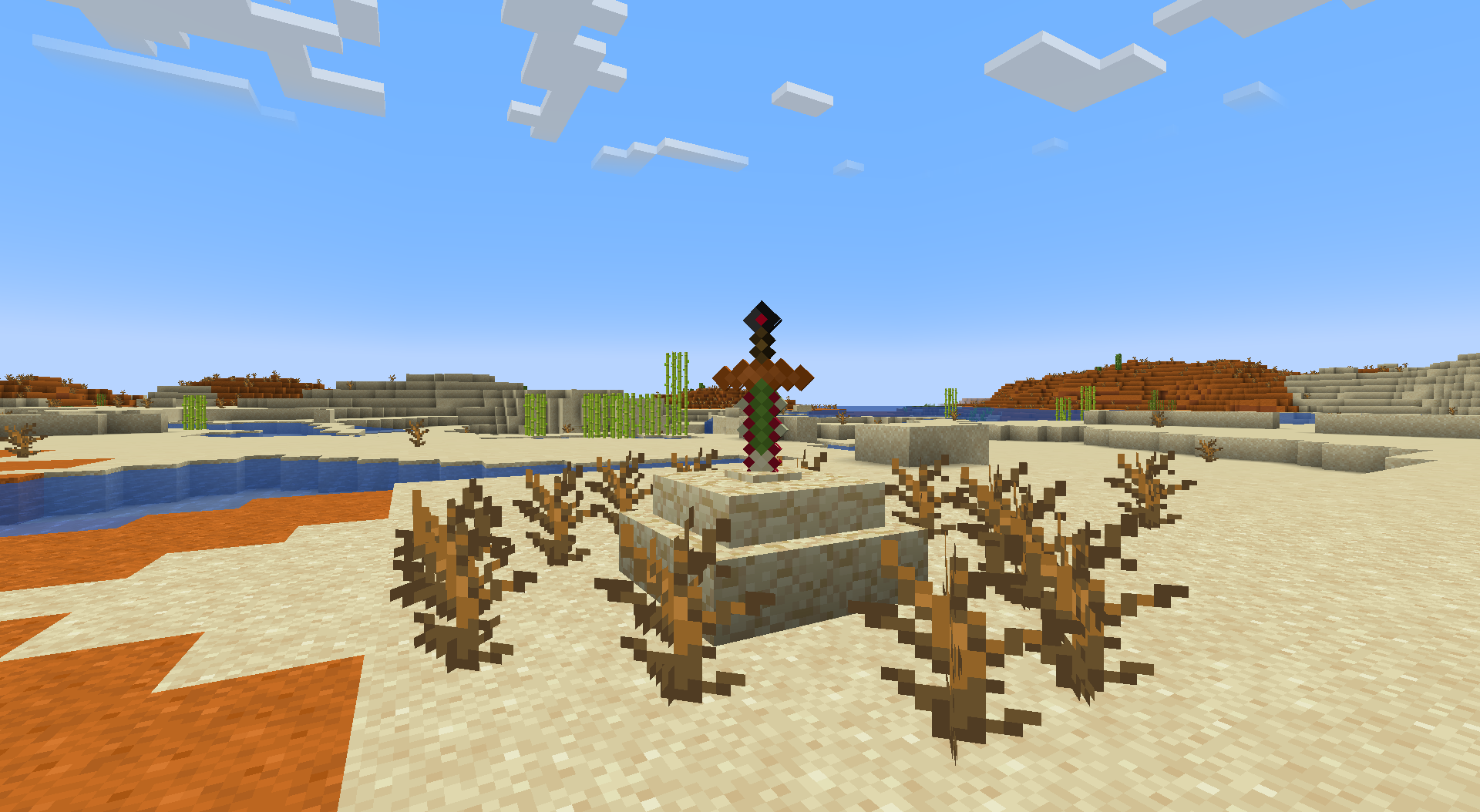
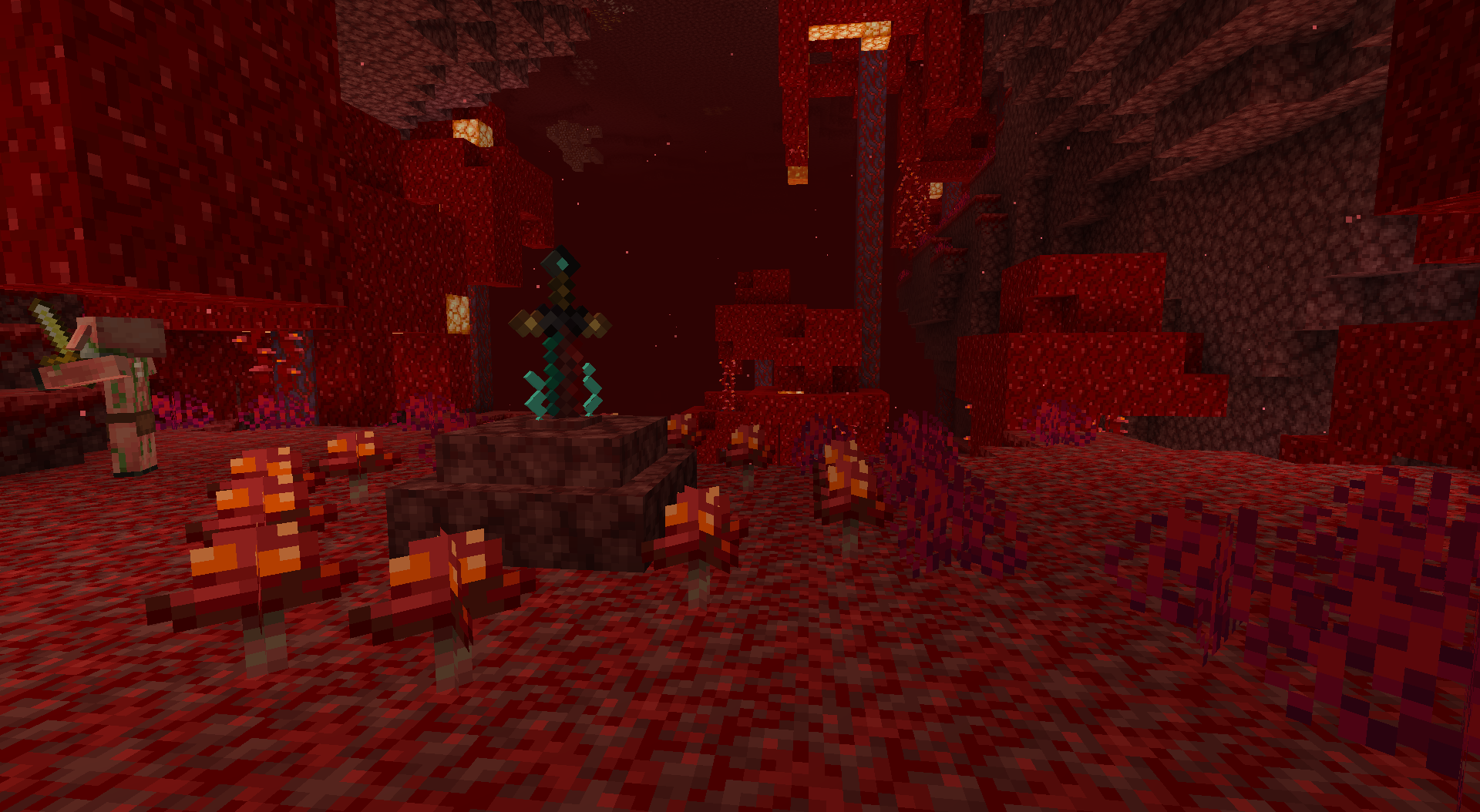
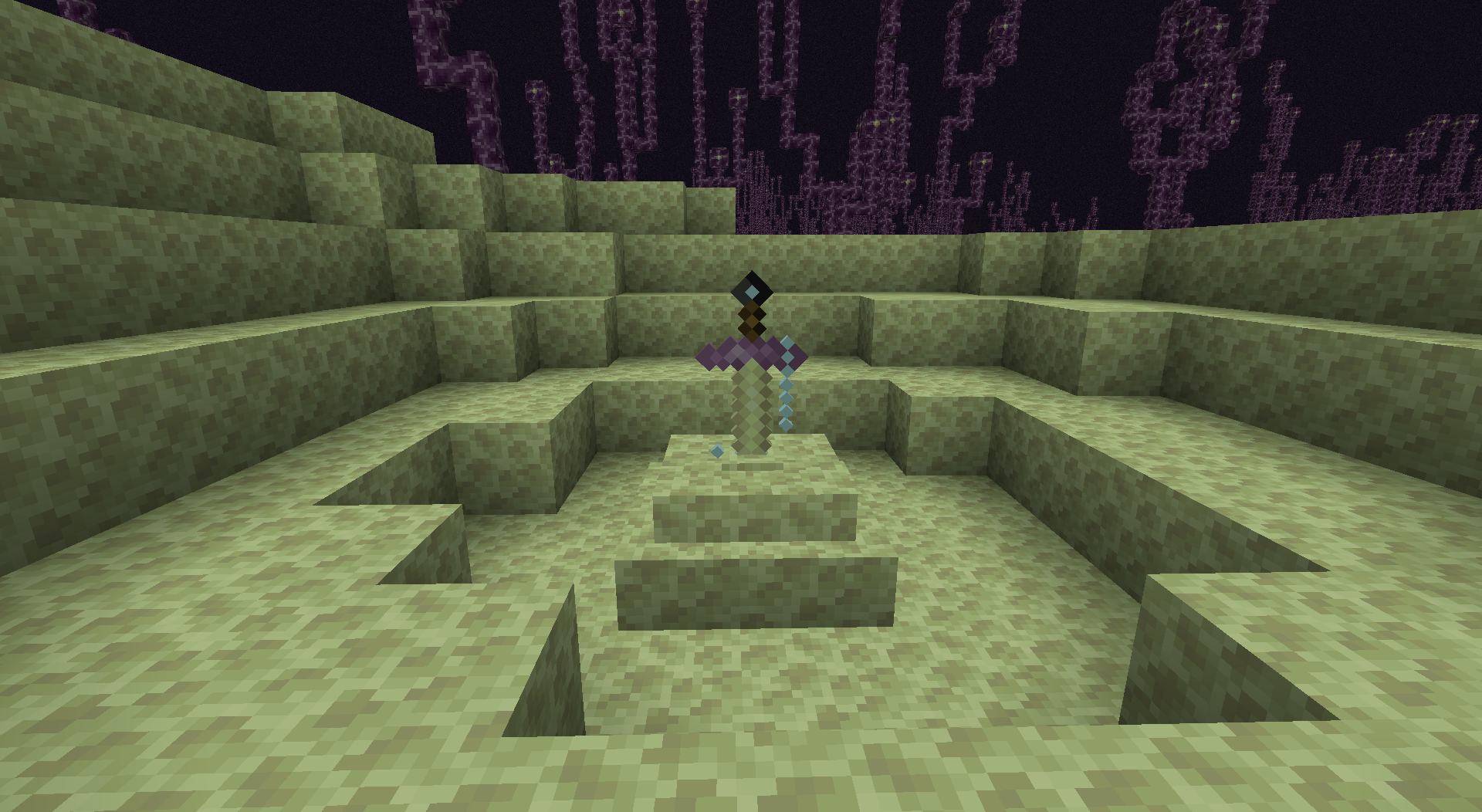
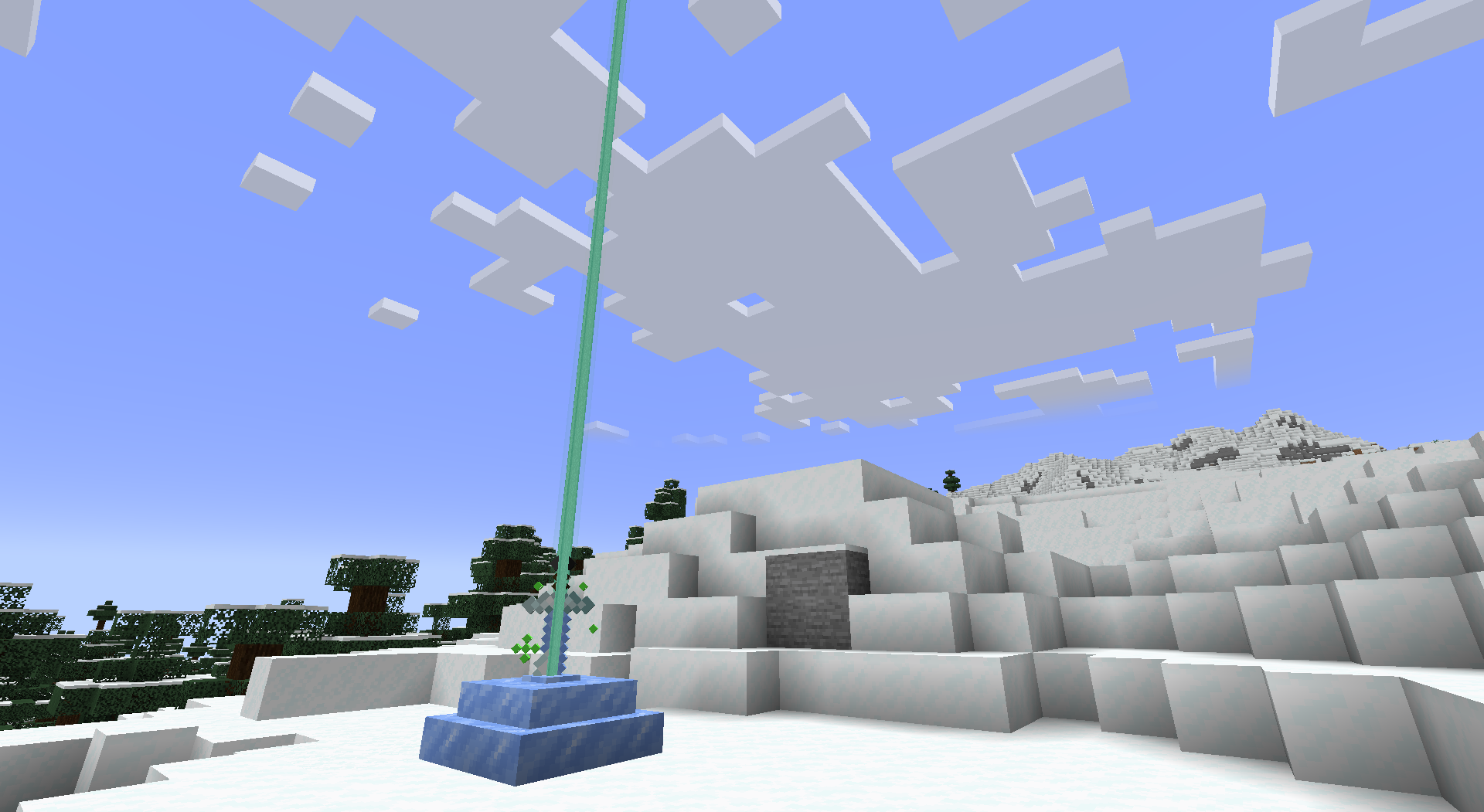
Sword stones are structures that can be found in all 3 vanilla dimensions. They each contain a unique sword which have different variants depending on the biome that they are found in. Unique swords have random attack damage and attack speed stats as well as each having a random magic ability. Hold right click on the stone to retrieve the sword.
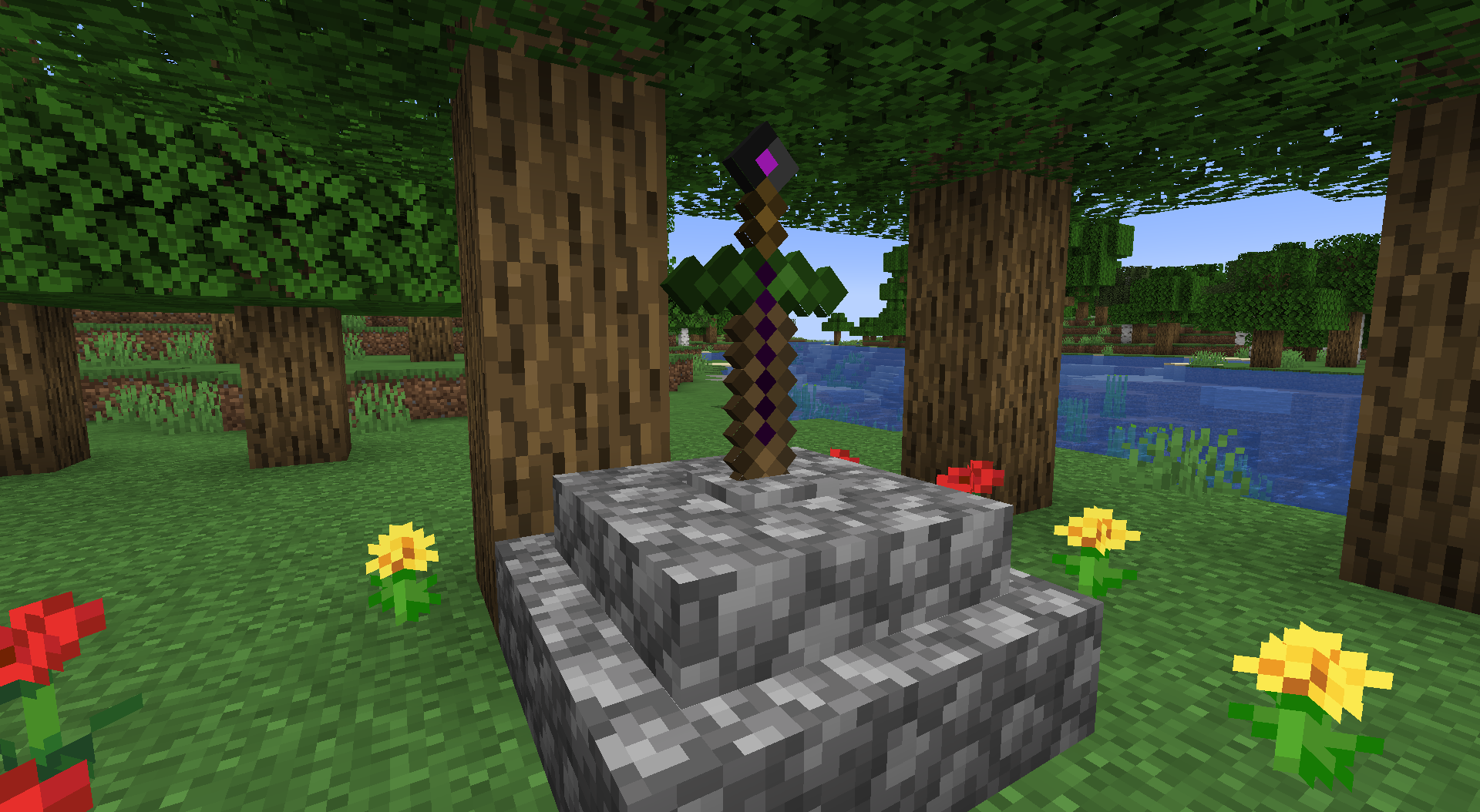
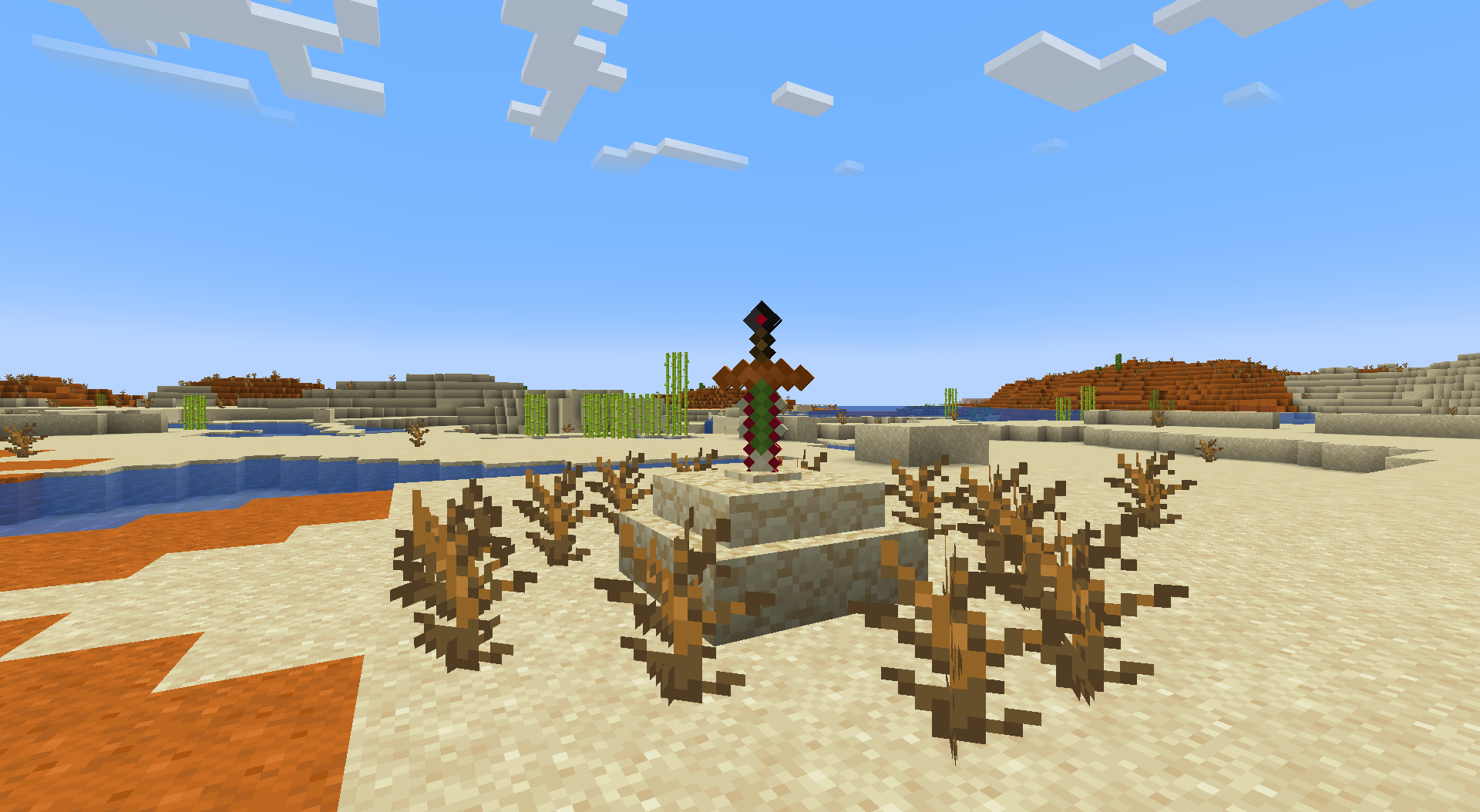
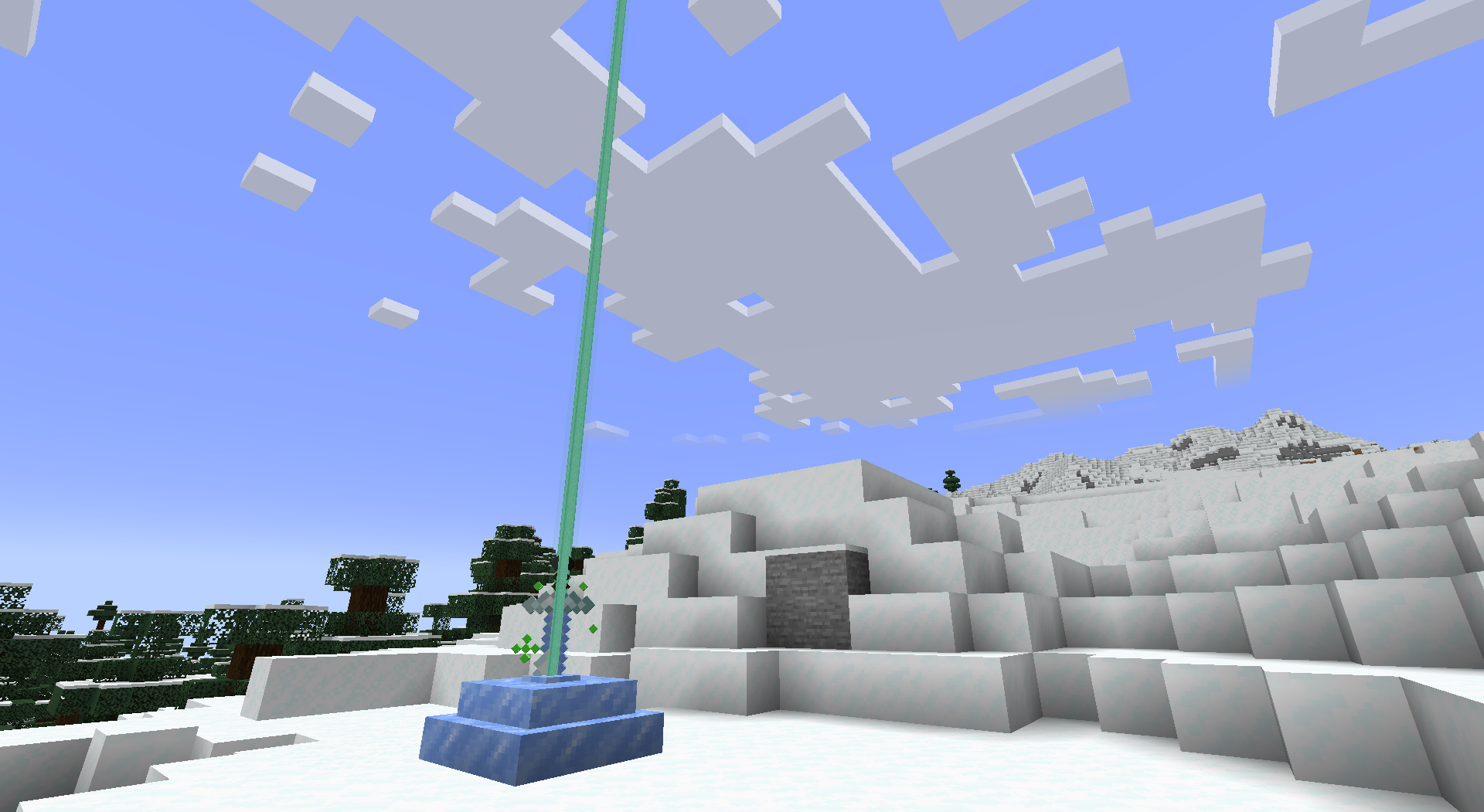
Until a player retrieves the sword from a stone, the sword shoots a laser straight up periodically to allow the player to find it more easily.
Abilities
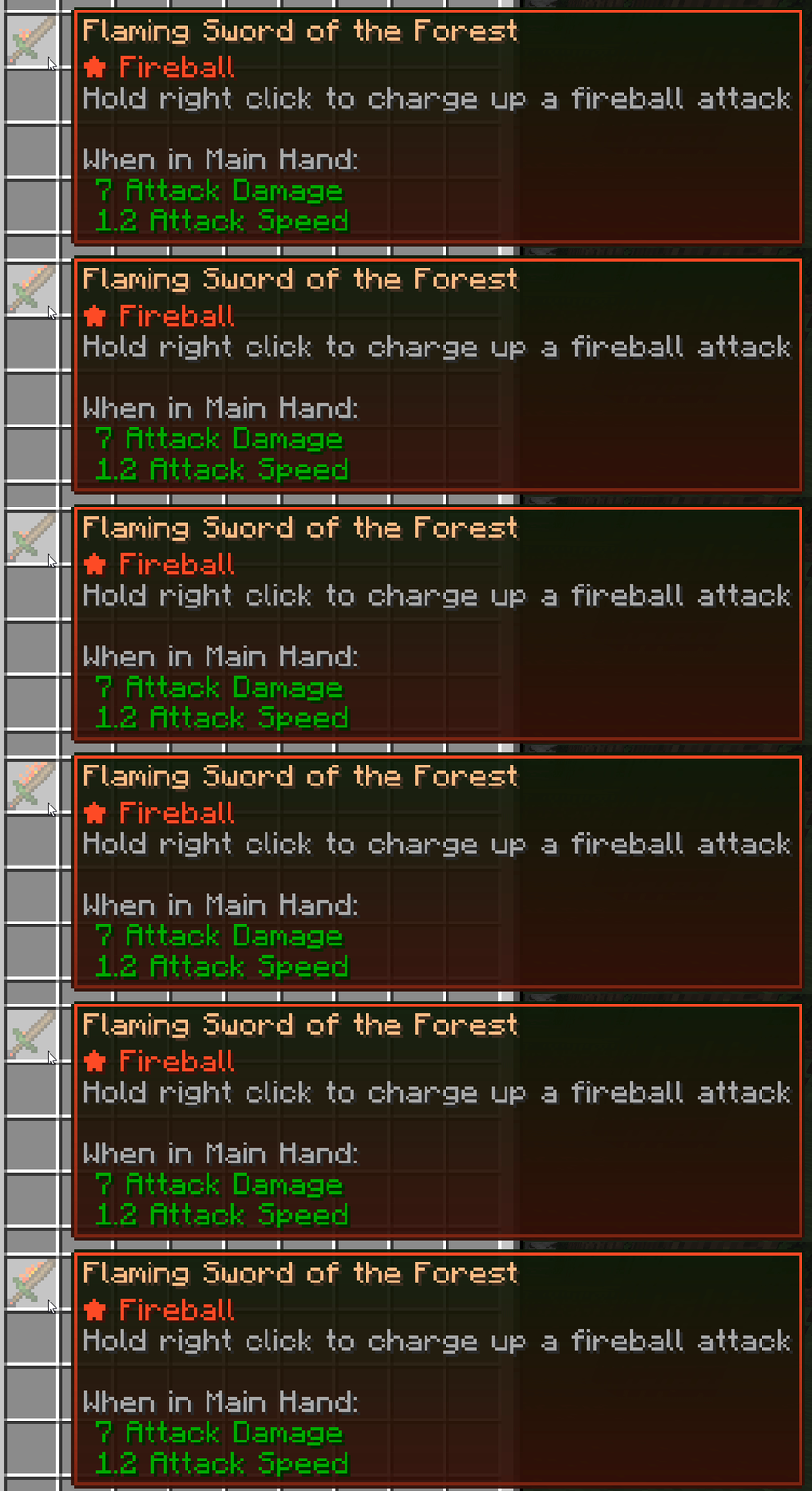
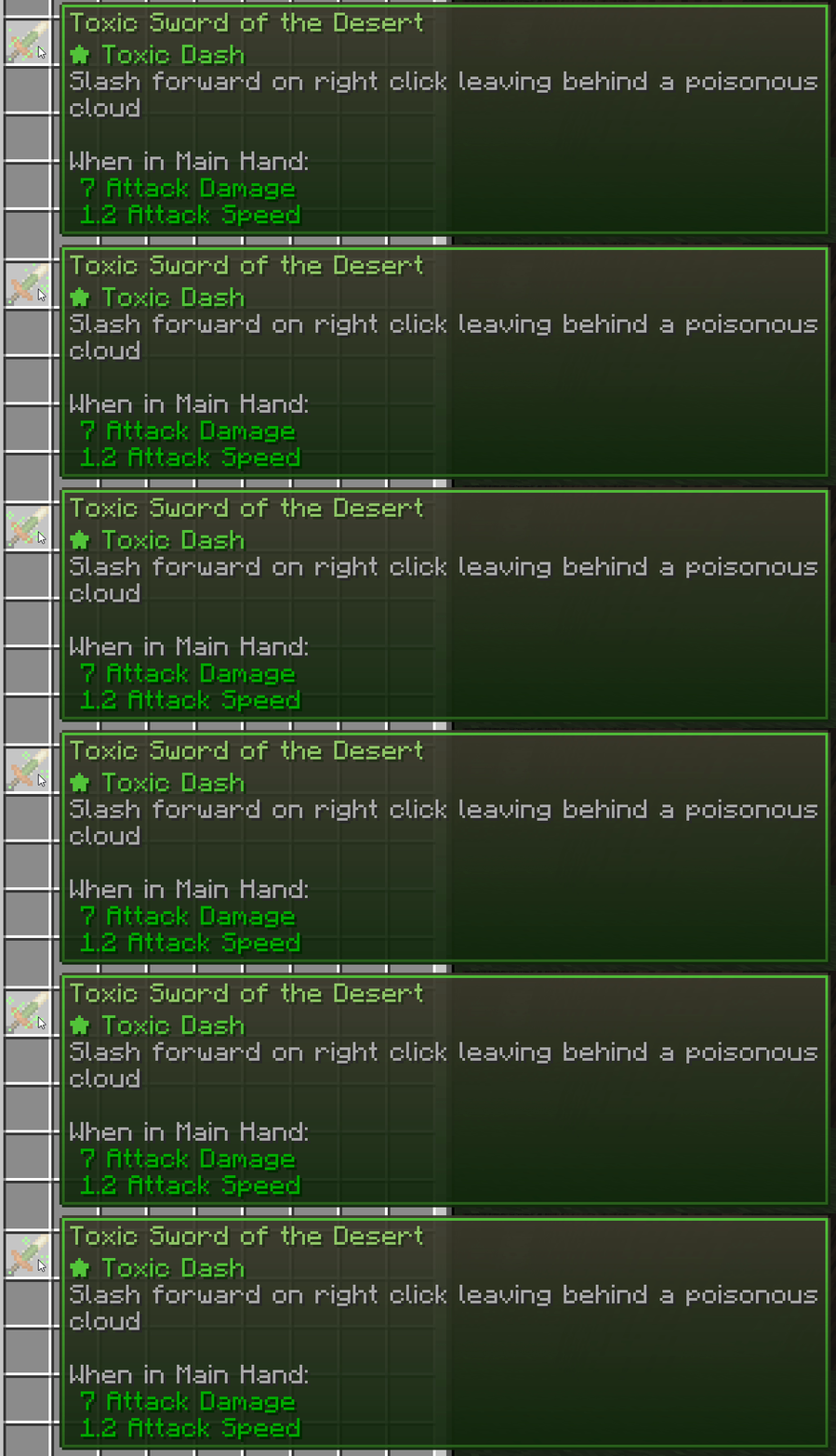
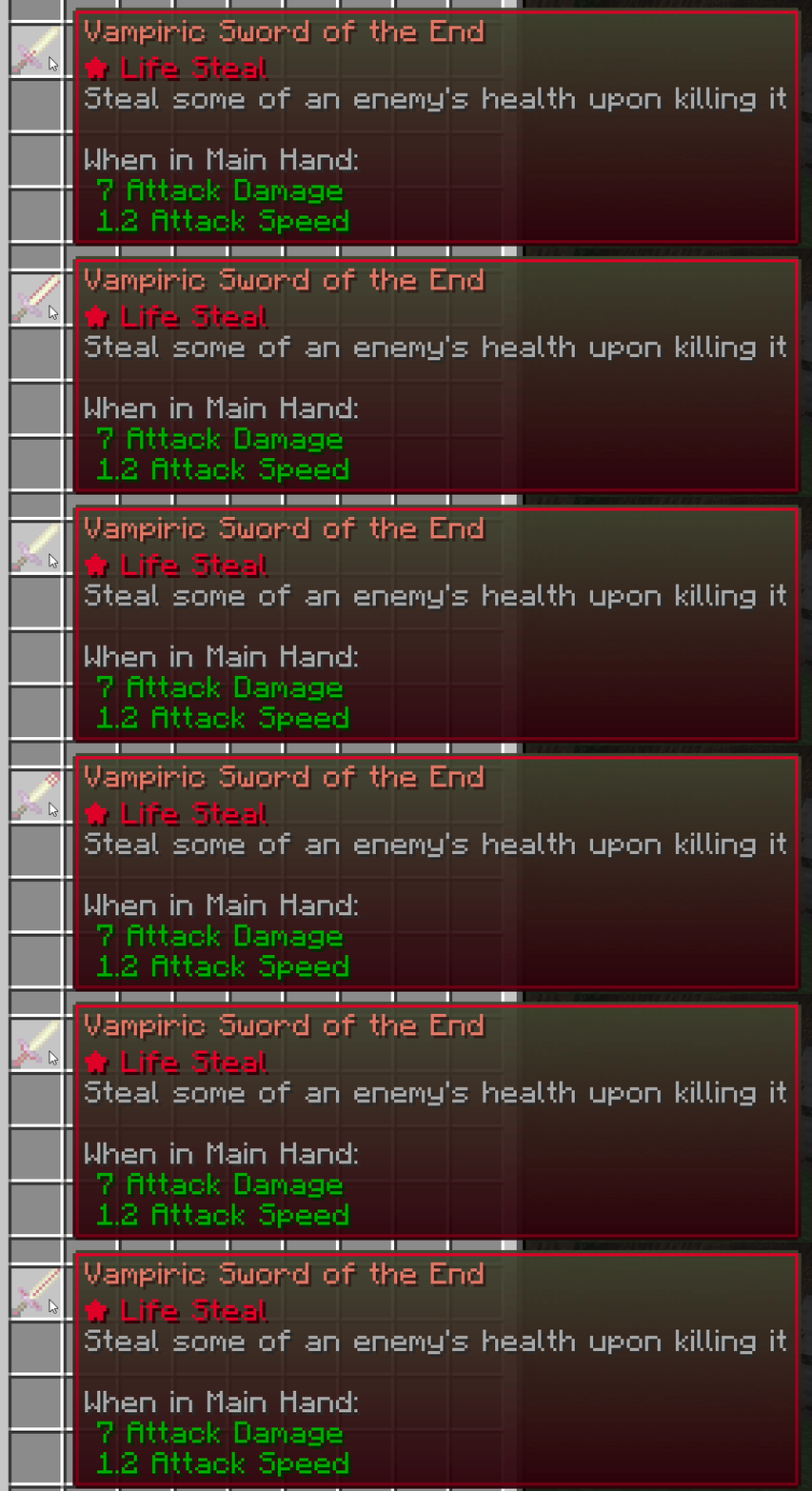
Each sword has one of 9 different magic abilities. This is described in the sword's tooltip and affects the color of the sword's name. Some abilities are passive, while others are activated by right-clicking.
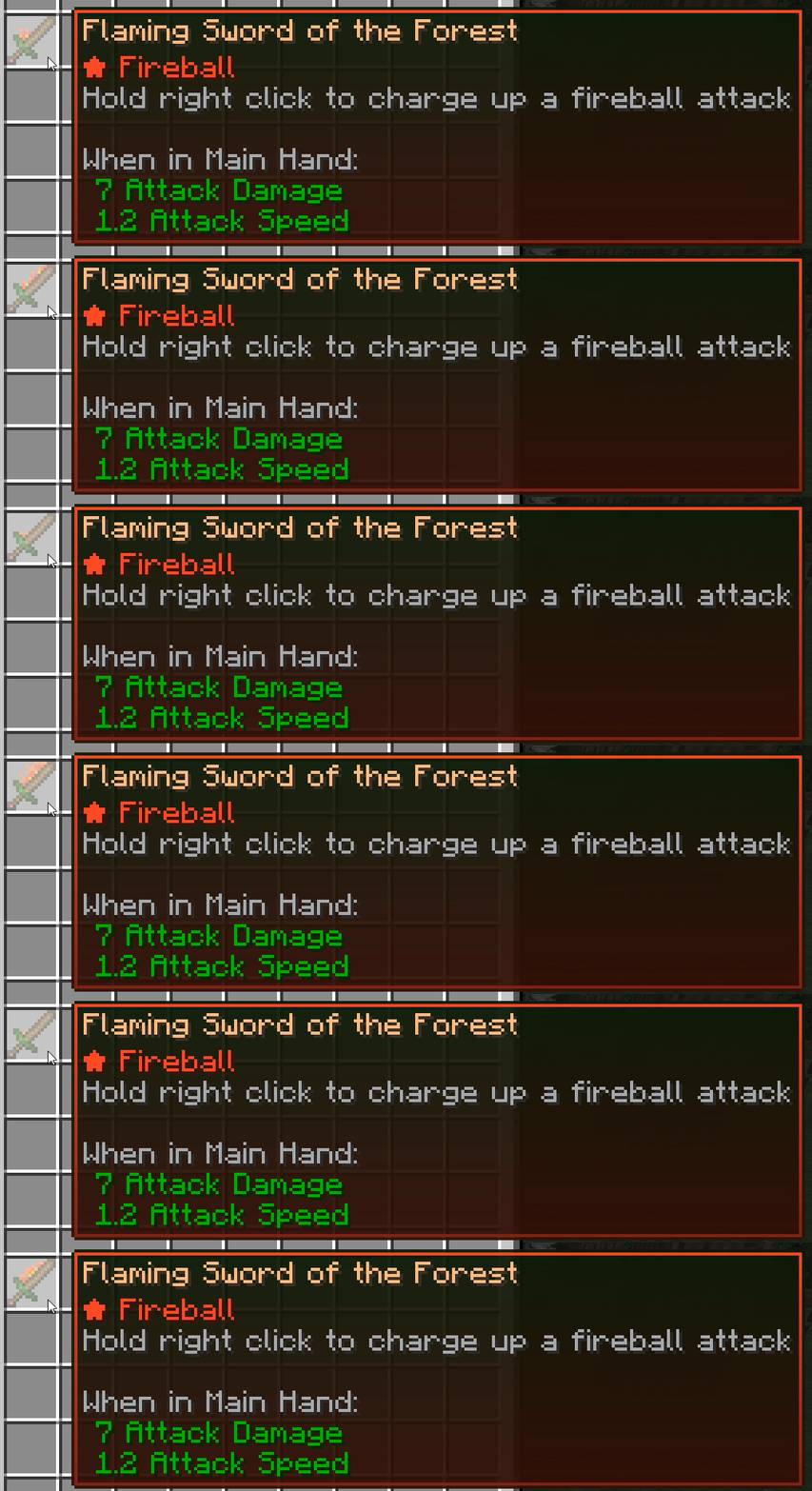
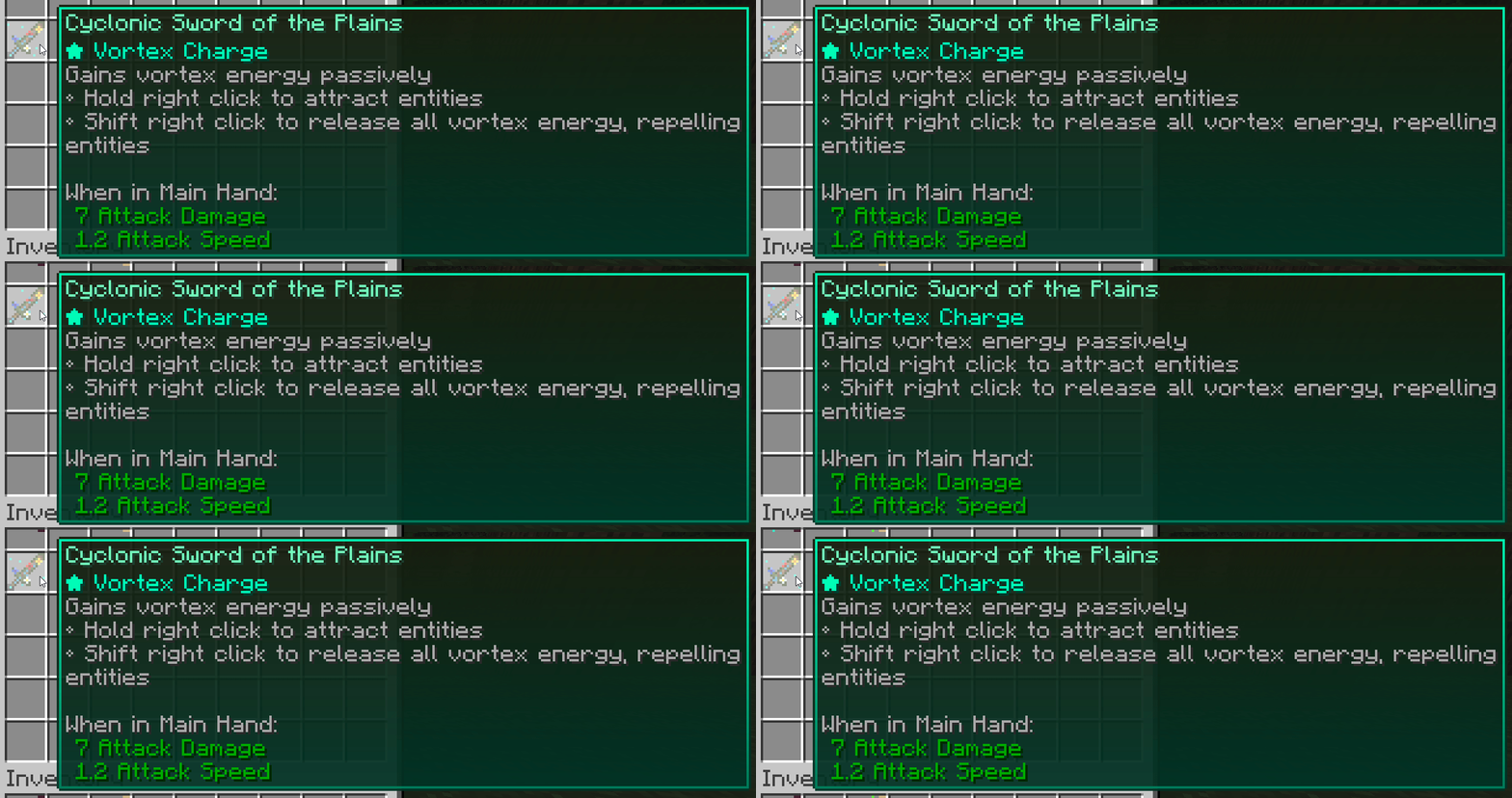
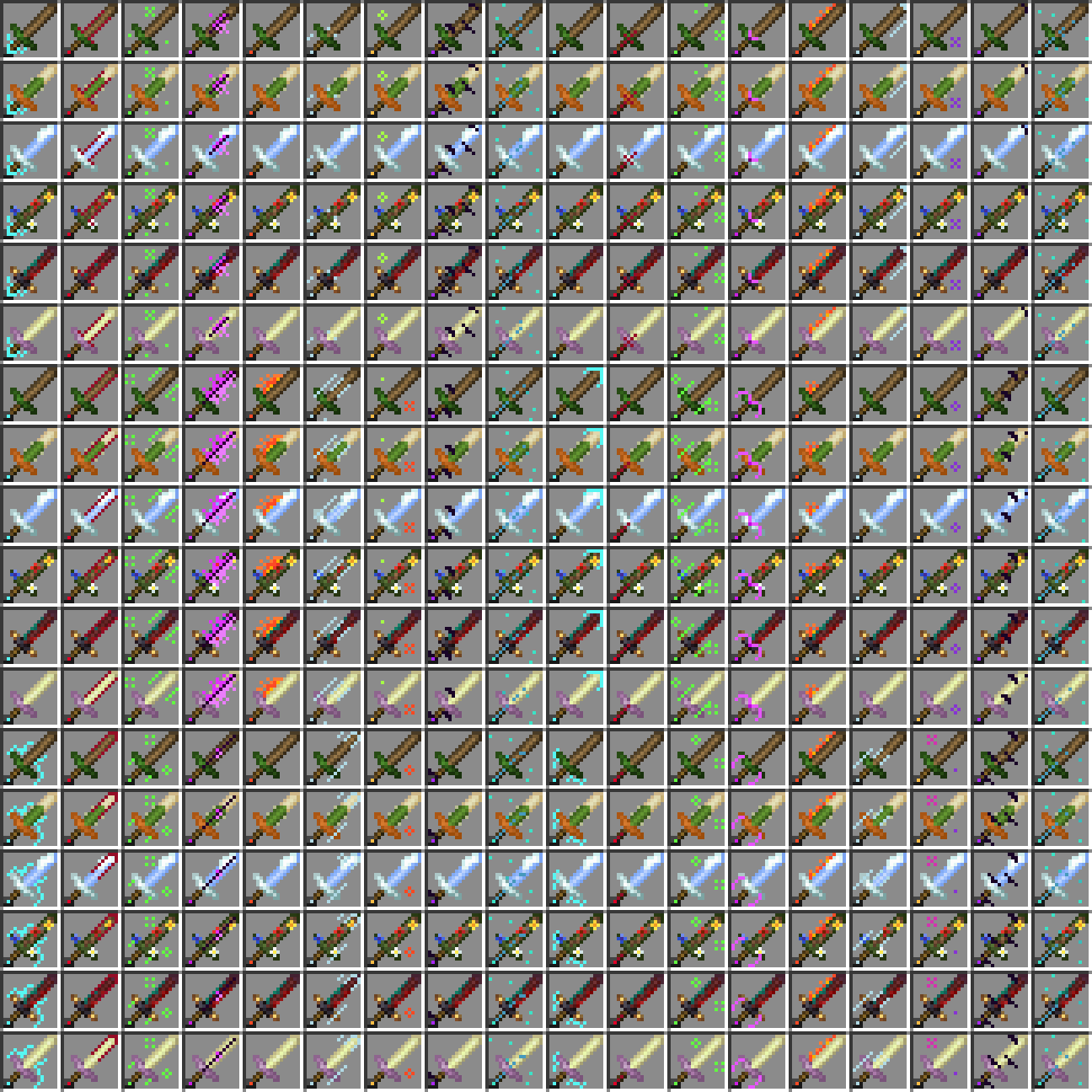
As of version 2.0, there are 54 different sword combinations for players to find!
FAQs
Can I add this to a modpack?
Sure! Feel free to add this to any modpack.
Can I port/fork this mod?
Ask me first.
What if I find a bug or want to suggest a feature?
Please visit the mod's Github issue page: https://github.com/BrownBear85/swordinthestone/issues
Enjoy Sword in the Stone!
- Edition: Minecraft Java
- File type: .jar
- Minecraft versions listed: 1.21, 1.19.2, 1.20.1
- How to install: Install the matching mod loader (Forge, Fabric or NeoForge) for your Minecraft version. → Download the .jar. → Put it in the .minecraft/mods folder and launch that loader profile.
- Where to get it: Opens on CurseForge — not every file is mirrored on our own servers.
Install steps are the general flow for this file type — How to install Minecraft Java mods & modpacks walks through it step by step.
- Ships as swordinthestone-2.0-1.19.2.jar — drop this file into the mods folder
- Download size: 724 KB
- Download link checked 26 Sept 2026 — working
These come from our own check of the pack file, not from the source page.