Mirak's Neon Lights
Java mod listed for Minecraft 1.19–1.20. Downloads from the MC Java Mods app on Android.
I don't know my version or loader
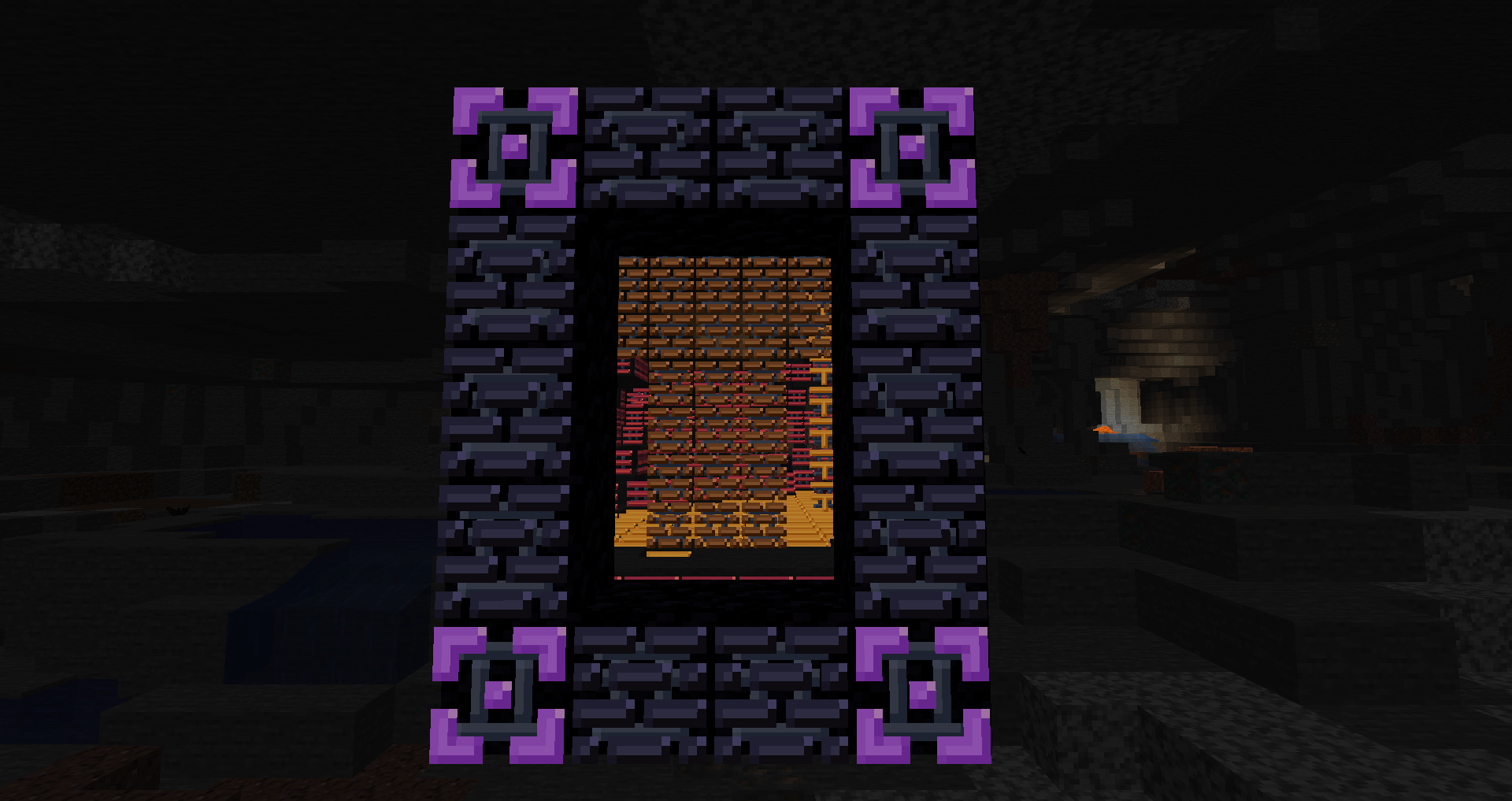

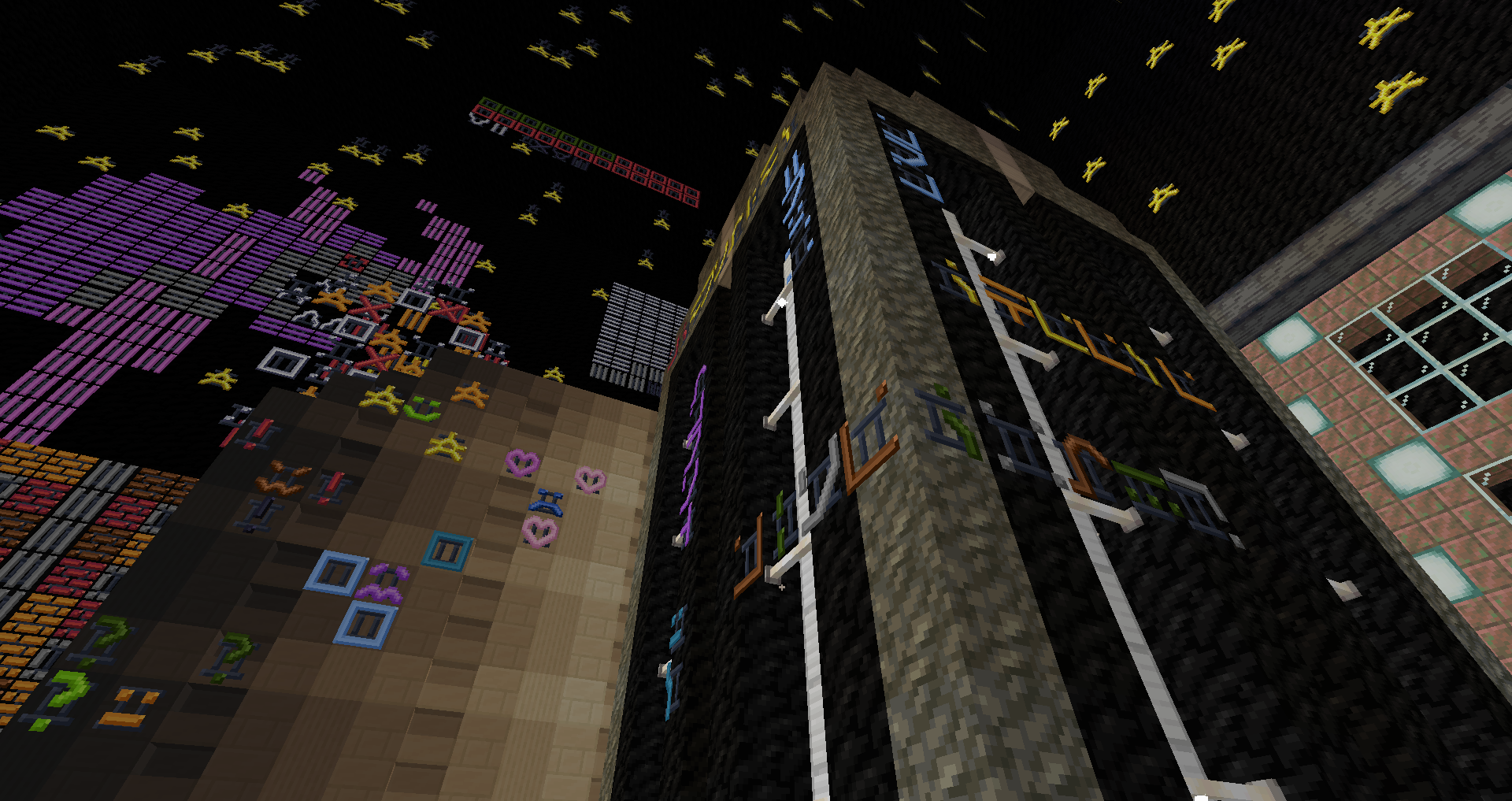
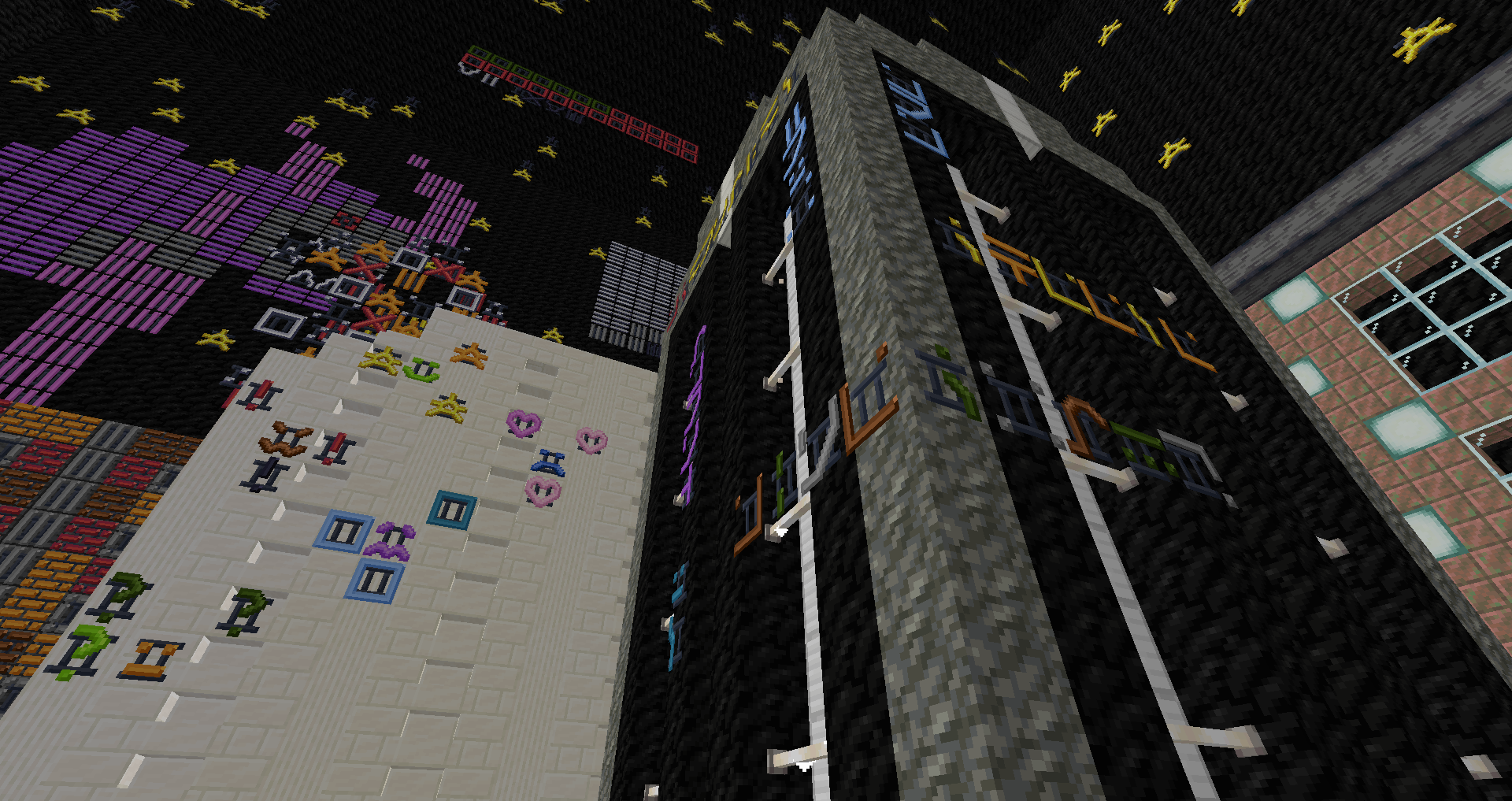
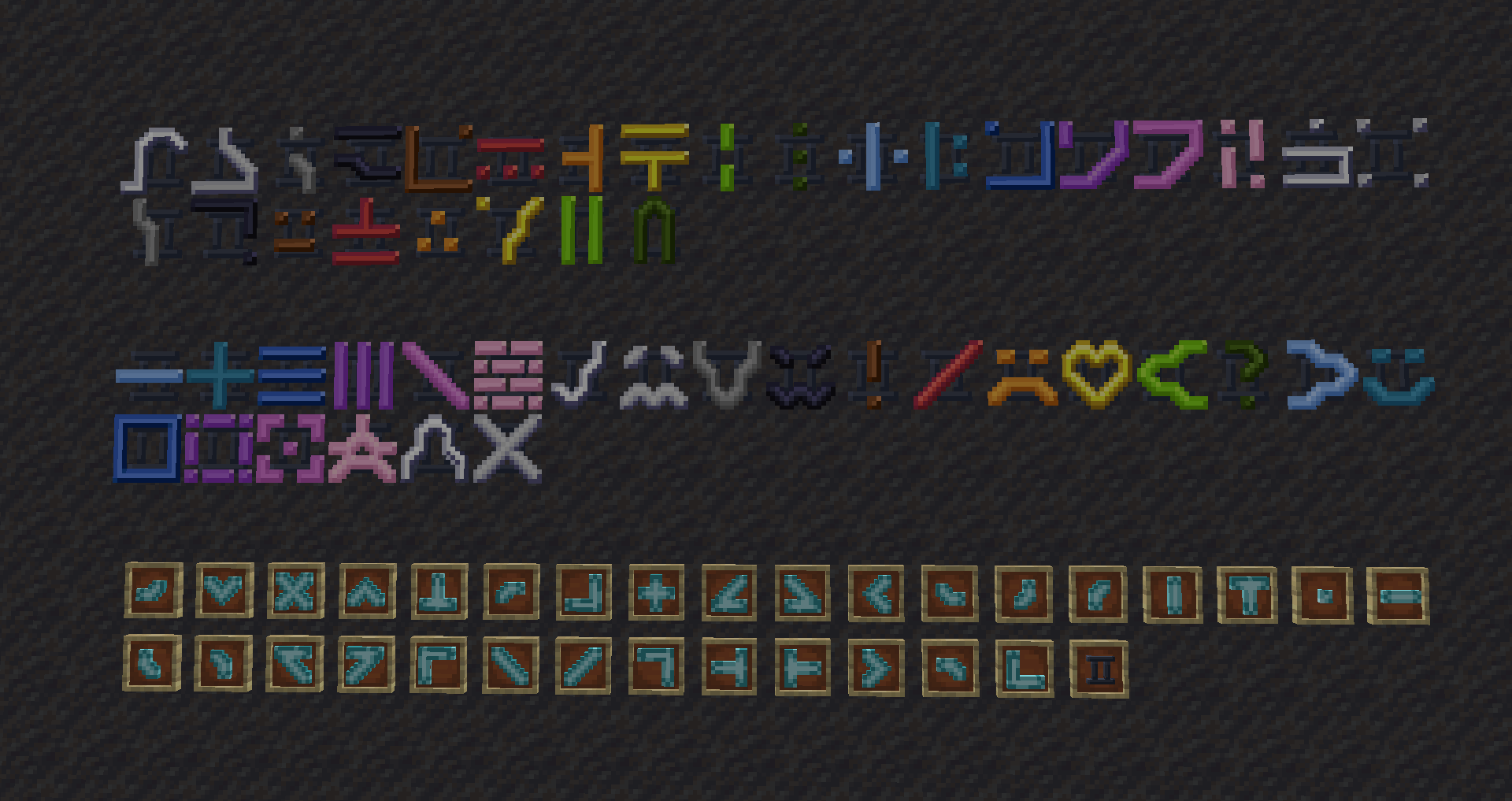
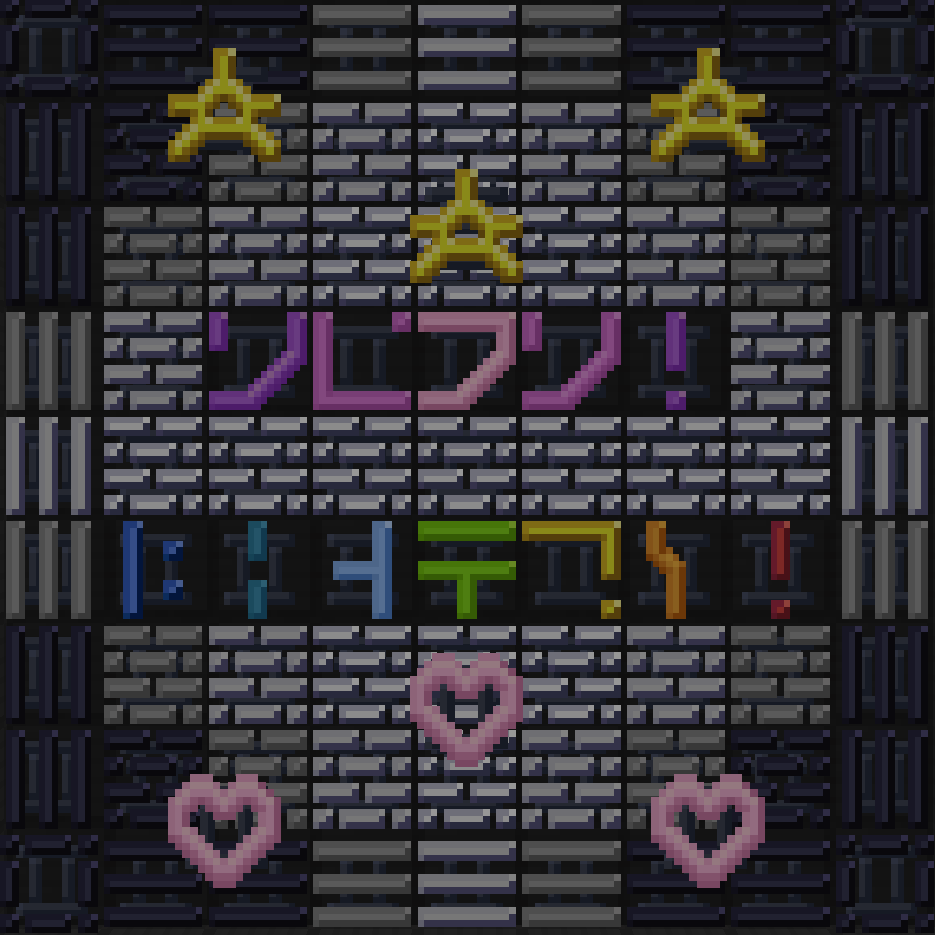
Neon Lights was created as a decorative passion project, with an idea I have never seen anyone else attempt in Minecraft like this. You can find 51 various symbols in all 16 dye colors, such as glowing bricks, stars and hearts, smiley faces, The enchantment table language [for more outspread compatibility], and many more. An infinite amount of opportunities lie before you. These new blocks help anyone make their builds glow, as well as light up your world in a new way.
Note: Works best without Smooth Lighting.
- Edition: Minecraft Java
- File type: .jar
- Minecraft versions listed: 1.20.6, 1.20.1, 1.19.4
- How to install: Install the matching mod loader (Forge, Fabric or NeoForge) for your Minecraft version. → Download the .jar. → Put it in the .minecraft/mods folder and launch that loader profile.
- Where to get it: Opens on CurseForge — not every file is mirrored on our own servers.
Install steps are the general flow for this file type — How to install Minecraft Java mods & modpacks walks through it step by step.
- Ships as Neon_Lights.jar — drop this file into the mods folder
- Download size: 4.7 MB
- Download link checked 27 Sept 2026 — working
These come from our own check of the pack file, not from the source page.