Potion Craft
Java mod listed for Minecraft 1.20. Downloads from the MC Java Mods app on Android.
I don't know my version or loader
This mod is in early development, many features are planned and bugs are to be expected.
Please report bugs, I will fix them ASAP.
Mixing
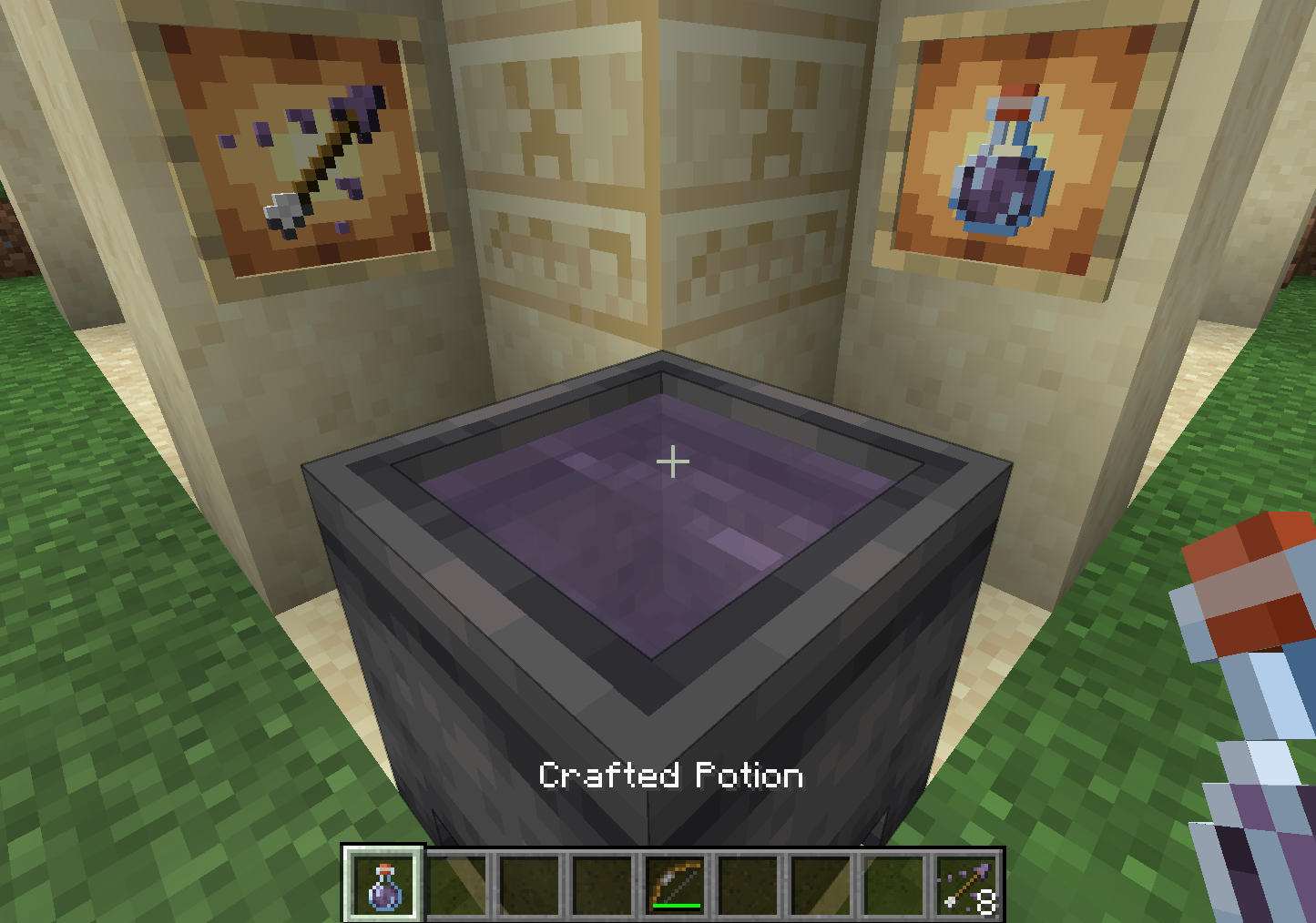
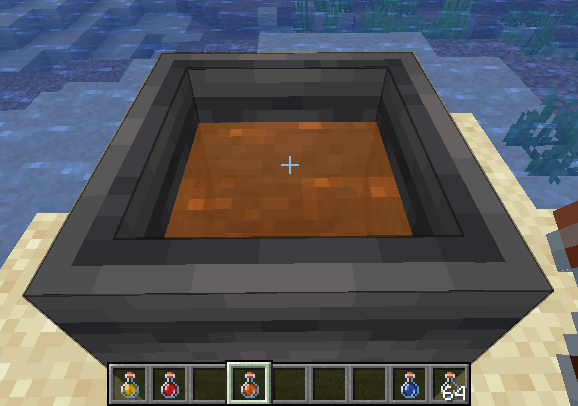
Mixing is a core component of this mod, it involves taking several potions and combining their effects in cauldron. To begin mixing, add any potion to a cauldron! The cauldron behaves the same as vanilla with the 3 levels.
While mixing, the cauldron cannot be used for other vanilla purposes (and cannot be moved with pistons). Additionally, the mixture will appear translucent.
To revert to vanilla behavior, empty the cauldron or dilute with water until there is no remaining effect. Additionally using a milk bucket will remove all effects.
Balancing
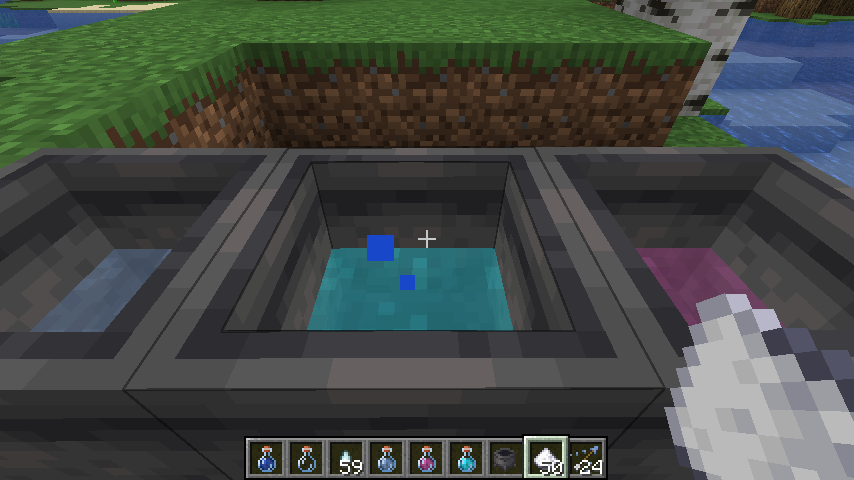
Potioncraft uses dilution to balance potions, adding two potions will result in two potions that have both effects but with half duration and amplification.
Adding a water bottle to a mixture will increase the cauldron level, but dilutes the mixture.
Another balancing mechanic is "potency". This limits the amount of ingredients you can add to a single mixture, the default max is 5 but this can be changed or disabled in the config. Mixing a potion with max potency into an existing mixture will cause that mixture to have max potency! Potency is indicated by the potion cauldron splashing and making bubble noises.
Brewing
Brewing using only a cauldron requires no blaze powder, but more ingredients are needed for 3 potions.
All the vanilla recipes can be used to create effects.
This mod uses data packs to determine recipes, so you can change everything to how you like!
Source Available Here
- Edition: Minecraft Java
- File type: .jar
- Minecraft versions listed: 1.20.1, 1.20.4
- How to install: Install the matching mod loader (Forge, Fabric or NeoForge) for your Minecraft version. → Download the .jar. → Put it in the .minecraft/mods folder and launch that loader profile.
- Where to get it: Opens on CurseForge — not every file is mirrored on our own servers.
Install steps are the general flow for this file type — How to install Minecraft Java mods & modpacks walks through it step by step.
- Ships as potioncraft-0.3.2+1.20.4.jar — drop this file into the mods folder
- Download size: 46 KB
- Download link checked 17 Oct 2026 — working
These come from our own check of the pack file, not from the source page.