ModsJava
Cool Resource Finder
Java mod listed for Minecraft 1.19–1.21. Downloads from the MC Java Mods app on Android.
I don't know my version or loader
Open the Minecraft launcher and look at the profile you play on — it names both, like fabric-loader-1.21.4. The version also shows in the bottom-right corner of the game's main menu.
No loader in the profile name? Then it's plain Minecraft, and these mods won't run — you need Fabric or NeoForge installed first.
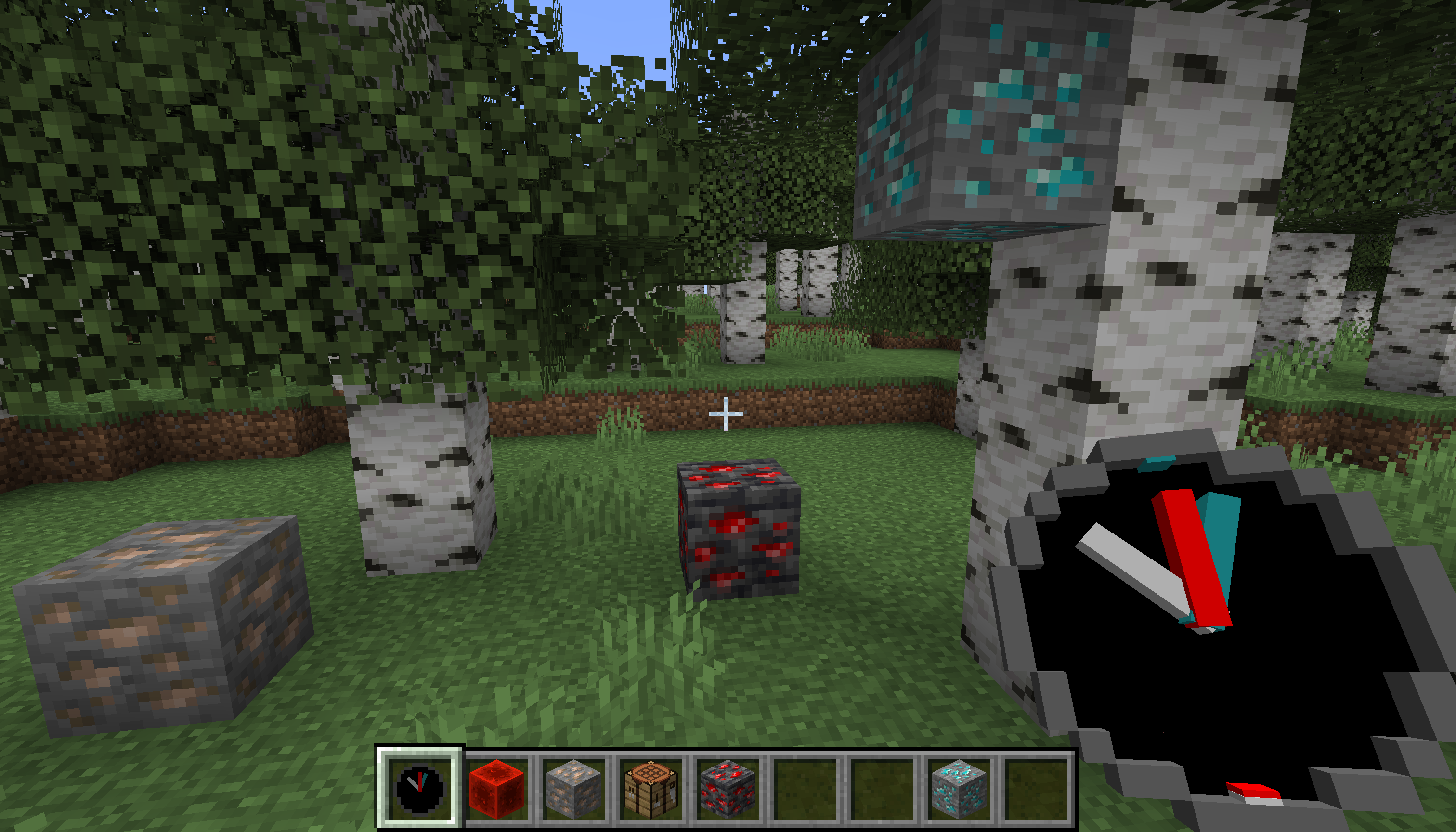
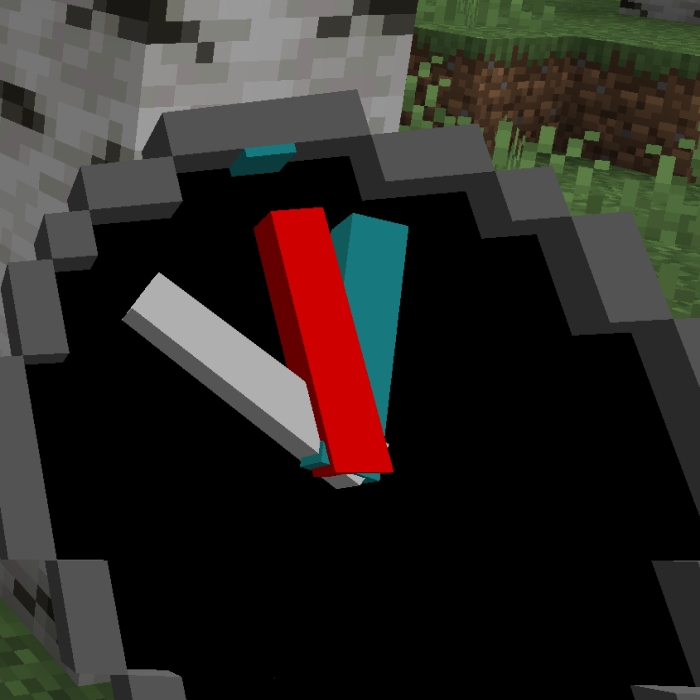
Adds "Resource Scanner" item, that allows to locate resources. This will help players to find rare resources more easily, allowing take a short play sessions, still craft everything that this wonderful game proposes.
WARNING - mod is beta quality, not tested with large number of mods, performance impact not known. Please, follow bug tracker to ask questions and report issues.
Features
- scans resources in range of 16 blocks(spherical scan mode)
- use while in hand, to switch to circular scan mode(doubles scan range, but scans only one block above\below player position
- shows horizontal direction to nearest block, as well as indicates if block is higher or lower relative to player
- same scanner can scan multiple resources simultaneously(max 5 resources)
- limited scan time, scanner need to be charged with respective resource
- one single item charges scanner for 1 minute(diamond, coal, redstone dust, etc.
- resource block(Block of Iron, Block of Diamond, etc.) charges scanner for 9 minutes
- smaller items(Iron Nugget, etc.) charges scanner for 1/9 minutes
- once charge for specific resource is gone, you can charge scanner with same or another resource
- configurable - default config file will be generated on game start
- does not allow cheating, requires mod to be installed on server side
Crafting
Charging
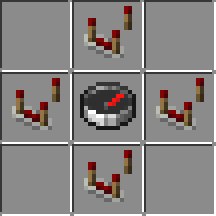
Recipe is shapeless. Charging will eat whole stack of items, so stack of diamonds will charge scanner for 64 minutes of diamond scanning. Scanner can be charged by ingots, diamonds, emeralds, coal, and respective blocks. See generated configuration file for full list of items to charge.Quick facts
- Edition: Minecraft Java
- File type: .jar
- Minecraft versions listed: 1.21.1, 1.19.4, 1.20.1
- How to install: Install the matching mod loader (Forge, Fabric or NeoForge) for your Minecraft version. → Download the .jar. → Put it in the .minecraft/mods folder and launch that loader profile.
- Where to get it: Opens on CurseForge — not every file is mirrored on our own servers.
Install steps are the general flow for this file type — How to install Minecraft Java mods & modpacks walks through it step by step.
File checked by MCModsHub
- Ships as cool-resource-finder-mc-1.19.4-0.0.10.jar — drop this file into the mods folder
- Download size: 92 KB
- Download link checked 17 Oct 2026 — working
These come from our own check of the pack file, not from the source page.