DiscordLoom
Java mod listed for Minecraft 1.19–1.21. Downloads from the MC Java Mods app on Android.
Create a direct link between your Minecraft and Discord servers with DiscordLoomConnect, ensuring only whitelisted players have access.
I don't know my version or loader

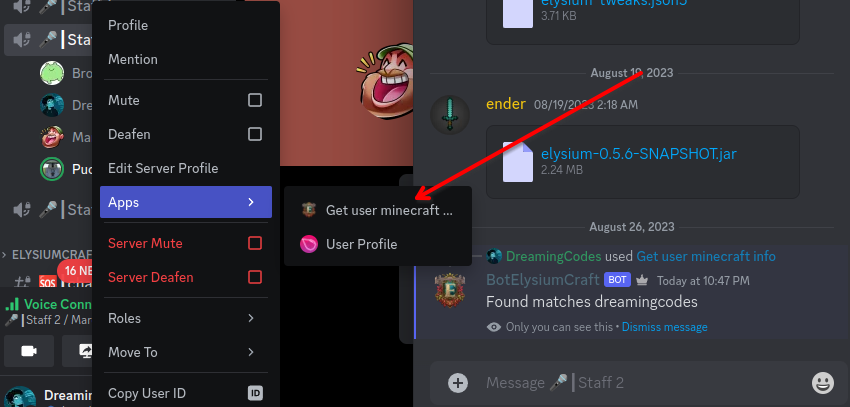

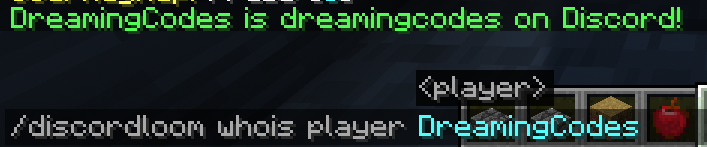
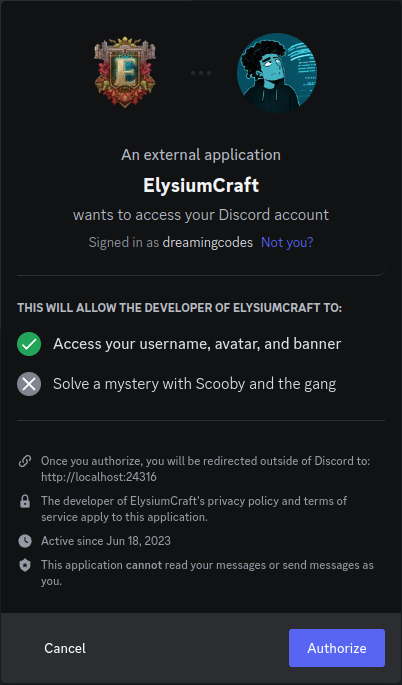
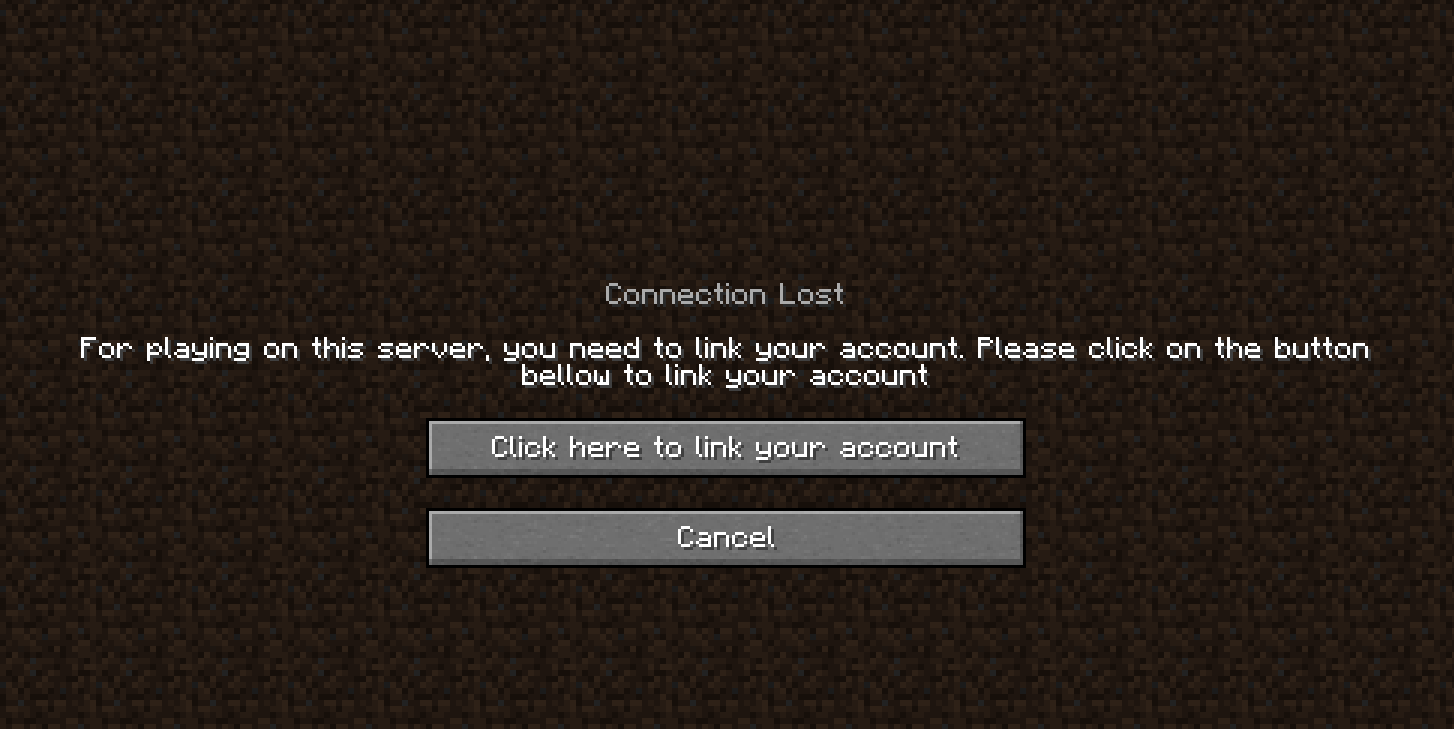
DiscordLoom is a mod designed to merge the diverse functionalities of Discord with the Minecraft server whitelist, enhancing the efficiency of administrative actions.
The main focus of DiscordLoom is to facilitate efficient integration of the gaming and communication platforms, ensuring that only authorized, whitelisted players can access the server, hence providing a secure and cooperative gameplay environment.
Key Features
Discord Role Synchronization: This mod allows for the automatic syncing of roles between Discord and LuckPerms. For instance, if a player is promoted to a new role on Discord, they will also receive this new role in LuckPerms.
Mandatory Voice Channel: DiscordLoom also features a mandatory voice channel requirement, ensuring that all whitelisted players are also part of the voice chat in Discord which further promotes cooperation and communication.
In-Game Link Process: All necessary linking processes are integrated in-game, making it easy for players to connect their Discord accounts with their respective Minecraft server accounts.
Ban sync: Minecraft banned players get banned also on discord. BanHammer is also supported
In the future, it will also link the Discord chat to offer a more immersing experience.
Required Mods
- [SERVER] LuckPerms: for the enhanced functionality of permissions management.
Experience a whole new gaming environment with DiscordLoomConnect, where communication and gameplay overlap for a better gaming experience.
- Edition: Minecraft Java
- File type: .jar
- Minecraft versions listed: 1.19.3, 1.19.4, 1.19.2
- How to install: Install the matching mod loader (Forge, Fabric or NeoForge) for your Minecraft version. → Download the .jar. → Put it in the .minecraft/mods folder and launch that loader profile.
- Where to get it: Opens on CurseForge — not every file is mirrored on our own servers.
Install steps are the general flow for this file type — How to install Minecraft Java mods & modpacks walks through it step by step.
- Ships as discordloom-2.0.1.jar — drop this file into the mods folder
- Download size: 23.2 MB
- Download link checked 26 Sept 2026 — working
These come from our own check of the pack file, not from the source page.