Zoe Isn't Cyberpunk
Java mod listed for Minecraft 1.19–1.20. Downloads from the MC Java Mods app on Android.
I don't know my version or loader
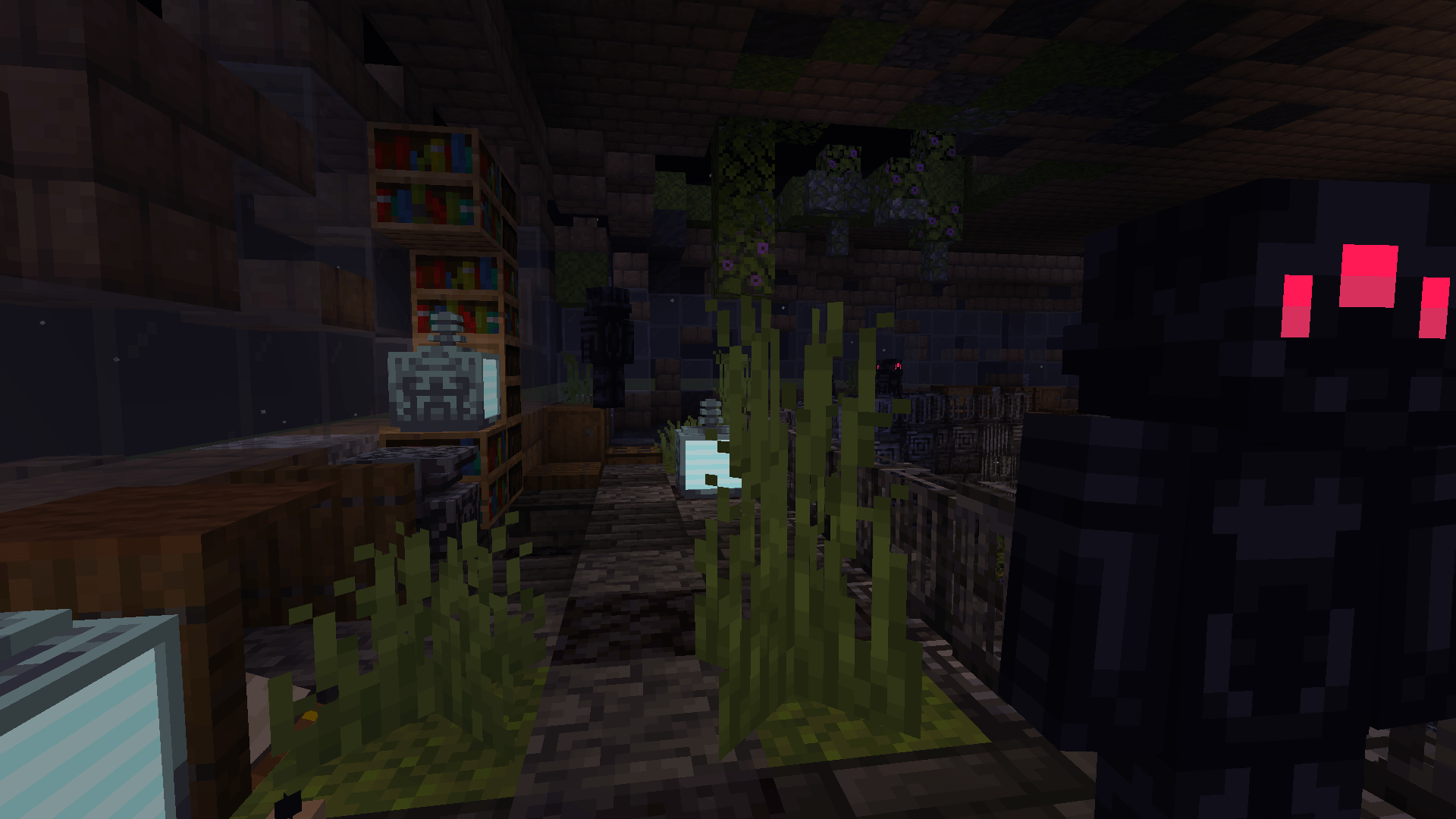

Summary:
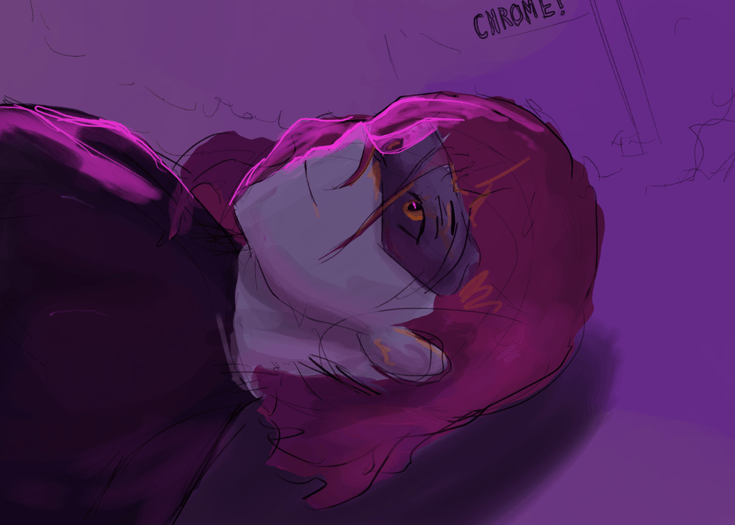
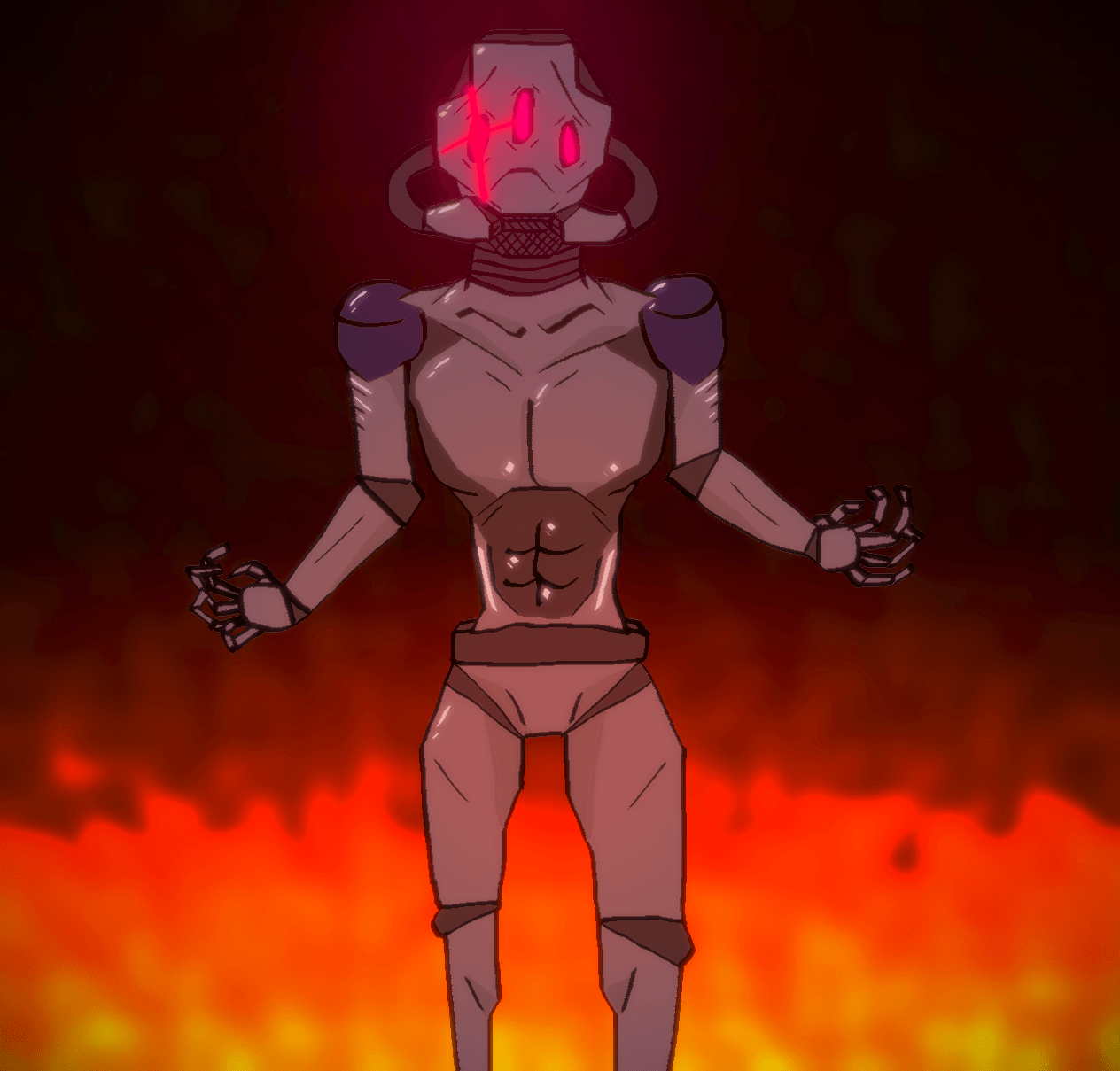
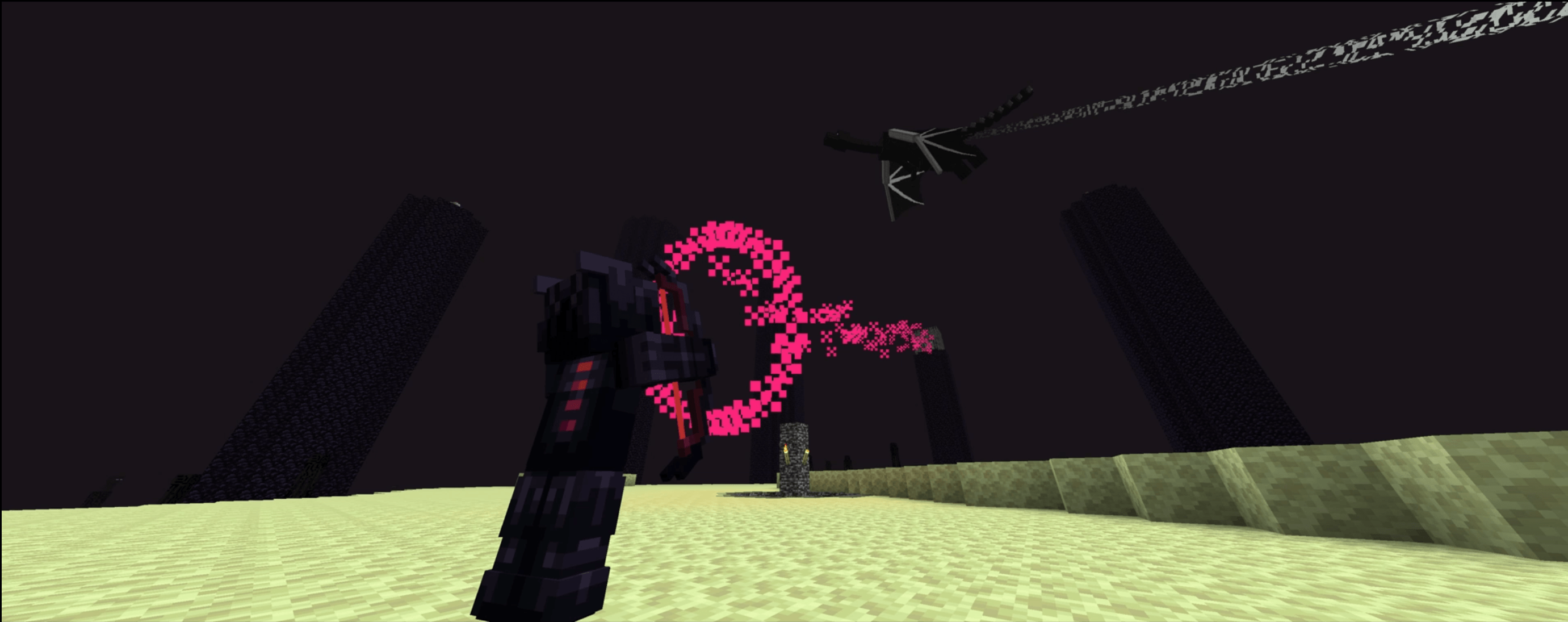
Zoe Isn't Cyberpunk (Zoe) is a Cyberpunk-influenced (Influences include Cyberpunk 2077, Cyberpunk RED and Cyberpunk: Edgerunners) mod. It takes many aspects of these universes and implements them in its own way.
Features: Implants, custom weapons, custom software, custom mobs, 2 bosses, building blocks and more.
NEW VIDEO: i made a video, you can stop waiting
The Zoe SMP is now live! Join the discord for more information
A WIKI IS NOW AVAILABLE AT:
https://zoeisntcyberpunk.wiki.gg/
Stats
Cybertechne: Affects the quality of crafted implants, increased via crafting implants.
Biotechne: Represents your "humanity" - your capacity for handling implants. Increased by killing mechanical mobs (especially bosses) and having implants equipped.
Robotechne: Increases the power of software. Increased by having software equipped/using software.
Commands
/zoe_techne - Used to change a player's Cybertechne/Biotechne/Robotechne
/zoe_implant - Used to generate or clear implants
/zoe_software - Used to equip or clear Software
Config
zoe_config.toml - General configurations to the Zoe experience
zoe (folder) - Configurable settings for each individual implant, including disabling them entirely
Compatibility & Support
Implants:
Zoe uses JSON files for its implant attributes. If you wish to change them, you can find them in your game file directory (%appdata%) under …/config/zoe and you are free to change it as you wish.
the JSON file names must follow this format: 'zoe_' or it will not work.
NOTE: If you want your implant changes to stay PERMANENT between mod updates, set their "update" value to 'false'!
While it is possible to change implant details during runtime, I highly advise against it on servers and even in Singleplayer to avoid any issues (for example, the attribute application system breaking). You should close your world/server before making changes to the JSON files.
Other
Zoe uses tags and similar things to try and be as friendly as possible for compatibility with other mods. Joining the discord and asking me directly is the best way to learn more about this.
While MCreator does get a lot of flak for understandable reasons (and also some pre-determined disinclination), I've tried my very best to implement proper compatibility and support where I could for server owners, other mods and the like.
For more info regarding compatibility/support, please check the 'Compatibility & Support' section.
- Edition: Minecraft Java
- File type: .jar
- Minecraft versions listed: 1.20.1, 1.19.4
- How to install: Install the matching mod loader (Forge, Fabric or NeoForge) for your Minecraft version. → Download the .jar. → Put it in the .minecraft/mods folder and launch that loader profile.
- Where to get it: Opens on CurseForge — not every file is mirrored on our own servers.
Install steps are the general flow for this file type — How to install Minecraft Java mods & modpacks walks through it step by step.
- Ships as zoe-2.0.0-forge-1.20.1-alpha1.jar — drop this file into the mods folder
- Download size: 1.4 MB
- Download link checked 26 Sept 2026 — working
These come from our own check of the pack file, not from the source page.