Total Craft
Java modpack listed for Minecraft 1.20. Downloads from the MC Java Mods app on Android.
A massive collection of over 350+ exploration, tech and magic, cooking and farming, overworld and dimension overhauls, and quality of life mods designed…
⬇ Download on CurseForgeThe author built this one for Minecraft 1.20.1 on Forge. On other versions it may install and then do nothing.
SUMMARY:
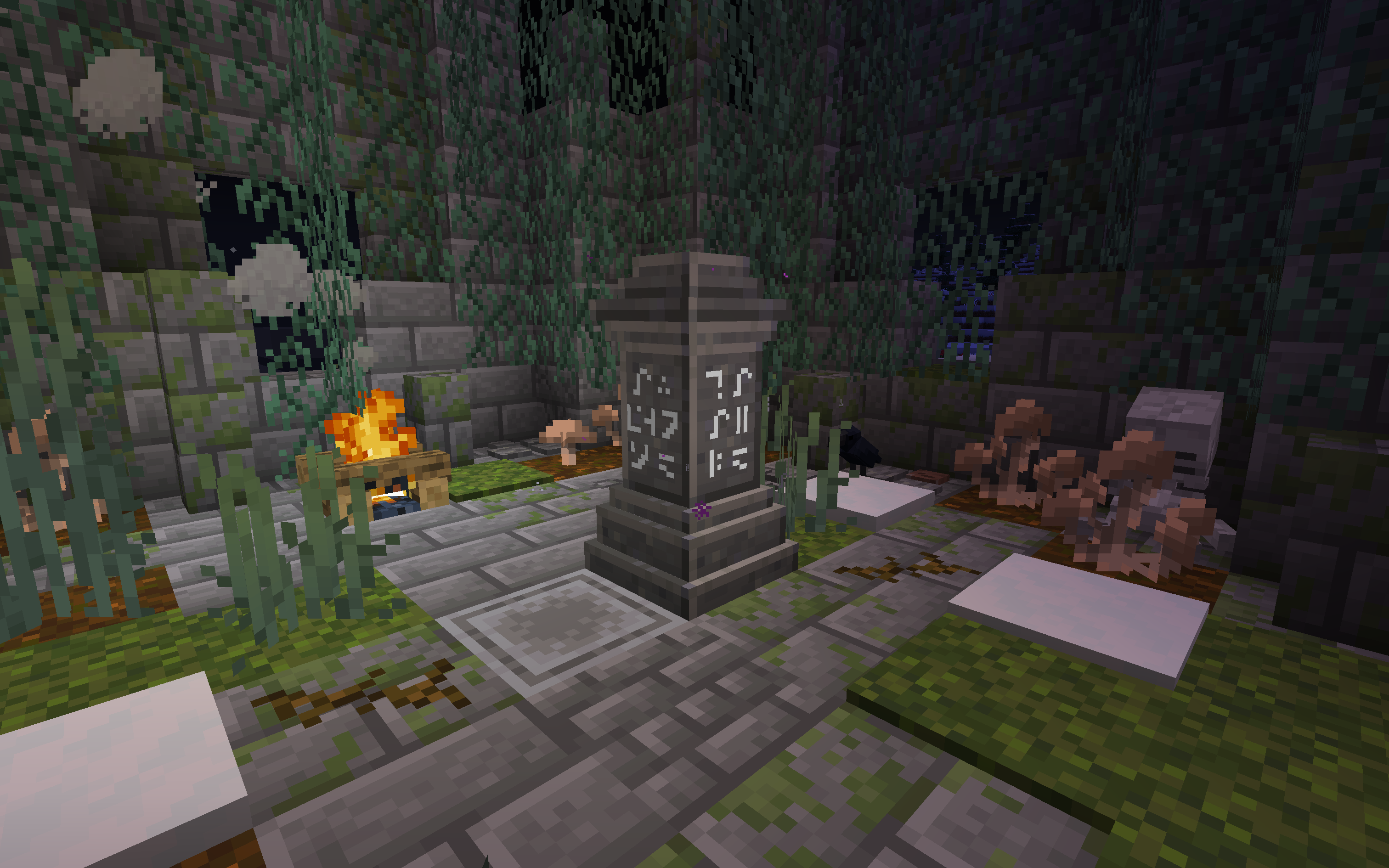
- With over 480+ mods, Total Craft aims to to allow you have the freedom to play in any way you wish, wether that be exploration, crafting, farming, spell casting, dungeon delving, dimension hopping, or factory building, there's a little for everyone here and the choice is yours to make on how you play! Enjoy Total Craft!
FEATURES:
- Twilight Forest - [Fantasy Dimension mod with 7+ unique bosses, quest progression, loot, biomes, unlock-able regions and more]
- The Undergarden - [Dark Dimension mod with its own unique plant themed biomes, chaotic creatures, and amazing loot with treasure to uncover in its depths]
- Create - [Complex Tech mod with countless creative possibilities, including but not limited to inter-dimensional and overworld trains and automated cog or steam based machinery and more!]
- Applied Energistics 2 - [Tech mod with a plethora of complex machines and blocks for storage and more]
- Waystones - [Magic-utility mod with teleportation stones and more to allow for easy travel in your world]
- The Graveyard - [Spooky exploration and creature mod, with its own unique bosses, loot, creatures and more]
- Biomes O' Plenty - [Massive biome overhaul featuring 90+ biomes with their own unique terrain generation]
- Ars Nouveau - [Fantasy Magic mod remake of the famous Ars Magica mod updated for the latest minecraft version. Complex spell-casting and crafting, rituals, treasure and loot, unique bosses and more!]
- Occultism - [Dark Magic mod featuring unique creatures, rituals, loot, summoning demons, dark artifacts and more!]
- Chipped - [Massive decoration overhaul mod featuring a countless collection of new block-variants and other unique decorative items, creation workbenches, and blocks!]
- Refined Storage - [Another complex storage-tech mod designed to work with Applied Energistics to provide you with storage for all your loot and more!]
- Pam's Harvestcraft 2 - [Farming and plant overhaul, featuring 120+ new foods and cooking recipes]
Additional featured mods:
- Explorify
- Extreme Reactors
- FPS Reducer
- Immersive Aircraft
- Journey Map
- J.E.I.
- Macaw's Deco Mods
- Minecolonies
- Rats
- Sky Villages
- Serene Seasons
- 300+ more unique mods to enjoy!
IMPORTANT INFO:
HOW TO INSTALL:
Go to https://curseforge.overwolf.com/ and download the Curse Forge launcher.
Login to your Minecraft account.
Head to the Browse Modpacks tab, search for Total Craft and install, run the game and click play and enjoy!
- It is highly recommended to allocate at least 6-8 GB of RAM to Total Craft as there are 480+ mods running all at once.
- Download the Curse Forge launcher, then login.
- Go down to settings in the bottom left.
- Proceed to click on Minecraft under Game Specific.
- Scroll down until you see Allocated Memory under Java Settings.
- Finally set your parameters to either: 8192mb = 8GB, 7168mb = 7GB, or 6144mb = 6GB.
Then run Total Craft and enjoy!
Join the official Total Craft Discord if you have any questions, concerns or just to chat! Let us know if you run into any issues while playing so we can work with you to fix them!

- Edition: Minecraft Java
- File type: .jar
- Minecraft version listed: 1.20.1
- How to install: Install the matching mod loader (Forge, Fabric or NeoForge) for your Minecraft version. → Download the .jar. → Put it in the .minecraft/mods folder and launch that loader profile.
- Where to get it: Opens on CurseForge — not every file is mirrored on our own servers.
Install steps are the general flow for this file type — How to install Minecraft Java mods & modpacks walks through it step by step.
- Downloads as Total Craft-1.0.zip
- Download size: 1.3 MB
- Download link checked 17 Oct 2026 — working
These come from our own check of the pack file, not from the source page.