Dreams of Divinity : Ascended Combat
Java mod listed for Minecraft 1.19–1.21. Download on the author's site.
⬇ Download on CurseForge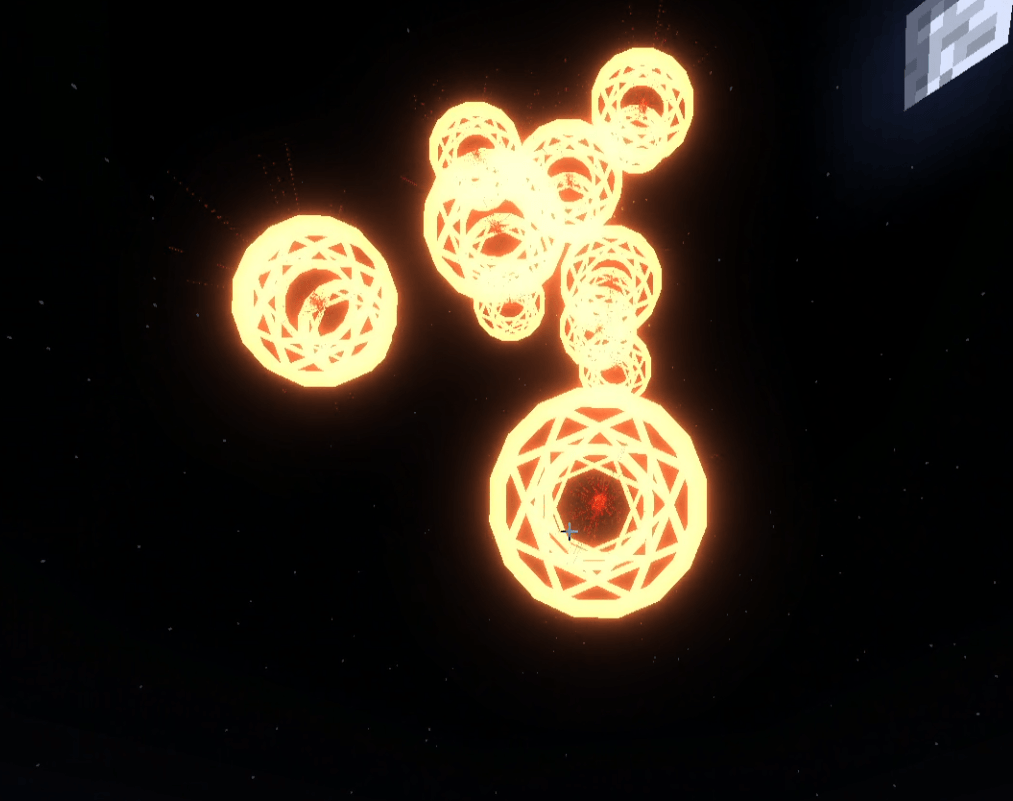
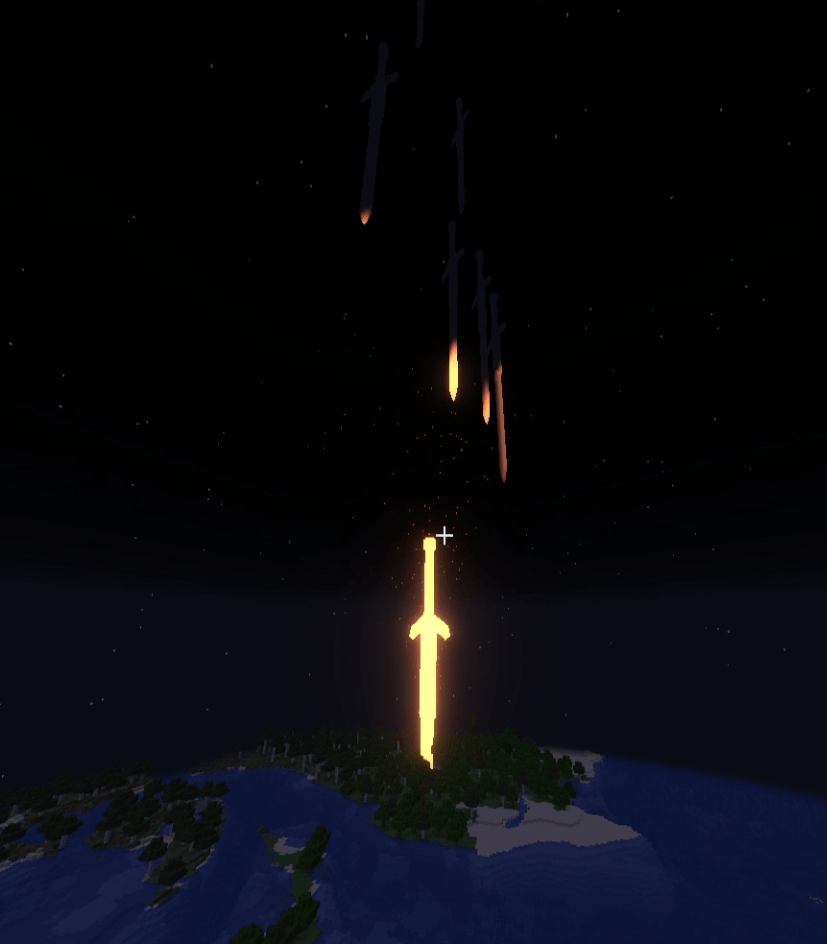
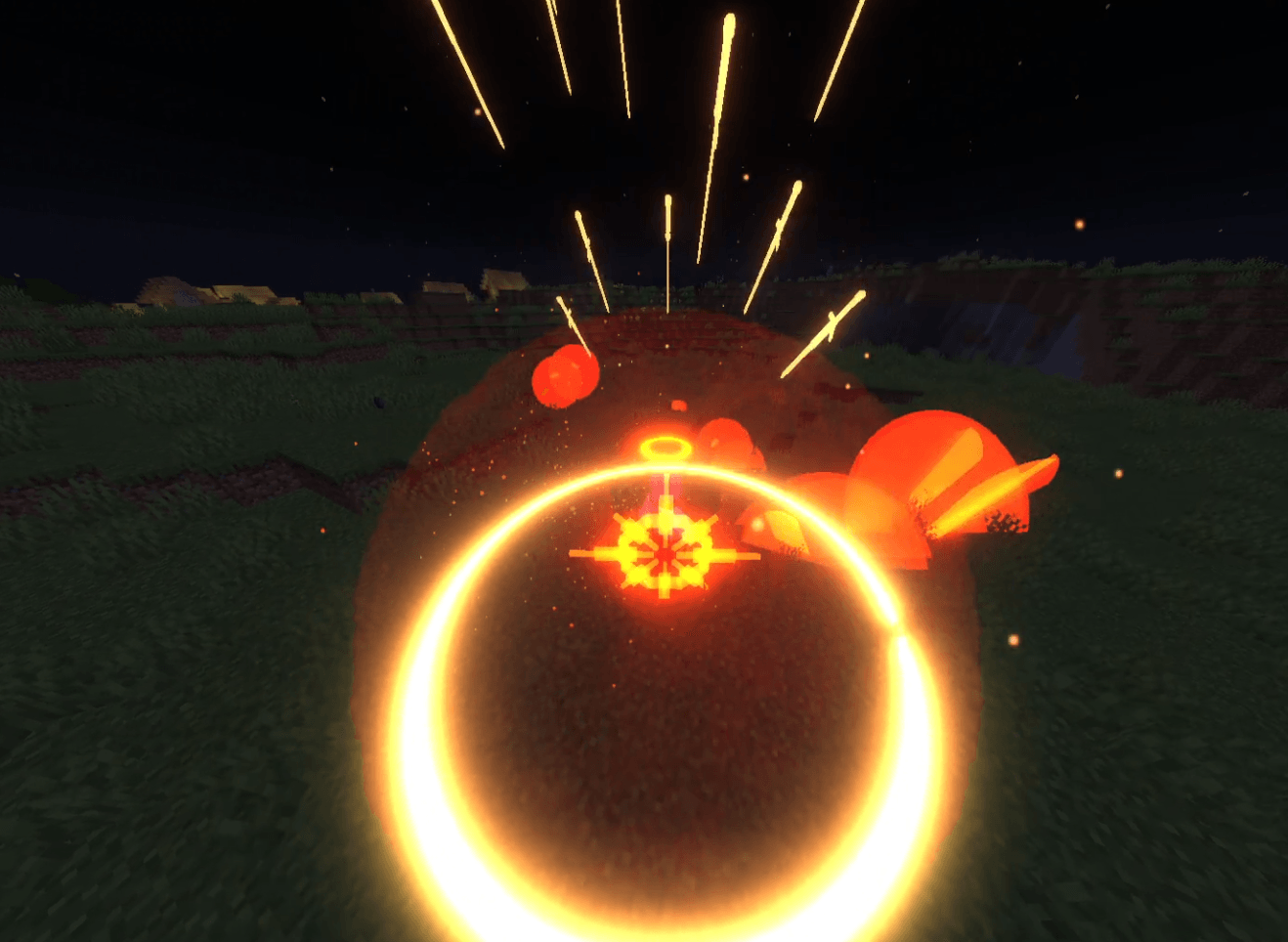
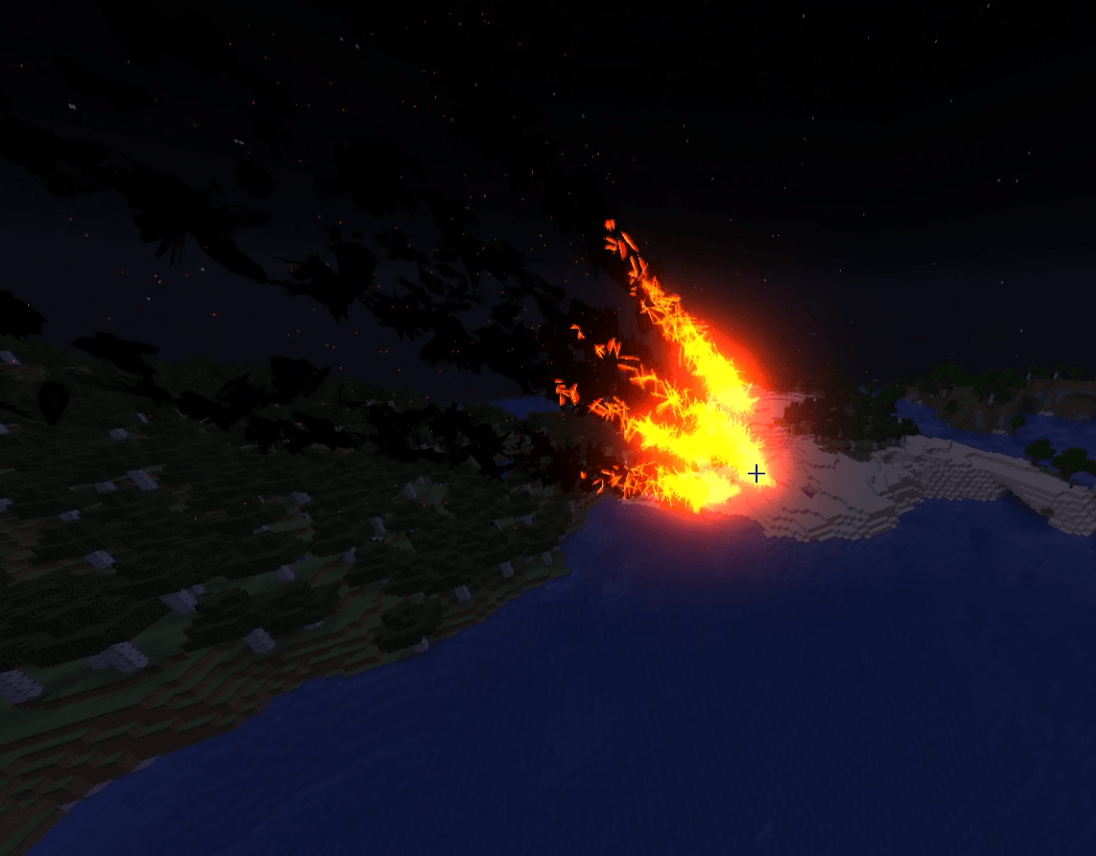
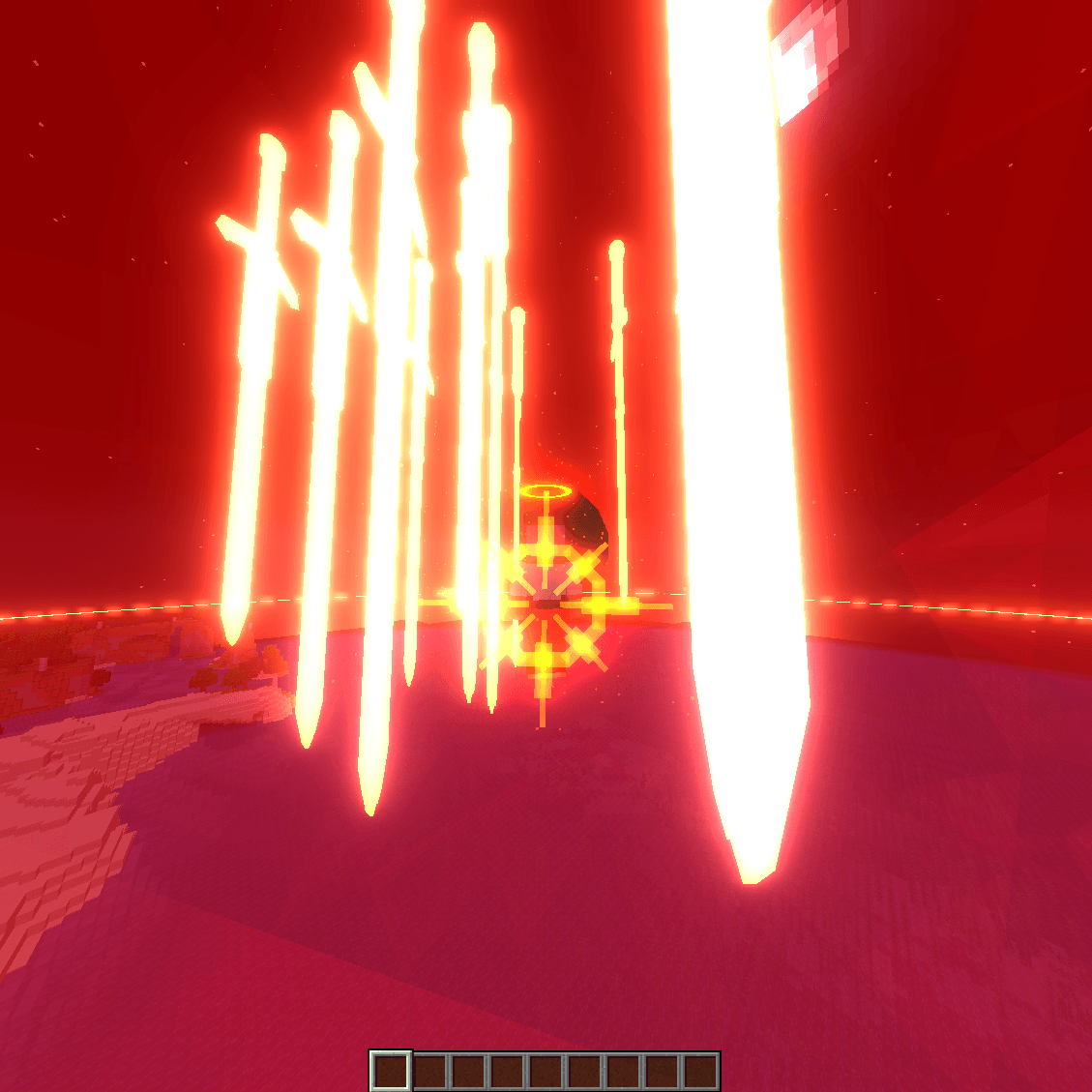
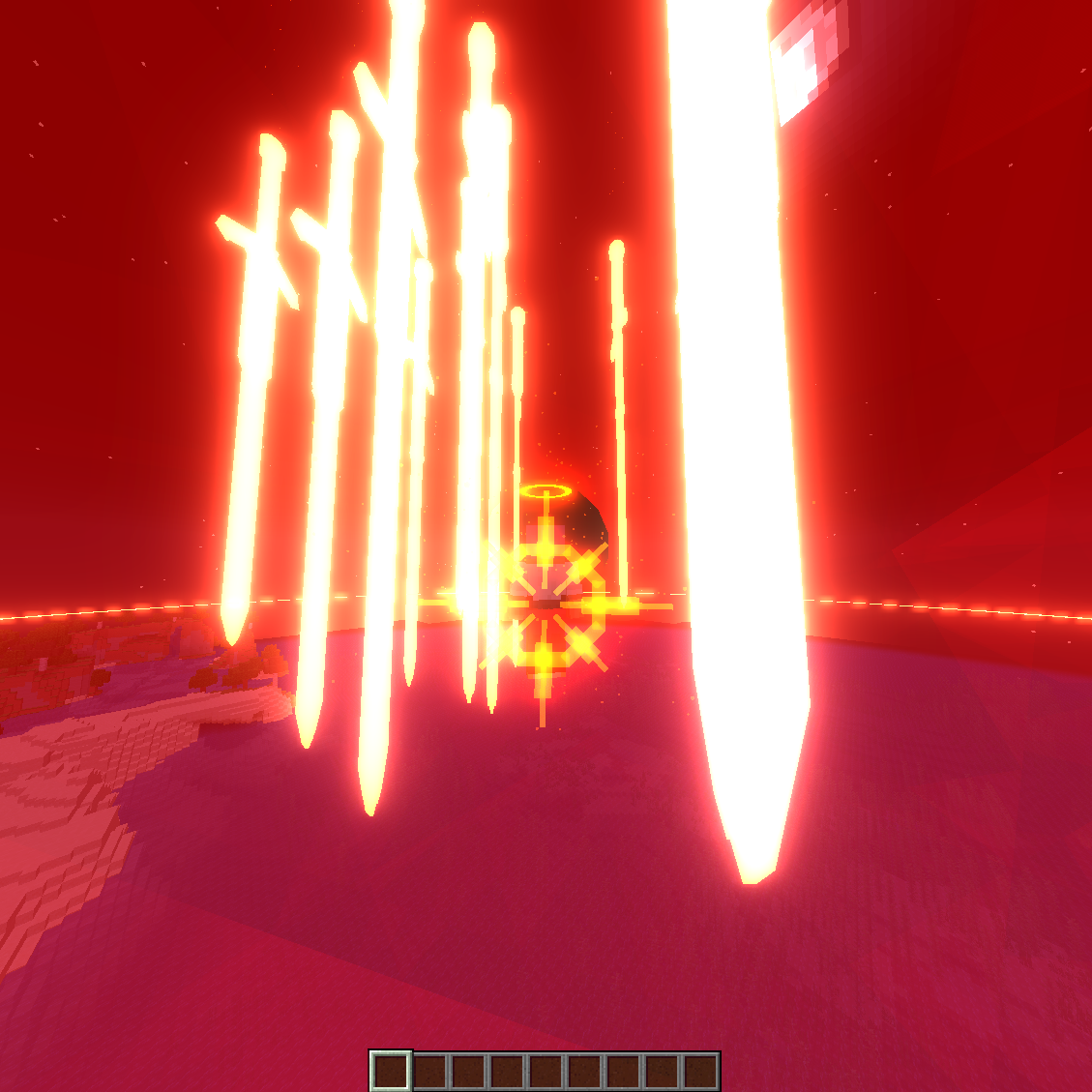
Introducing our Minecraft mod - a comprehensive and immersive gaming experience awaits! With just a press of the 'U' key, you gain access to a feature-rich menu that opens up a world of endless fun and possibilities.
(Use /spiritualpower to increase your spiritual power in the beta and alphas of the mod. there will be a leveling system implemented soon!)
Delve into a vast and dynamic menu, currently in development, where you can craft custom skills, seamlessly combine them, and ascend to god-like prowess. The sheer array of skill edits available empowers you to realize the exact abilities you envision.
NEW PARTY SYSTEM WITH RANKS! FOR TEAMING UP WITH FRIENDS JUST SHIFT RIGHT CLICK ON THEM!
Arrows for next page are a bit hard to see in the alpha. I will be fixing that!
EDIT YOUR KEY KEYBINDS IN YOUR MINECRAFT CONTROLS MENU
CURRENTLY BEING REVAMPED. ALPHA JUST RELEASED FOR THE NEW REVAMP AND ONLY HAS FIRE MAGIC AVAILABLE!
PHOTON 2.0.6 AND LDLIB 2.0.4 ARE REQUIRED DEPENDENCIES HERE ARE THE LINKS FOR THEM
Photon - Photon2-2.0.6-neoforge - Minecraft Mods - CurseForge
LDLib - LDLib2-2.0.4-neoforge - Minecraft Mods - CurseForge
Side note: if you would like to play the older versions they require geckolib and player animator
- Edition: Minecraft Java
- File type: .jar
- Minecraft versions listed: 1.21.1, 1.19.4
- How to install: Install the matching mod loader (Forge, Fabric or NeoForge) for your Minecraft version. → Download the .jar. → Put it in the .minecraft/mods folder and launch that loader profile.
- Where to get it: Opens on CurseForge — not every file is mirrored on our own servers.
Install steps are the general flow for this file type — How to install Minecraft Java mods & modpacks walks through it step by step.
Dreams of Divinity : Ascended Combat is a free Minecraft Java mod. Compatible with Minecraft 1.21.1, 1.19.4. Downloaded 695 times (via CurseForge). Download it and open it directly in the game.