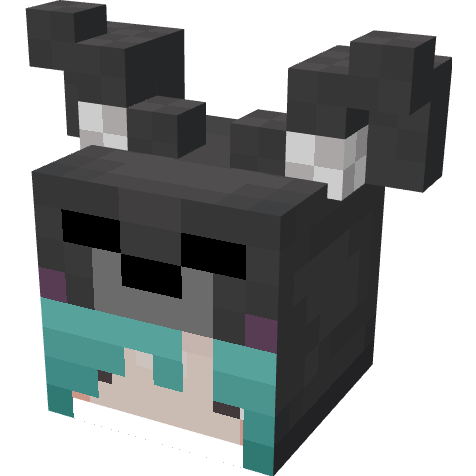
Bagu's Cosmetic
Java mod listed for Minecraft 1.19–1.20. Downloads from the MC Java Mods app on Android.
I don't know my version or loader
Bagus Cosmetic

A mod made to enjoy cosmetic items on the server!
Also You can find the cosmetic from monster(need setting config)!
Things necessary:
・assets/[modid]/bagus_cosmetics/model you want to put in (warning you must put bedrock model file)
・assets/[modid]/textures/cosmetic/png texture with the same id
Example: When you want to include a bagu model in bagus_cosmetic
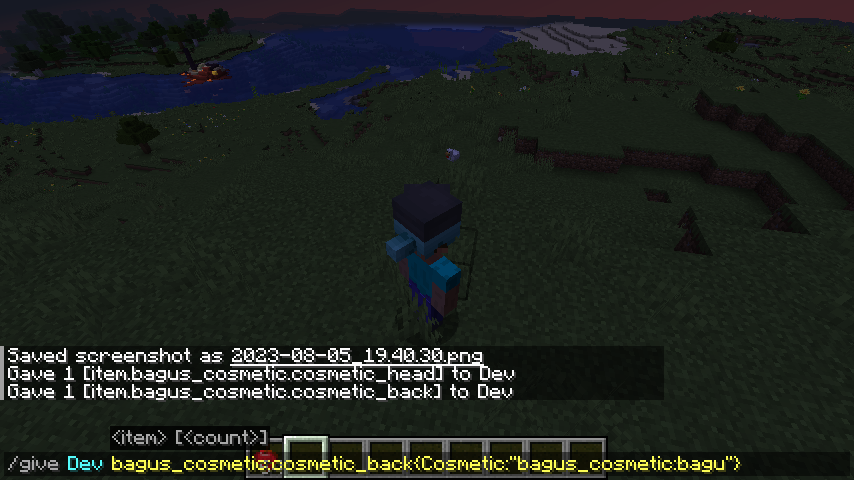
/give bagus_cosmetic:[cosmetic item to apply]{Cosmetic:"bagus_cosmetic:bagu"}
when reflecting model on item bagus_cosmetic:cosmetic_body
Not necessarily, but you need to give the part you want to move a specific modelpart id
torso -> body
head -> head
right leg -> right_leg
left leg -> left_leg
right hand -> right_hand
left hand -> left_hand
- Edition: Minecraft Java
- File type: .jar
- Minecraft versions listed: 1.20.1, 1.20.2, 1.19.2
- How to install: Install the matching mod loader (Forge, Fabric or NeoForge) for your Minecraft version. → Download the .jar. → Put it in the .minecraft/mods folder and launch that loader profile.
- Where to get it: Opens on CurseForge — not every file is mirrored on our own servers.
Install steps are the general flow for this file type — How to install Minecraft Java mods & modpacks walks through it step by step.
- Ships as BagusCosmetic-1.20.1-0.1.3.jar — drop this file into the mods folder
- Download size: 28 KB
- Download link checked 17 Oct 2026 — working
These come from our own check of the pack file, not from the source page.