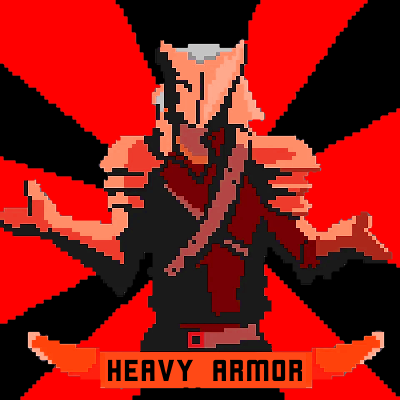
Heavy Armor
Minecraft Java mod. Downloads from the MC Java Mods app on Android.
⬇ Download on CurseForge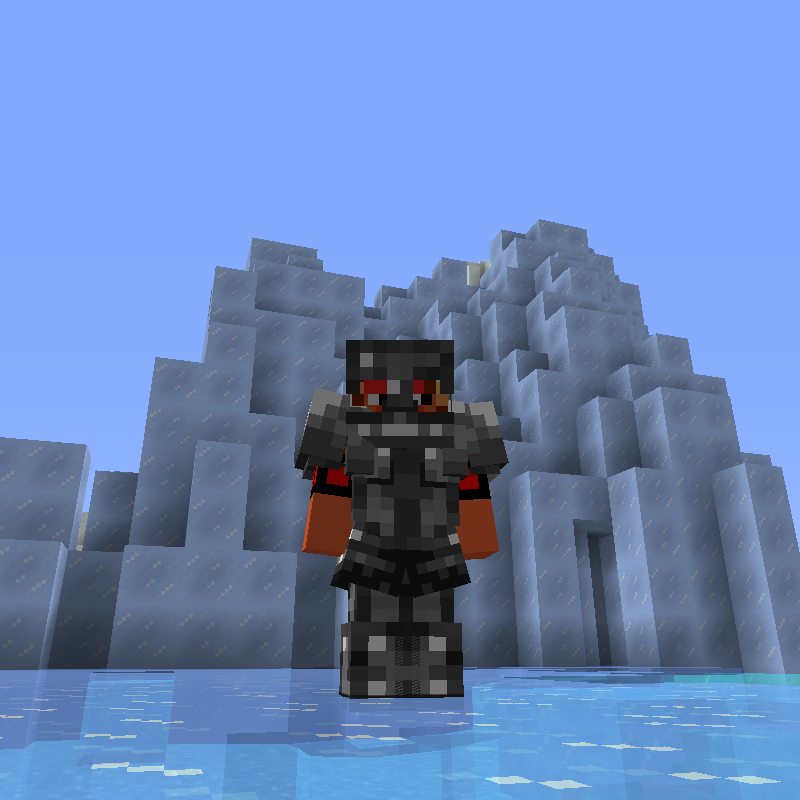
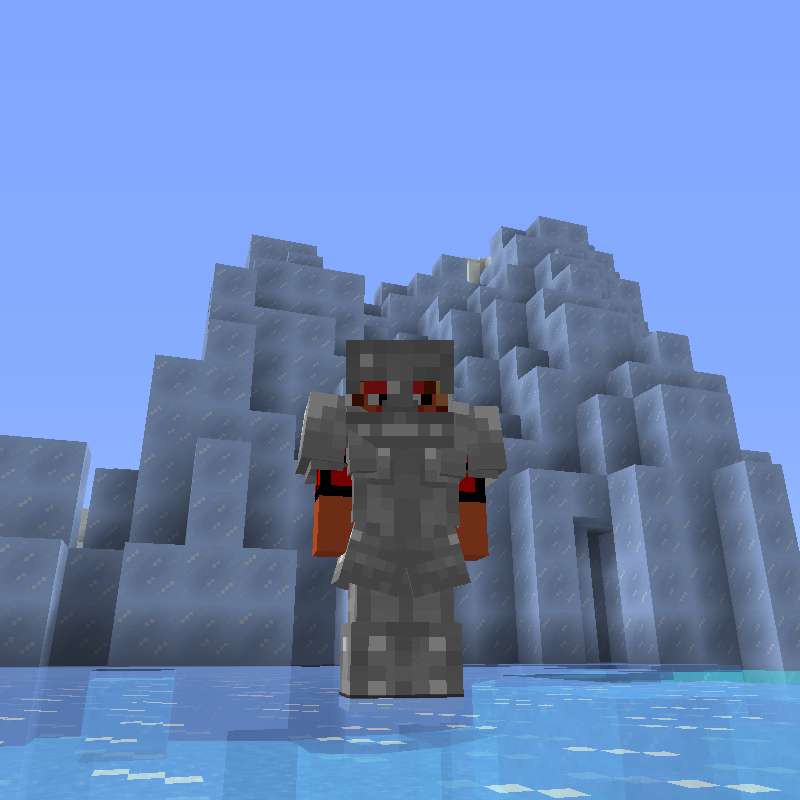
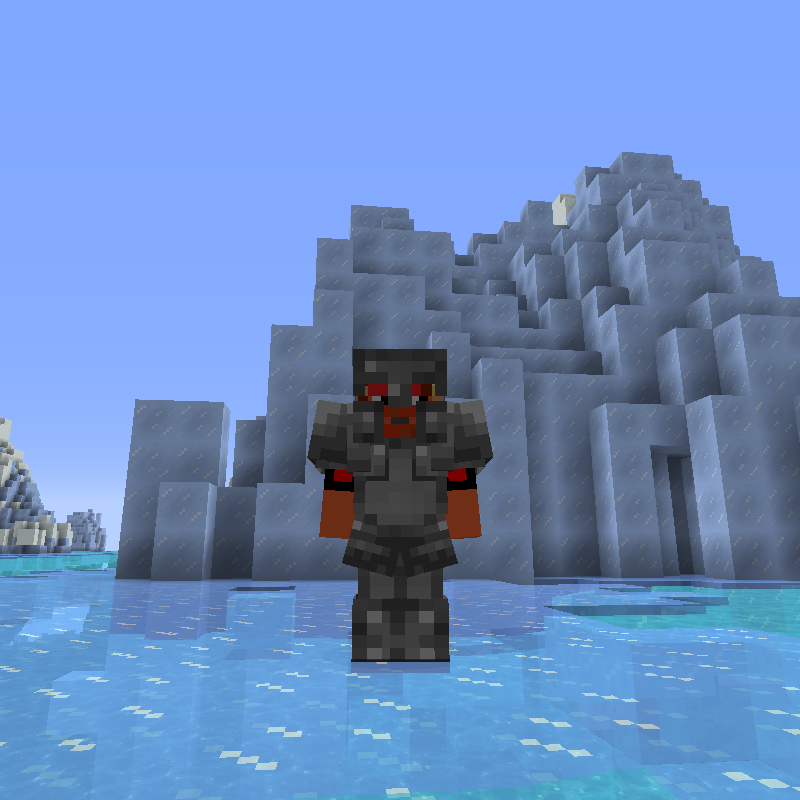
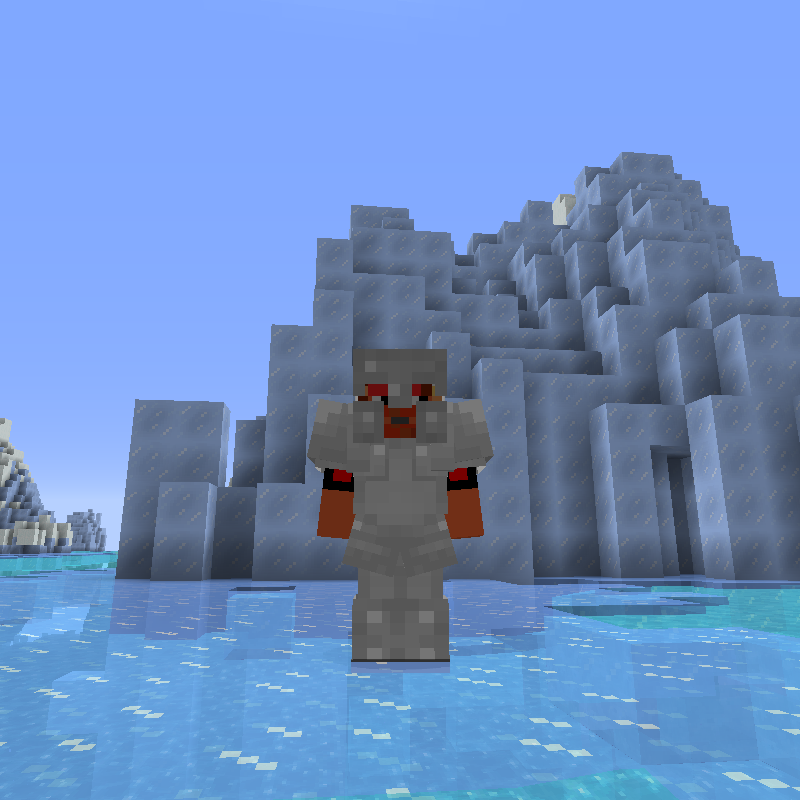
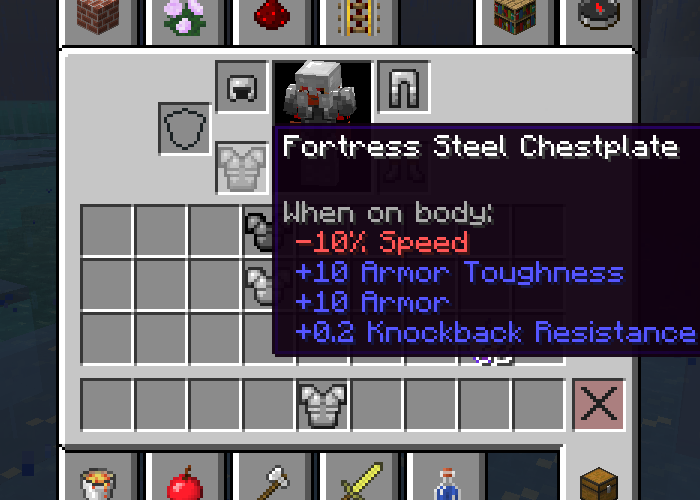
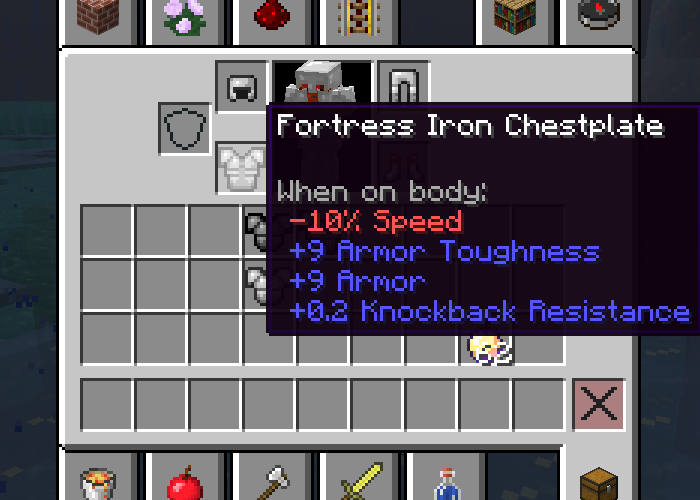
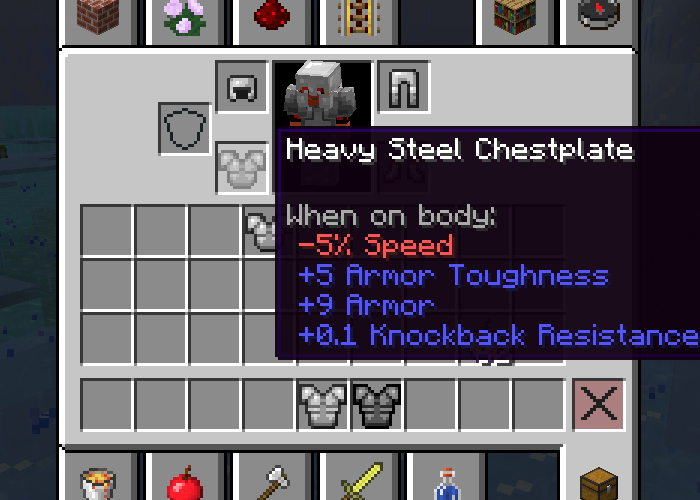
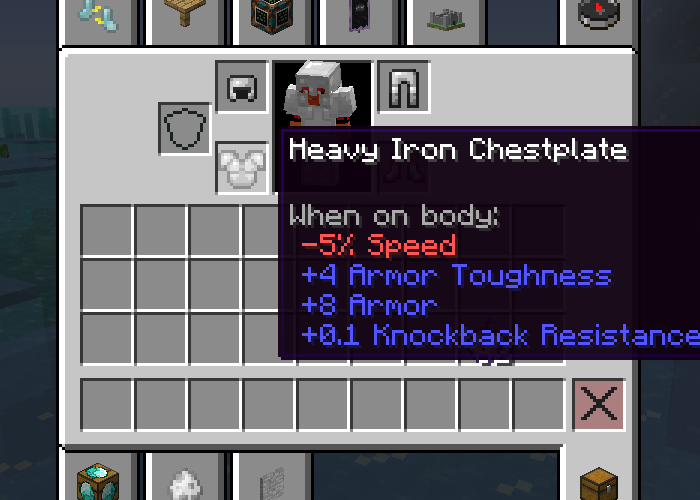
This mod adds the heavy armor from ChocolateQuest. This armor has higher defense and toughness than normal armor, and some knockback resistance, but slows you down and weakens your jump height.
This mod also includes Fortress Armor, an even heavier version of heavy armor with exaggerated effects (original to this mod, not included in ChocolateQuest).
All armor values are configurable, however the jump height, knockback resistance, and speed multipliers are set for now.
Both sets come in Iron and Steel.
Recipes are NOT included. Use CraftTweaker to add your own recipes!
Heavy Armor Stats:
Defense: +1 more than normal armor (Example: Iron Helmet normally has +2, so Heavy Iron Helmet has +3)
Toughness: +4 (iron), +5 (steel)
Jump Height: -5%
Move Speed: -5%
Knockback Resistance: +10%
Fortress Armor Stats:
Defense: +2 more than normal armor (Iron Helmet normally has +2, so Fortress Iron Helmet has +4)
Toughness: +9 (iron), +10 (steel)
Jump Height: -10%
Move Speed: -10%
Knockback Resistance: +20%
Recommended Pair Mods:
Chocolate Quest Repoured - Contains the original heavy armors, and a diamond version. Compatibility ensures that CQR's version of Heavy Iron Armor is the one registered in game, not the one from this mod.
Shrug It Off - Put all that toughness to good use. You really feel like a Fortress when skeleton arrows just bounce off.
CraftTweaker - You need this mod to add crafting recipes for the items.
FutureMC - Adds a Smithing Table with CraftTweaker support, so that you can make your own smithing table recipes (I recommend adding an ingot to the normal armor to get the heavy variant, and another ingot to the heavy variant to get Fortress).
Credits:
All code and assets are based on ChocolateQuest Repoured, with permission from DerToaster.
Code: Tiviacz, Meldexun, DerToaster
Assets: Silentine
Big thanks to the ChocolateQuest Repoured team for keeping Minecraft's best mod alive, and for allowing me to expand on it in my own tiny way.
- Edition: Minecraft Java
- File type: .jar
- How to install: Install the matching mod loader (Forge, Fabric or NeoForge) for your Minecraft version. → Download the .jar. → Put it in the .minecraft/mods folder and launch that loader profile.
- Where to get it: Opens on CurseForge — not every file is mirrored on our own servers.
Install steps are the general flow for this file type — How to install Minecraft Java mods & modpacks walks through it step by step.
- Ships as Heavy_Armor-1.12.2-0.0.2.jar — drop this file into the mods folder
- Download size: 128 KB
- Download link checked 17 Oct 2026 — working
These come from our own check of the pack file, not from the source page.