
Enchanting Tweaker
Java mod listed for Minecraft 1.20. Downloads from the MC Java Mods app on Android.
I don't know my version or loader

Enchanting Tweaks
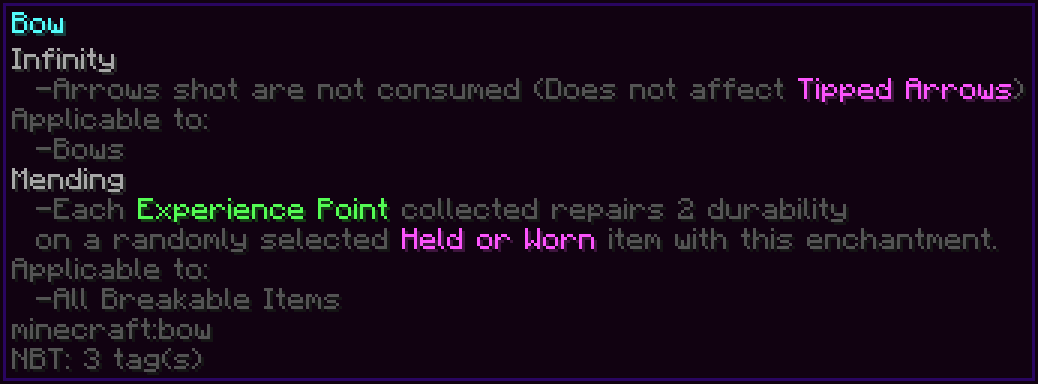
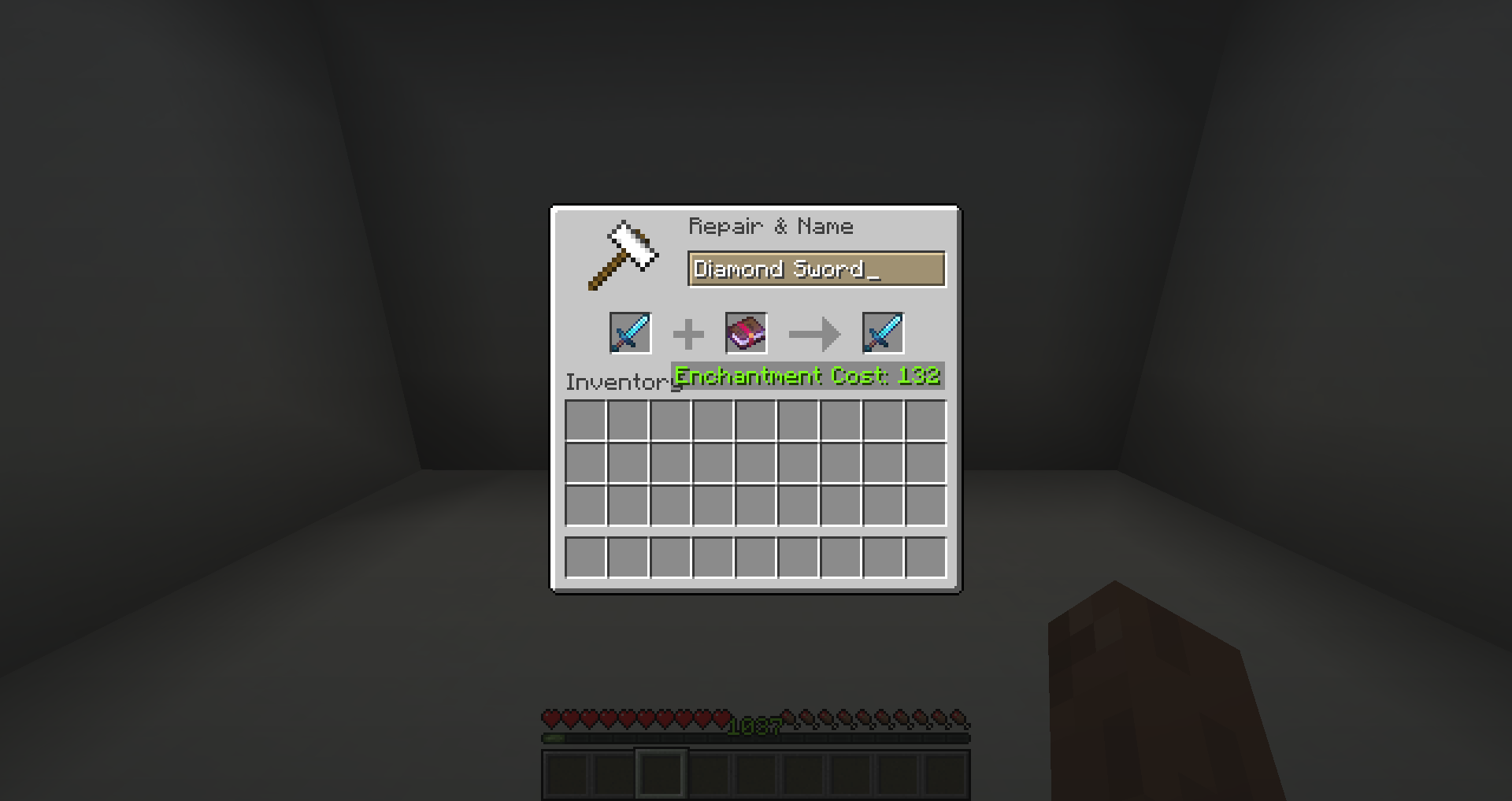
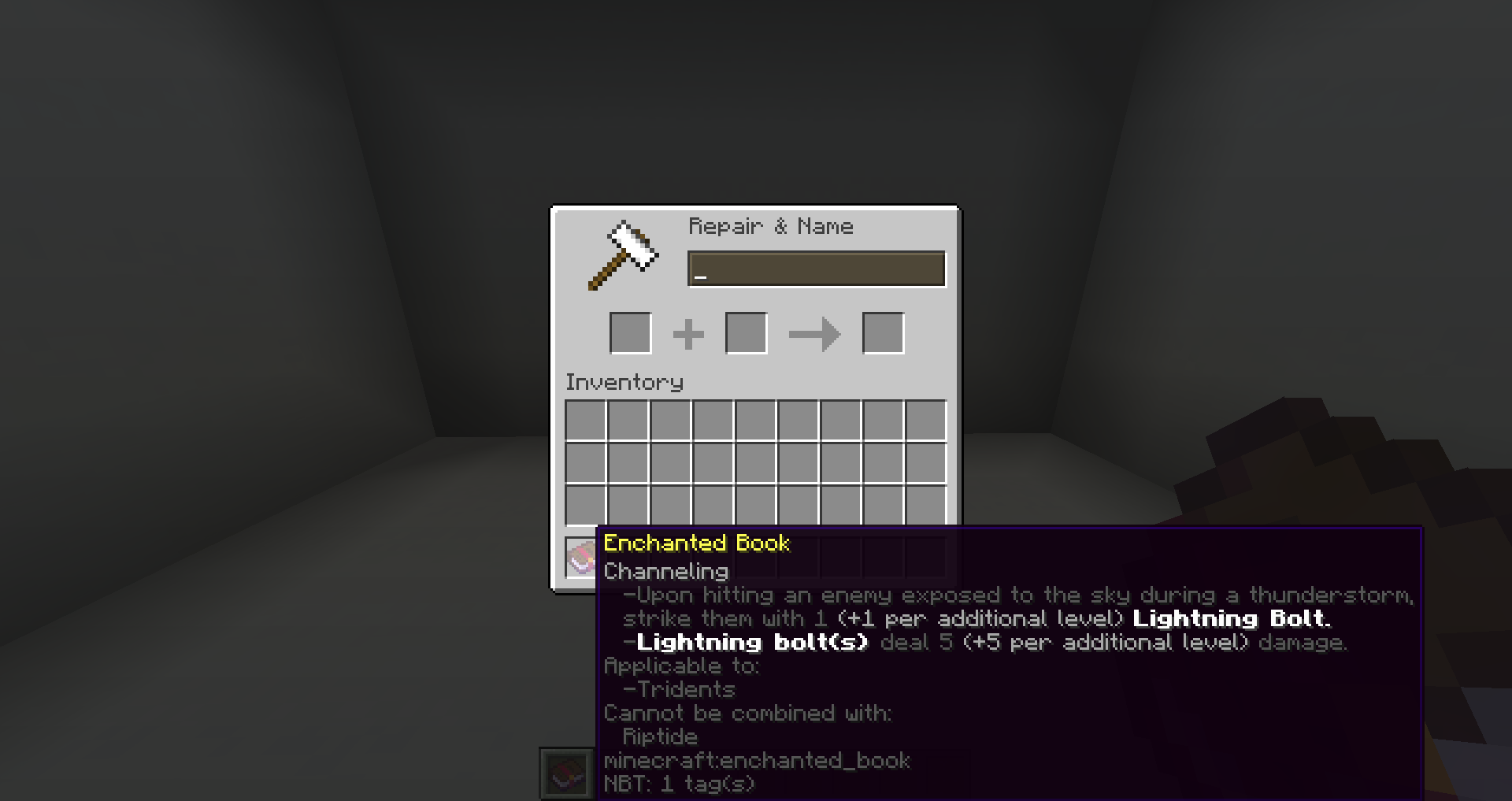
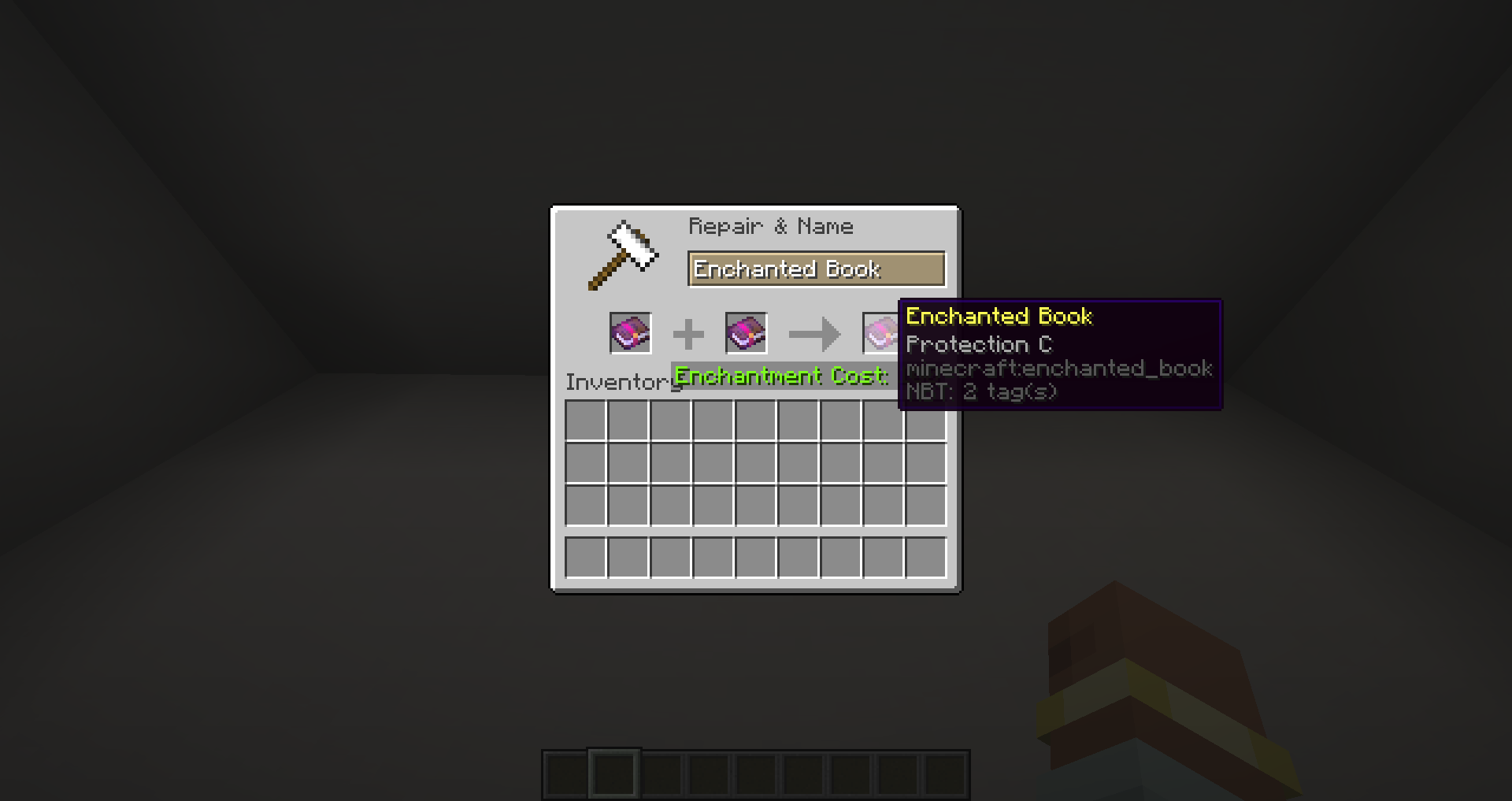
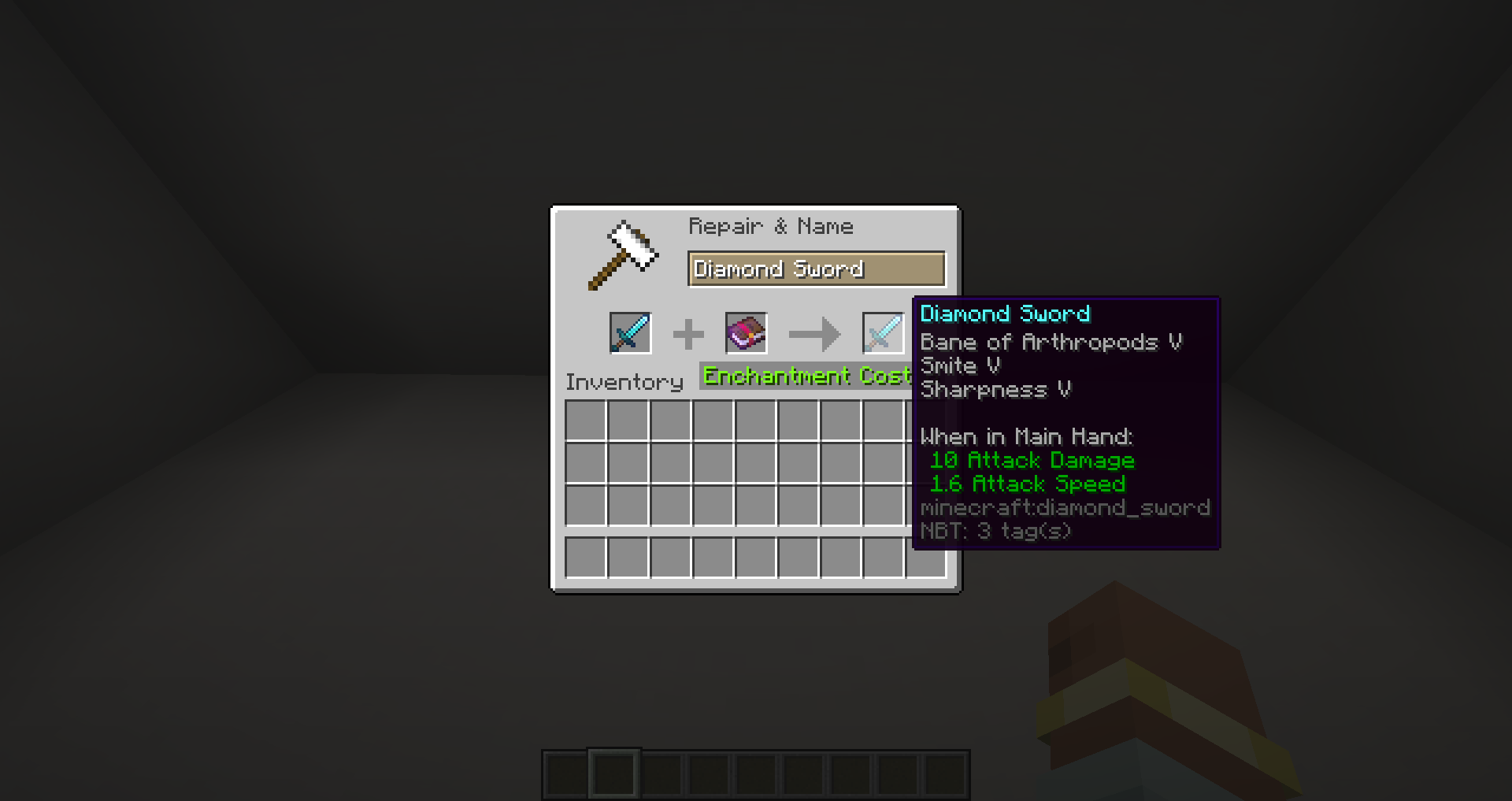
Various tweaks, improvements, and QOL changes to the minecraft enchanting system. Highly configurable tweaks to the enchanting system include:
- Ability to remove the anvil level limit (The "TOO EXPENSIVE!" text)
- Ability to allow "exclusive" enchantments to be combined (e.x. Infinity & Mending)
- Ability to change the maximum level allowed for enchantments
- Support for enchantments added by other mods
- Full Feature List: here
Installation & Usage
Place the .jar file in your mods folder and launch the game. This should generate a configuration file in
[Your Minecraft Folder]/config/enchantingtweaks
Edit the values to your liking, and then save the file and restart minecraft to apply the changes.
For More information, Consult the wiki.
Config
For Developers
License
Licensed under the MIT License.
- Edition: Minecraft Java
- File type: .jar
- Minecraft versions listed: 1.20.4, 1.20.2, 1.20.1
- How to install: Install the matching mod loader (Forge, Fabric or NeoForge) for your Minecraft version. → Download the .jar. → Put it in the .minecraft/mods folder and launch that loader profile.
- Where to get it: Opens on CurseForge — not every file is mirrored on our own servers.
Install steps are the general flow for this file type — How to install Minecraft Java mods & modpacks walks through it step by step.
- Ships as enchantingtweaks-1.20.4-1.2.4.jar — drop this file into the mods folder
- Download size: 360 KB
- Download link checked 27 Sept 2026 — working
These come from our own check of the pack file, not from the source page.