Better Furniture
Java mod listed for Minecraft 1.19–1.20. Downloads from the MC Java Mods app on Android.
This mod is for version 1.20.1 and contains furniture and is updated regularly. Adds chairs, tables, fridge and much more. I hope you will like it. Please…
I don't know my version or loader
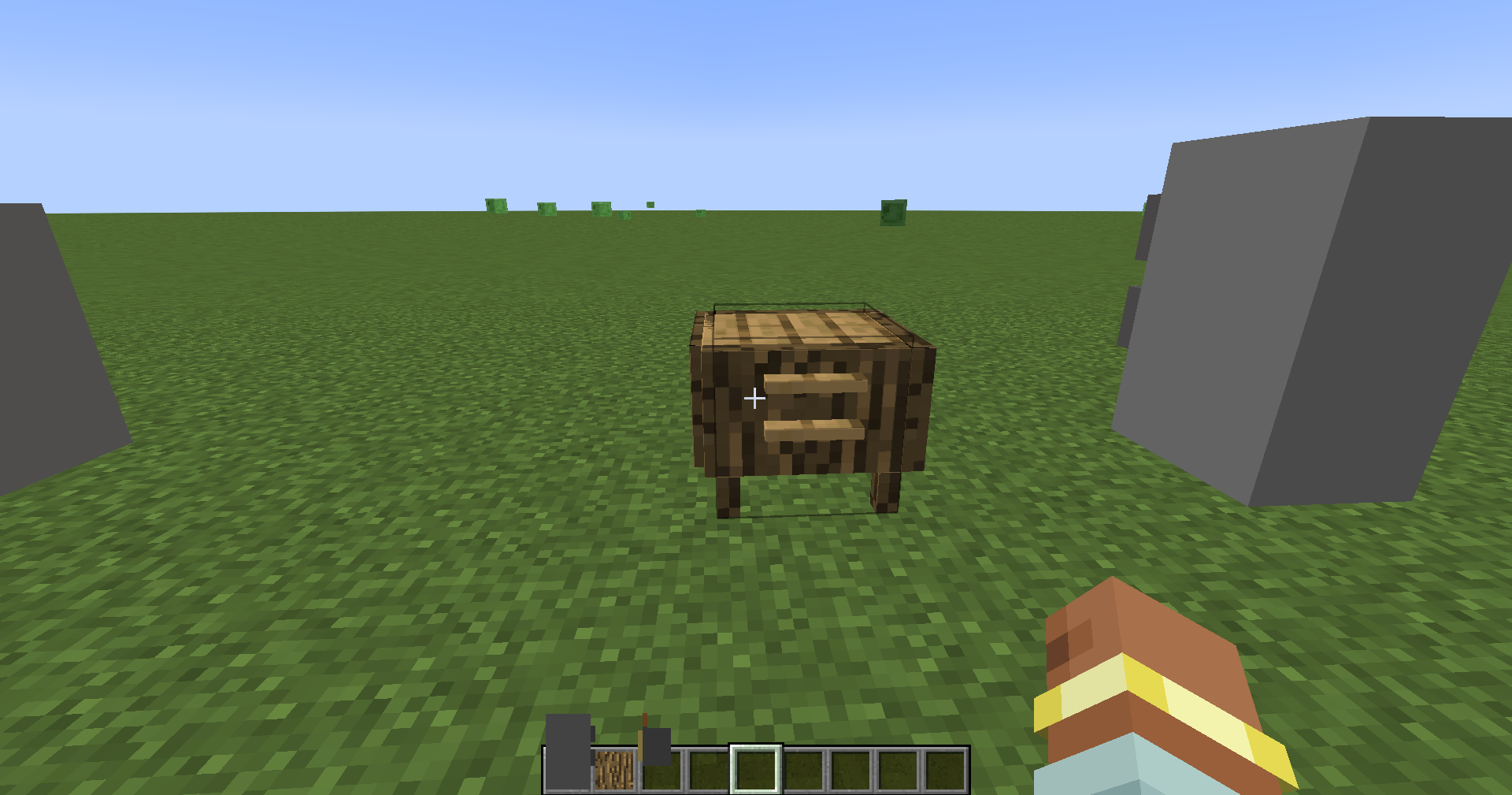
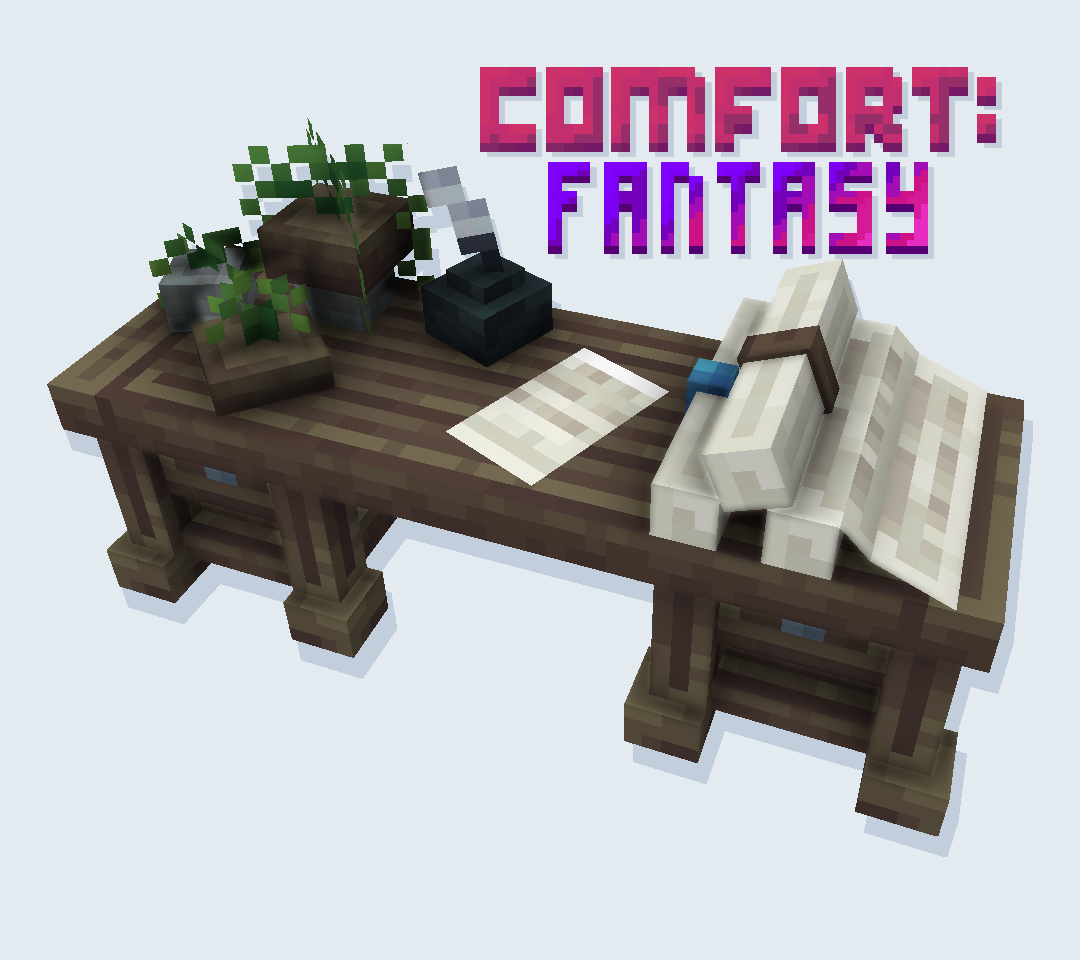
Better Furniture adds in over 20 decorations for your Minecraft World. This mod will definitely give you a lot more variety when decorating your builds. Many of the items are actually functional as well!
Q: OMG it crashes! asdgfnjafdj!
A: I need to see your crash report, "It crashes" is not helping, nor is you raging all over my comment section. If you don't post your crash report I cannot help you and WILL ignore you.
Q: When I look at the object it turns black!
Q: My game takes forever to load and/or crashes!
A: Please allocate AT LEAST 2GB RAM to your Minecraft!
Q: Can you backport/update Better Furniture for version X.X.X?!
A: No.
A: Sure
Q: My game crashed... here is my crash log..! (WALL OF TEXT)
A: PLEASE DO NOT NOT NOT Paste your crash log in my comment section as is. Put it in Pastebin and send me the link. If you post a wall of text I will just delete it. This is BASIC posting etiquette.
Q: I used WorldEdit and my world is ruined! It's all your fault!
A: No. Just no. Older versions of World Edit may not handle the data the same way as the newer versions. Also when copying and pasting anything, things may go wrong, so... regardless please please MAKE A BACKUP BEFORE YOU USE WORLD EDIT (or any other external tools!!!). I won't be held responsible, this is why backups are a thing.
Q: Is Better Furniture backward compatible?
A: Yes! Decocraft is completely backward compatible, however newer models may not be in older versions and some things might change. It's always best to create a backup before going back just in case!
Q: I can't place any blocks!
A: If you can't place any blocks, try holding shift to bypass the custom bounding boxes. It should allow you to place it!
Q: I'm unhappy with the color I chose. Is there any way to change it?
A: Yes! You can craft the decowand to change the color if you're unhappy with it. You can craft the decowand with the recipe below:
- Edition: Minecraft Java
- File type: .jar
- Minecraft versions listed: 1.20.1, 1.20, 1.19.3
- How to install: Install the matching mod loader (Forge, Fabric or NeoForge) for your Minecraft version. → Download the .jar. → Put it in the .minecraft/mods folder and launch that loader profile.
- Where to get it: Opens on CurseForge — not every file is mirrored on our own servers.
Install steps are the general flow for this file type — How to install Minecraft Java mods & modpacks walks through it step by step.
- Ships as furniture.jar — drop this file into the mods folder
- Download size: 349 KB
- Download link checked 26 Sept 2026 — working
These come from our own check of the pack file, not from the source page.