ModsJava
Mega Randomizer
Java mod listed for Minecraft 1.16–1.21. Downloads from the MC Java Mods app on Android.
I don't know my version or loader
Open the Minecraft launcher and look at the profile you play on — it names both, like fabric-loader-1.21.4. The version also shows in the bottom-right corner of the game's main menu.
No loader in the profile name? Then it's plain Minecraft, and these mods won't run — you need Fabric or NeoForge installed first.


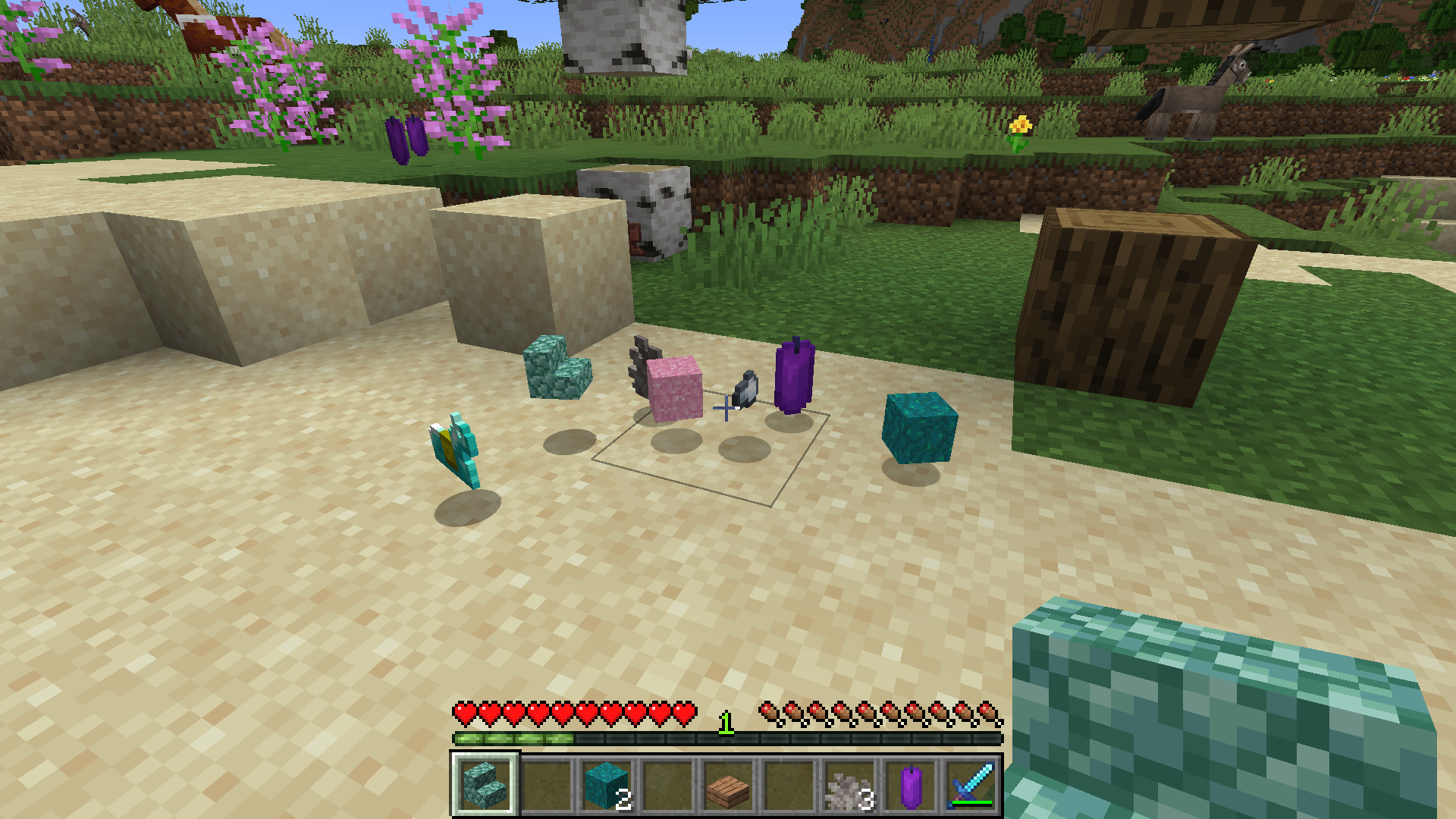
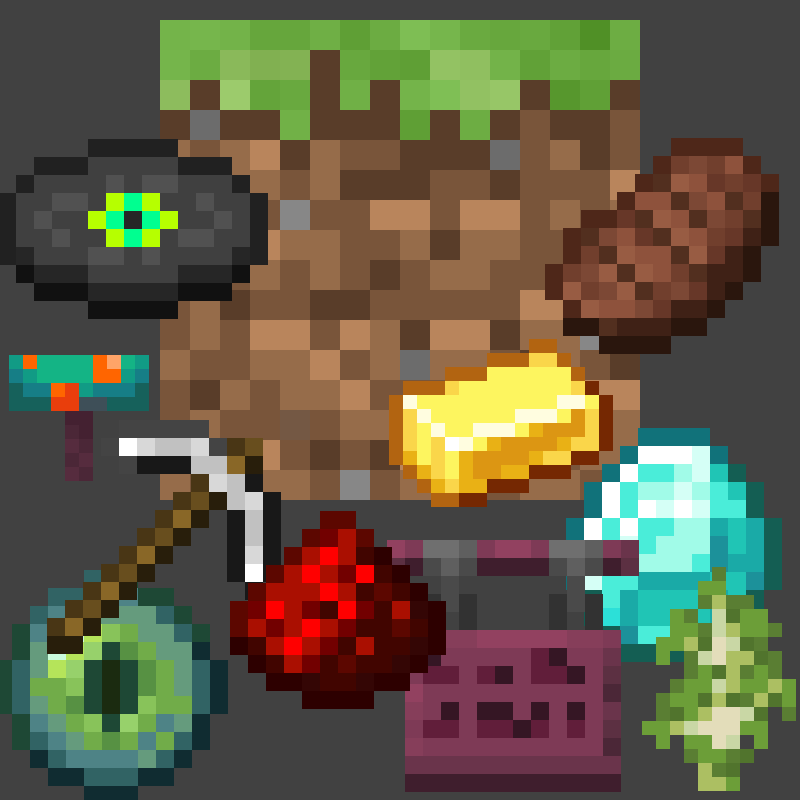
Welcome to Mega Randomizer, the Minecraft randomizer that you can customize.
- You can choose whether to randomize drops from blocks, mobs, players, or all three!
- Mob spawns are now also randomized!
- Even more randomization features are planned for future updates.
- Toggle "volatile" mode for randomizing drops every break/kill instead of per-world seed.
- Each randomization feature can be turned on or off using the in-game menu, or with /gamerule commands.
- You can also choose to include or exclude non-survival mode items as available randomized drops.
- (Special thanks to TheUnknownLarry for contributing this feature!) **Only in version 1.20.1 and up
Join our official Discord for support, suggestions, and community!
** April 20, 2026 Updates:
- Using the new gamerule
doVolatileDrops, drops from mobs and blocks can now be randomized with every break or kill, rather than consistent drops based on the world seed. - Mob spawns are now randomized!!
- Bosses can be included in spawn randomization with
/gamerule excludeBosses false - "Bosses" in this context includes:
- Elder Guardian
- Ender Dragon
- Giant
- Warden
- Wither
- Bosses can be included in spawn randomization with
Basic Usage
The Mega Randomizer options menu screen can be accessed from the in-game pause menu.
Alternatively, randomization features can be customized using the following commands:
- For block drops randomization:
/gamerule doBlockRandomDrops <true/false> - For mob drops randomization:
/gamerule doEntityRandomDrops <true/false> - For player drops randomization:
/gamerule doPlayerRandomDrops <true/false> - For mob spawn randomization:
/gamerule doRandomizeSpawns <true/false> - For "volatile randomization" of drops:
/gamerule doVolatileDrops <true/false> - To exclude/include spawn eggs:
/gamerule excludeSpawnEggs <true/false> - To exclude/include mob heads:
/gamerule excludeHeads <true/false> - To exclude/include creative-mode-only items:
/gamerule excludeCreativeItems <true/false> - To exclude/include bosses in mob spawn randomization:
/gamerule excludeBosses <true/false> - **After running one of the exclude commands, you need to run /reshuffle for the changes to take effect.
For example, to include mob heads, you would run:
/gamerule excludeHeads false/reshuffle
If you like Mega Randomizer, consider buying me a cup of coffee! Your generosity helps keep this project going.

Quick facts
- Edition: Minecraft Java
- File type: .jar
- Minecraft versions listed: 1.21.3, 1.21.1, 1.20.1
- How to install: Install the matching mod loader (Forge, Fabric or NeoForge) for your Minecraft version. → Download the .jar. → Put it in the .minecraft/mods folder and launch that loader profile.
- Where to get it: Opens on CurseForge — not every file is mirrored on our own servers.
Install steps are the general flow for this file type — How to install Minecraft Java mods & modpacks walks through it step by step.
File checked by MCModsHub
- Ships as megarandomizer1_7_10-1.2-1.7.10.jar — drop this file into the mods folder
- Download size: 70 KB
- Download link checked 26 Sept 2026 — working
These come from our own check of the pack file, not from the source page.