
BOAT - best of all time (and it works)
Minecraft Java modpack. Downloads from the MC Java Mods app on Android.
Everything what 1.7.10 can offer put in one Pack and it will always profit of new updates and will contain improvements from time to time!
⬇ Download on CurseForge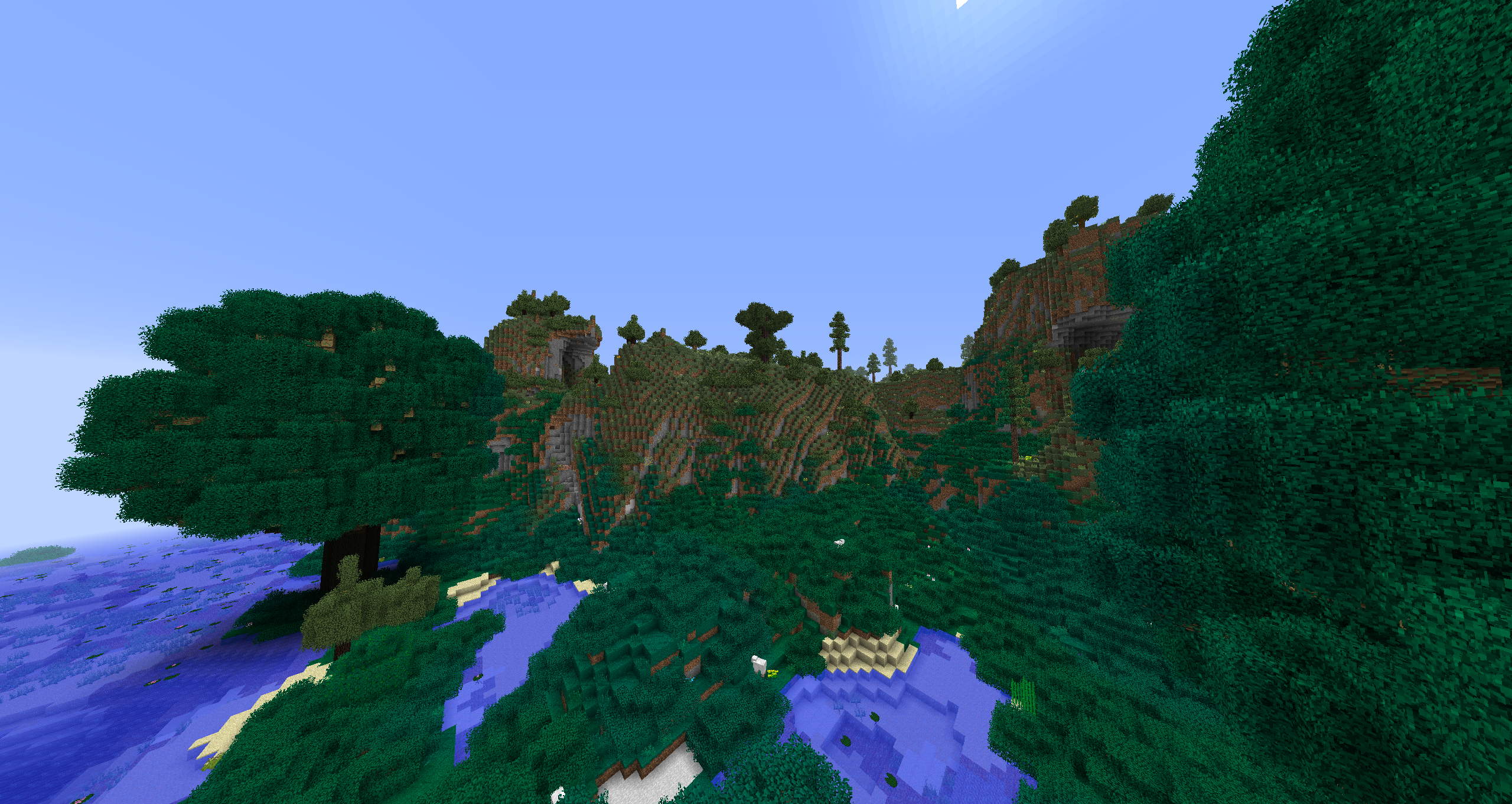
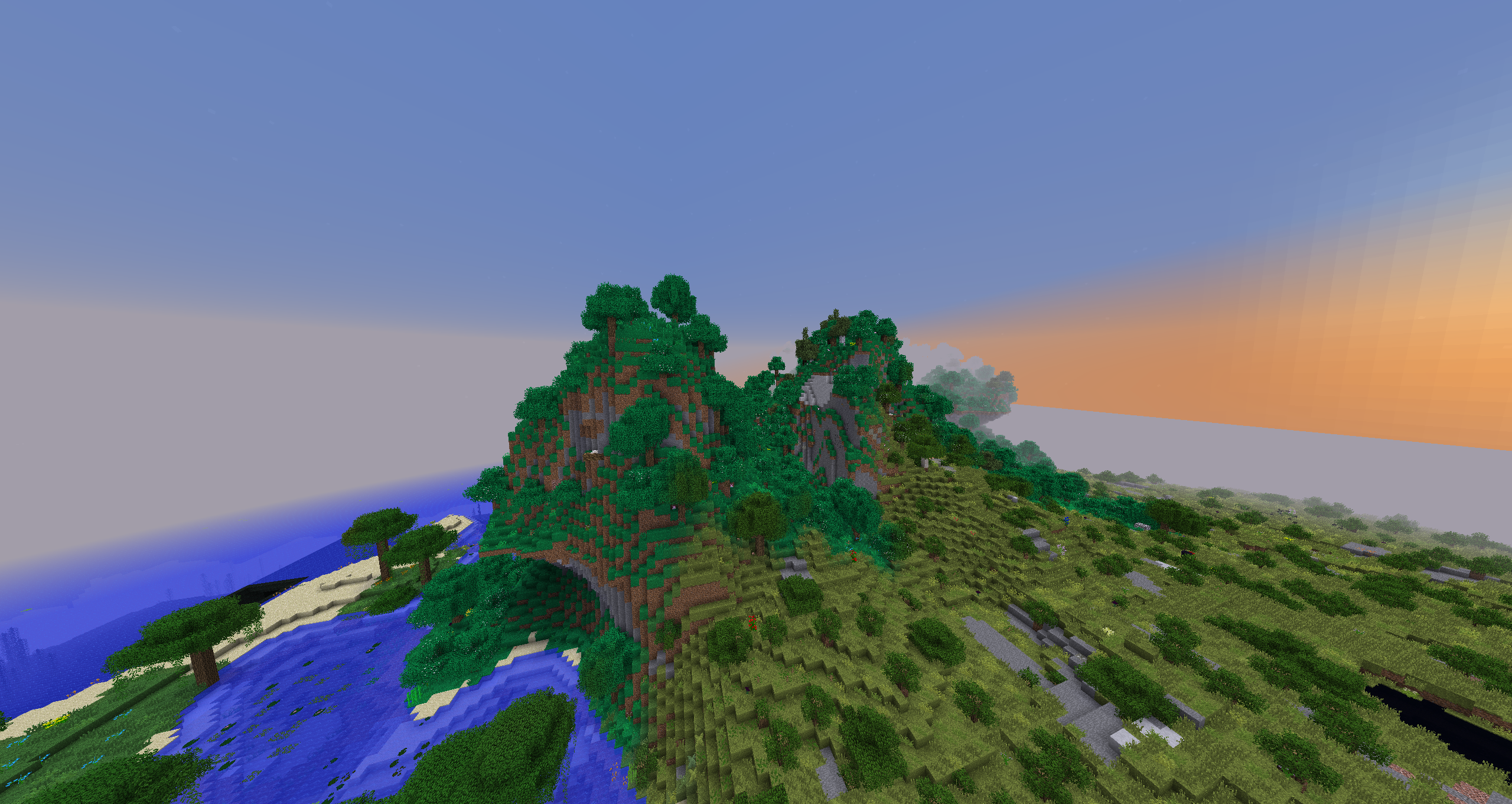
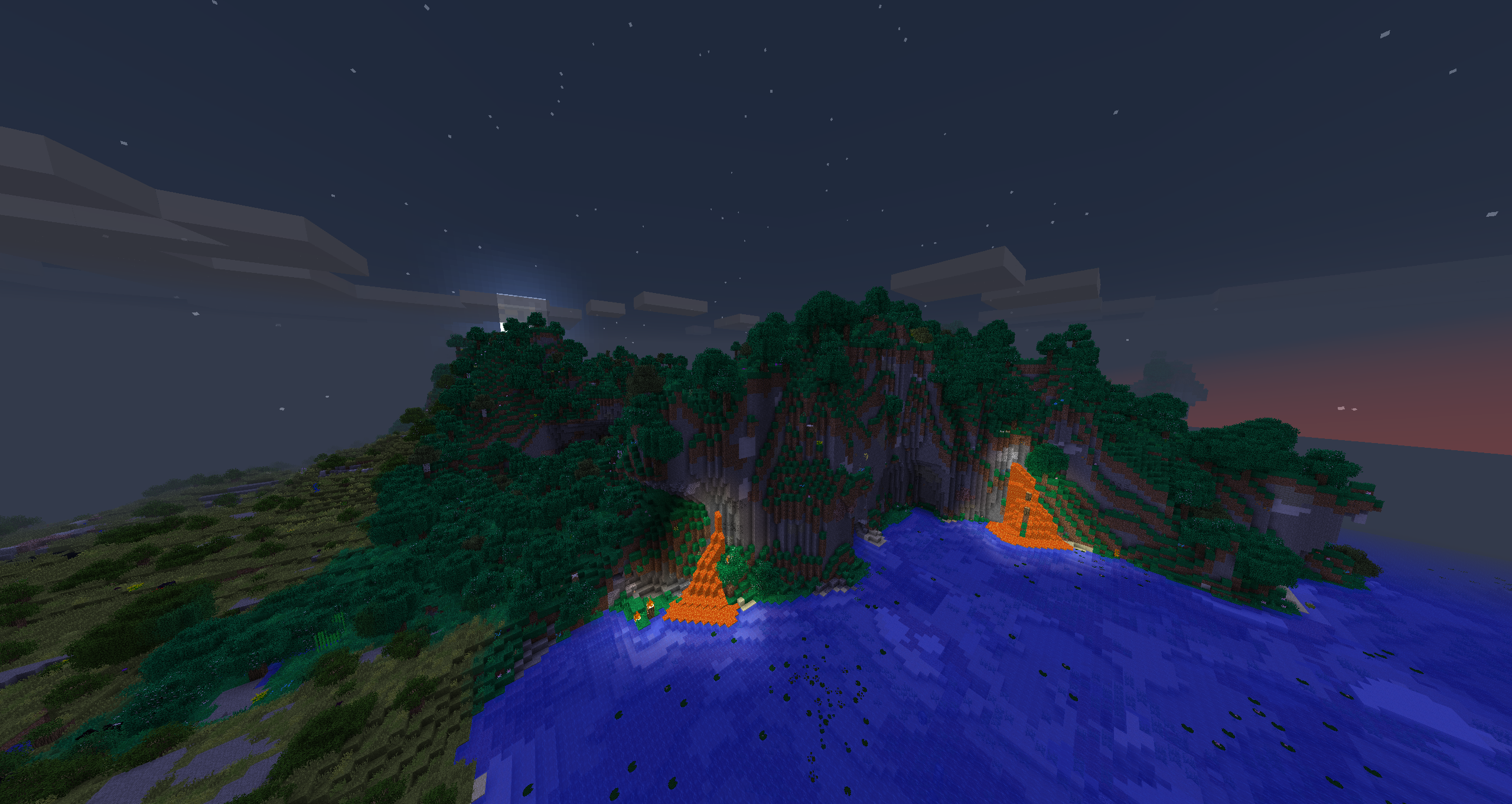
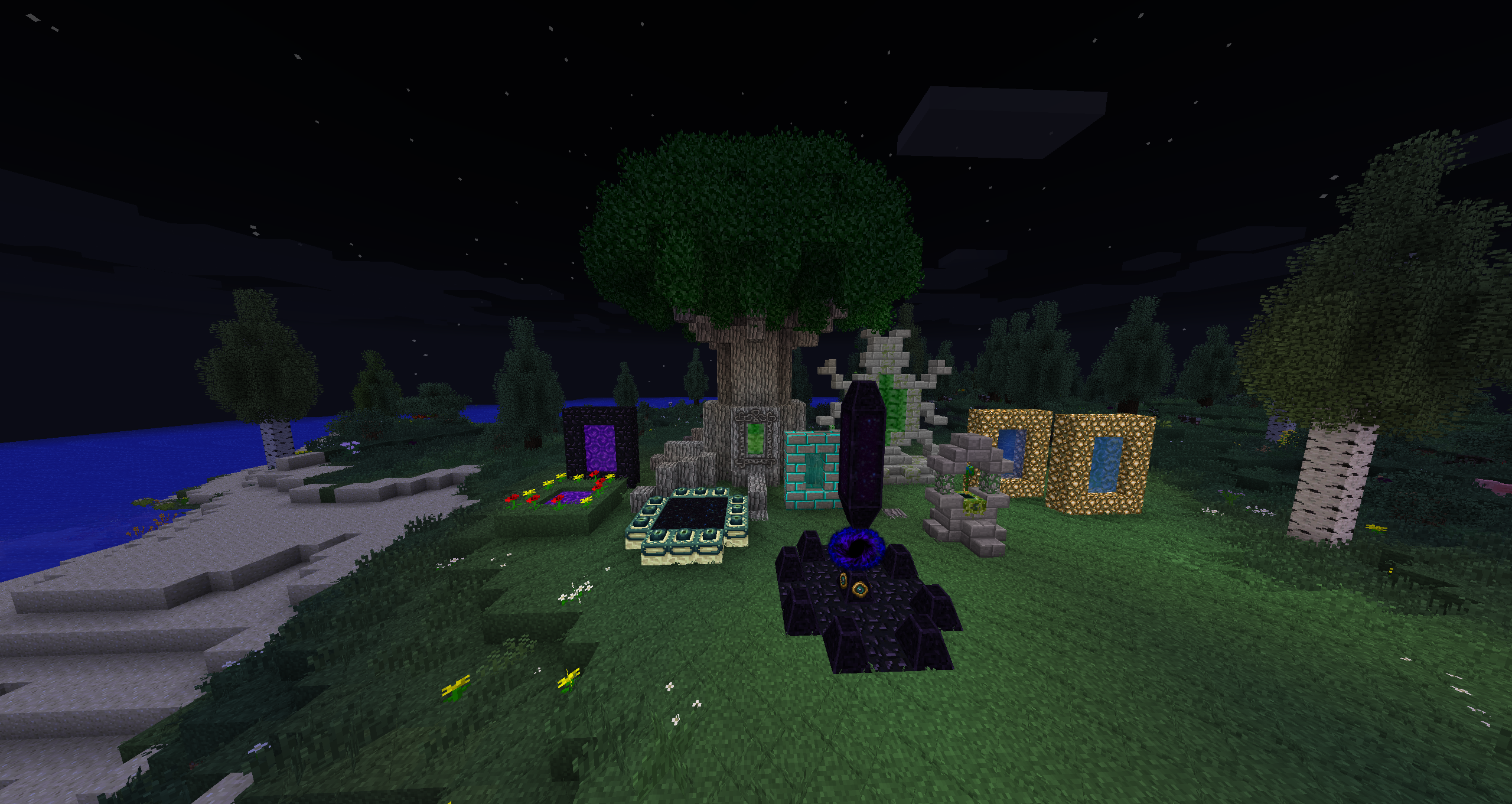
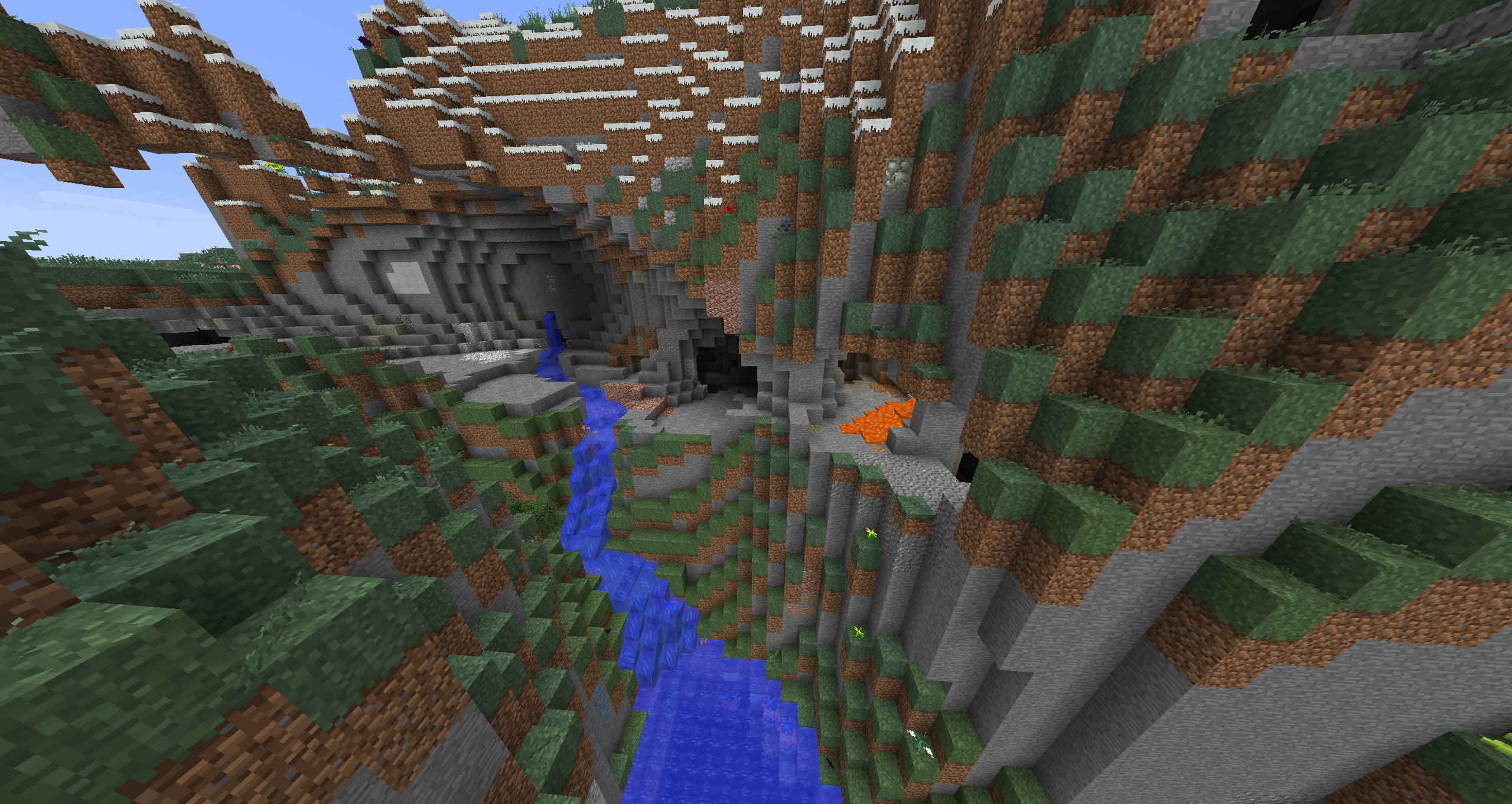
Good day everyone.
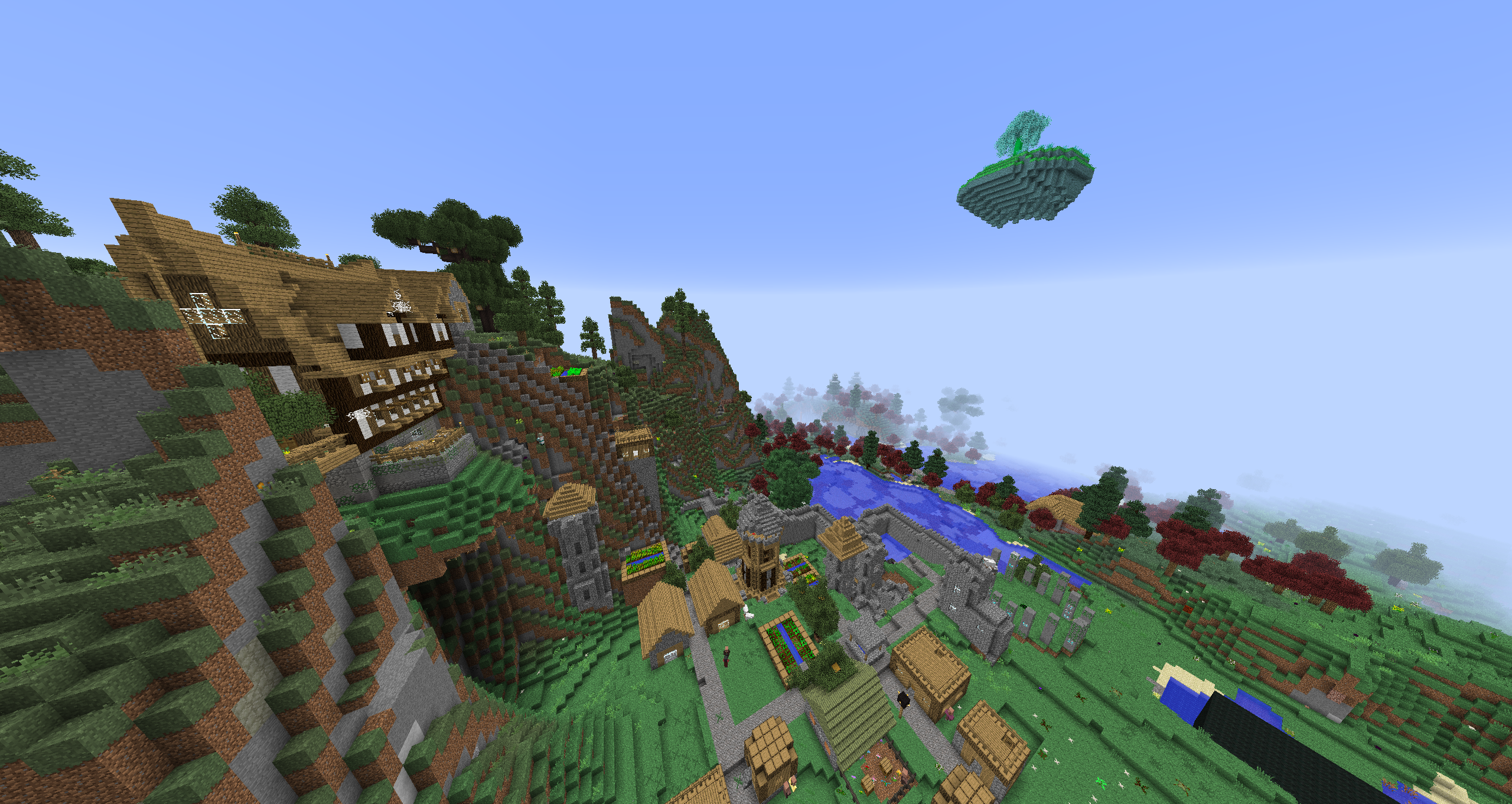
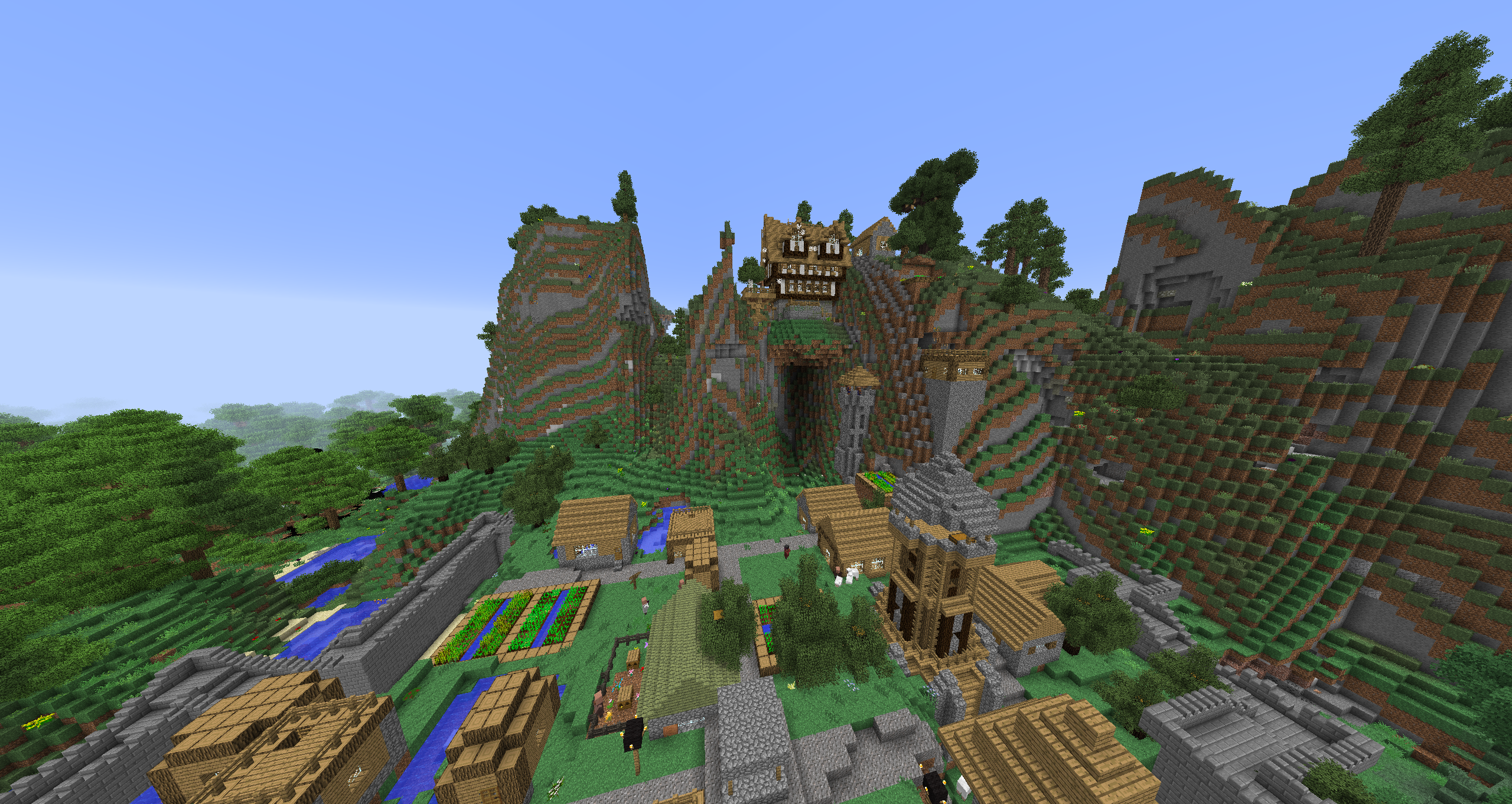
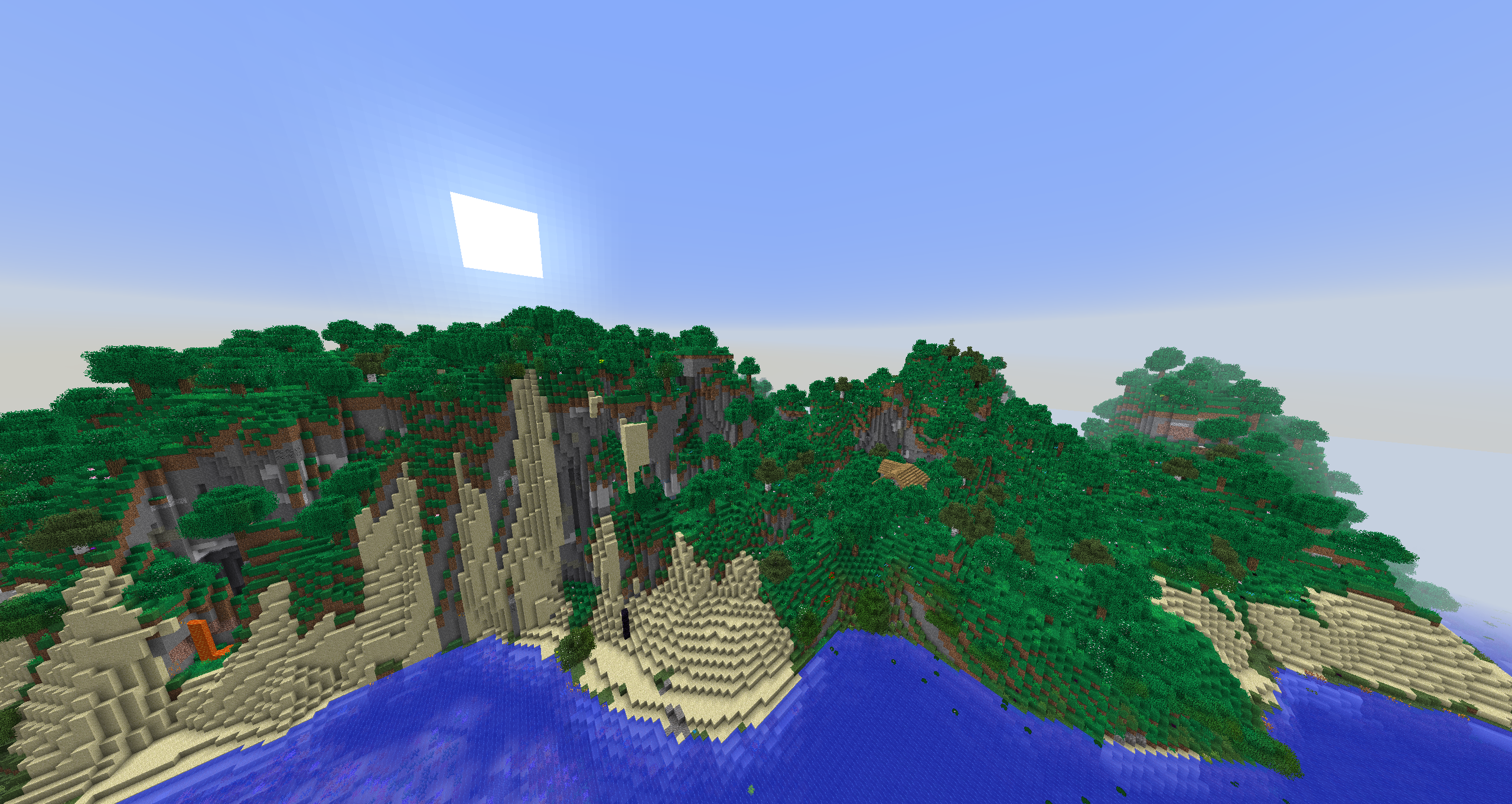
I put some effort into a newer MC Modpack which contains all relevant mods plus their Add-Ons for MC 1.7.10 (like "The 1.7.10 Pack" or "ATM 0" did). The idea is to give players the oportunity to play most of the Mods that were released for this MC version in one pack. Of course not every - that is nearly impossible - but on my journey of creating this pack I managed to match up all the configs to make this pack feel like getting everything you wanted. For the best experience I recommend to play the newest version of this Modpack!
!! Important: As I play-tested the pack I noticed that only world-generating-settings changed from "Default" to "Biomes O' Plenty" will create a bug-free world. Otherwise you'll be sourrounded by mushroom islands or wrong generated chunks.
Most known Mods in this Pack:
- Abyssal Craft
- Advanced Rocketry
- Applied Energistics 2
- Aroma1997s Dimensional World + Backup
- Baubles
- Better Achievements
- Biblio Craft
- Big Reactors
- Biomes O' Plenty
- Blood Magic
- Botania
- Draconic Evolution
- Ender IO
- Forestry
- GraveStone Mod
- Hardcore Ender Expansion
- Immersive Engineering
- Industrial Craft 2
- Iron Backpacks
- Iron Chests
- Journey Map
- Magical Crops
- Mekanism
- Not Enough Items
- Pam's HarvestCraft
- Project E
- Railcraft
- Reliquary Reincarnations
- Roguelike Dungeons
- Thaumcraft 4
- The Aether II
- The Twilight Forest
- Thermal Expansion
- Tinkers Construct
- Waila
- Witchery
OptiFine
If you want to use OptiFine in this pack, download the version "OptiFine_1.7.10_HD_U_D4". This will definitely work. Just download this on optifines website and put the downloaded file in the pack-mod-folder. Now start the modpack. If it works correctly, you will see an OptiFine specific textline in one of the menu corners.
BetterFPS - by Guichaguri
To make the game way more stable and lag free use the mod "BetterFPS" - it's already in this pack but needs to be customized:
(press F12 while in game).
Algorithms: Changes sin() and cos() algorithm. There are 7 algorithms. Each one of them might help a lot, but might also make your framerate worse, it really depends on the hardware of your computer.
To find out which one is the best for you, you have to start the mod by itself: ModpackFolder -> Mods -> BetterFPS // now click on "test algorithms" - make a few tests and choose the one which is more often the best choice for you. This works for the serverpack too.
Have fun :D
- Edition: Minecraft Java
- File type: .jar
- How to install: Install the matching mod loader (Forge, Fabric or NeoForge) for your Minecraft version. → Download the .jar. → Put it in the .minecraft/mods folder and launch that loader profile.
- Where to get it: Opens on CurseForge — not every file is mirrored on our own servers.
Install steps are the general flow for this file type — How to install Minecraft Java mods & modpacks walks through it step by step.
- Downloads as best of all time (and it works)-MC_1.7.10_v.2.3.zip
- Download size: 186.0 MB
- Download link checked 7 Nov 2026 — working
These come from our own check of the pack file, not from the source page.