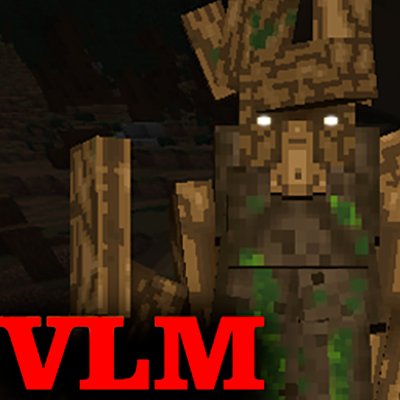
vtubruh LOTR Mobs NEW
Java mod listed for Minecraft 1.18–1.20. Downloads from the MC Java Mods app on Android.
I don't know my version or loader
THIS MOD IS NO LONGER IN DEVELOPMENT - DETAILS AND SOURCE CODE HERE: LINK
TRAILER
"vtubruh LOTR Mobs" is an RPG mod that adds new structures,
mobs, weapons, armor, bosses, pets, magic, quests, and achievements.
It will suit not only LOTR fans but also regular content-mods seekers for their modpacks!
Foreword:
Initially, in the "alpha" version, the mod was very small. It only added one mob, the "Nazgul," and an invisibility ring. Why? Simply because it wasn't present in other LOTR-themed mods. But time passed, and I thought about expanding it. In "1.0.0," I added more detail by including the creature's armor, animation, and structure.
Nostalgic Cover of the Previous Version
But after listening to the feedback, I realized that it wasn't enough for me to be satisfied.
And now, after 8 MONTHS of development in my free time - version "2.0.0"In version "2.0.0" the following has been added (only 1.18.2 - 1.19.2):
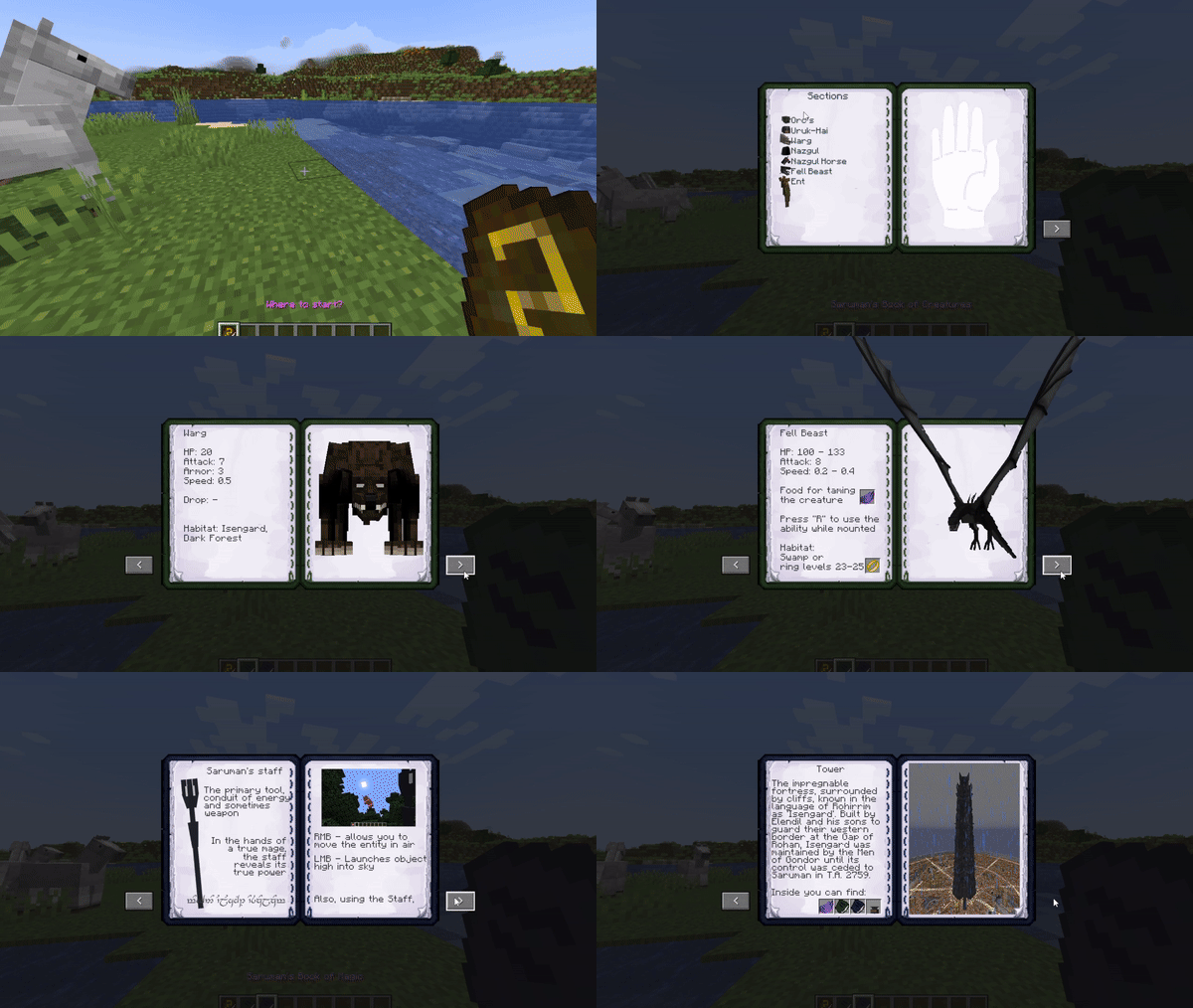
- 3 books with information about the mod:
1. Basic Guide
2. Book of Creatures
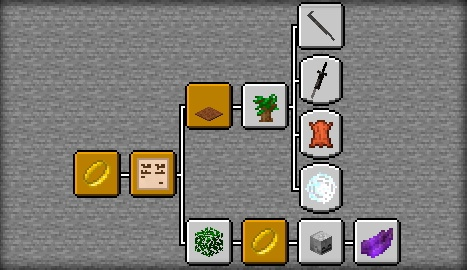
3. Book of Crafting, Magic, and more
- Many new crafting items have been added;
- A notice board with 2 quest lines has been added;
- Achievements
- New levels of the ring with Nazgûl on Fell Beasts;
- The ring now has a cooldown;
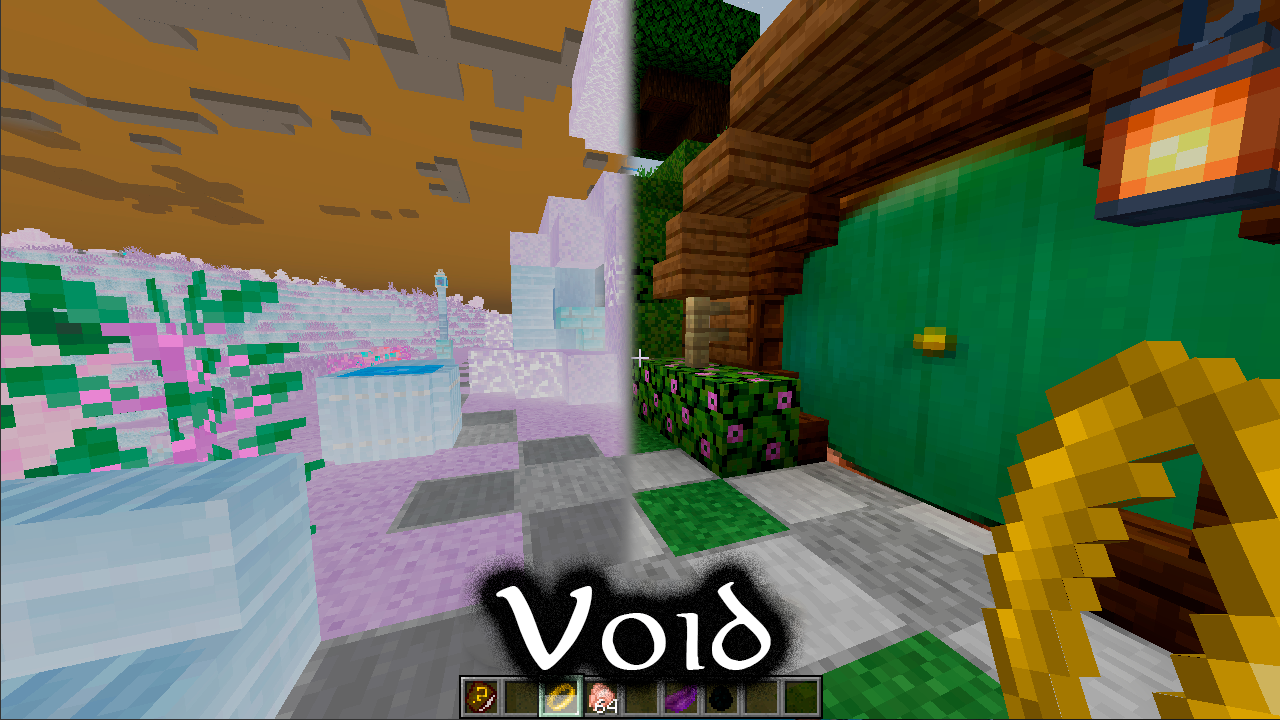
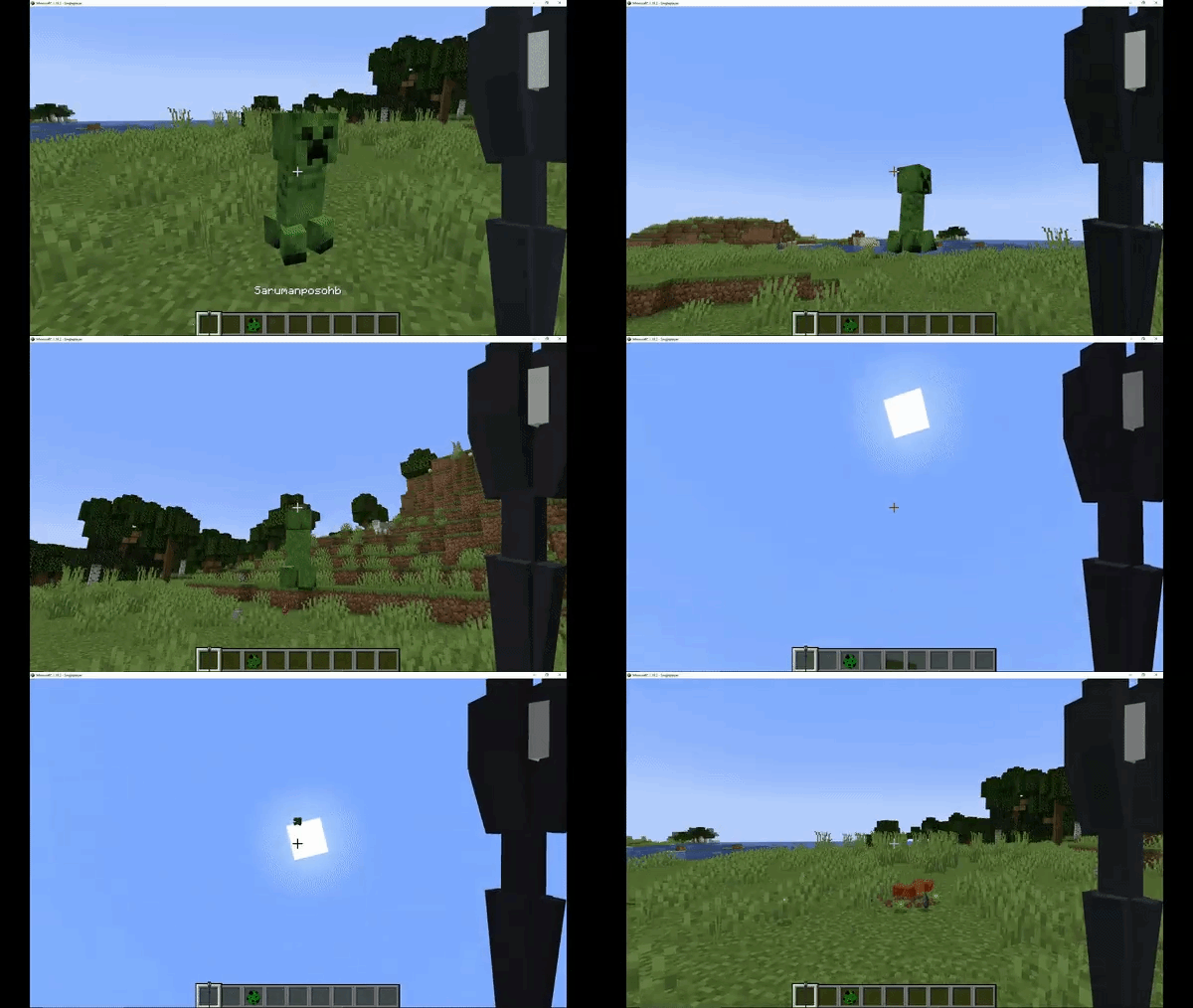
- When using the ring, the shader changes;
- The Fell Beast can be tamed;
- In Isengard, you can find 4 colors of Warg puppies, take them in your inventory, raise them, and use them in battle;
- Special abilities have been added for the Fell Beast and Wargs;
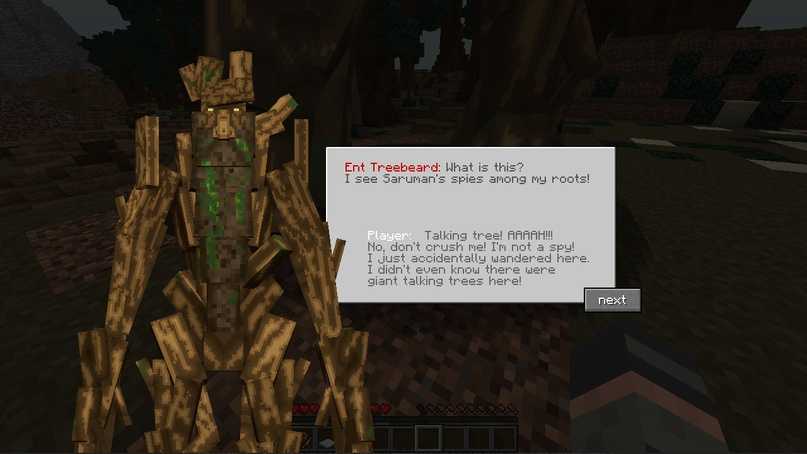
- 2 types of Ents have been added;
- Several Ent quests have been added;
- You can climb on Treebeard;
- A scene from the movie where the Ents join the battle against Isengard has been added;
- 3 Uruk-hai have been added;
- Dozens of variations of orcs (skin, equipment, etc.);
- 6 armor sets
- 3 orc weapons;
- 2 shields;
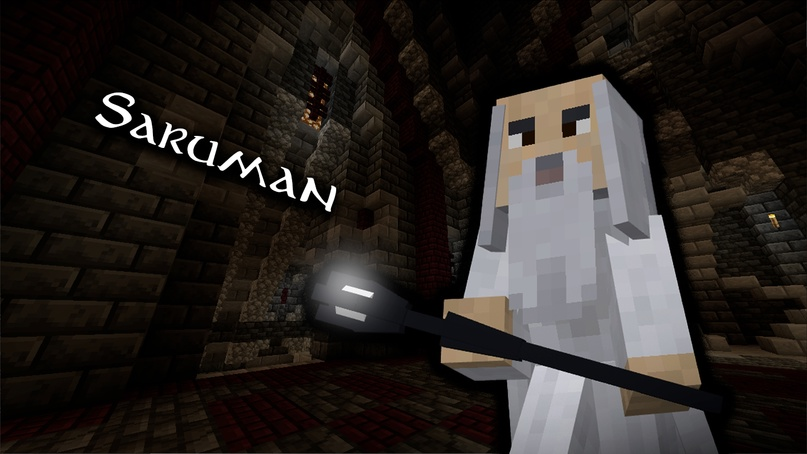
- Boss Saruman;
- Saruman's staff;
- A special forge;
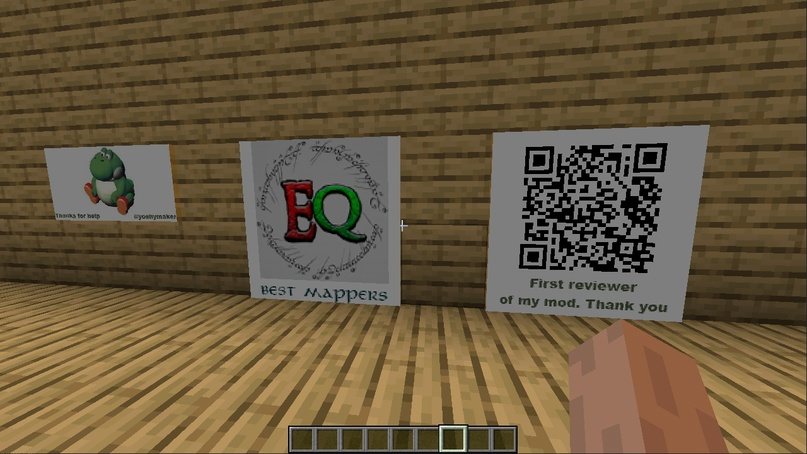
- 2 paintings;
- A dimension for Isengard has been added (due to this, the installation might be a bit non-standard, but more on that below).
Changes:
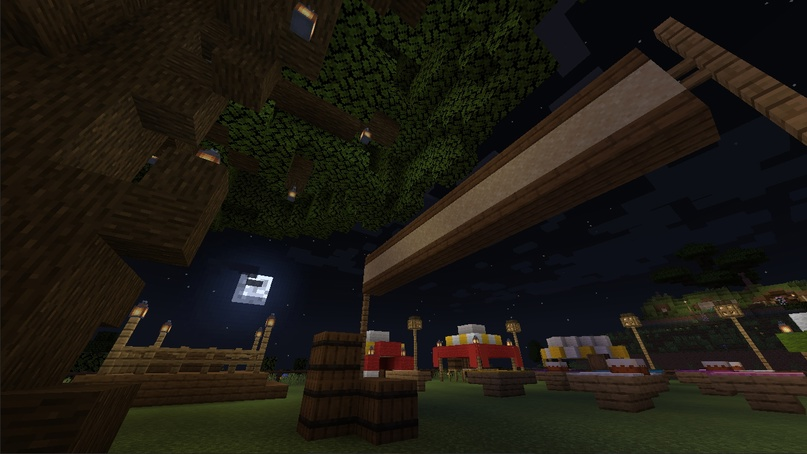
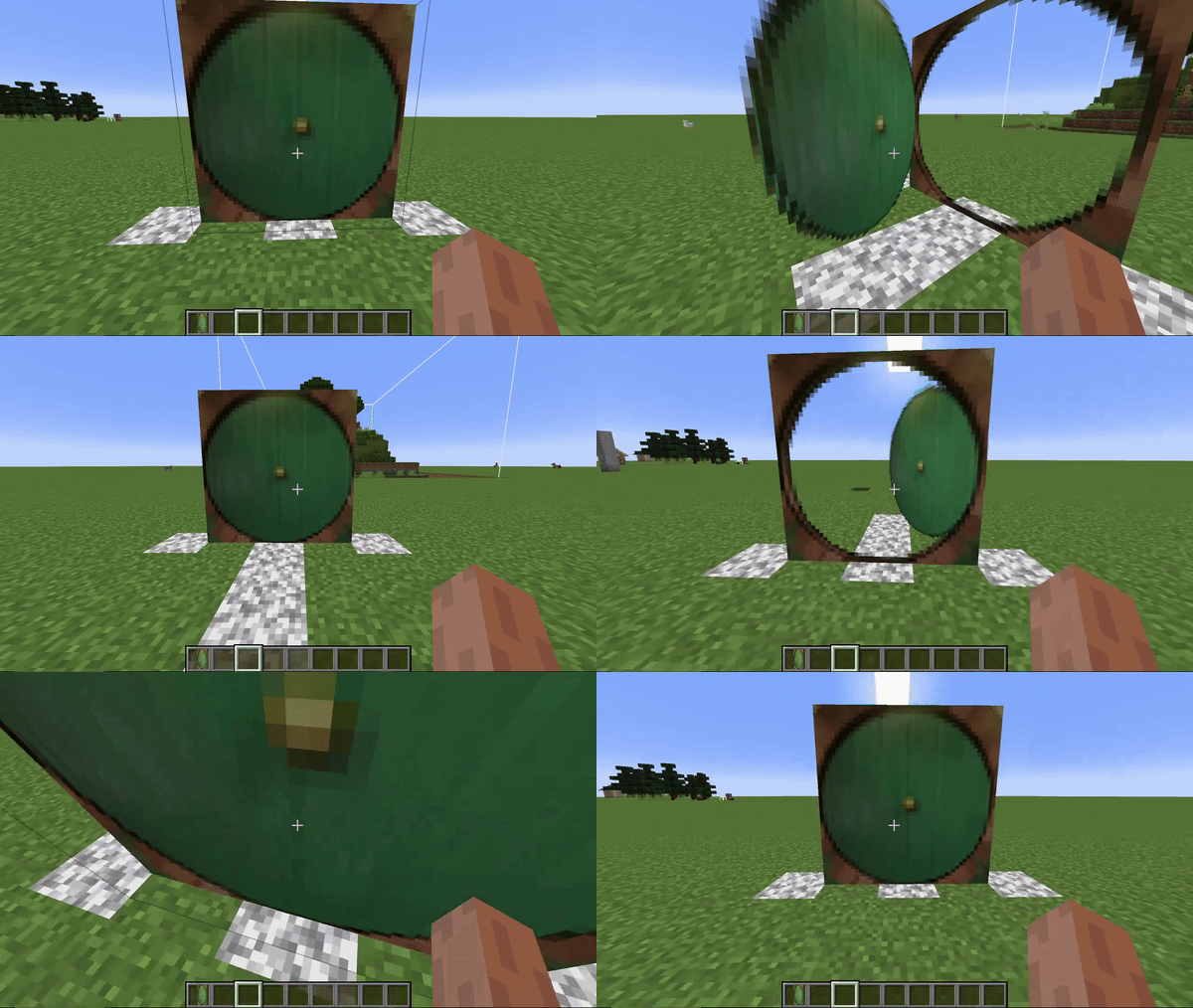
- Improved Hobbit structure;
- Fixed doors.
⚠️Installation (NON-STANDARD, READ):
1. Download the mod for your version https://www.curseforge.com/minecraft/mc-mods/vtubruh-lotr-mobs-new/files
2. Download additional files https://cdn.modrinth.com/data/pGnVL7c7/versions/KrT3mRRH/vtubruhlotrmobs_map_files.zip
3. Download Geckolib for your version https://modrinth.com/mod/geckolib/versions
4. Create a world and exit it
5. Go to your Minecraft folder, then to your world folder, for example .minecraft\saves\world
6. In the world folder, there will be a dimensions folder - put the downloaded vtubruhlotrmobs folder there, replacing the old one (if prompted)Otherwise, when entering Isengard, you will see this:
In this case, all you have to do is close Minecraft and follow the instructions above.
If after re-entering you find yourself underground, just jump.Why is this happening? It's related to the large map, which I haven't been able to load automatically in the dimension yet.
Hopefully, I will fix this in the future.
These 8 months have been a challenge for me, but I wouldn't have made the mod as cool as it is without these great people:
YoshyMaker - Thank you so much for your help with the procedures. You are truly a genius.
Also, a huge thanks to EpicQuestz for allowing me to use your incredibly beautiful and detailed Isengard map!
(Original map: https://www.epicquestz.com/isengard/)Oh yes, for the first review on YouTube and the funny scare - thanks to TheOyzzzZ, it was a pleasure that someone noticed my early version "1.0.0" and made a whole video!
And thanks to the wonderful teachers on YouTube, NorthWestTreesMCreator and ParlackStudio.
Thanks also to spectrall for his Shaders Utils.And of course - a huge thank you to the developers of MCreator!
Without you, none of this would have been possible.












- Edition: Minecraft Java
- File type: .jar
- Minecraft versions listed: 1.20.1, 1.19.2, 1.18.2
- How to install: Install the matching mod loader (Forge, Fabric or NeoForge) for your Minecraft version. → Download the .jar. → Put it in the .minecraft/mods folder and launch that loader profile.
- Where to get it: Opens on CurseForge — not every file is mirrored on our own servers.
Install steps are the general flow for this file type — How to install Minecraft Java mods & modpacks walks through it step by step.
- Ships as vtubruh_lotr_mobs_ALPHA1.20.1_ver2.0.0.jar — drop this file into the mods folder
- Download size: 14.4 MB
- Download link checked 26 Sept 2026 — working
These come from our own check of the pack file, not from the source page.