
Land Developer
Java mod listed for Minecraft 1.20–1.21. Downloads from the MC Java Mods app on Android.
I don't know my version or loader
LAND DEVELOPER
Another land protection mod in the Fexcraft series of terrain protection mods
Features
- Multiple protection layers and access options.
- Chunk - > District -> (Municipality/Town) -> County -> Region
- each layer can be sold/bought and traded
- each chunk can be owned by any of the layers, players or companies
- option to disable explosions on district basis
- Districts, Municipalities, Counties and Regions can have custom icons/colors
- integrated money system with FSMM
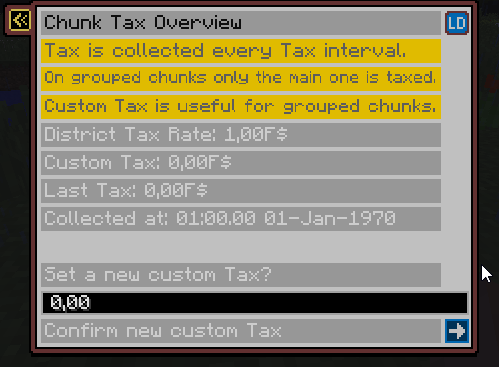
- chunks and players are taxable (wip)
- and more…
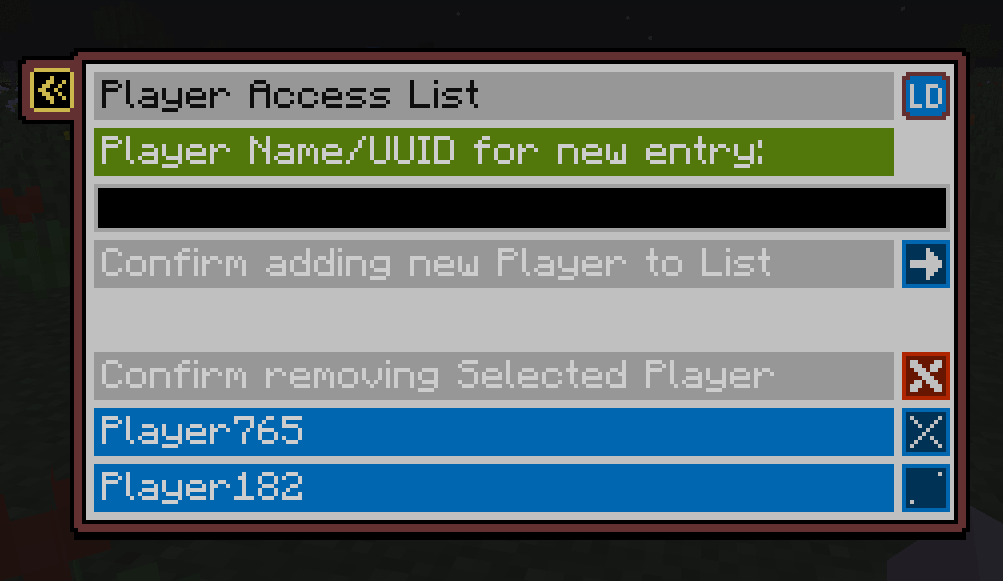
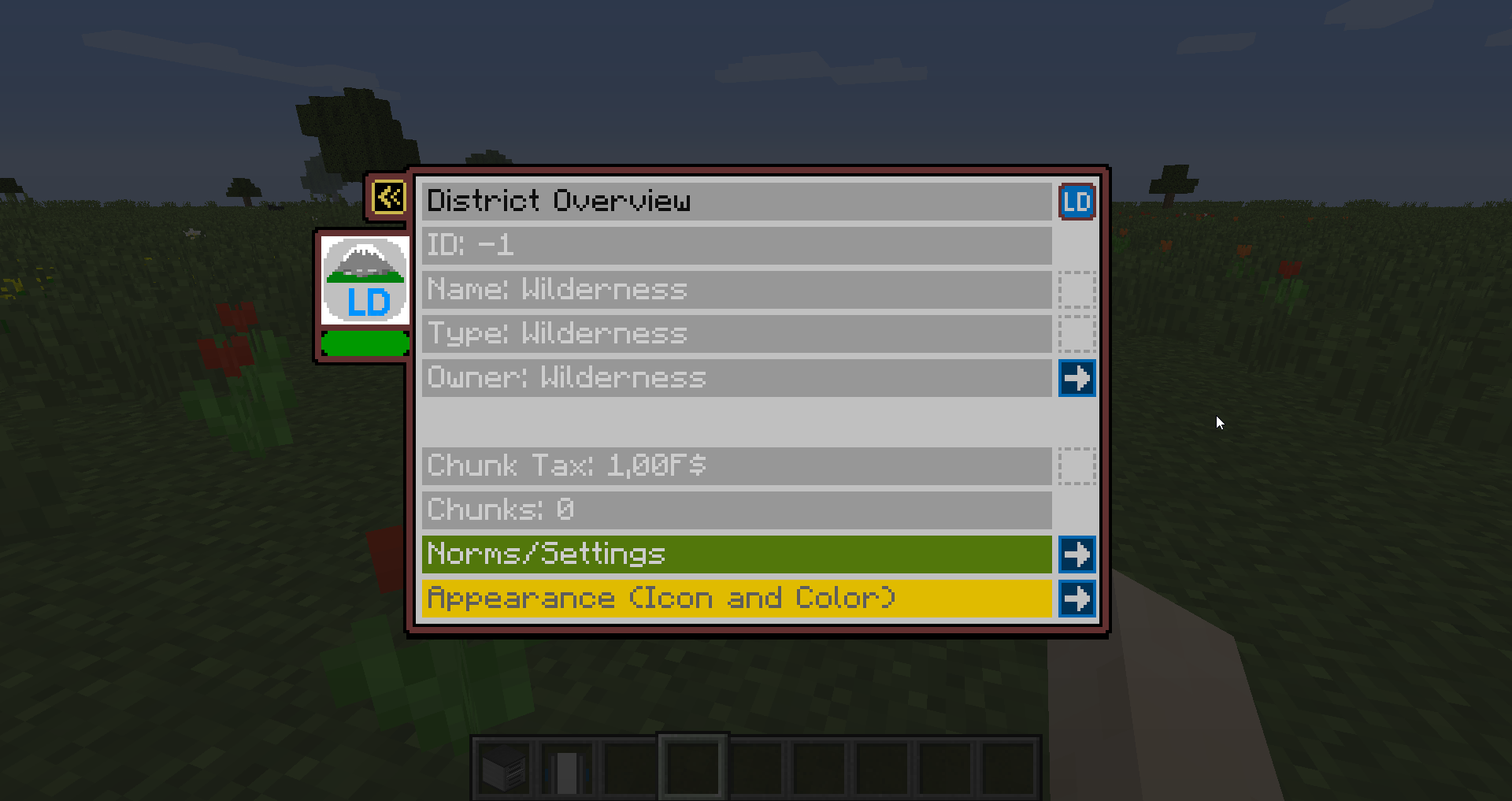
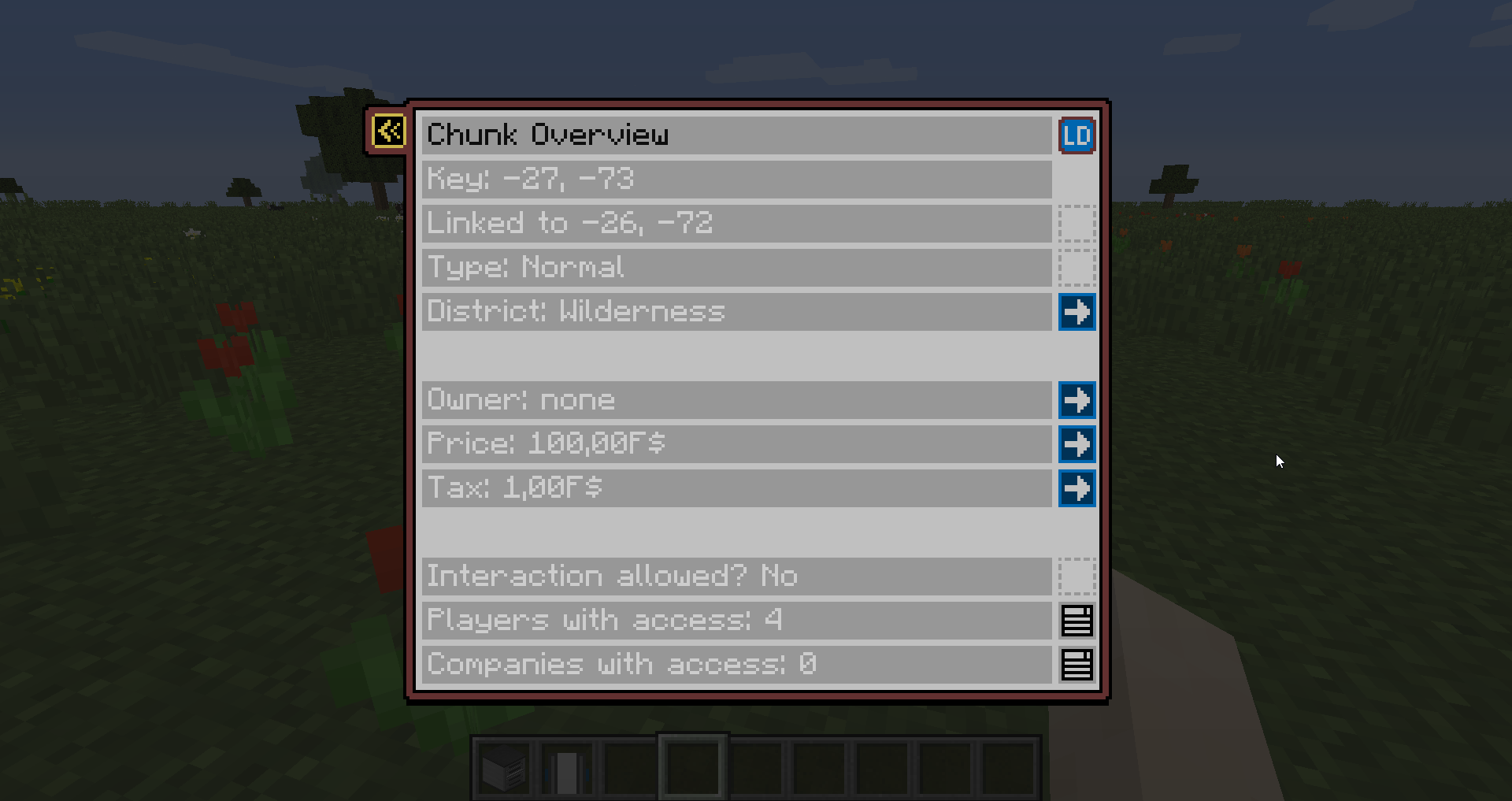
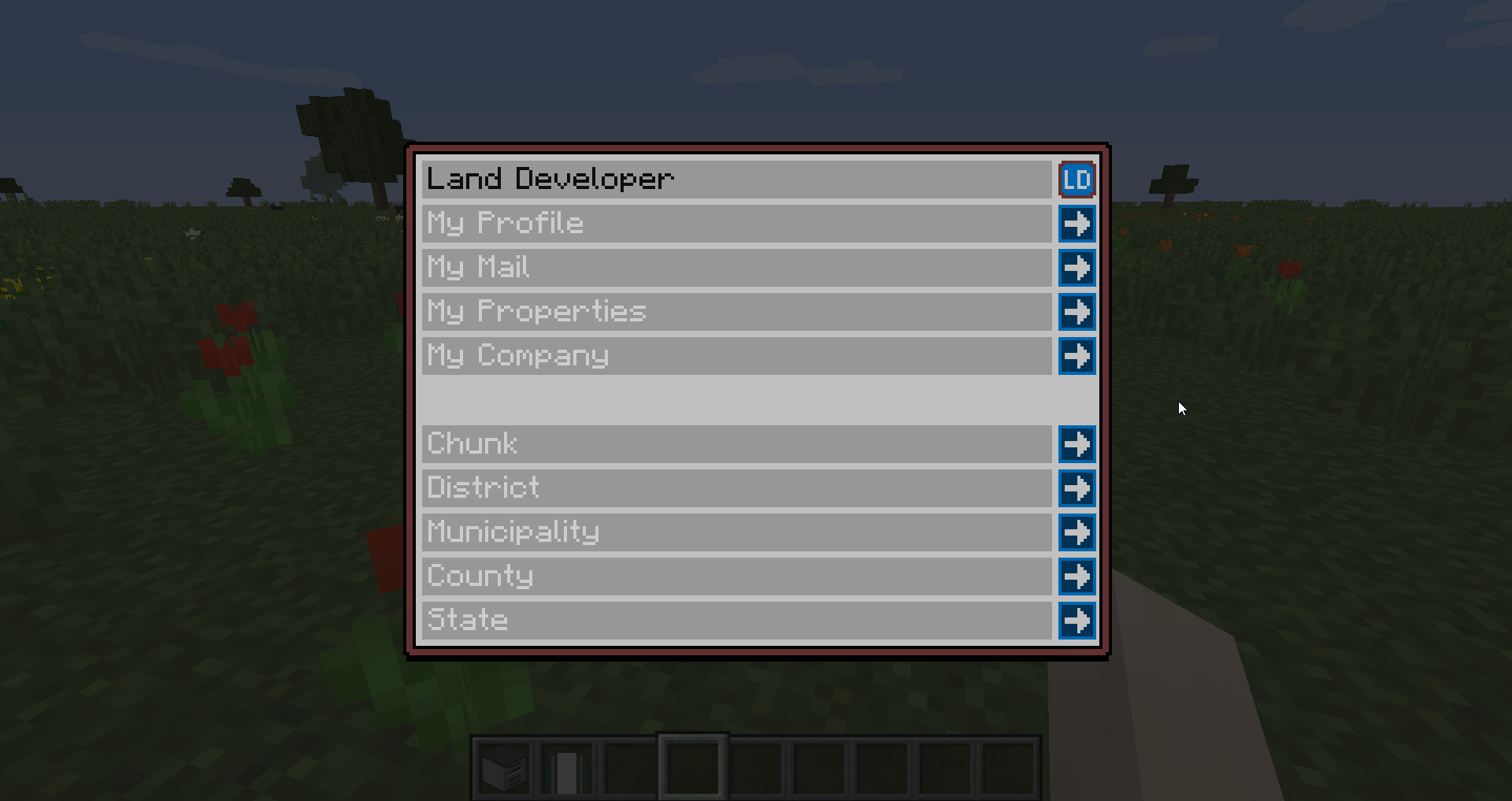
- Easy to use ingame interface (GUI) instead of countless commands with arguments.
- Default Chat override with color support and nicknames (optional)
- Discord Bot Integration (optional)
- Dynmap integration for the various layers (optional)
Planned Features
- 'online-store' to buy buildings to speed up land development
- companies led by players
- configurable resource spawns and processing plants to create goods circulation
- and more!
More?
If you have suggestions or ideas you can share them on my discord here!
Wiki
https://fexcraft.net/wiki/mod/landdev
FaQ
Q: All this County and Region stuff sounds so complicated! Do I have to use it?
A: No, all above Municipality is completely optional, you can ignore it at begin and use it once your server/world is more populated.
Q: After installing I get "no permission" when trying to break/place block, what to do?
A: By default wilderness (unclaimed land) is protected, this is a config setting which can be changed. Alternatively, just claim land!
Q: How do I get money?
A: This mod is mainly intended for servers (although it works in singleplayer too). Each server may want to setup their economy differently. You can use other mods like FSMM-Shop, CustomNPCs, pCMDs, etc to setup the optimal way for your project.
Q: How to I start out?
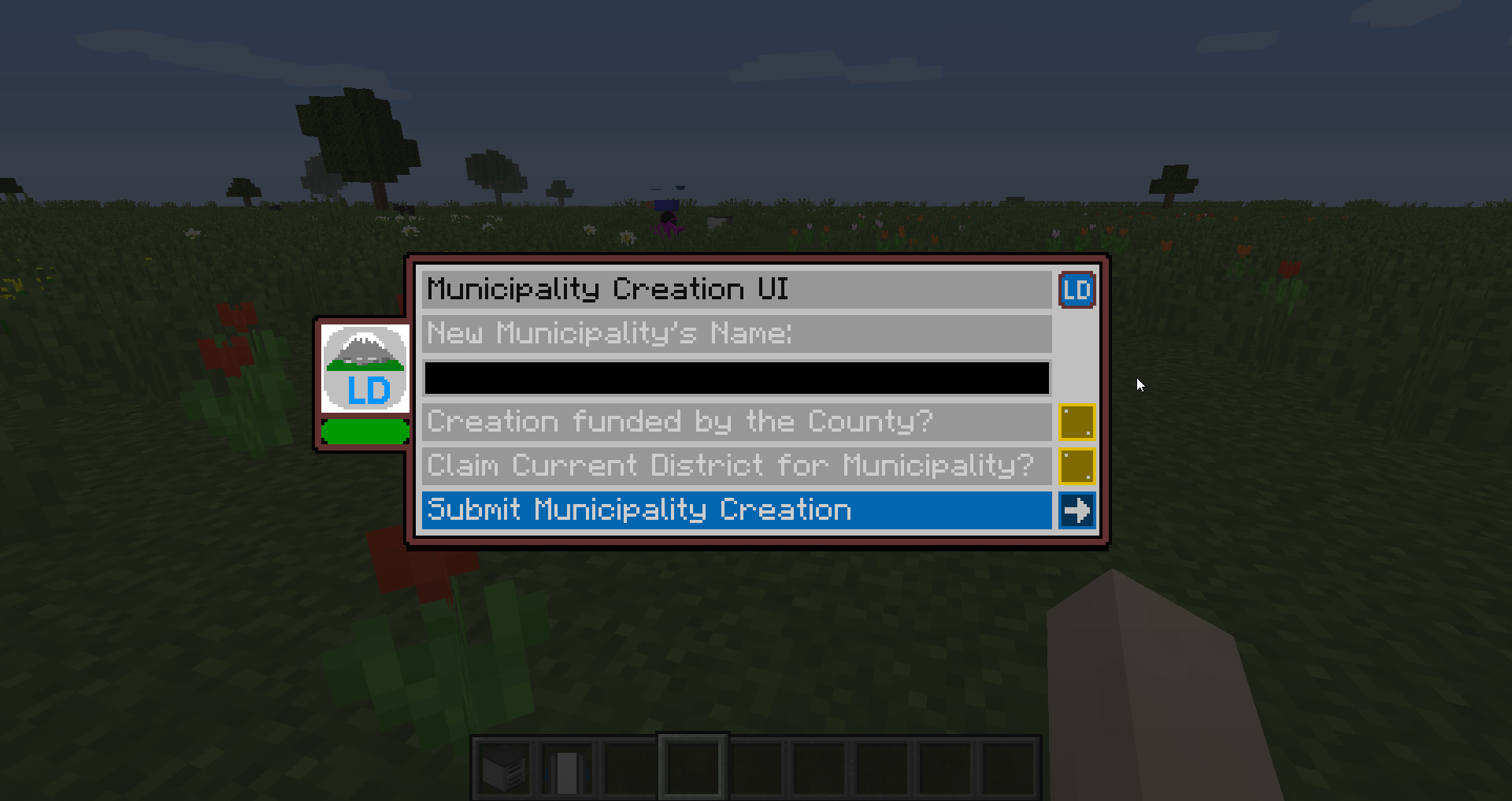
A: At complete begin, use "/mun create" to create a municipality ("town/settlement"). You need money for that, the fee can be seen using "/ld fees". Creating a municipality also creates a district. Use "/dis" to access district UI, "/mun" for municipality and "/ck" for chunk.
Q: How do I claim?
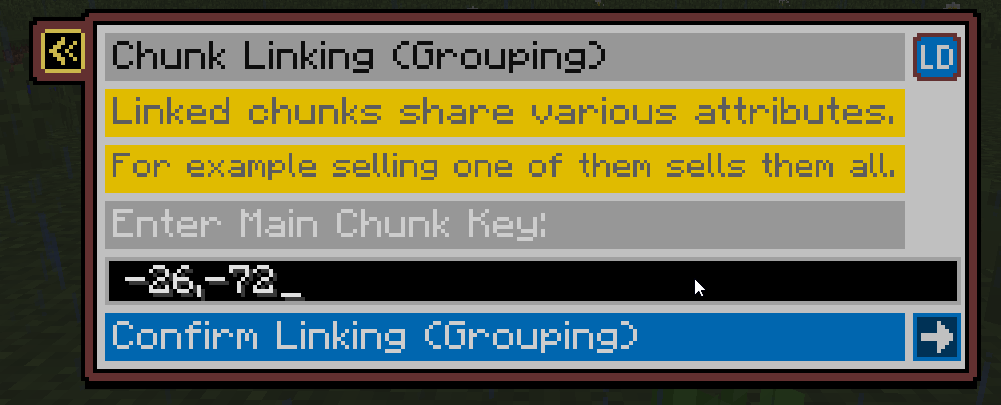
A: Use "/ck claim" if you stand in your claimed area, otherwise, use "/ck claim <district_id>", the district id you can get from the district screen. Please remember when opening UIs, by default the data about the place you are standing in is displayed!
Q: How do I access mail?
A: Use the "/ld" command and go to "Mailbox". To access Municipality mail, access it via "/mun", it can only be read by mayor, or staff that has the "read mail" permission.
Q: How do I deposit money into my Municipality?
A: In the main screen of the ATM, click the button to change Account, from there select your Municipality's Account (Mayor and council members with the according perm can access it), from there do a deposit as usual, the money will go into your Municipality Account directly.
Q: Is there an admin mode?
A: /ld admin - note it toggles off on relogin, also use the command again to toggle off
Q: How to disable the creation of Municipalities?
A: Disable it in the Wilderness County's Norms (you may have to activate admin mode), then only players with a permit can create a Municipality (note: permits are WIP)
Q: Where do I get the discord bot from?
A: You can ask on our discord to get an invite link to the official one hosted by fexcraft.net or get the jar to host your own.
Q: I have more questions!
A: You can ask on our discord :] (please note it's a discord for multiple mods, so ask in the landdev channel).
Previews
https://youtu.be/FxBea4_VL5E
https://youtu.be/rSIx5GBglaA
BiliBili
https://www.bilibili.com/video/BV1L8411y7oe
https://space.bilibili.com/2104691318
Dependencies
- Edition: Minecraft Java
- File type: .jar
- Minecraft versions listed: 1.20.1, 1.21.8, 1.21.5
- How to install: Install the matching mod loader (Forge, Fabric or NeoForge) for your Minecraft version. → Download the .jar. → Put it in the .minecraft/mods folder and launch that loader profile.
- Where to get it: Opens on CurseForge — not every file is mirrored on our own servers.
Install steps are the general flow for this file type — How to install Minecraft Java mods & modpacks walks through it step by step.
- Ships as LandDeveloper-1.0.5.jar — drop this file into the mods folder
- Download size: 259 KB
- Download link checked 27 Sept 2026 — working
These come from our own check of the pack file, not from the source page.