
Kintsugi - Enchanting Reimagined
Java mod listed for Minecraft 1.20. Downloads from the MC Java Mods app on Android.
⬇ Download on CurseForgeThe author built this one for Minecraft 1.20.1 on Forge. On other versions it may install and then do nothing.
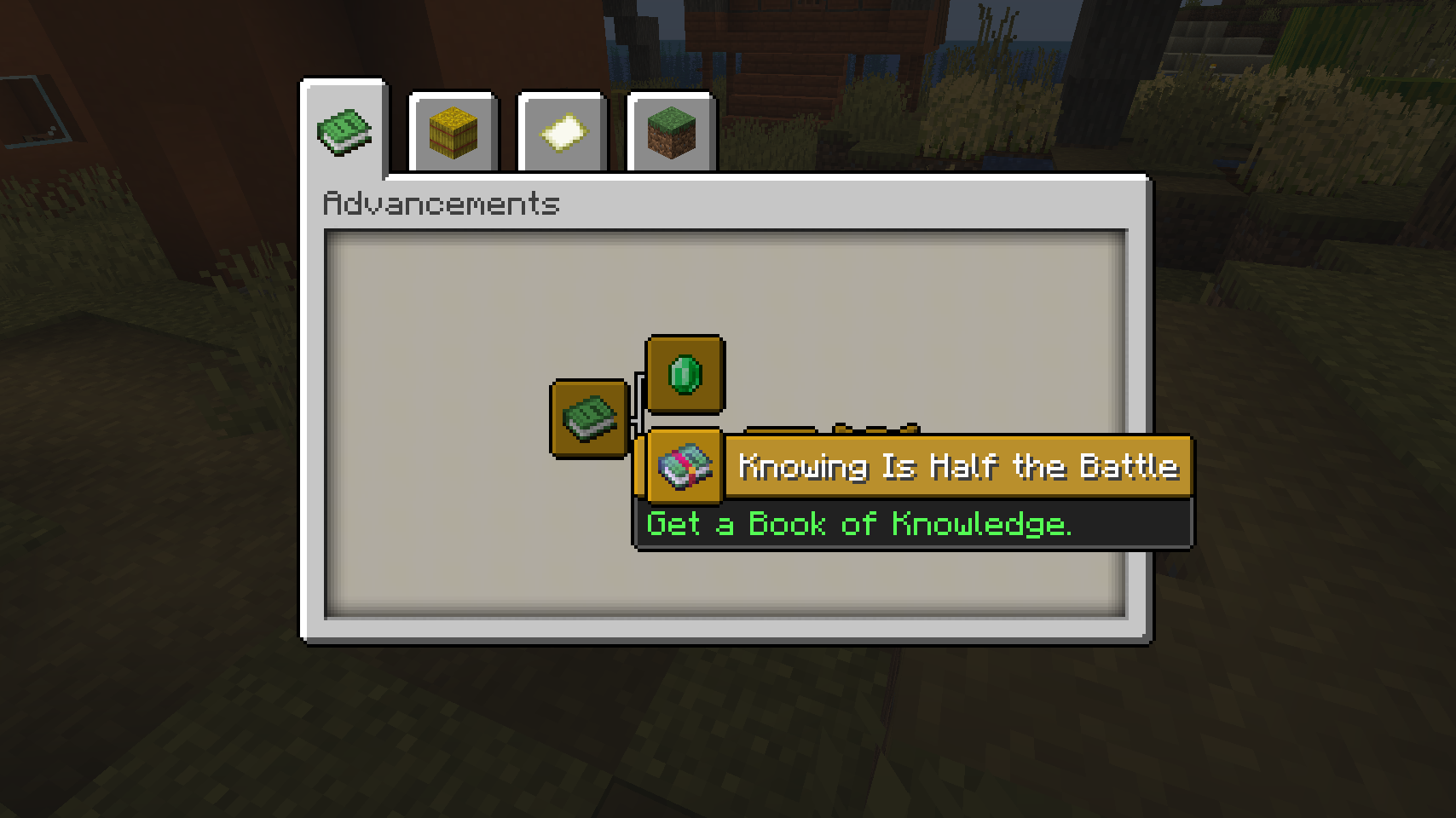
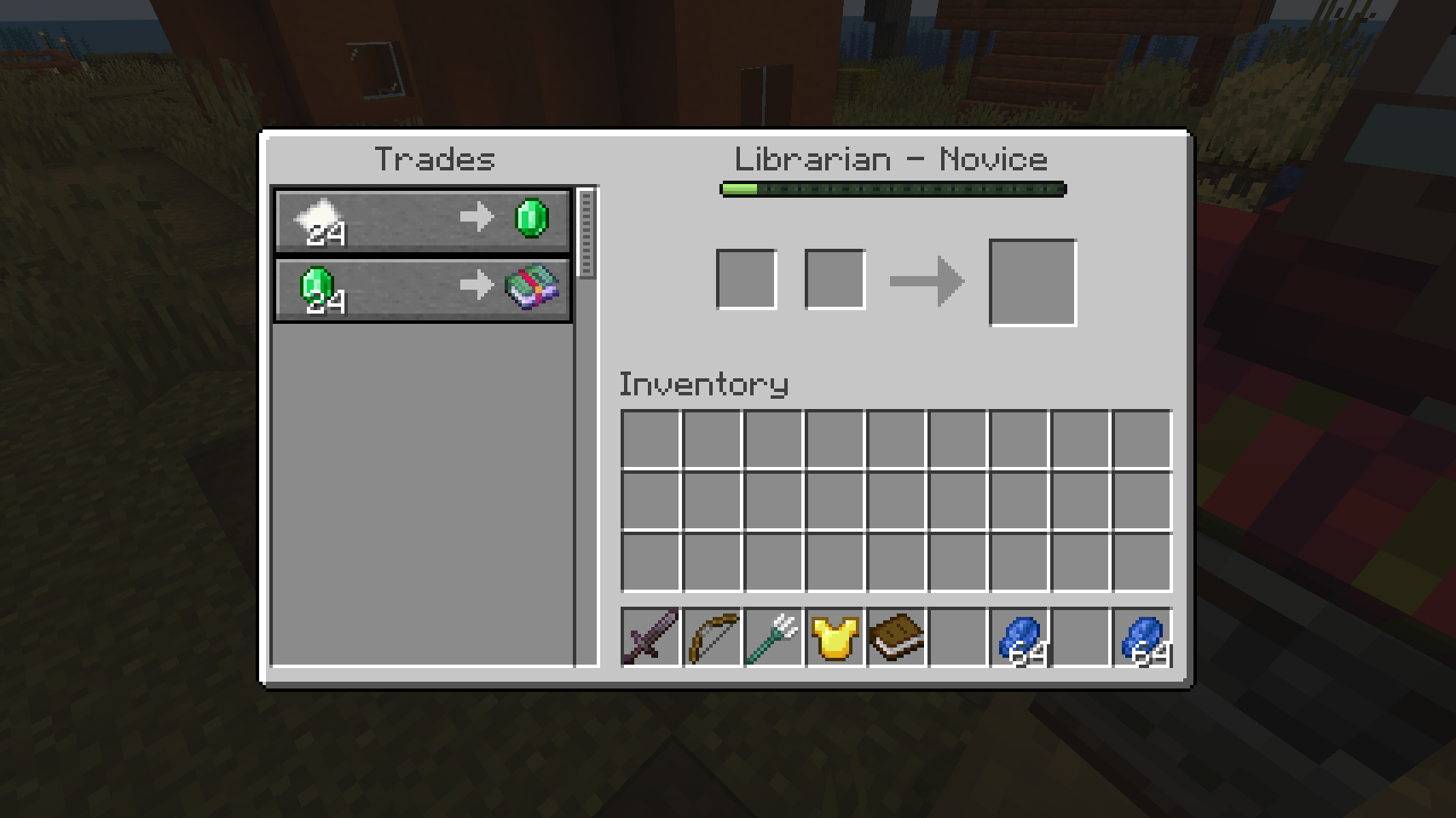
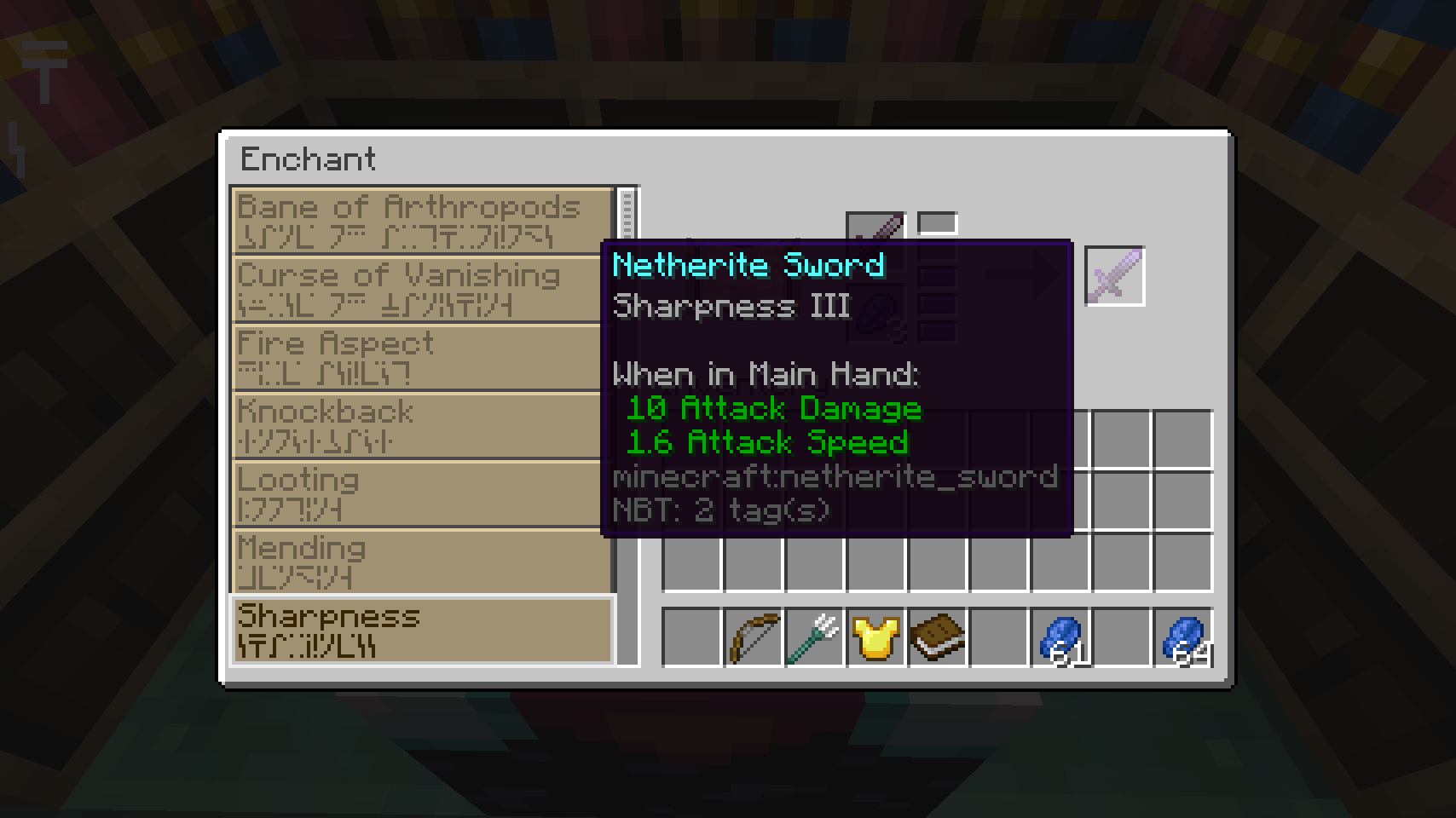
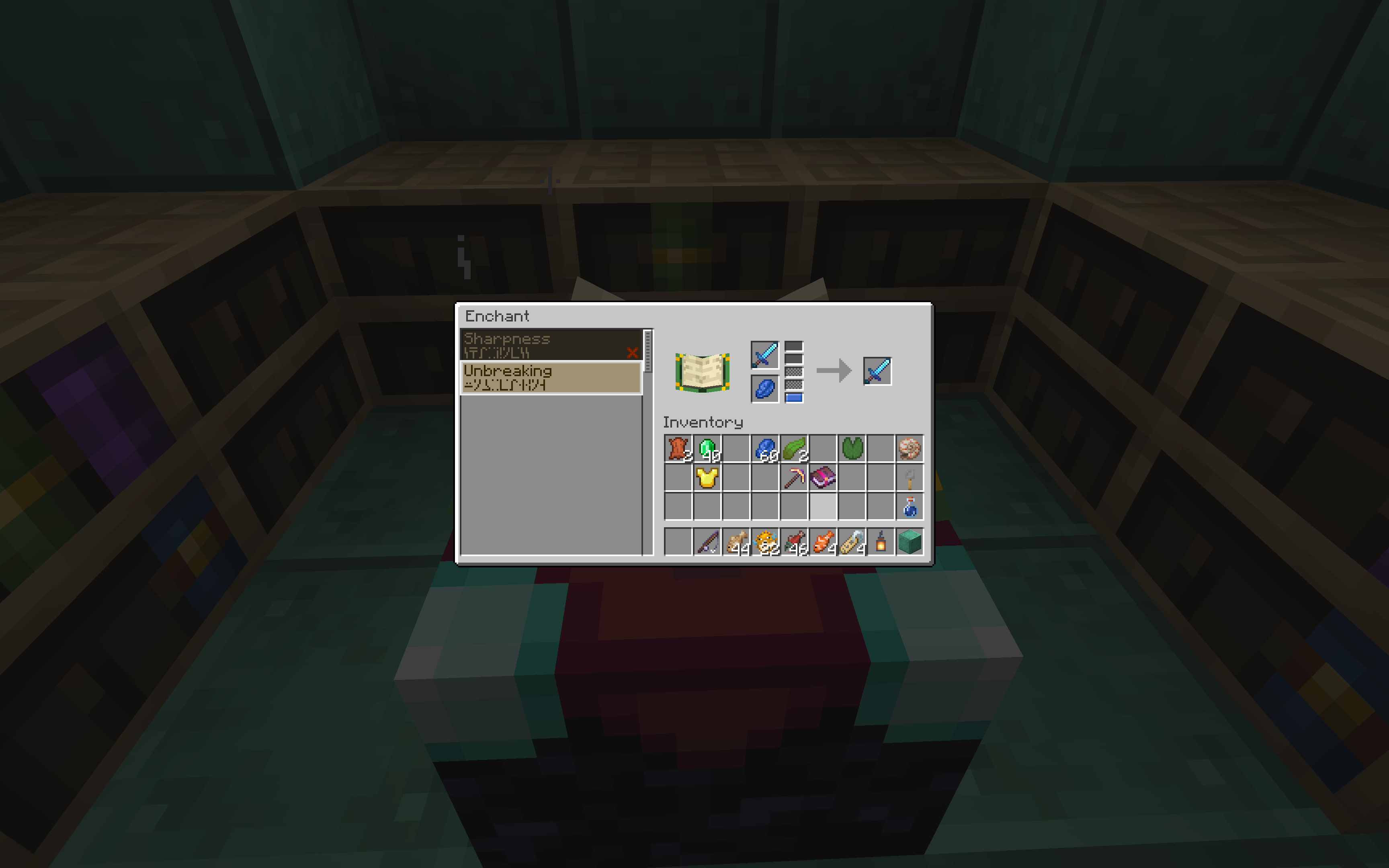
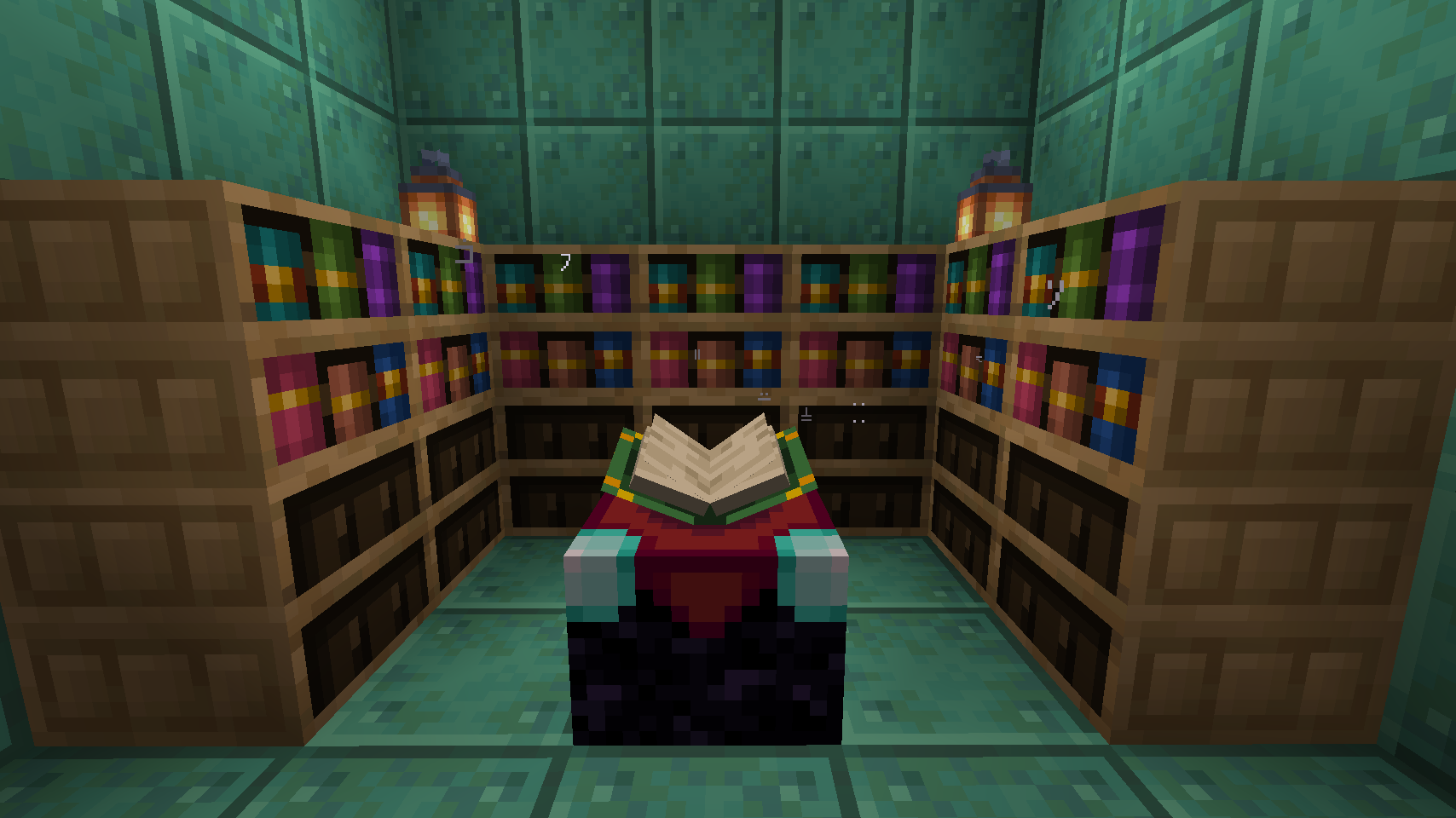
Kintsugi seamlessly replaces the way enchanting is done in Minecraft to make the enchanting table relevant again. Rather than relying on rolls of the dice, you can pick your enchantments.
The caveat? You don't know very many to start with. Travel the world, acquire the lost books of knowledge and build your library of enchantments.
Summary
Kintsugi removes Minecraft's randomly assigned enchantment system. In its place, it introduces a brand new interface where you can pick and choose which enchantments you can place on an item.
At the start, you only have access to a small set of enchantments, but you'll be able to find special books in the world that grant knowledge for more. If you assemble these into a library around your enchanting table, you'll be able to apply more enchantments, and at higher levels.
These Books of Knowledge can be found in all sorts of places in the world. Some can be found in chests, some may be uncovered through fishing up treasures and the rest can be traded from different villagers.
Villagers no longer supply Enchanted Books, so there's no need to apply unethical tactics to get the enchantments you want.
Go into the world. Uncover treasures and seek lost knowledge.
Project Status
The implementation for this mod is complete, it just needs fine-tuning for balance, as well as checking for any possible bugs.
It's my first mod, and all feedback is appreciated.
- Edition: Minecraft Java
- File type: .jar
- Minecraft version listed: 1.20.1
- How to install: Install the matching mod loader (Forge, Fabric or NeoForge) for your Minecraft version. → Download the .jar. → Put it in the .minecraft/mods folder and launch that loader profile.
- Where to get it: Opens on CurseForge — not every file is mirrored on our own servers.
Install steps are the general flow for this file type — How to install Minecraft Java mods & modpacks walks through it step by step.
- Ships as kintsugi-0.1.5-1.20.1.jar — drop this file into the mods folder
- Download size: 123 KB
- Download link checked 7 Nov 2026 — working
These come from our own check of the pack file, not from the source page.