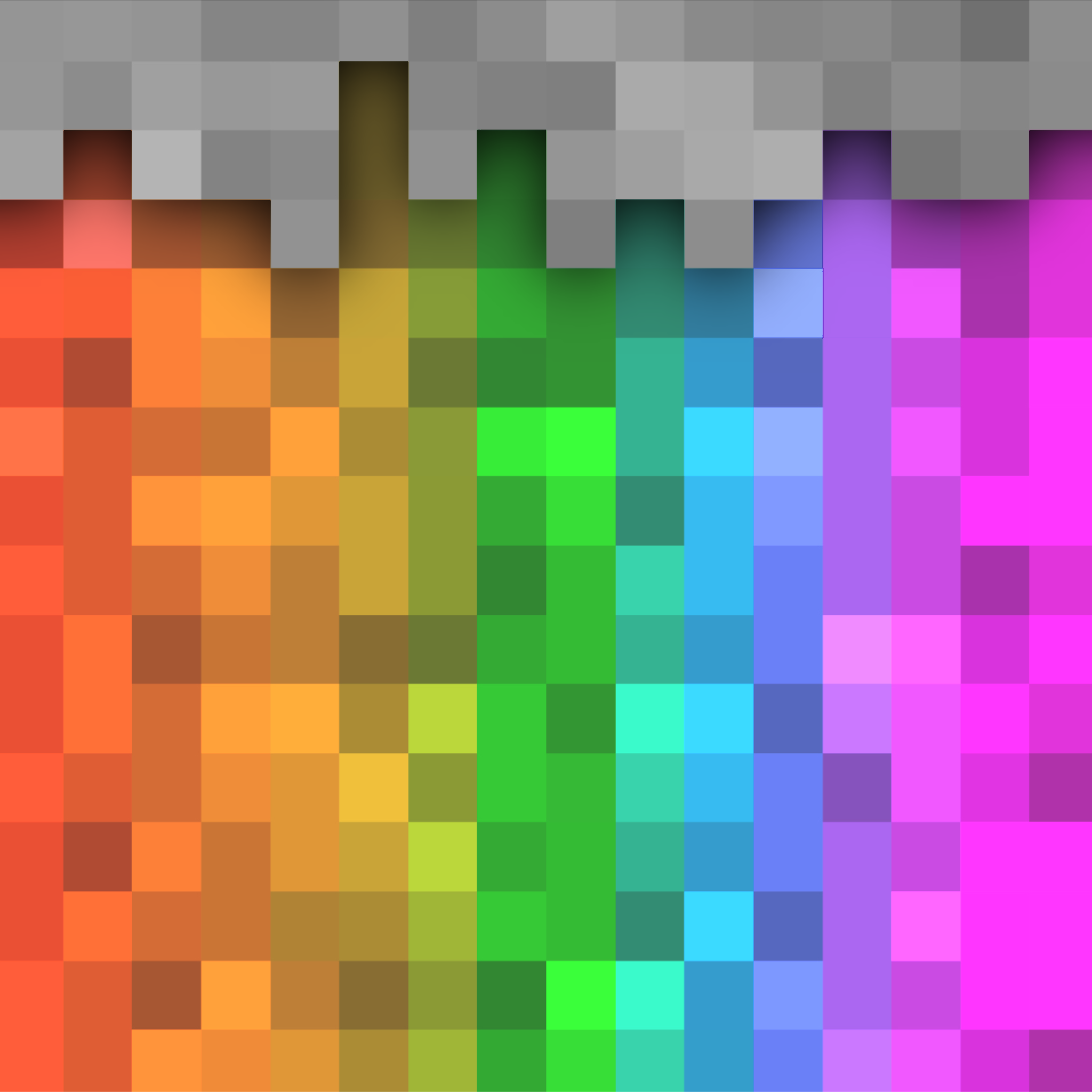
MCRGB - A Colour Picker for Blocks
Java mod listed for Minecraft 1.19–1.21. Downloads from the MC Java Mods app on Android.
I don't know my version or loader
MCRGB Mod for Minecraft Fabric 1.20.1+
-Trailer:
Requirements:
- Minecraft 1.20.1+
- Fabric
- Fabric API
Reccomended:
- Cloth Config
Features:
A Colour Picker for Minecraft Blocks!
MCRGB is a client-side Minecraft Mod designed to assist building. It allows you to search for blocks based on the dominant colours in their textures.
Press the colour picker key (I by default) to open the colour picker GUI.
HSV, HSL, RGB and Hex Support!
Input your colours using your favourite colour space, and the mod will suggest blocks that closely match that colour. If you are in Creative Mode and have Operator Level Permissions, you can click blocks to give them to yourself.
You can also see the breakdown of a block's colour info by hovering over it. This tells you the percentage each colour takes up in each texture, and which blockstates it corresponds to. Optional: You can also view this info in regular inventories by changing the config.
Build using Colour Theory
Easily /give Yourself Dyed Leather Armour
How it works:
On first launch, MCRGB will generate a file, located in .minecraft/mcrgb_colours/file.json
MCRGB attempts to scan every block texture in the game and calculates the dominant colours by grouping together similar pixels based on their euclidean distance in sRGB space, and calculating the mean average of each group. The results are saved in this file. If you ever need to regenerate the file (if you've changed resource packs or added new mods which add more blocks), click the "Refresh" button in the colour picker UI.
When you input a colour to the colour picker, the list of blocks is sorted by the euclidean distance to each of the dominant colours in each texture. Each texture is weighted according to how much of that colour takes up in the texture.
Credits:
Mod created by bacco
Logo created by Whirdle
- Edition: Minecraft Java
- File type: .jar
- Minecraft versions listed: 1.20.1, 1.21, 1.21.1
- How to install: Install the matching mod loader (Forge, Fabric or NeoForge) for your Minecraft version. → Download the .jar. → Put it in the .minecraft/mods folder and launch that loader profile.
- Where to get it: Opens on CurseForge — not every file is mirrored on our own servers.
Install steps are the general flow for this file type — How to install Minecraft Java mods & modpacks walks through it step by step.
- Ships as mcrgb-0.3.3+1.20.1.jar — drop this file into the mods folder
- Download size: 658 KB
- Download link checked 27 Sept 2026 — working
These come from our own check of the pack file, not from the source page.