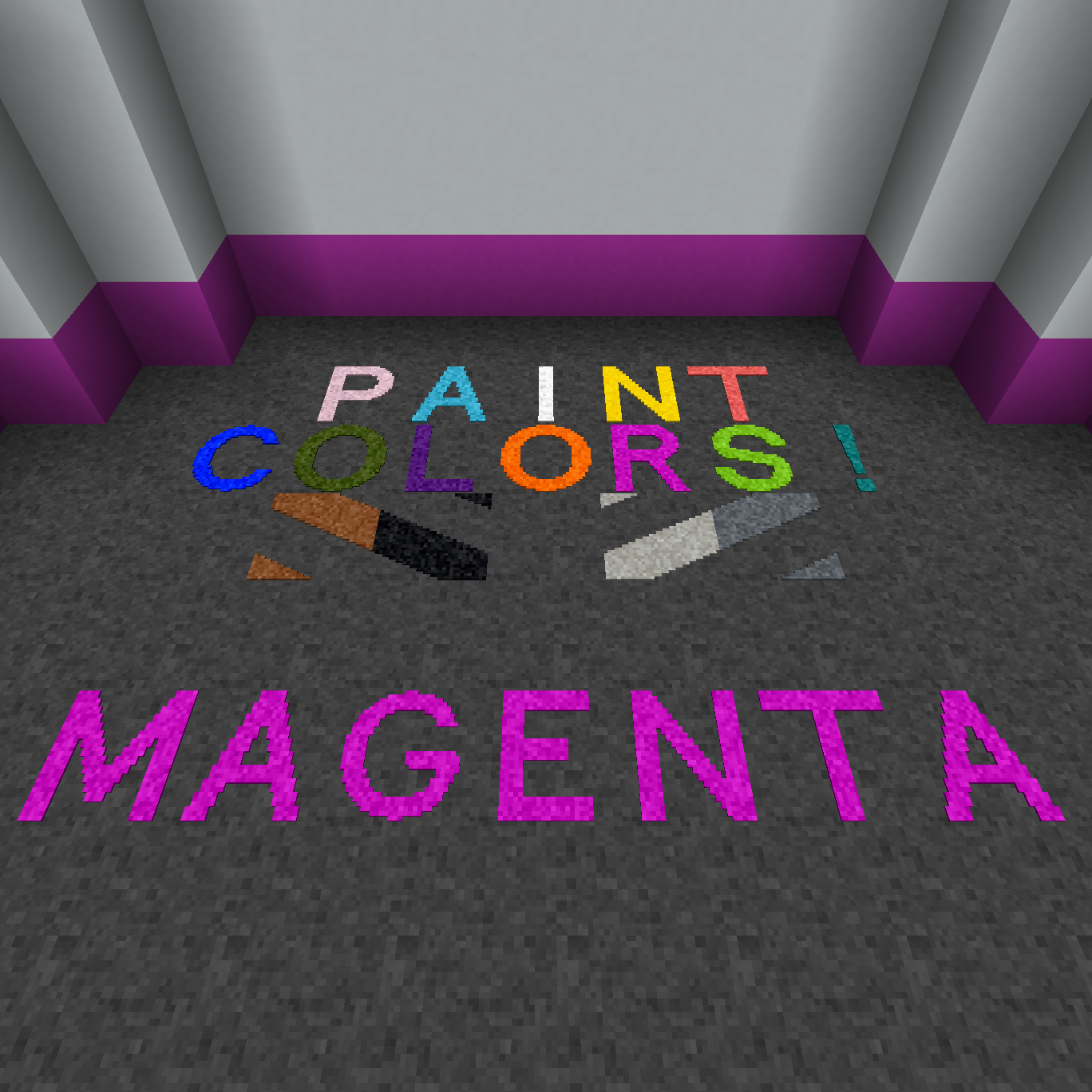
Fureniku's Roads Magenta Paint Plugin
Minecraft Java mod. Downloads from the MC Java Mods app on Android.
⬇ Download on CurseForgeHey, where'd my textures go?
People kept asking me to add coloured paints.
Here they are.
This mod requires Fureniku's Roads. As a major caveat, any custom paint colour is creative mode only. They will not work with the paint gun and can't be accessed from survival - sorry, it's just too much work for such an old Minecraft version.
Additionally, each colour of paint adds 93 new blocks to your world, not including any custom paints you may have added. Adding more paints to a large modpack may well push you over the ID limit, which is why I didn't add extra paints to the core mod. You can use mods like Not Enough IDs or Just Enough IDs to get around this limit, but please do so at your own risk and only on new worlds. This increased usage will also slow down your game launch.
I recommend only using the colour plugins you actually want; don't just grab them all unless you're ready to deal with that!
Get the paints you want here!
(White, Yellow and Red are included in the base mod)
- Edition: Minecraft Java
- File type: .jar
- How to install: Install the matching mod loader (Forge, Fabric or NeoForge) for your Minecraft version. → Download the .jar. → Put it in the .minecraft/mods folder and launch that loader profile.
- Where to get it: Opens on CurseForge — not every file is mirrored on our own servers.
Install steps are the general flow for this file type — How to install Minecraft Java mods & modpacks walks through it step by step.
- Ships as Furenikus_Roads_Extra_Magenta-1.0.jar — drop this file into the mods folder
- Download size: 28 KB
- Download link checked 17 Oct 2026 — working
These come from our own check of the pack file, not from the source page.