
TurtleBoi's Loot Chests
Java mod listed for Minecraft 1.19–1.20. Downloads from the MC Java Mods app on Android.
I don't know my version or loader
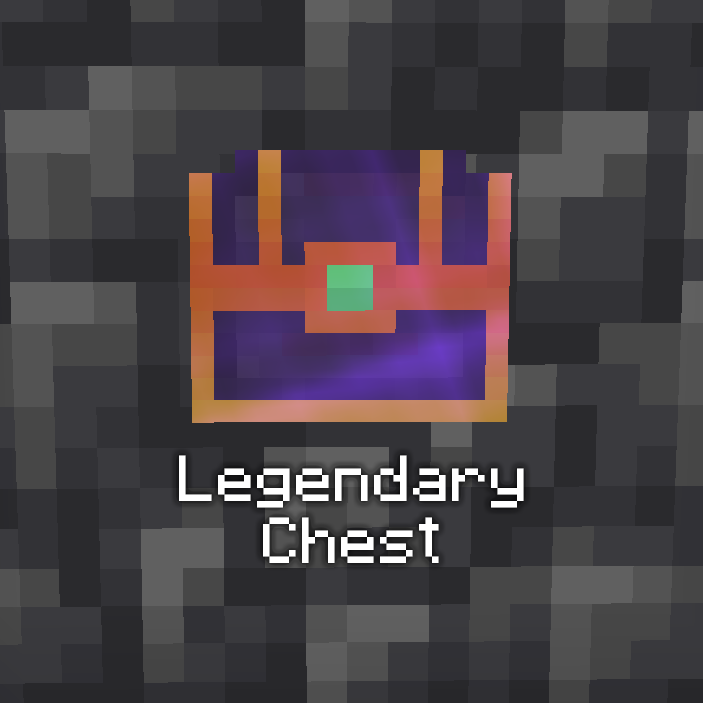
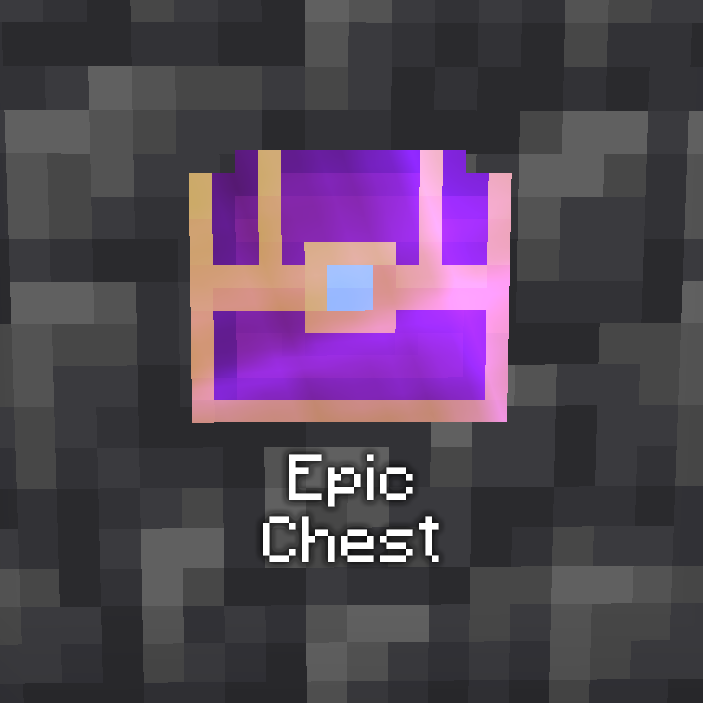
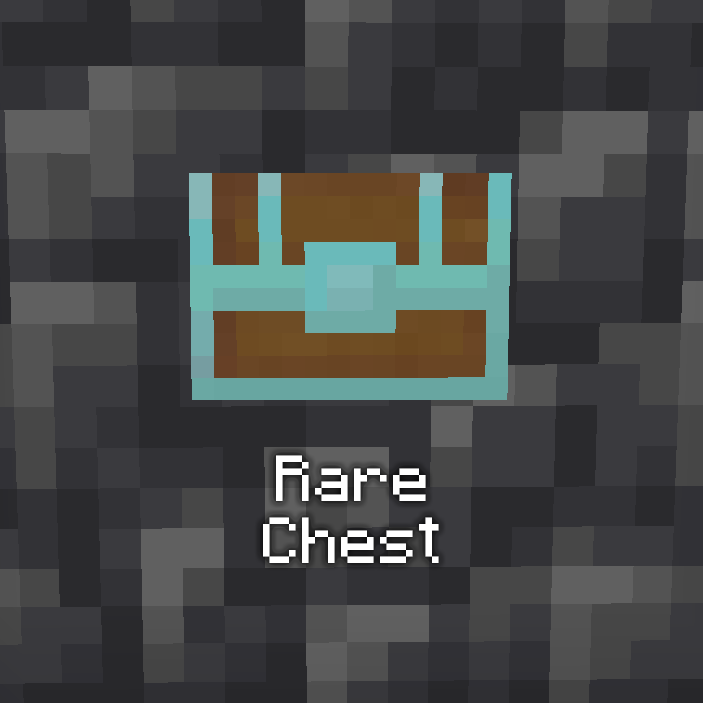
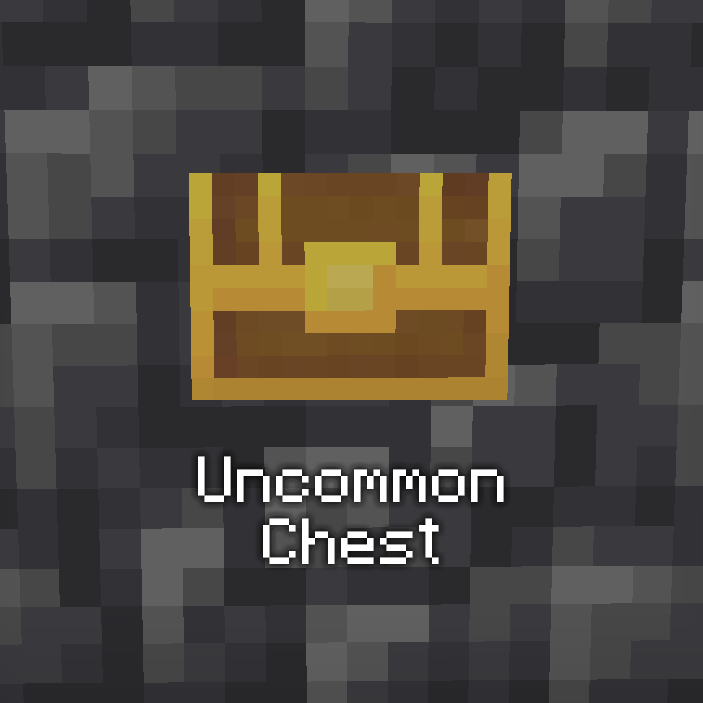
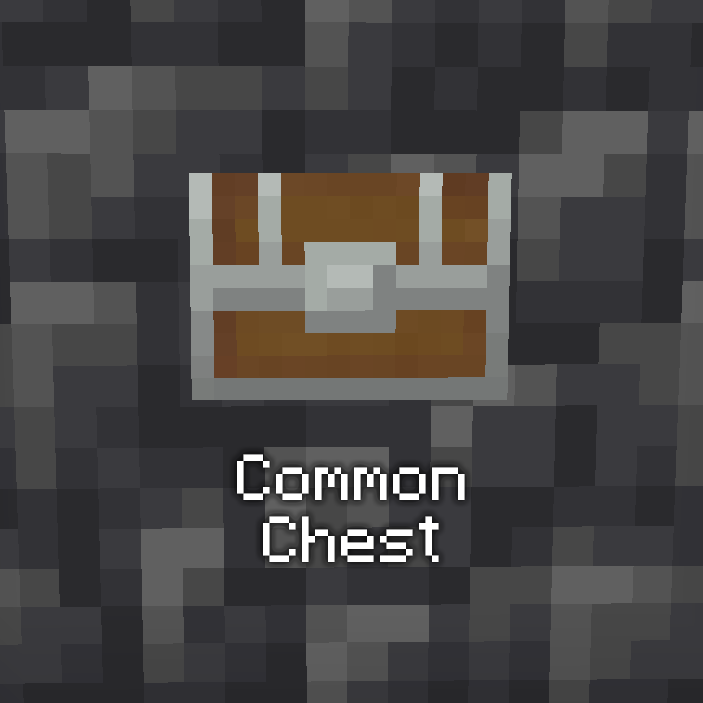
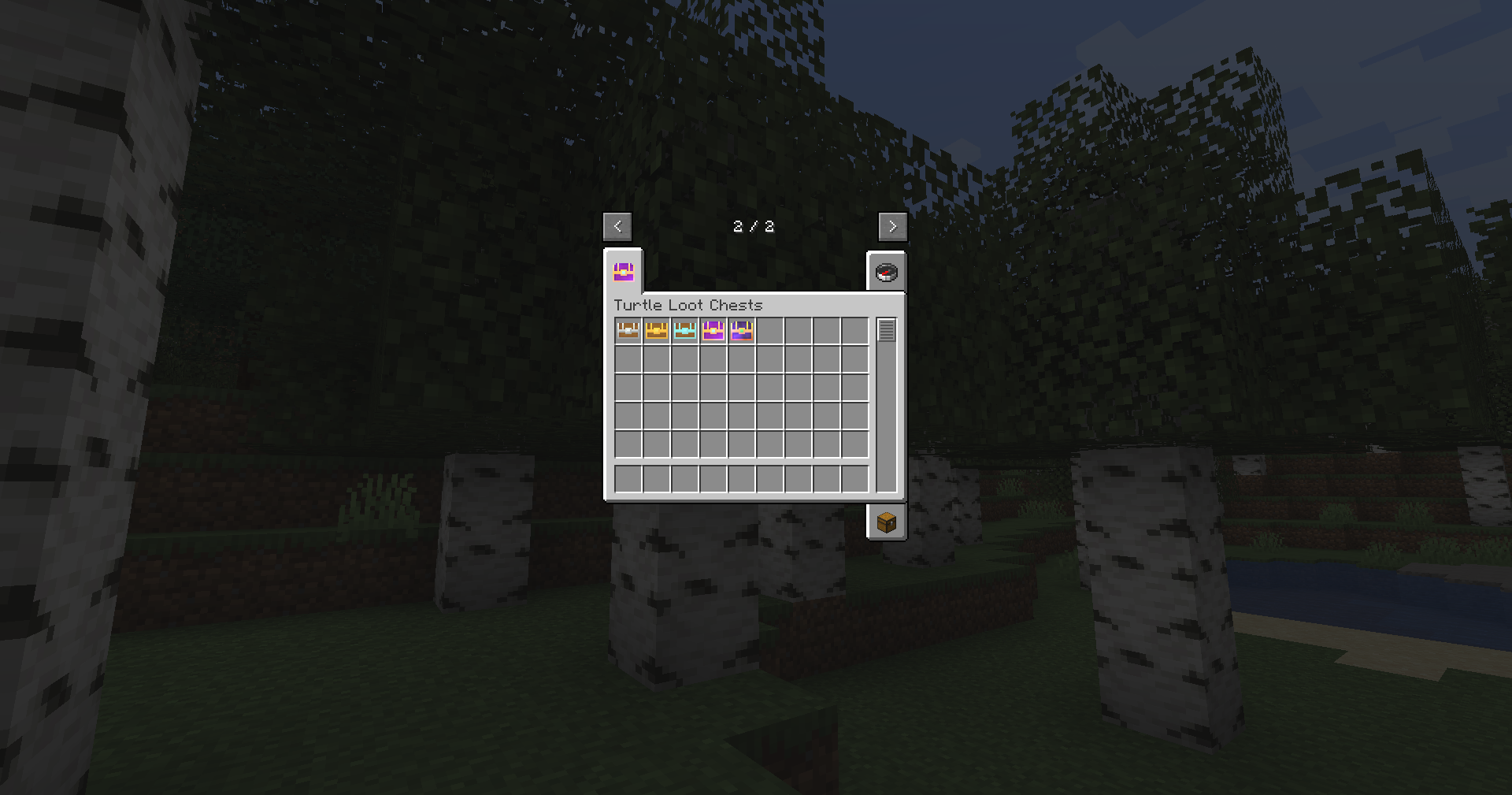
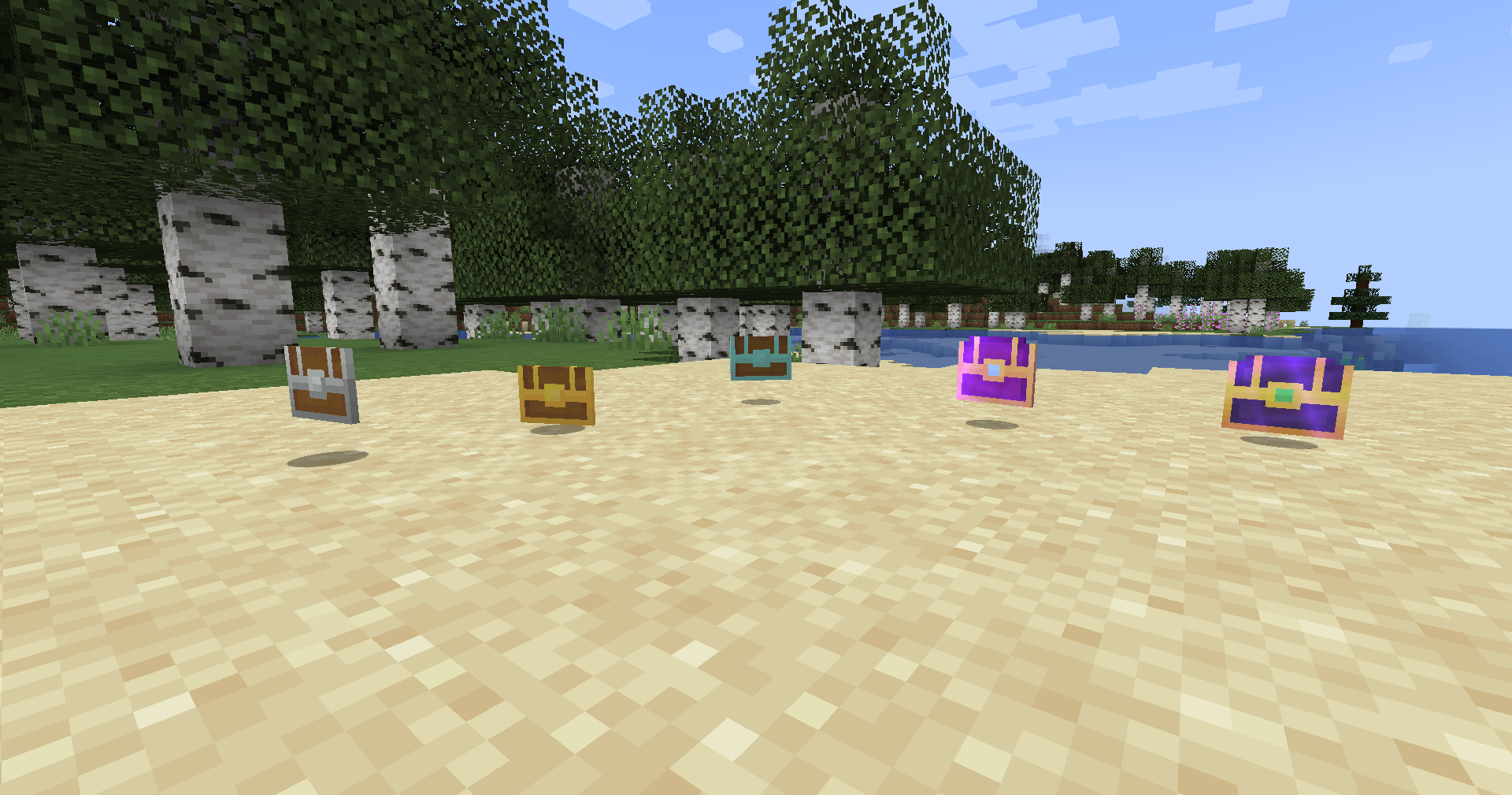
TurtleBoi’s Loot Chests introduces a dynamic loot chest system to Minecraft, enhancing the looting & RPG experience with five tiers of loot chests: Common, Uncommon, Rare, Epic, and Legendary. Each tier has its base drop chance and amount, which can be further influenced by the looting level of the player, as well as their own unique loot pools!
Loot pools and drop chances are easily customizable via data packs and configuration files, respectively. Simply make a loot table that either appends or overwrites default loot drops with a .json file, either manually or using a tool like https://misode.github.io/loot-table/. Many Loot Chest drop configurations are available in an easy-to-understand config file, which outlines the math and logic behind their implementation.
Making a Data Pack:
Data packs can be used to modify the loot that the mod's chests drop. Provided below is an example/base data pack that contains the original loot tables for each chest. Remember to keep the directory formats the same as Minecraft's systems depend on that. Just simply modify the .json of each chest manually or use a tool like https://misode.github.io/loot-table/ to generate new loot tables. Then, you can use these new loot tables by installing them into the world's datapacks folder. Here's a link on how to install data packs: https://minecraft.fandom.com/wiki/Tutorials/Installing_a_data_pack
Example Data Pack Download
You're more than welcome to use this mod in your modpacks within the CurseForge environment :)

- Edition: Minecraft Java
- File type: .jar
- Minecraft versions listed: 1.20.2, 1.20.1, 1.19.4
- How to install: Install the matching mod loader (Forge, Fabric or NeoForge) for your Minecraft version. → Download the .jar. → Put it in the .minecraft/mods folder and launch that loader profile.
- Where to get it: Opens on CurseForge — not every file is mirrored on our own servers.
Install steps are the general flow for this file type — How to install Minecraft Java mods & modpacks walks through it step by step.
- Ships as turtlelootchests-1.2.0-1.20.2.jar — drop this file into the mods folder
- Download size: 108 KB
- Download link checked 17 Oct 2026 — working
These come from our own check of the pack file, not from the source page.