More Than 50
Java mod listed for Minecraft 1.19–1.20. Downloads from the MC Java Mods app on Android.
I don't know my version or loader
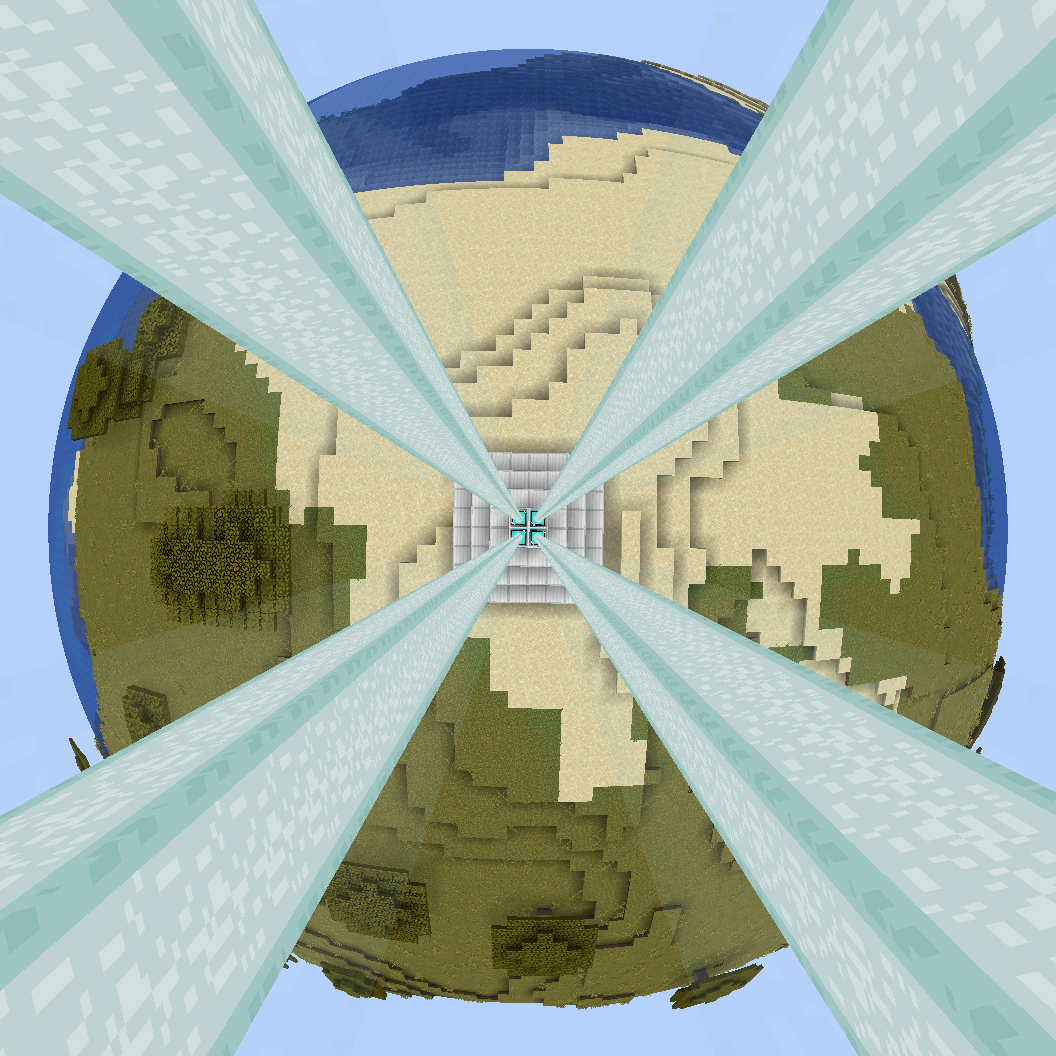
Beacons have a pitiful range of only 50 blocks in vanilla when at max level (1476 iron ingots and you can't even go four chunks!) This mod changes that to 150 blocks by default, but supports going up to infinite range.
To compliment this exciting extension of range, beacons now also load the chunk they are inside so that they can continue to provide effects to players wherever they happen to be.
Another common complaint about beacons is the particles obscuring your vision. More than 50 gets rid of these too!
More Than 50 only needs to be installed server side, however will function in singleplayer worlds as well.
As well as providing all of these useful features, More Than 50 is highly configurable allowing pretty much all values in the mod to be configured. The configuration file can be found at saves/worldname/serverconfig/morethan50-server.toml. If you wish for this to apply to all newly created worlds simply copy it to the defaultconfigs folder.
Example config:
#The multiplier to apply to the beacons range. A value of 1 will use vanilla behaviour. A value of 0 will stop beacons applying effects.
#Range: 0.0 ~ Infinity
sizeMultiplier = 3.0

#Whether to forceload the chunk the beacon is in or not.
#Recommended to be on when the multiplier * 50 is greater than your simulation distance * 16, or you have the range set to infinite at any tier
forceload = true
#The tier at which the range becomes infinite.
#The default is 5, meaning that unless you have another mod that adds another tier, the range is never infinite.
#Range: > 0
infiniteRangeThreshold = 5

#How the range should be extended vertically. In vanilla this is UP, to the sky limit
#Can also be DOWN (to bedrock/the void), BOTH (extend both up and down) or NONE (only use the regular range to extend up and down)
#Allowed Values: UP, DOWN, BOTH, NONE
verticalMode = "BOTH"
#If particles from beacons effects should be visible. false will use existing behaviour, which in vanilla is to show particles, however mods may change that.
hideParticles = true

#If the beacon should color beacon beams that pass through it white. Vanilla behaviour is that it does
beaconsColor = false
Shader used to create the icon is https://gist.github.com/williambl/4a4d74d1b72da350d96d7859b6b70e57#file-animalcrossing-zip
- Edition: Minecraft Java
- File type: .jar
- Minecraft versions listed: 1.20.1, 1.19.2
- How to install: Install the matching mod loader (Forge, Fabric or NeoForge) for your Minecraft version. → Download the .jar. → Put it in the .minecraft/mods folder and launch that loader profile.
- Where to get it: Opens on CurseForge — not every file is mirrored on our own servers.
Install steps are the general flow for this file type — How to install Minecraft Java mods & modpacks walks through it step by step.
- Ships as morethan50-1.0.2-all.jar — drop this file into the mods folder
- Download size: 1.1 MB
- Download link checked 27 Sept 2026 — working
These come from our own check of the pack file, not from the source page.