
LOTR Improvements
Minecraft Java mod. Downloads from the MC Java Mods app on Android.
⬇ Download on CurseForge


LOTR Improvements
A collection of client-side quality of life add-ons to the LOTR Legacy mod (1.7.10).
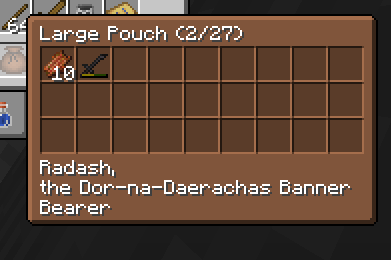
Pouch Viewer
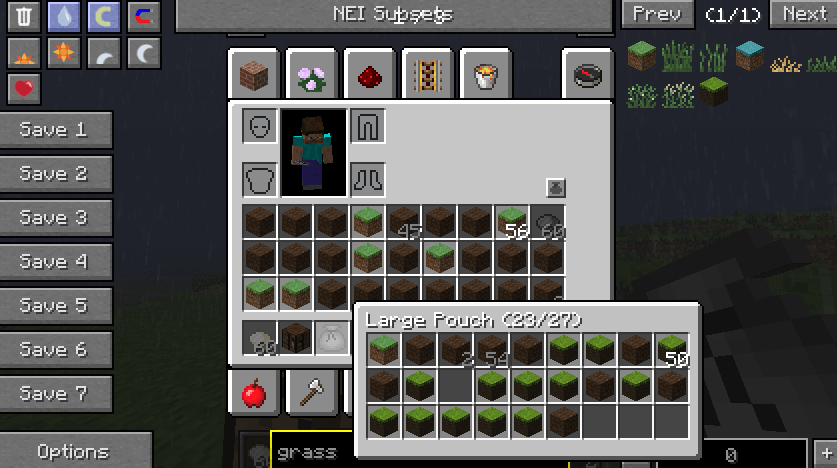
Reveals pouch contents in a GUI container tooltip. Compatible with NEI search. Has configuration options for the colors, text, and empty slots.
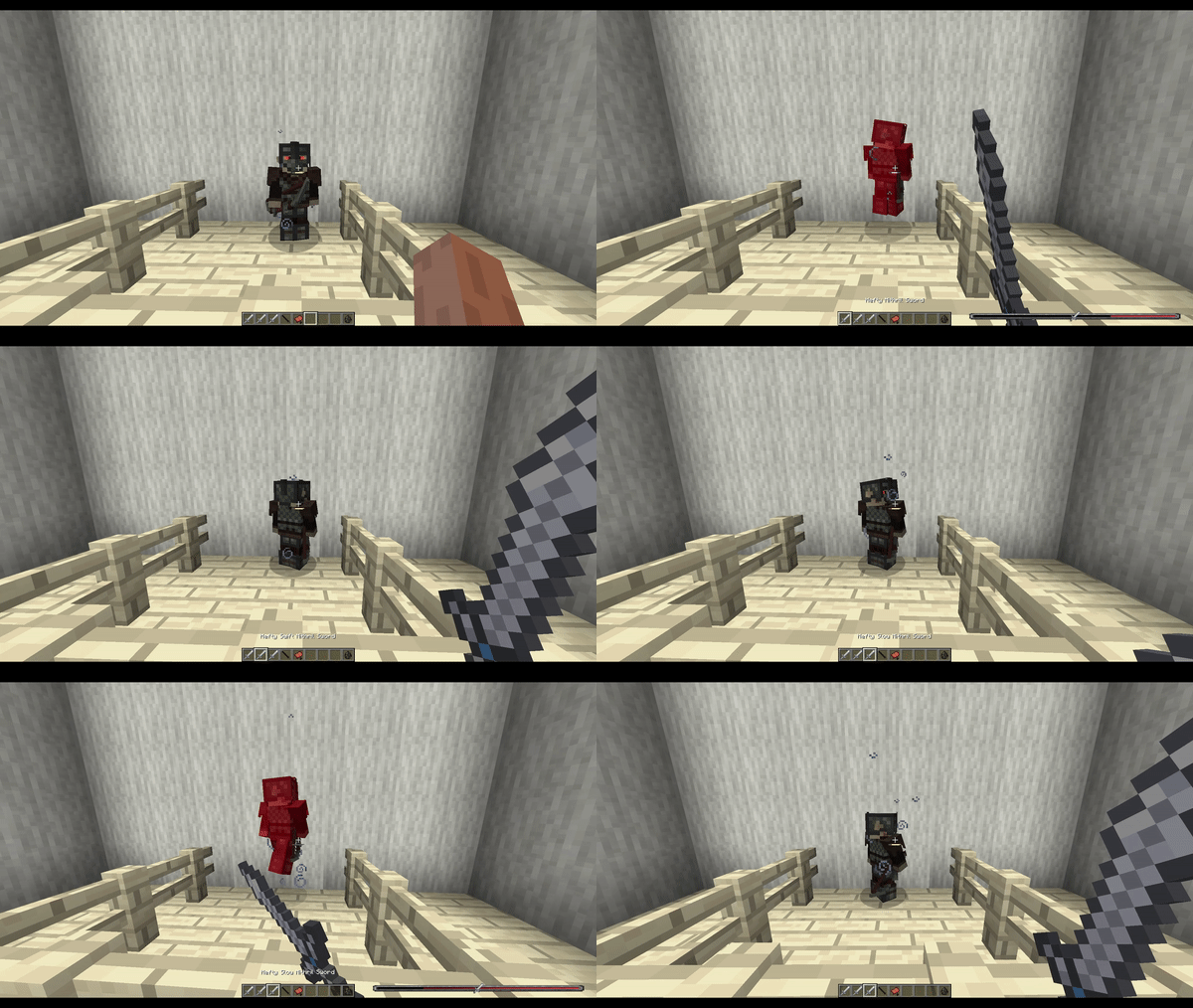
Attack Indicator
Ports the 1.9+ combat attack indicator, accounting for the LOTR mod's weapon speed and weapon reach. Has configuration options to show when in range, for certain entities, and size/position. Attack indicator textures can be modified with the resource pack template.
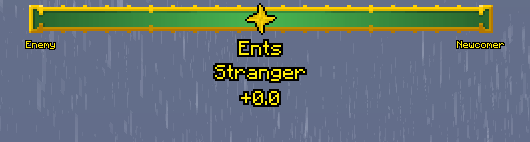
Alignment Viewer
Shows exact alignment under alignment bar below the player title.
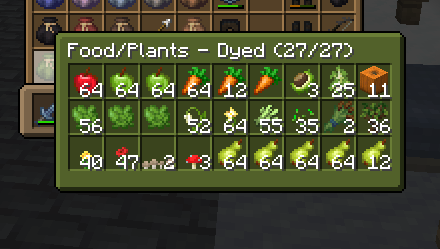
Item Counters
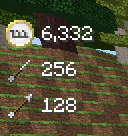
Shows total item counters of some LOTR items, counting ones stored in pouches.
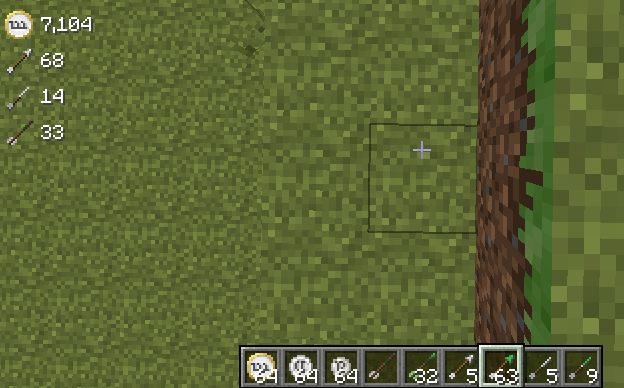
Trader Finder
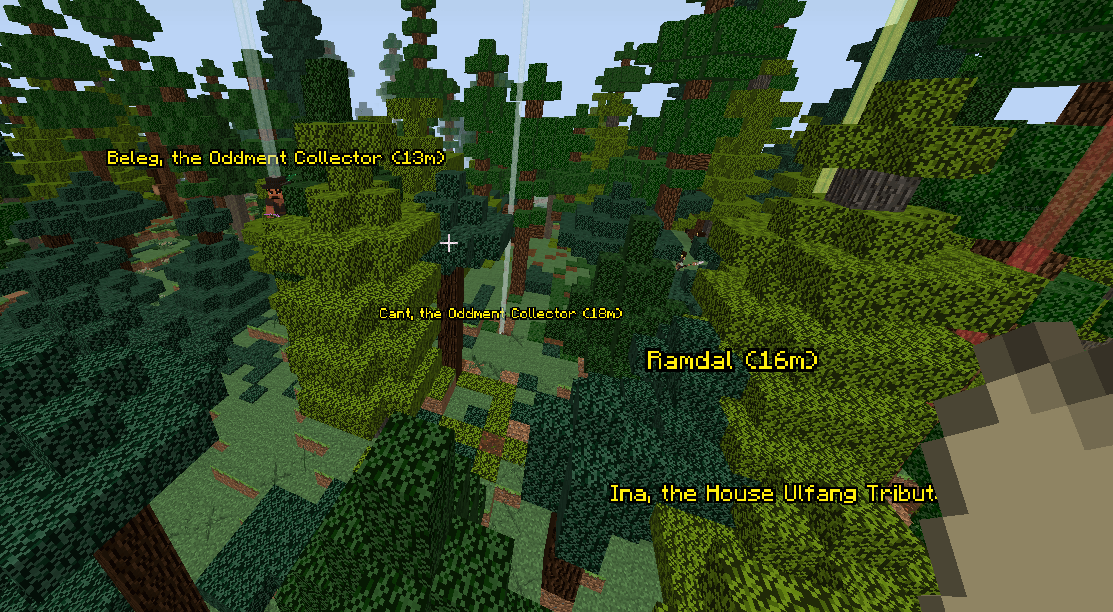
Sends trader coordinates in chat when a trader spawns, if they are within render distance. Shows beacon beam, trader name, and distance above traders. Beacon beams are colored based on alignment. Has configuration options for the beacon beams, name, distance, chat coordinates, and whether it works on all traders or only traveling traders.

World Waypoints
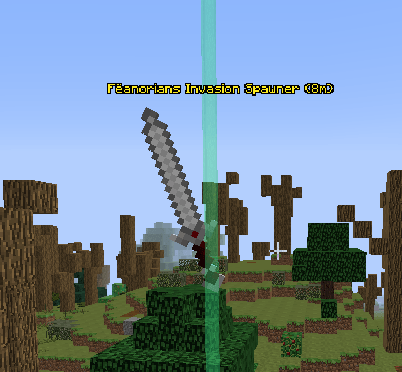
Shows beacon beam, waypoint name, and distance at the location of each LOTR map waypoint in the world, including custom waypoints and invasion spawners.

Mount Info
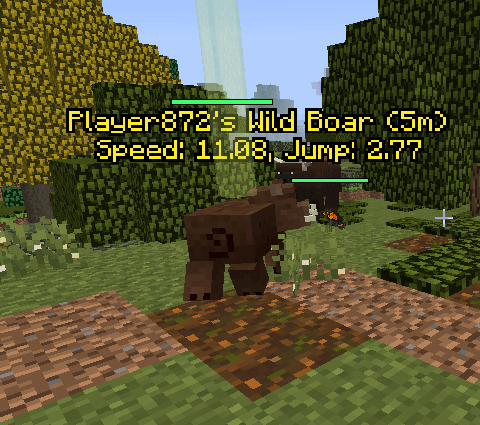
Shows beacon beam and username of the player who tamed each mount.
Health Viewer
Shows hearts or health bars above the heads of entities. Has configuration options to show through walls, only when in range, or only when looking at an entity.

Anvil HUD
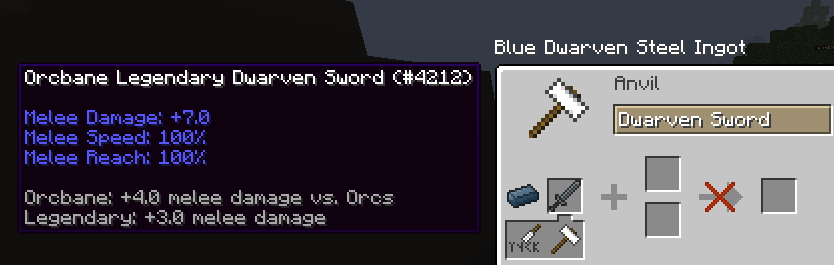
Shows the material necessary for an item and displays a preview of the item in an anvil.
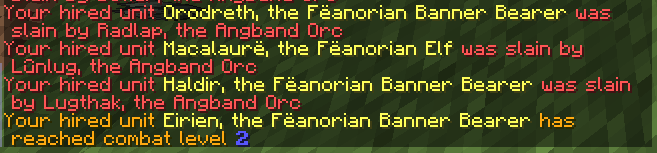
Colored Chat Events
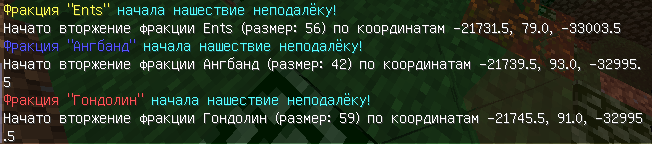
Colors various LOTR chat events, such as hired NPC leveling and deaths or invasion spawns (compatible across languages).
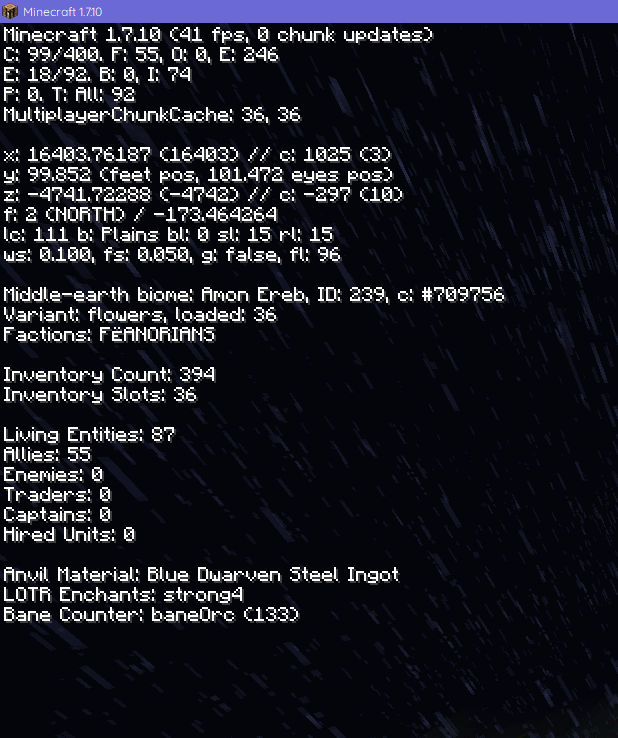
LOTR Debug
Shows LOTR related information in the F3 debug menu. Full list of information in mcmod.info and changelog.
When using this mod, do NOT use the stand-alone versions of Pouch Viewer and Attack Indicator. If you have downloaded either of those two mods and plan to use this mod, remove the pouch viewer and attack indicator jar files. Do not use this mod with LOTR Improvements LITE either.
This mod works on client side.
Feel free to use this mod in modpacks as long as you credit me (jediexe) and link this page.
Compatible with LOTR Mod: Legacy v36.15 and Eras of Arda First Age: Legacy Submod v2.7.2. All rights for the Lord of the Rings Mod go to Mevans.
Let me know in the comments, on GitHub, or on discord (jediexe) any mod incompatibilities, bugs, suggestions, and more addons you would like to see!
- Edition: Minecraft Java
- File type: .jar
- How to install: Install the matching mod loader (Forge, Fabric or NeoForge) for your Minecraft version. → Download the .jar. → Put it in the .minecraft/mods folder and launch that loader profile.
- Where to get it: Opens on CurseForge — not every file is mirrored on our own servers.
Install steps are the general flow for this file type — How to install Minecraft Java mods & modpacks walks through it step by step.
- Ships as LOTR Improvements-1.0.11.jar — drop this file into the mods folder
- Download size: 893 KB
- Download link checked 26 Sept 2026 — working
These come from our own check of the pack file, not from the source page.