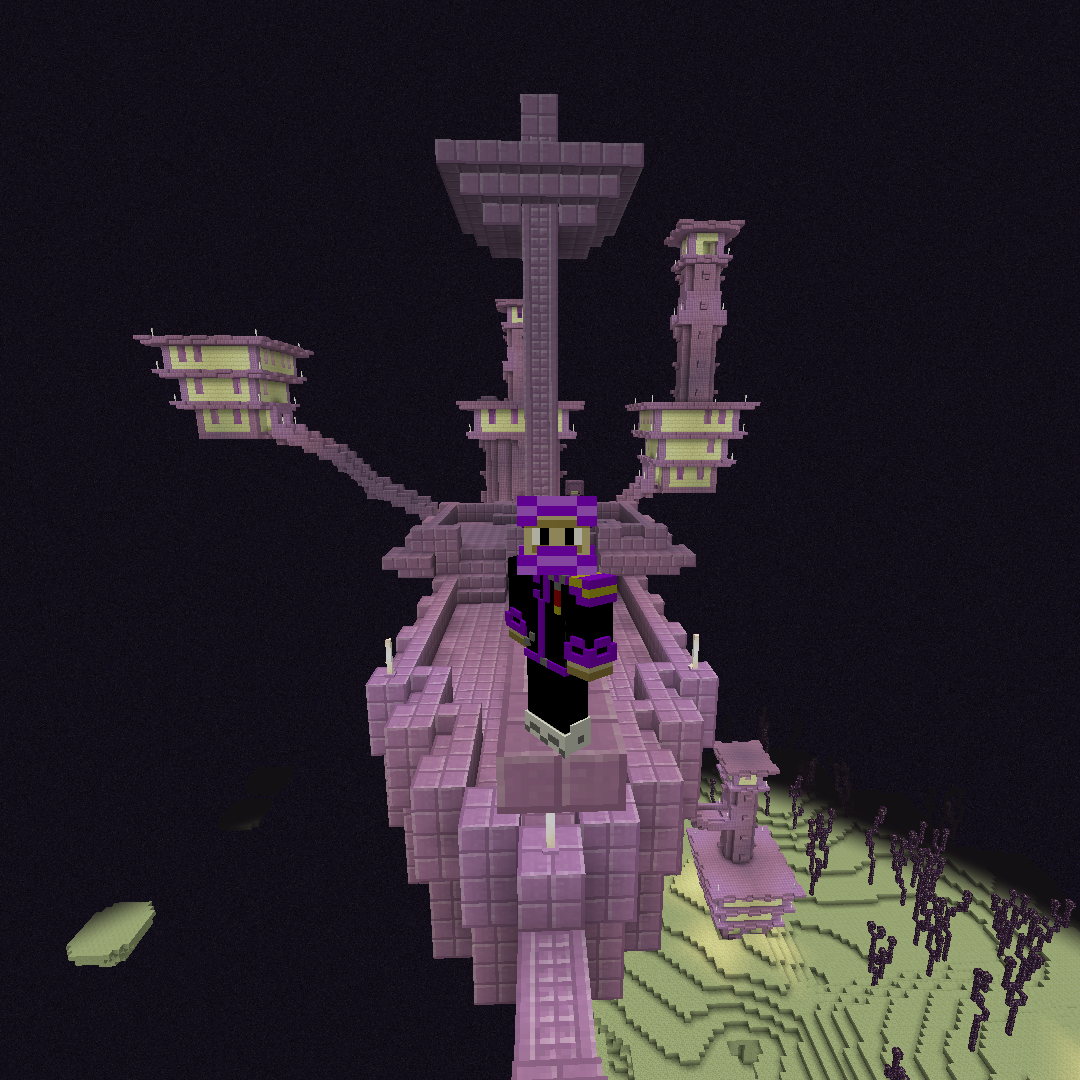
FPS Client
Java modpack listed for Minecraft 1.20. Downloads from the MC Java Mods app on Android.
Better FPS for lower end computers as far as I can tell, supposed to be a replacement for a certain buggy PVP client, so I added some features that make…
⬇ Download on CurseForgeThe author built this one for Minecraft 1.20.2 on Fabric. On other versions it may install and then do nothing.
Please note that this is merely a compilation of mods taken from across curseforge. None of these mods are mine, I am simply borrowing them to improve my MC experience. all of these mods where created by very talented individuals in the modding community, and I therefore give them all the credit. I encourage you to support these creators and boost their content.
Please note that this modpack does not include the latest sodium build, if you want to install the latest sodium build, please download it from the modrinth like I am providing and install it along with the mods within this modpack in your default Minecraft mods directory using windows-key+r, %appdata%/.Minecraft/mods. IDK how to install it in the curseforge app, but if I learn how, I will add it.
Sodium (Fabric): https://modrinth.com/mod/sodium/versions#all-versions
Sub to me on YouTube: https://www.youtube.com/channel/UCR0EyvC2himlVuoc_fQEf5A
- Edition: Minecraft Java
- File type: .jar
- Minecraft version listed: 1.20.2
- How to install: Install the matching mod loader (Forge, Fabric or NeoForge) for your Minecraft version. → Download the .jar. → Put it in the .minecraft/mods folder and launch that loader profile.
- Where to get it: Opens on CurseForge — not every file is mirrored on our own servers.
Install steps are the general flow for this file type — How to install Minecraft Java mods & modpacks walks through it step by step.
- Downloads as Lunar Alternative-1.0.zip
- Download size: 19 KB
- Download link checked 17 Oct 2026 — working
These come from our own check of the pack file, not from the source page.