Glowing Eyes
Java mod listed for Minecraft 1.19–1.21. Downloads from the MC Java Mods app on Android.
I don't know my version or loader
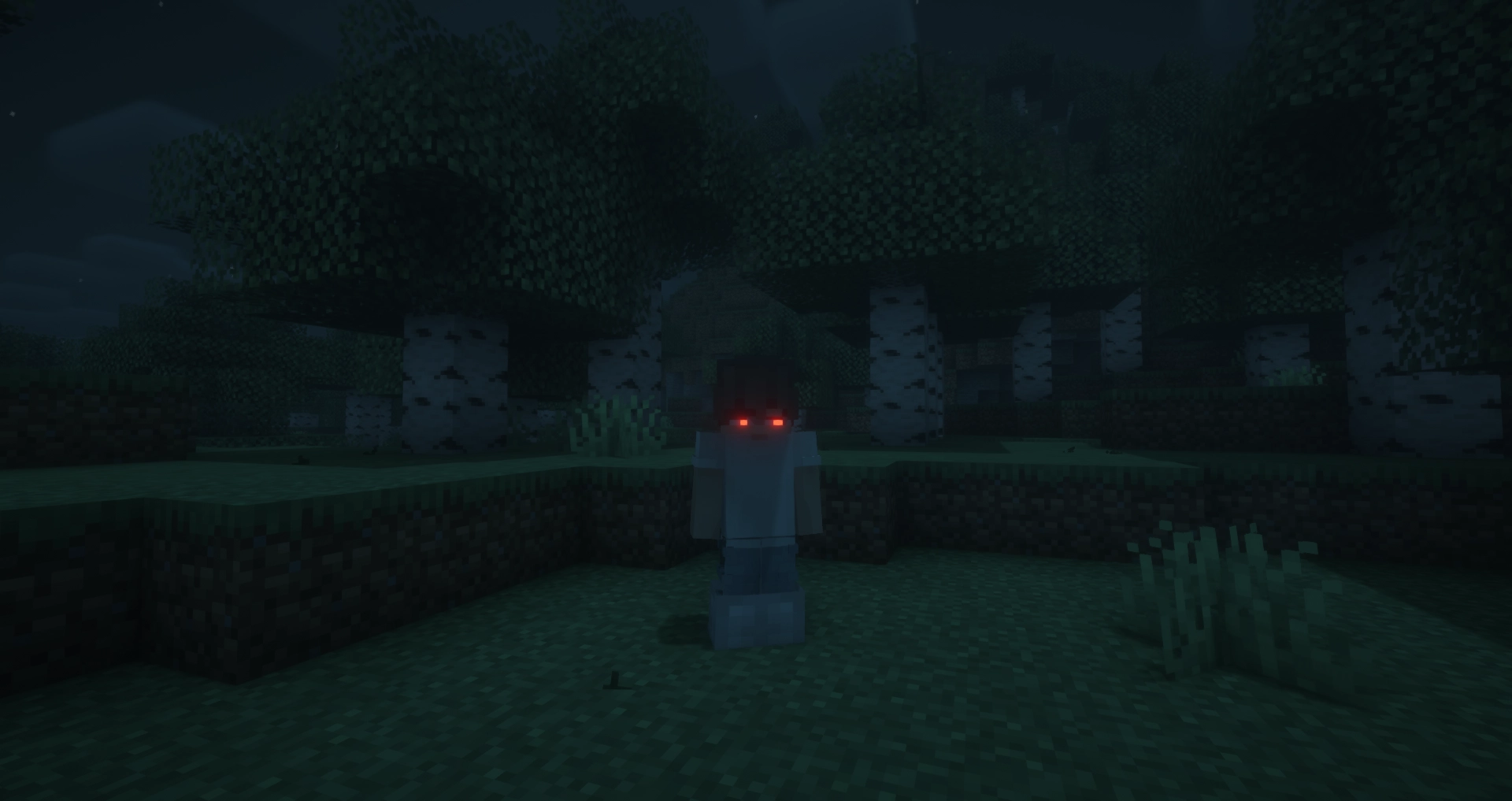
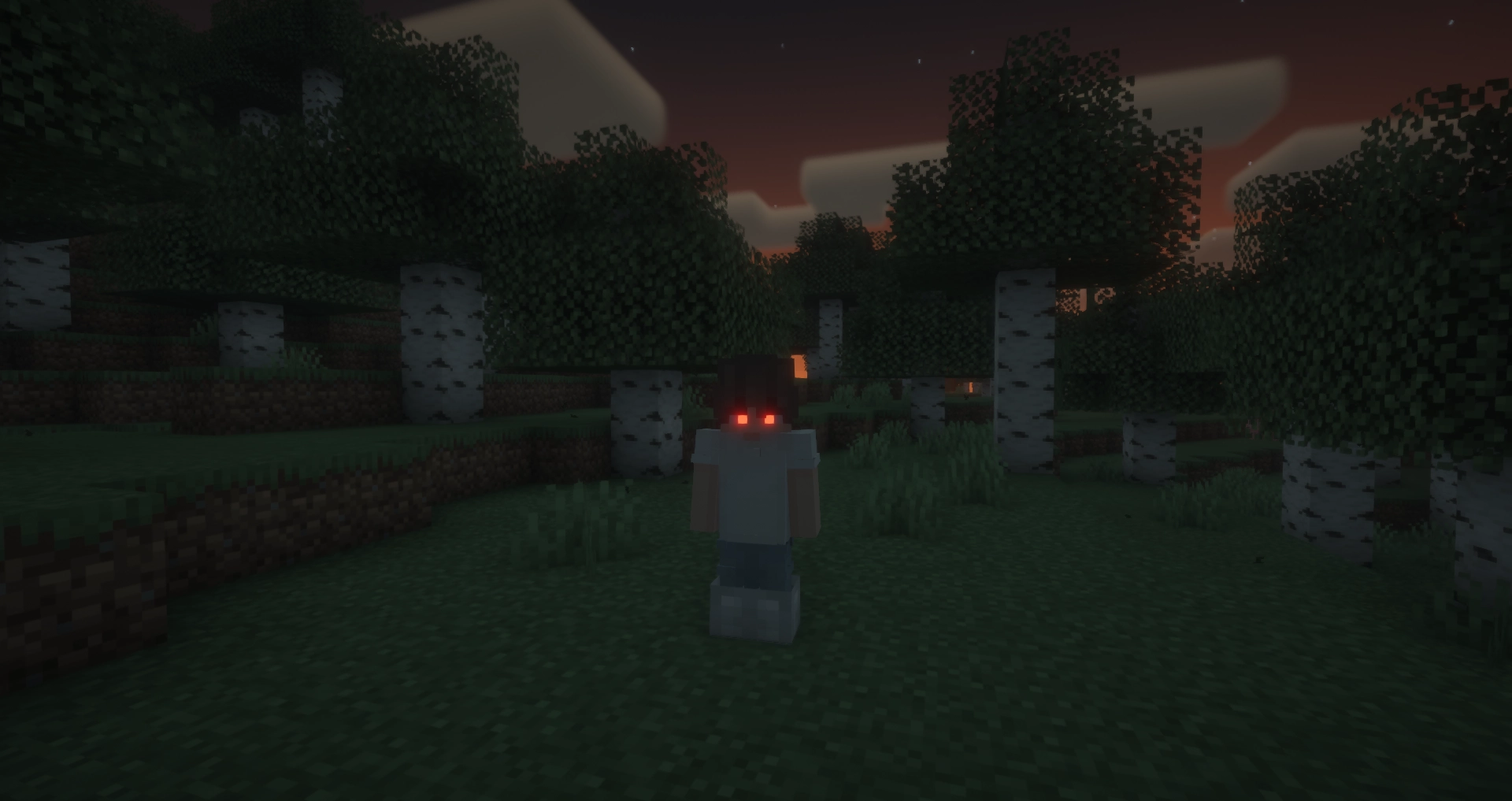
Glowing Eyes
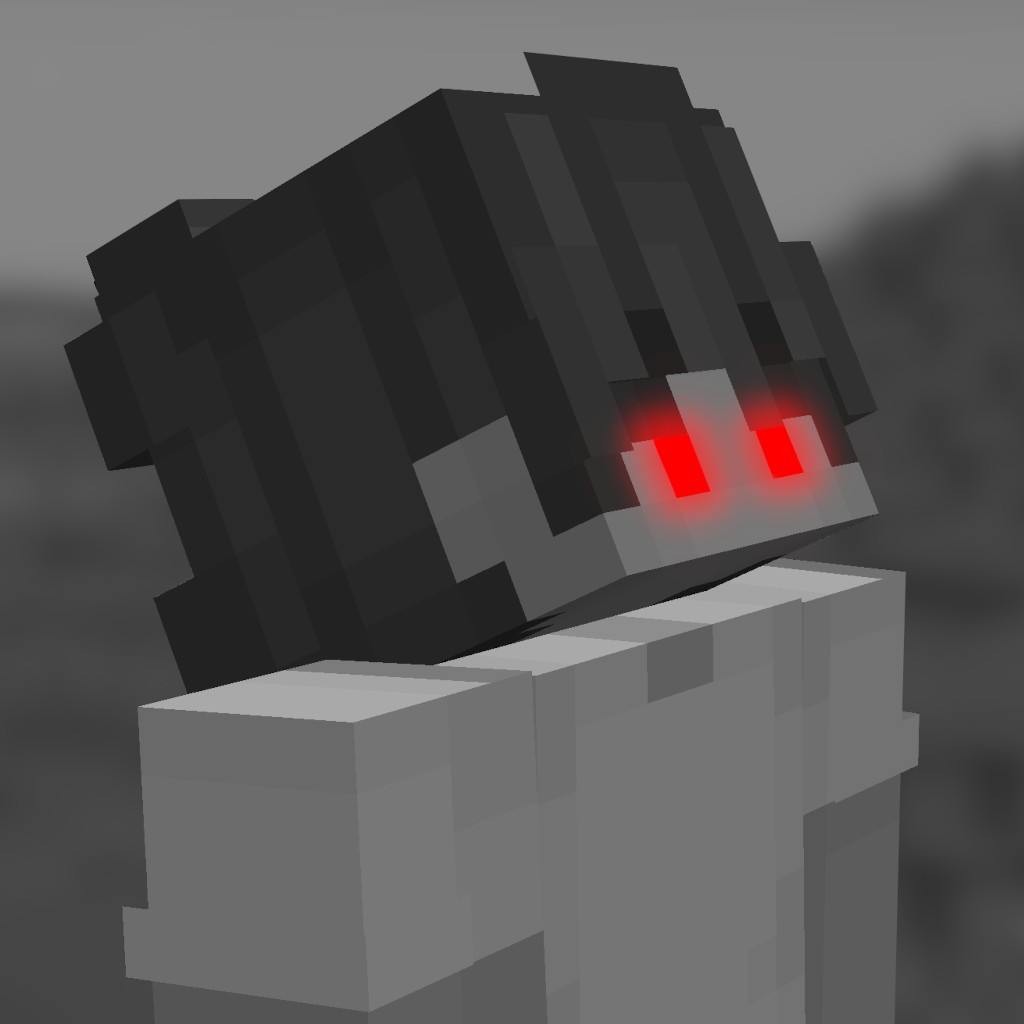
Glowing Eyes is a Minecraft mod that lets you customize and make your character’s eyes glow! Inspired by the Vampirism mod, this mod adds a detailed eye editor with color selection, presets, and new customization options. Stand out in the dark with glowing eyes!
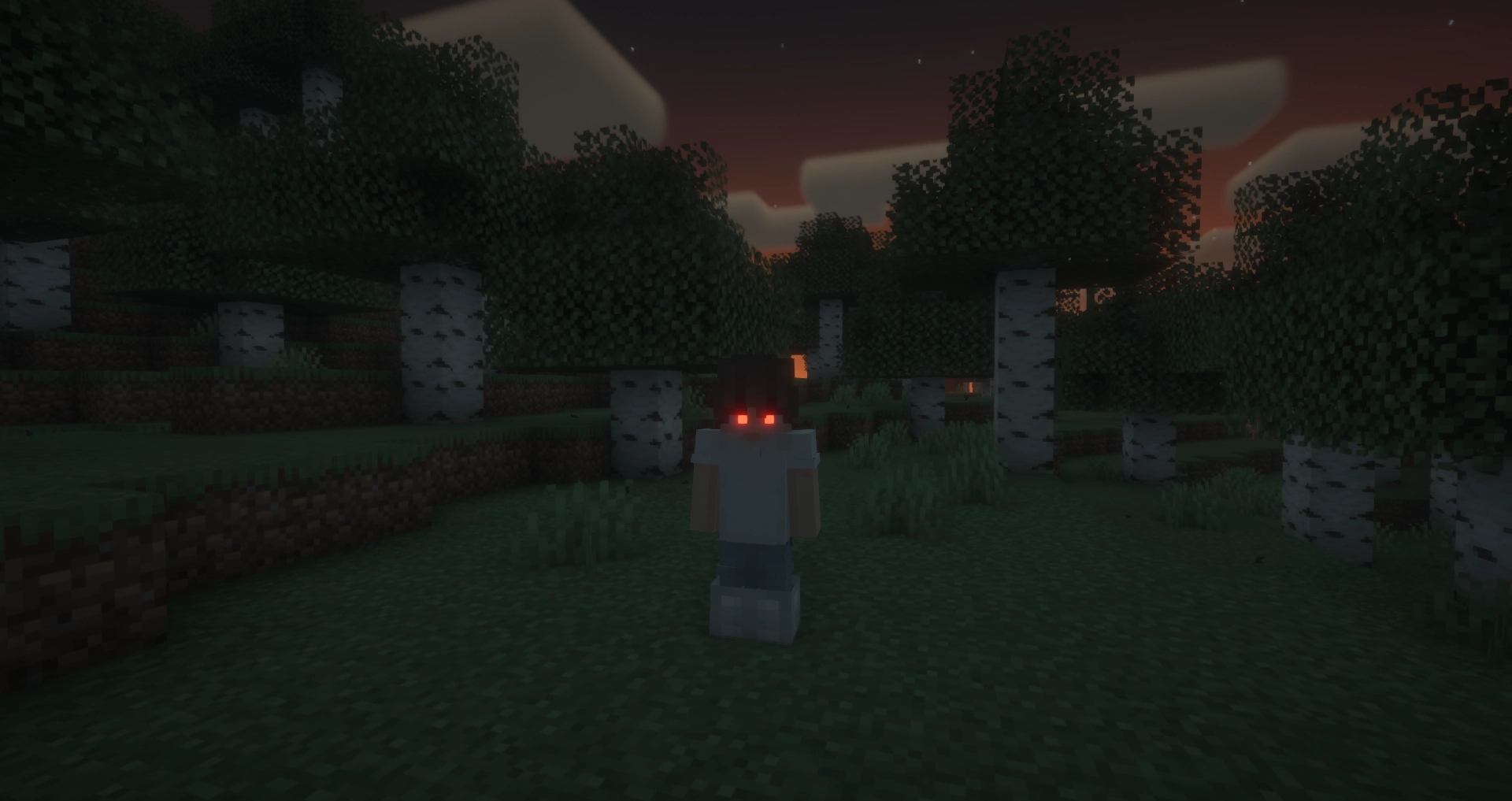
With Fresh Moves support!
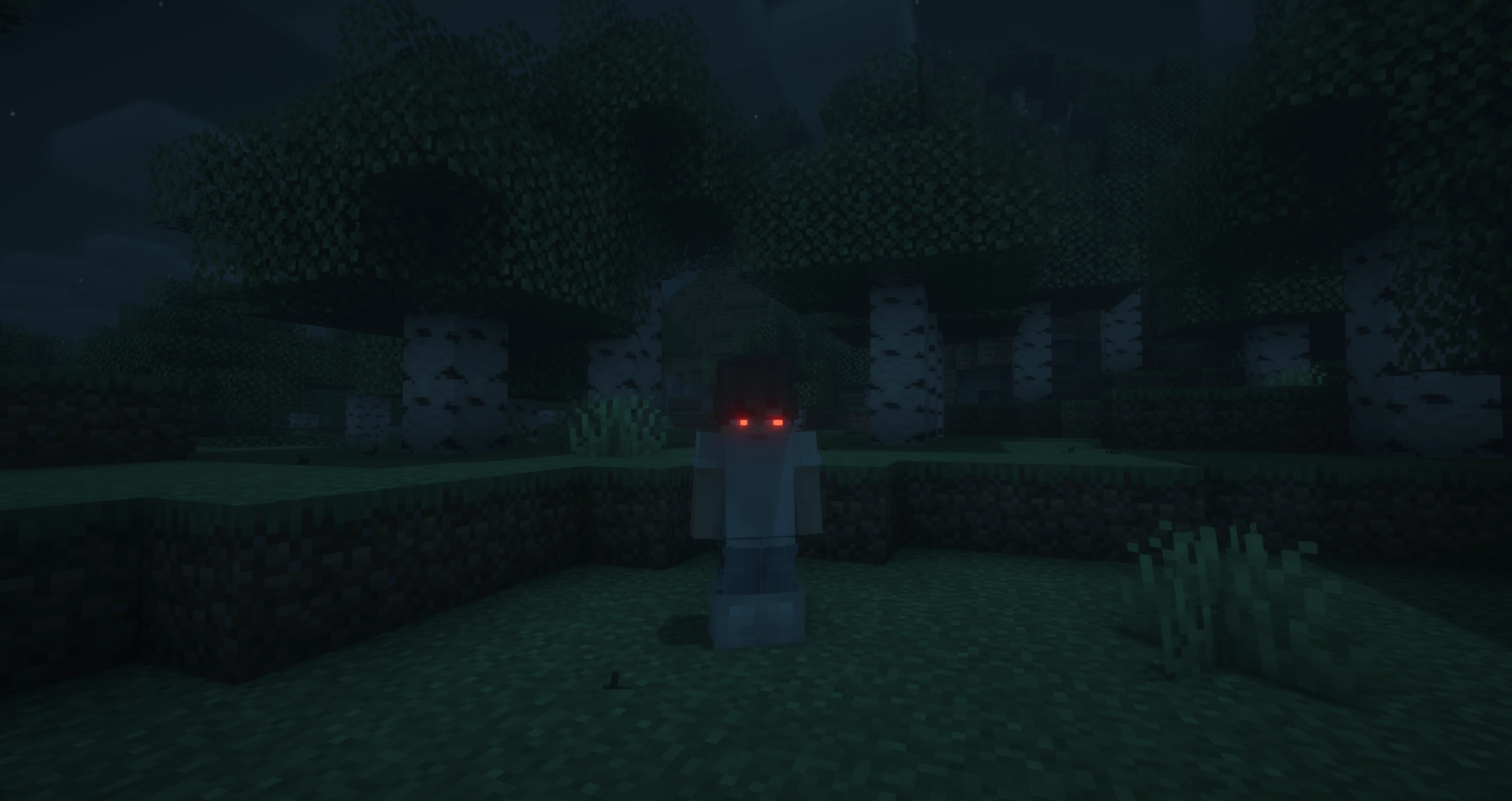
FAQ
Does this mod work in multiplayer?
Yes, however, the mod must be installed on both the server and the client for it to work properly. Players that do not have the mod can still play, but will not see the glowing eyes.
Why doesn’t the mod work / why don’t my eyes glow?
Most likely, you accidentally turned off your eyes. The default keybinding to toggle glowing eyes on and off is G. If that doesn’t fix the issue, please report a bug on the GitHub issues tab or in the Discord server.
Usage
General Usage
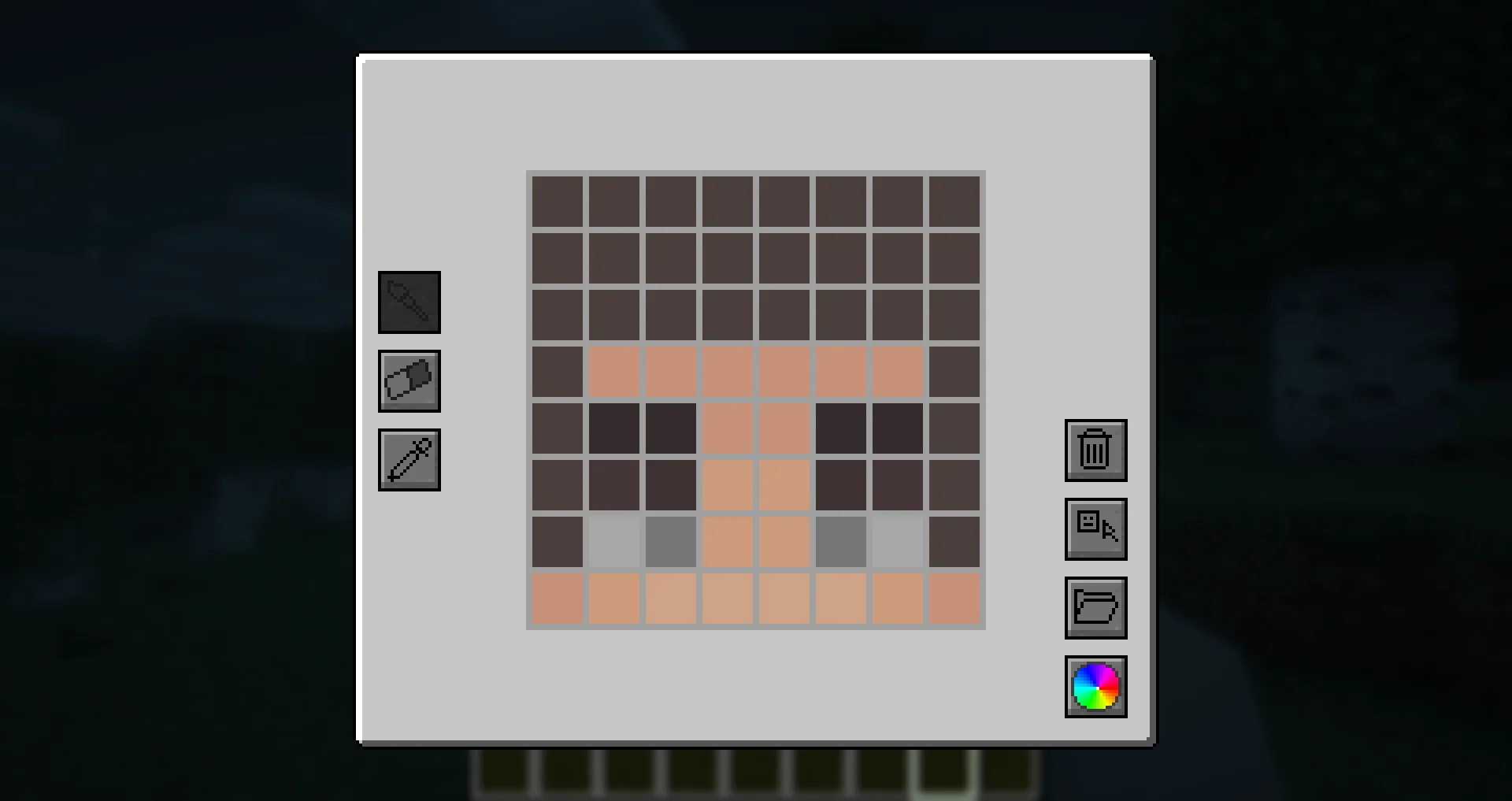
To access the eye editor, use the /eyes command or press the keybinding (H by default). This will open the customization menu, where you can tweak your glowing eyes.
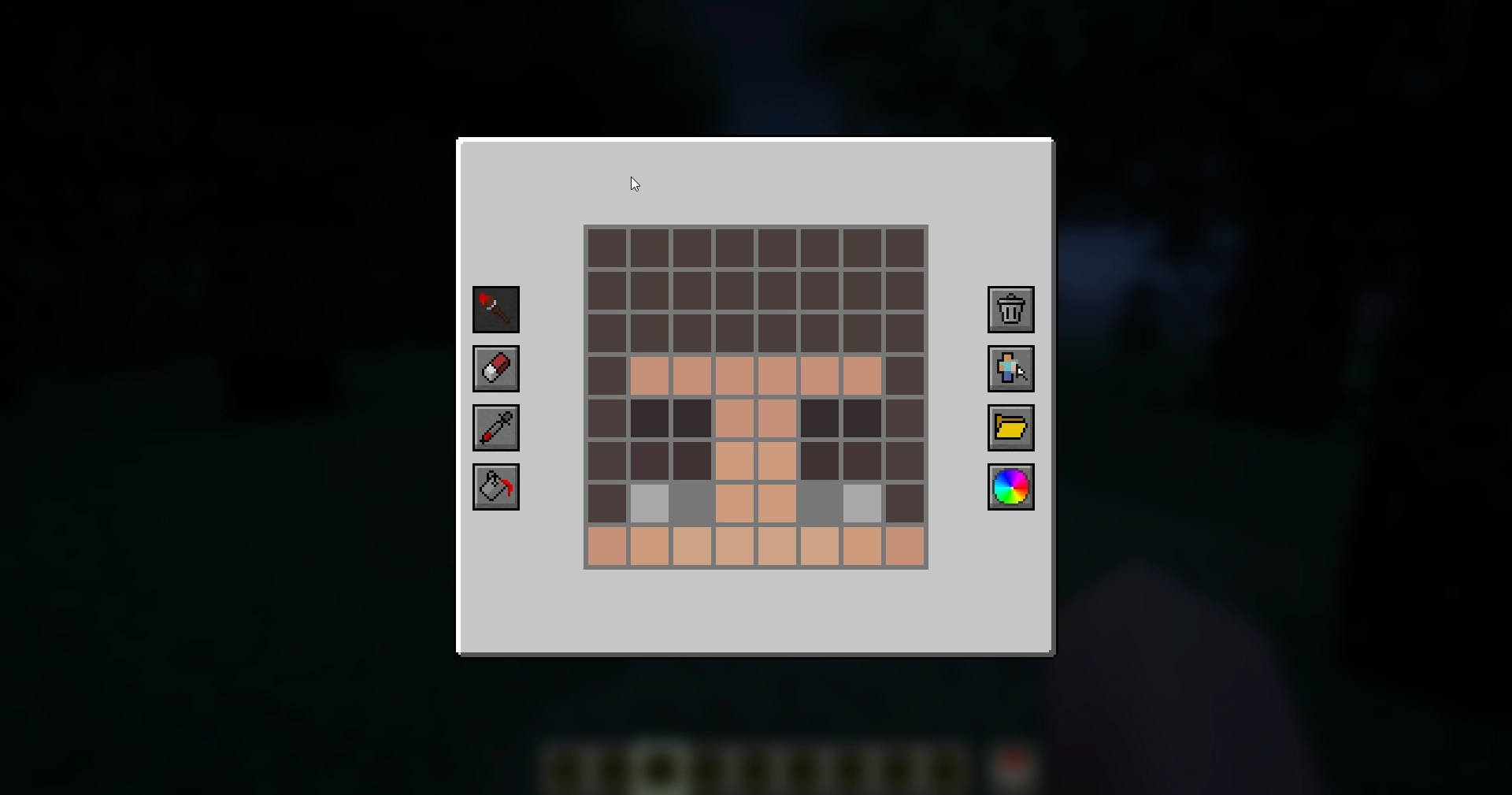
- Left side: Drawing, erasing and color picking tools to design your glowing eyes.
- Right side: Preset manager, color picker, and two additional buttons:
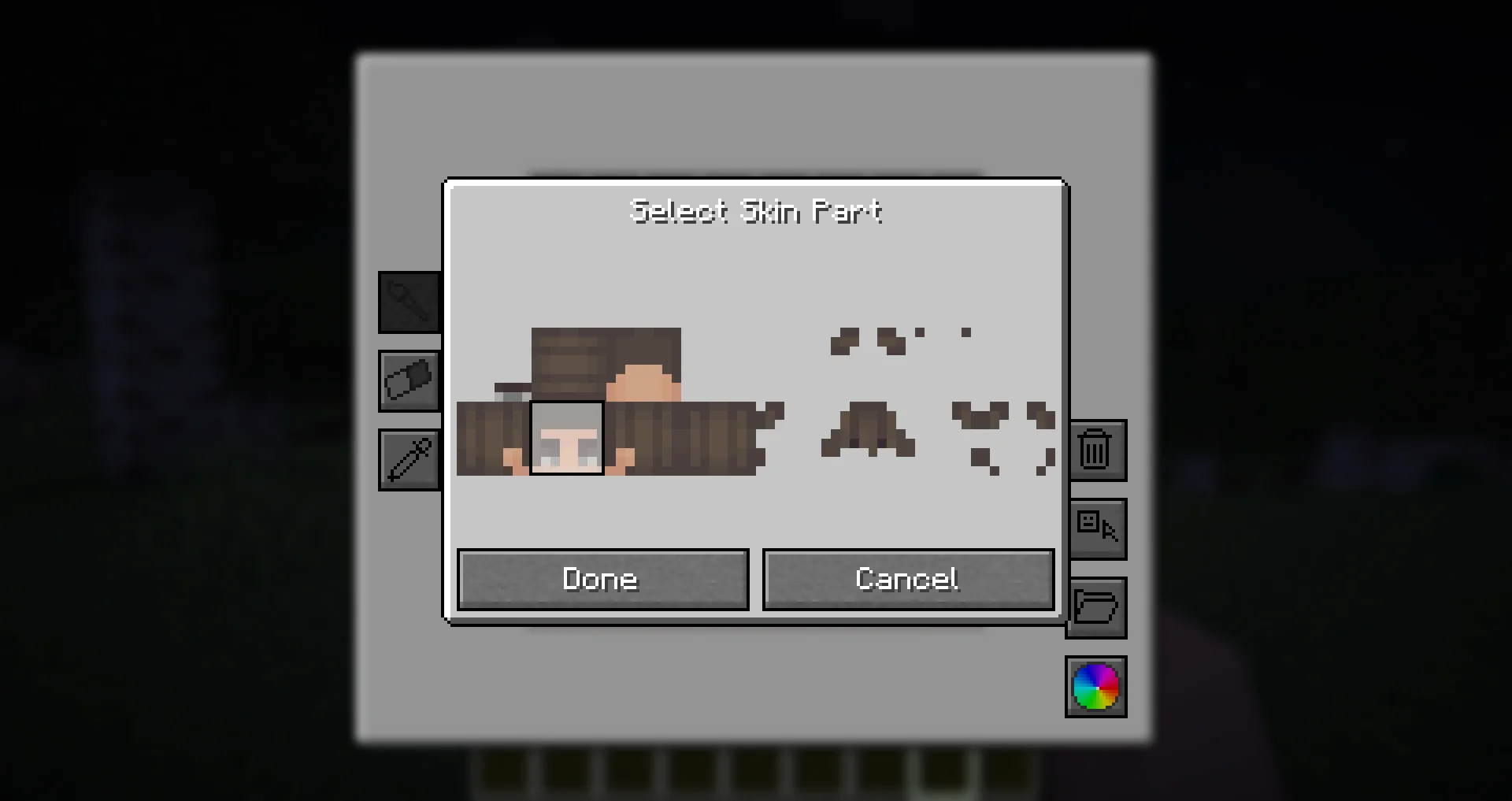
- Skin part selector: Choose which part of the skin you want to apply glowing eyes to.
- Reset button: Completely removes your current eyes, including other skin parts (but not presets).
Skin Parts
With the skin parts system, you are no longer limited to adding eyes only to the front of your character’s head. Now, you can apply glowing eyes anywhere on your head and head overlay!
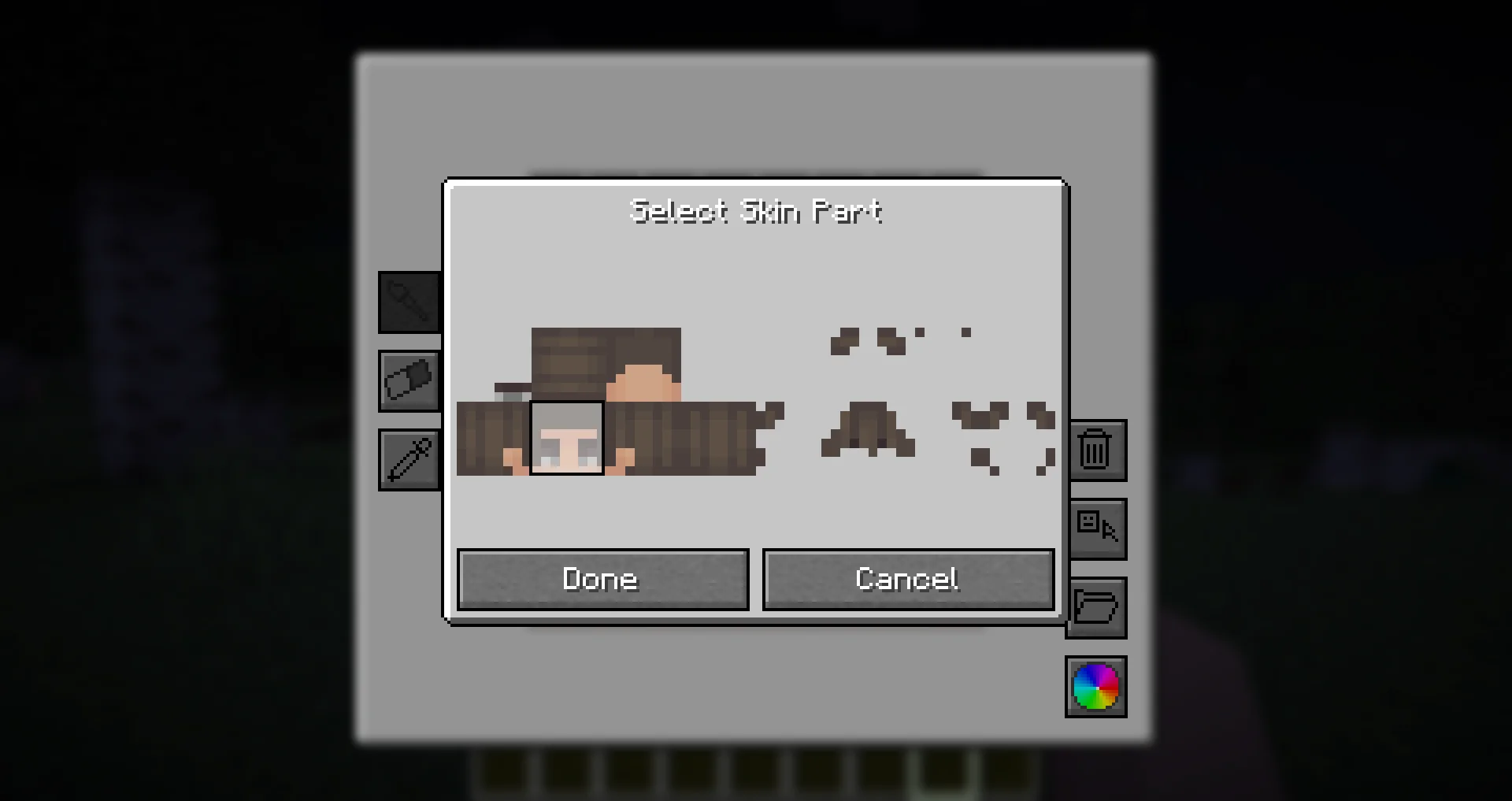
This feature allows for more creative and unique glowing eye designs, such as side or back-facing eyes!
Presets
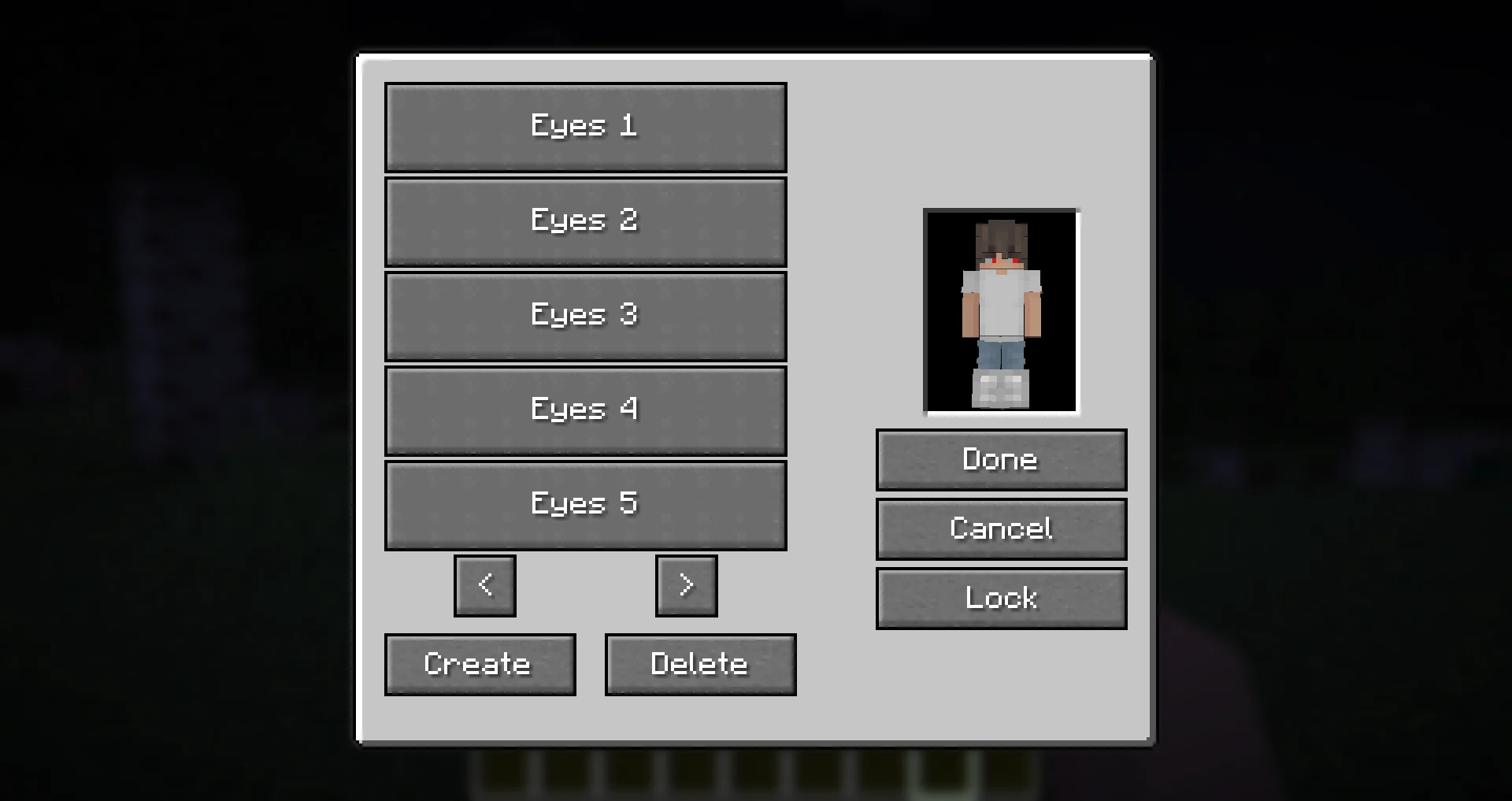
Presets allow you to save and quickly switch between different glowing eye designs.
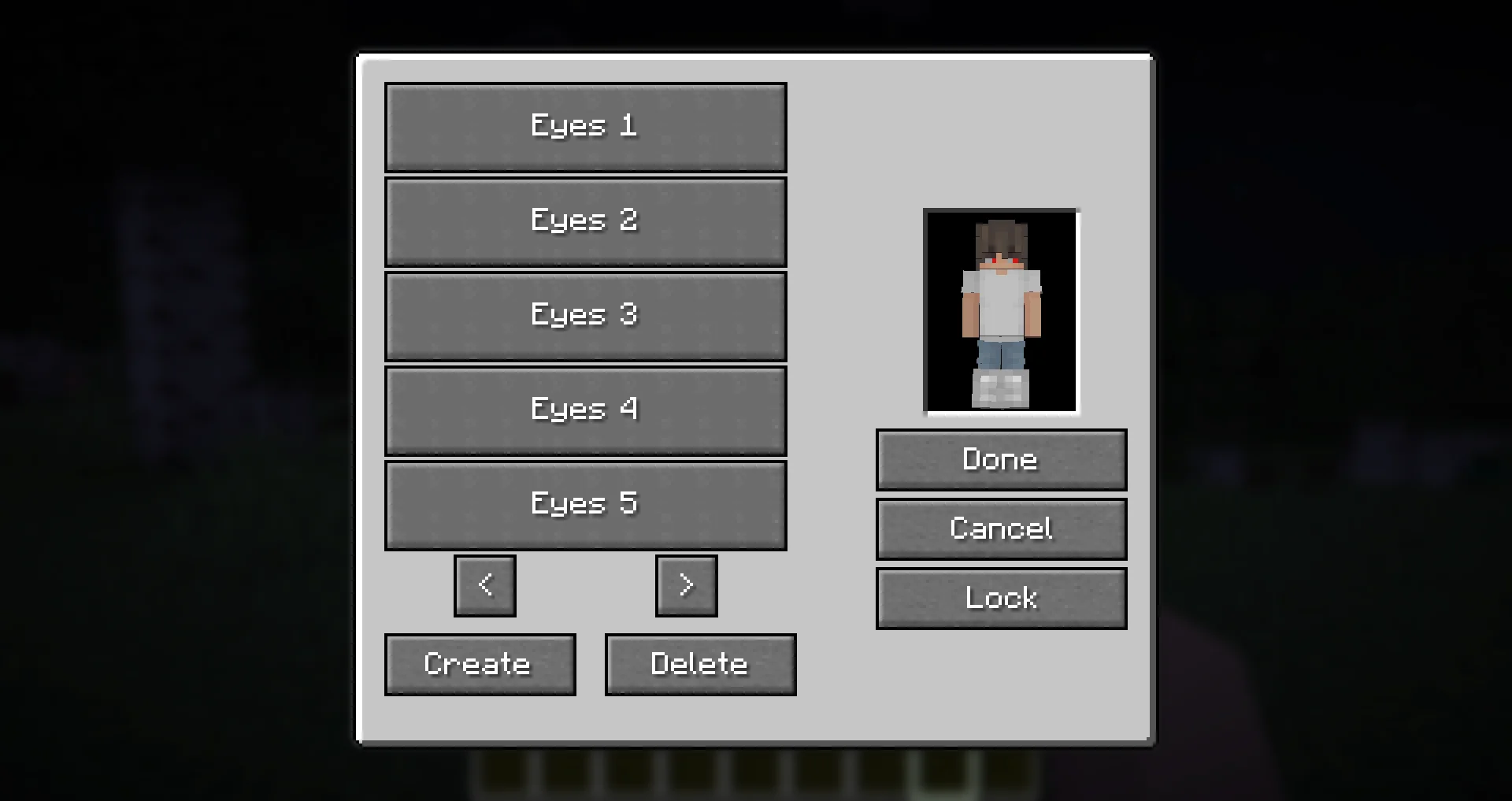
- The preset menu lets you create, save, and apply different presets.
- All presets are saved in the
presets.jsonfile in your Minecraft directory. - Easily experiment with different glowing eye styles without losing your designs!
Need Support?
If you need help, have a question, or just want to chat, join the Discord server. To report bugs or suggest features, please use the GitHub repository.
Thanks!
Big thanks to Olivo for helping with the editor GUI screen! If not him, this all would not be possible! Thanks to the Vampirism mod and its authors/contributors for the idea, inspiration, and some code, please check them out! Huge thanks to the Modded Minecraft Discord Server for their help with coding!
- Edition: Minecraft Java
- File type: .jar
- Minecraft versions listed: 1.21.11, 1.21.9, 1.21.10
- How to install: Install the matching mod loader (Forge, Fabric or NeoForge) for your Minecraft version. → Download the .jar. → Put it in the .minecraft/mods folder and launch that loader profile.
- Where to get it: Opens on CurseForge — not every file is mirrored on our own servers.
Install steps are the general flow for this file type — How to install Minecraft Java mods & modpacks walks through it step by step.
- Ships as glowingeyes-forge-1.20.1-2.0.2.jar — drop this file into the mods folder
- Download size: 225 KB
- Download link checked 26 Sept 2026 — working
These come from our own check of the pack file, not from the source page.