
Albane's Extra Textures
Java mod listed for Minecraft 1.18–1.20. Downloads from the MC Java Mods app on Android.
I don't know my version or loader
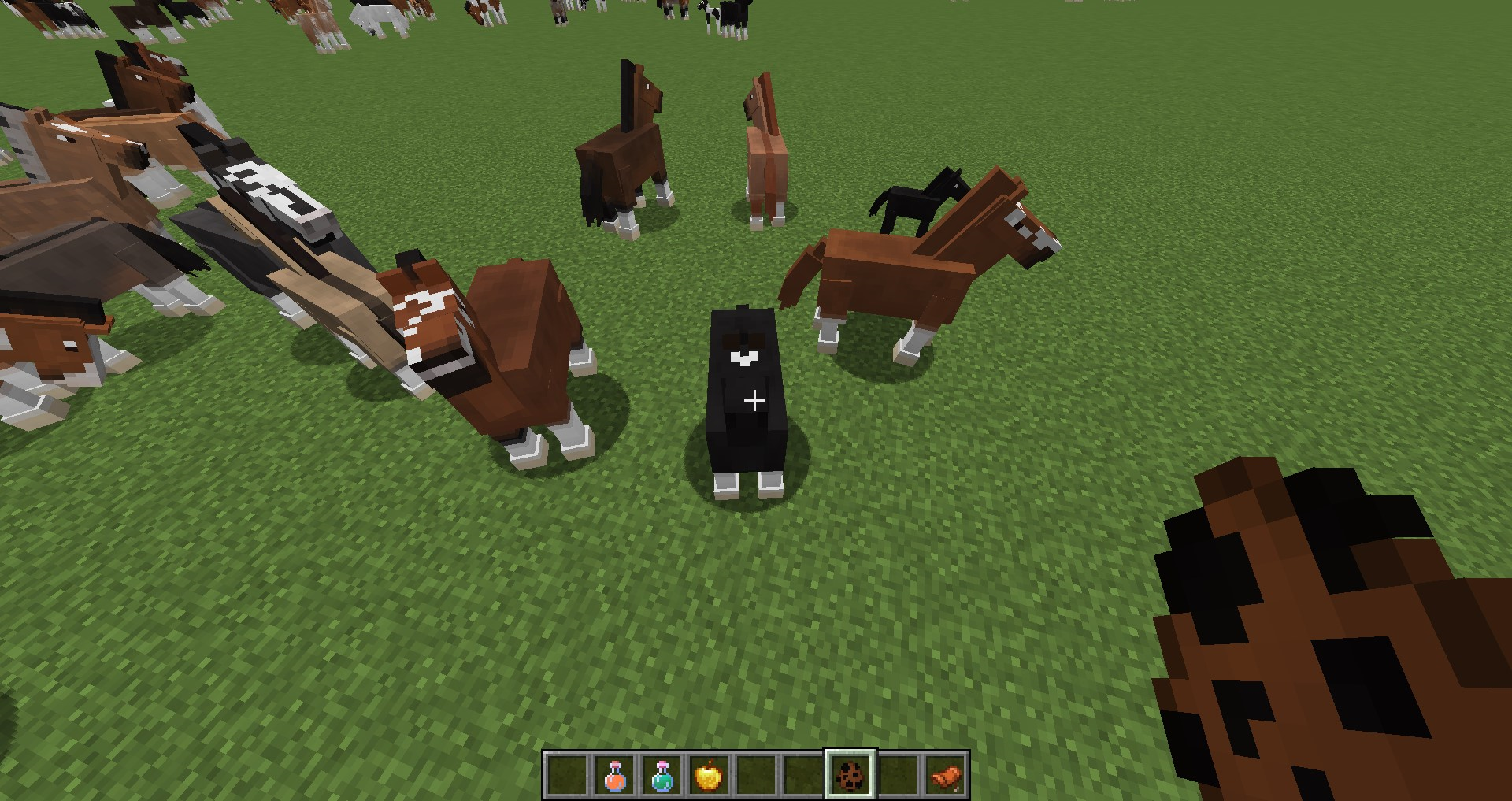
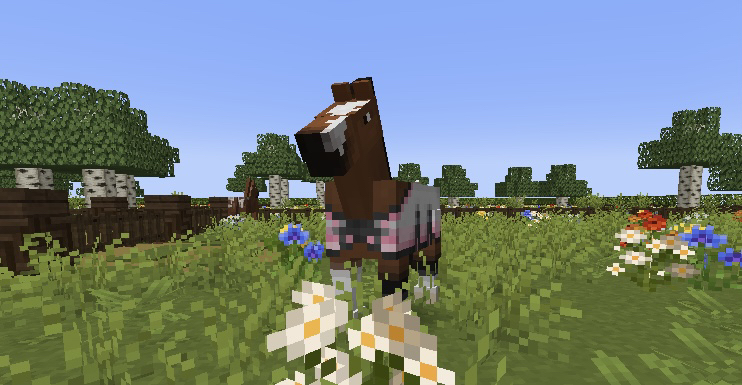
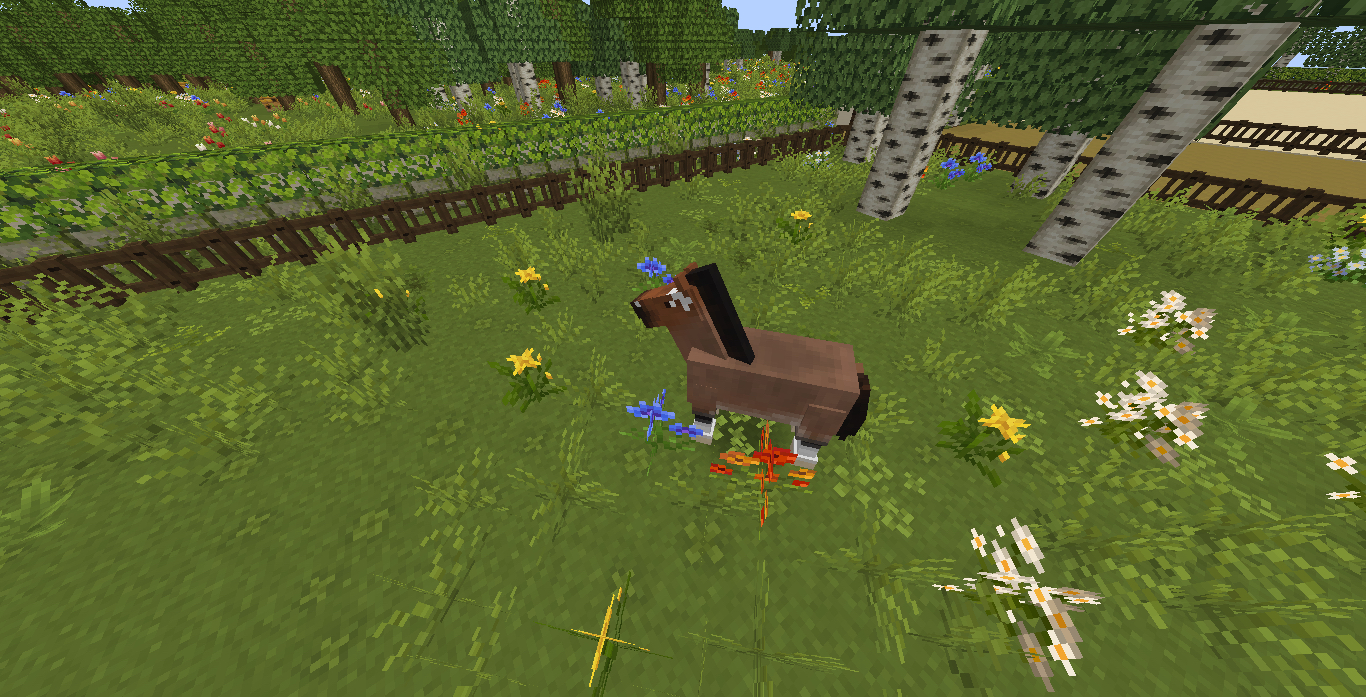
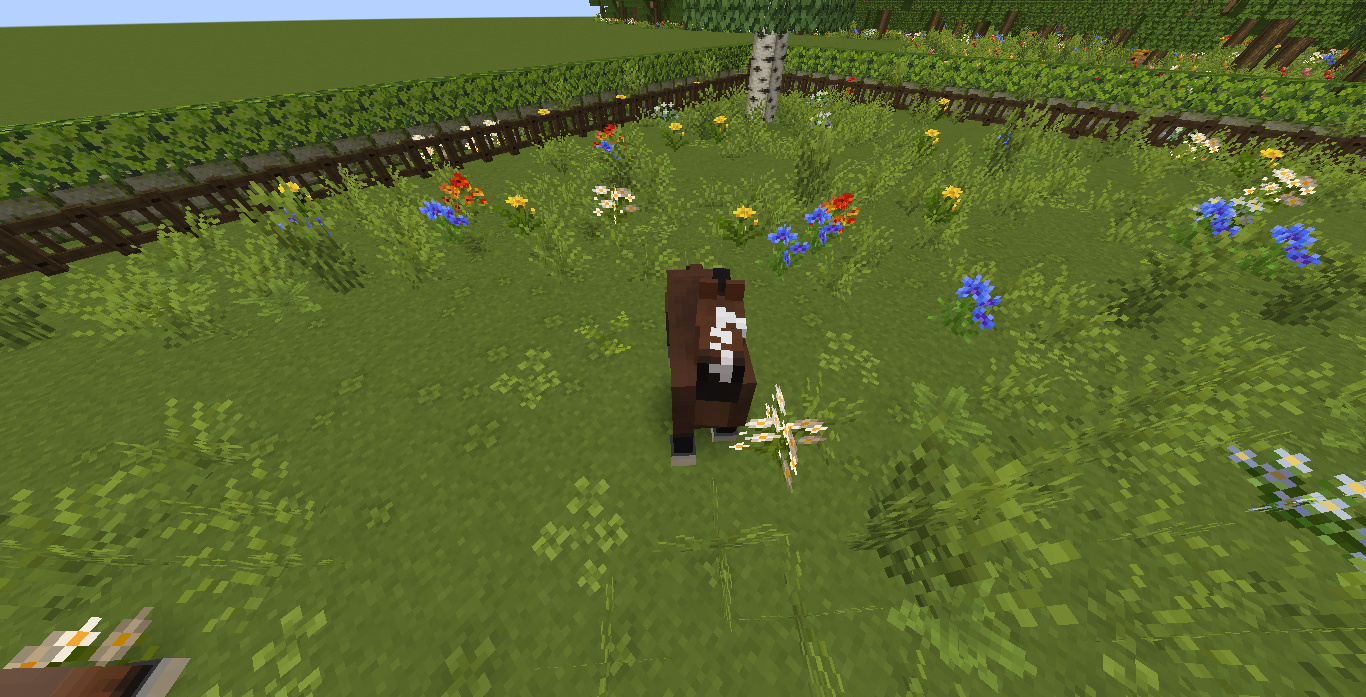

Albane's Extra Textures is an addon for the mod Realistic Horse Genetics. This mod adds 63 new face markings that can appear along side the 6 in the base mod.
This mod is client side only and must be loaded with RHG in order to run. Joining an existing world with this mod will have all horses change their face textures. Uninstalling the mod will have all horses revert back to default face textures. Horses will get assigned their textures based on their genetic values just as in the base mod-however there is a config option to disable this and have horses get randomly assigned face textures instead.
Check images tab for a showcase of a small selection of them
This mod also has a framework to allow you to add any face textures you want to horses!
To add more textures, first create a resourcepack that contains the new textures in the location
- PACK_NAME\assets\horse_colors\textures\entity\horse\face
Then go to the configs. There you will find 3 values, a list of all possible face textures, how many face textures, and what textures are allowed with non splash.
Simply add your texture's name (and/or remove others) in the correct ordering you wish for it to appear. Set the correct numerical values with the adjusted list and load up the game!
Math is not my strong suit, so the way I'm calculating which texture to choose is probably not the best-if you are good at math and have a better way of doing so, please share lol
Credits
- OutrightWings - Programmer
- Albane_mcpe - Artist
- Sekelsta - Developer of RHG and sorted the textures by white value
- Edition: Minecraft Java
- File type: .jar
- Minecraft versions listed: 1.20.1, 1.19.2, 1.18.2
- How to install: Install the matching mod loader (Forge, Fabric or NeoForge) for your Minecraft version. → Download the .jar. → Put it in the .minecraft/mods folder and launch that loader profile.
- Where to get it: Opens on CurseForge — not every file is mirrored on our own servers.
Install steps are the general flow for this file type — How to install Minecraft Java mods & modpacks walks through it step by step.
- Ships as albanes_extra_textures-1.20.1-1.2.0.jar — drop this file into the mods folder
- Download size: 39 KB
- Download link checked 26 Sept 2026 — working
These come from our own check of the pack file, not from the source page.