Block Gradients
Java mod listed for Minecraft 1.20–1.21. Downloads from the MC Java Mods app on Android.
I don't know my version or loader

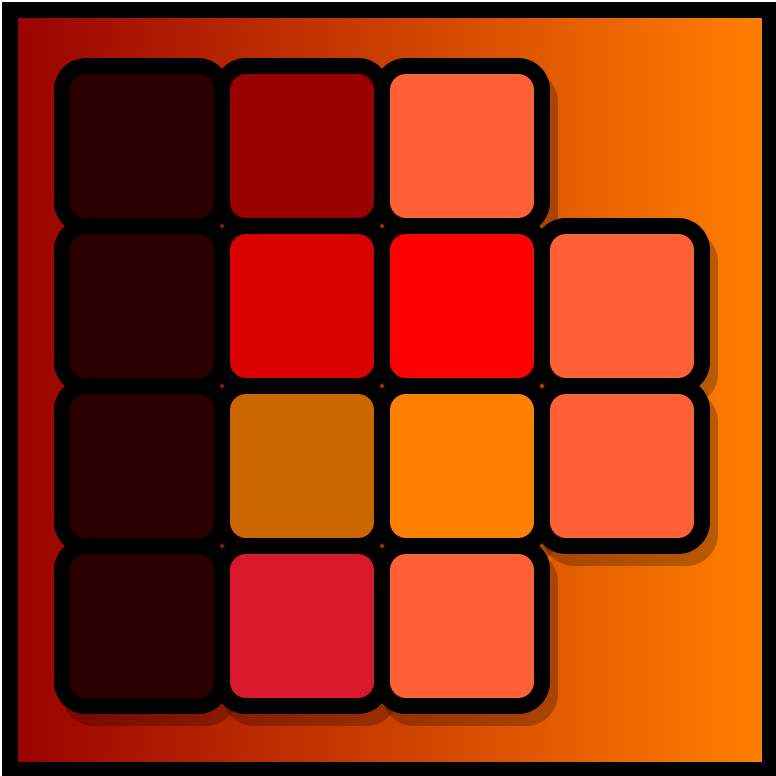
This mod helps you find a gradient between two blocks by showing you various combinations of blocks that could be used inbetween.
To use it, press B while holding a block in the main hand and another one in the off hand to view the gradients, press B again to switch between the two modes (dominant color is generally better but only shows block that are somewhat uniformly colored).
Navigate/zoom with the mouse. The topmost gradients are the ones with the least deviation, as you go down you will start seeing blocks that are less similar to the two chosen ones.
Translucent/transparent blocks are not supported.
Modded blocks are supported, but it will take some time to generate the first gradients if there are thousands of blocks. You might want to blacklist certain mods from the config to speed up the process (Every Compat is already blacklisted). Resource packs are also supported.
 Modded example
- Edition: Minecraft Java
- File type: .jar
- Minecraft versions listed: 1.21, 1.21.1, 1.20.4
- How to install: Install the matching mod loader (Forge, Fabric or NeoForge) for your Minecraft version. → Download the .jar. → Put it in the .minecraft/mods folder and launch that loader profile.
- Where to get it: Opens on CurseForge — not every file is mirrored on our own servers.
Install steps are the general flow for this file type — How to install Minecraft Java mods & modpacks walks through it step by step.
- Ships as blockgradients-1.20-1.0.2-forge.jar — drop this file into the mods folder
- Download size: 45 KB
- Download link checked 26 Sept 2026 — working
These come from our own check of the pack file, not from the source page.