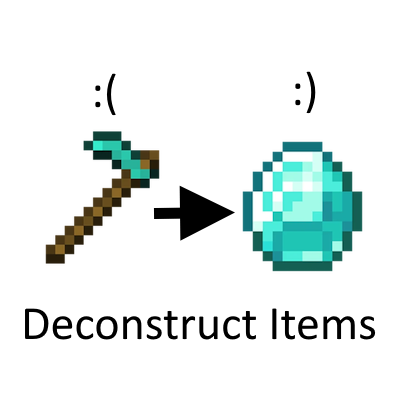
Deconstruct Items
Java mod listed for Minecraft 1.20. Downloads from the MC Java Mods app on Android.
⬇ Download on CurseForgeThe author built this one for Minecraft 1.20.1 on Forge. On other versions it may install and then do nothing.
Have you ever accidentally crafted a diamond hoe and wish there was a way to get a refund? Look no further.
Deconstruct Items lets you turn any armour, tools and weapons back into their materials*.
Installation:
1. Download the jar file
2. Go to your mods folder
3. Put the jar file into the mods folder
Mod instructions:
1. Pick an armour, tool or weapon of choice
2. Put the item you picked into a crafting table (or the 2x2 crafting window in your inventory)
3. Voila, you get your materials*.
4. Profit?
*only partial returns, you do not get the full amount :(
- Edition: Minecraft Java
- File type: .jar
- Minecraft version listed: 1.20.1
- How to install: Install the matching mod loader (Forge, Fabric or NeoForge) for your Minecraft version. → Download the .jar. → Put it in the .minecraft/mods folder and launch that loader profile.
- Where to get it: Opens on CurseForge — not every file is mirrored on our own servers.
Install steps are the general flow for this file type — How to install Minecraft Java mods & modpacks walks through it step by step.
- Ships as Deconstruct-Items-Forge-1.20.1.jar — drop this file into the mods folder
- Download size: 26 KB
- Download link checked 17 Oct 2026 — working
These come from our own check of the pack file, not from the source page.