Computer Cartographer
Java mod listed for Minecraft 1.20. Downloads from the MC Java Mods app on Android.
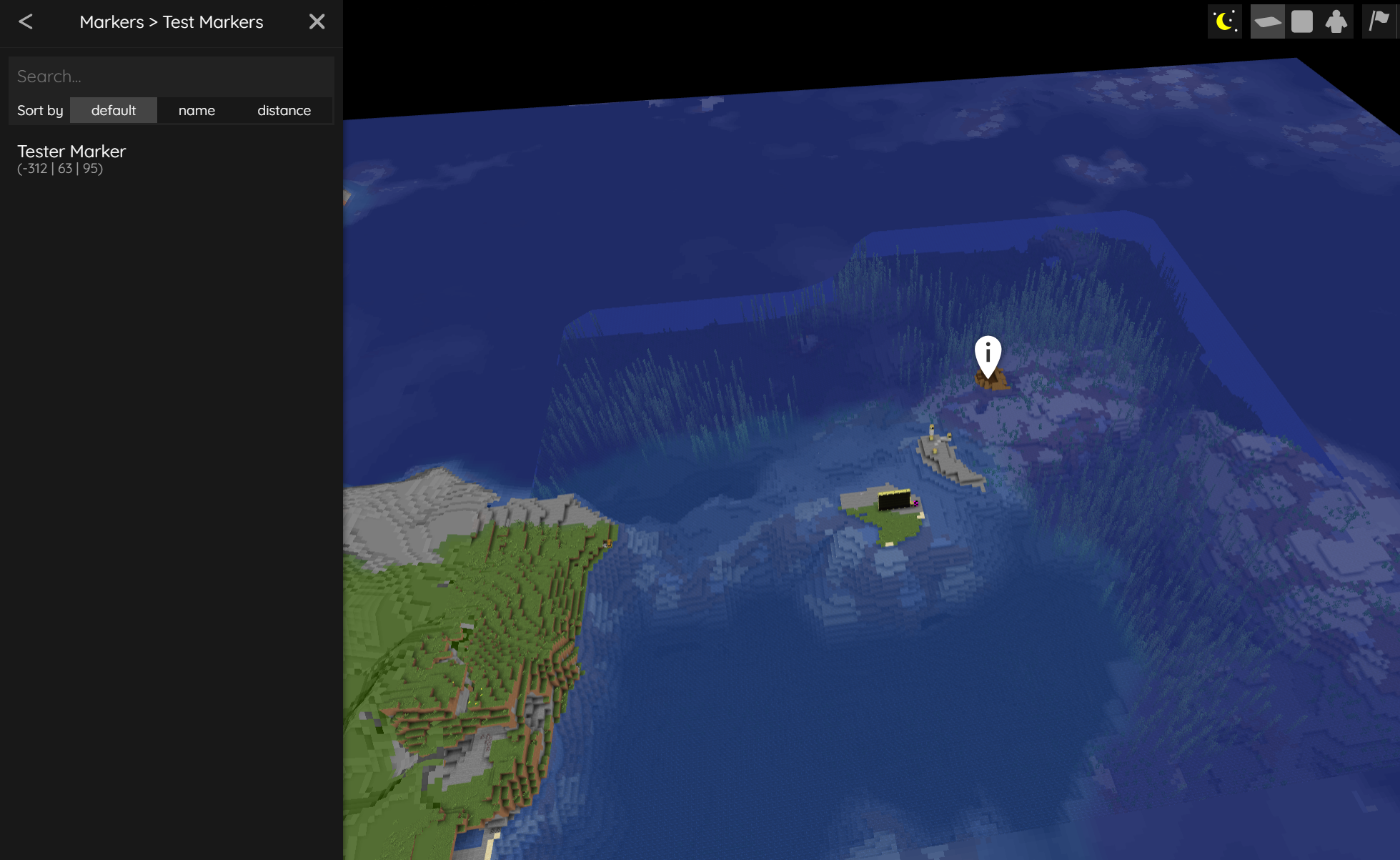
Adds a peripheral to ComputerCraft Tweaked that allows for interfacing with common mapping plugins (BlueMap, Dynmap, Pl3xMap, and Squaremap).
I don't know my version or loader
NOTICE
This page will not be receiving any updates going forward. Please find the mod on Modrinth here.
Computer Cartographer
This Minecraft mod adds a peripheral to ComputerCraft Tweaked that allows for interfacing with common mapping plugins (BlueMap, Dynmap, Pl3xMap, and Squaremap).
Information
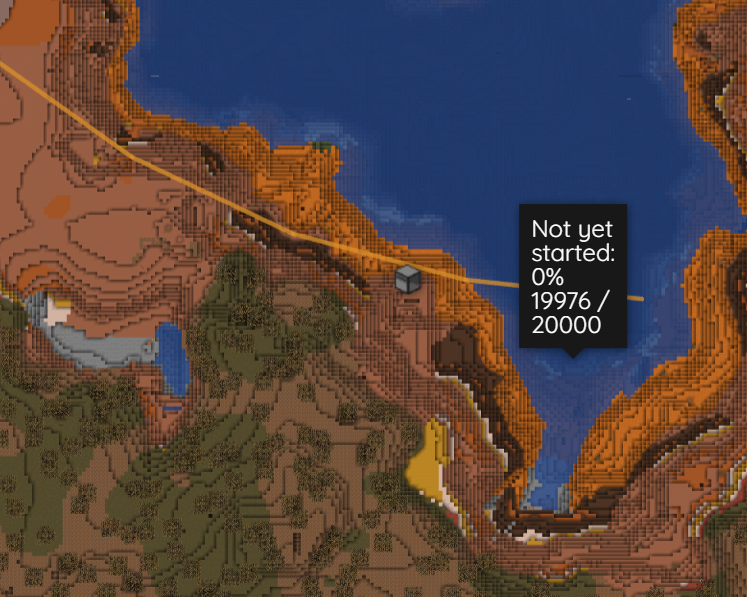
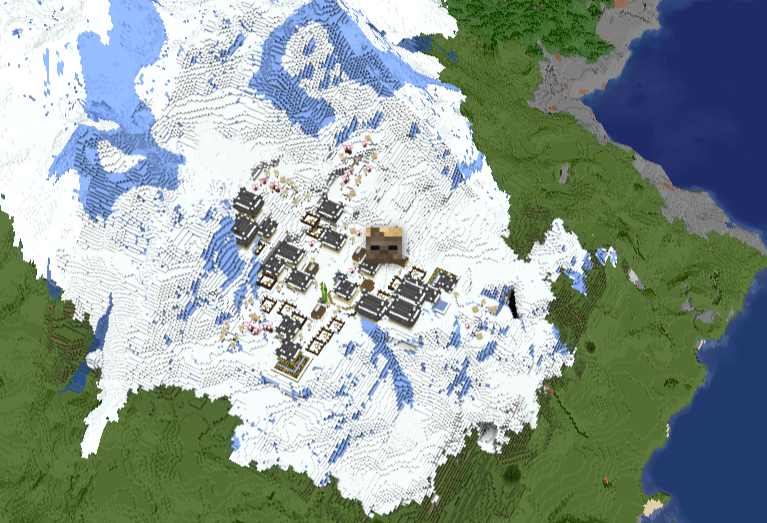
Using the peripheral, you can dynamically draw POI (including custom icons), lines, circles, rectangles, and arbitrary polygon area markers to the mapping plugin of your choice.
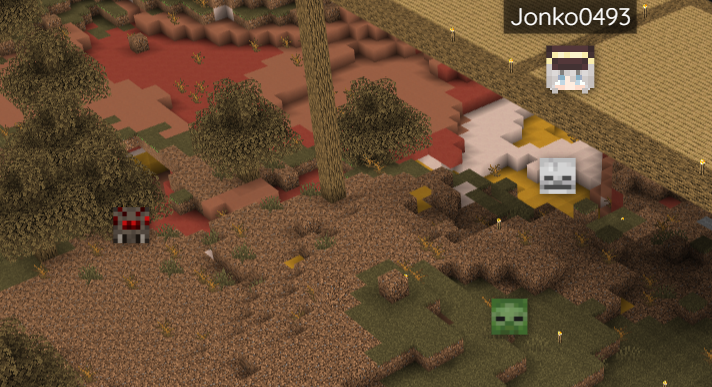
You can create pathing previews using line markers, add real-time GPS pins for turtles on the move, or (if you have a mod with an entity sensor peripheral) put all the mobs in your area on the map.
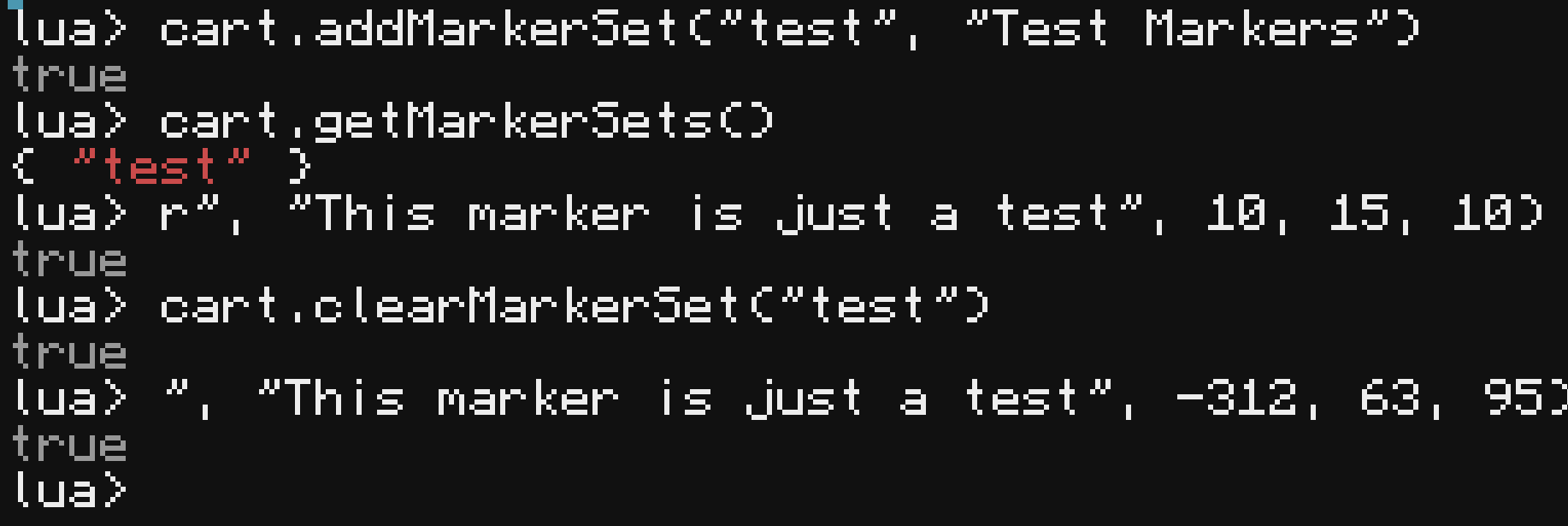
See the wiki for usage details.
- Edition: Minecraft Java
- File type: .jar
- Minecraft versions listed: 1.20.1, 1.20
- How to install: Install the matching mod loader (Forge, Fabric or NeoForge) for your Minecraft version. → Download the .jar. → Put it in the .minecraft/mods folder and launch that loader profile.
- Where to get it: Opens on CurseForge — not every file is mirrored on our own servers.
Install steps are the general flow for this file type — How to install Minecraft Java mods & modpacks walks through it step by step.
- Ships as computer_cartographer-1.20.1-1.0-forge.jar — drop this file into the mods folder
- Download size: 63 KB
- Download link checked 26 Sept 2026 — working
These come from our own check of the pack file, not from the source page.