Mo'Dogs
Java mod listed for Minecraft 1.18–1.20. Downloads from the MC Java Mods app on Android.
I don't know my version or loader
This mod requires GeckoLib to run!
Want a dog (or ten) to join you on your adventures? Look no further!
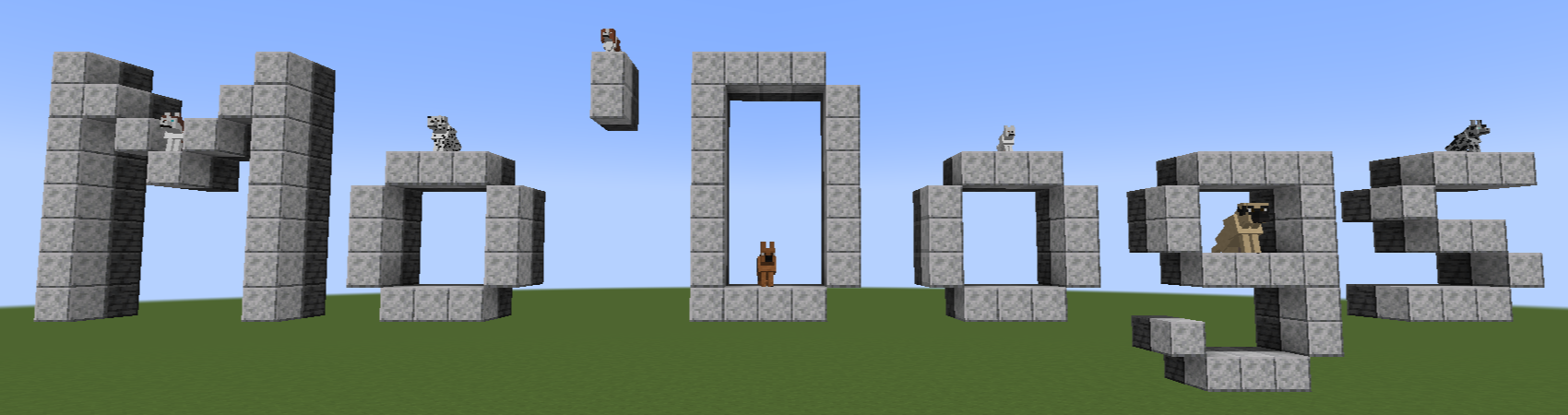
Mo'Dogs is a mod that aims to bring new life into Minecraft's dogs, completely separately from vanilla wolves. This mod adds 50 breeds that all spawn naturally in various biomes across your world, all of which can be tamed!
Features:
- Adds 50 dog breeds to Minecraft, from the mighty mastiff to the tiny dachshund and dozens in between!
- Craftable Nametags for all your naming needs. (You'll need a piece of paper and an iron ingot.)
- Dog collars. Upgraded versions can act as armor for your beloved pets.
- Working genetics. Each dog breed has its own genetics built in that you can experience and explore.
- Care Station & Shelter Worker. A new work station and villager profession.
Modloader:
- 1.18.2 - 1.20.4: Forge
- 1.20.6+: NeoForge
Getting Started
Once you have GeckoLib and Mo'Dogs installed, you can simply start up a world and be ready to jump in!
If you're playing on a version before 1.20, this mod also benefits from having Patchouli installed, as it adds two books into the game that can help you navigate around the dogs. If playing a later version or you don't want to install an additional mod, you can find the mod's wiki over on Github which contains the same information!
Before you can tame any dogs, you'll need to craft some treats. There's one for each type of meat, plus salmon, which can be crafted with two of the respective meat and a wheat placed in a diagonal in a crafting table with the wheat in the middle.
Once you have some treats, you're ready to begin taming dogs and are well on your way to becoming a dog trainer!
Important Links
GeckoLib Mod (Needed to run Mo'Dogs!)
If you encounter any bugs with Mo'Dogs, please report the issue on Github, here!
- Edition: Minecraft Java
- File type: .jar
- Minecraft versions listed: 1.20.1, 1.20.6, 1.20.4
- How to install: Install the matching mod loader (Forge, Fabric or NeoForge) for your Minecraft version. → Download the .jar. → Put it in the .minecraft/mods folder and launch that loader profile.
- Where to get it: Opens on CurseForge — not every file is mirrored on our own servers.
Install steps are the general flow for this file type — How to install Minecraft Java mods & modpacks walks through it step by step.
- Ships as modogs-2.0.0.1-1.20.6.jar — drop this file into the mods folder
- Download size: 3.1 MB
- Download link checked 26 Sept 2026 — working
These come from our own check of the pack file, not from the source page.