Technical cores
Java mod listed for Minecraft 1.19–1.20. Downloads from the MC Java Mods app on Android.
I don't know my version or loader
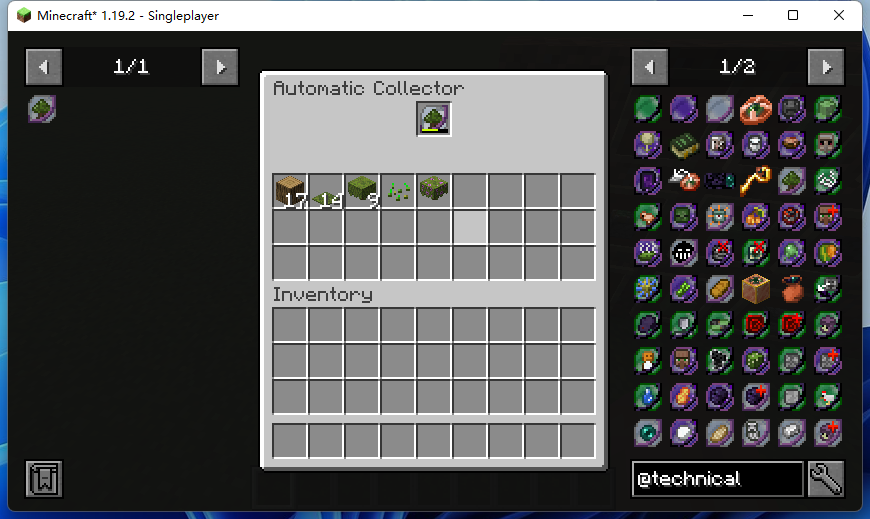
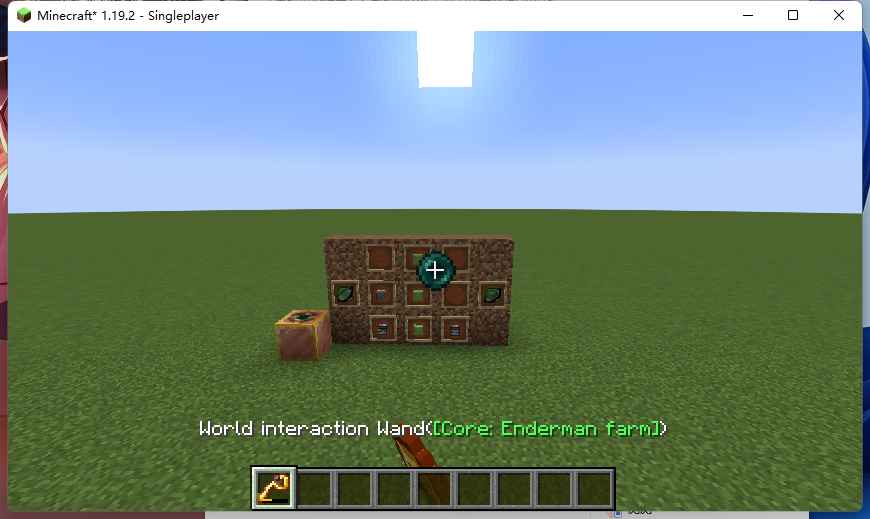
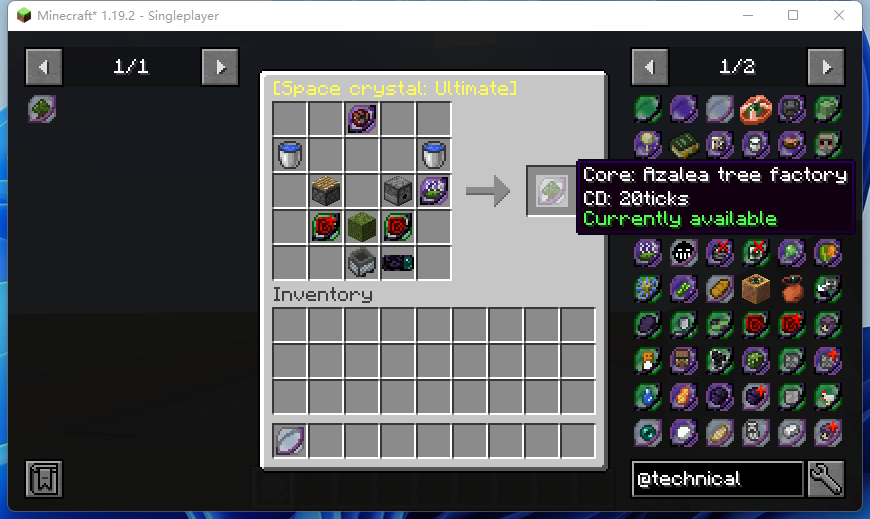
Technical Minecraft is an integral part of Survival Mode, but many of the machines are big, cardboardy, and a pain in the ass to build. With that being the case, why couldn't you figure out a way to put them into a separate space and then continue to function through specially designed ports? Thus, this mod was born.
Three sizes of space crystals in this mod can be used to create specific technical cores that correspond to different machines. These cores can be used to cast spells in the staff or to automatically collect products.
JEI is supported for looking up the crafting, as well as patchouli books for instructions on how to use them.
- Edition: Minecraft Java
- File type: .jar
- Minecraft versions listed: 1.20, 1.20.1, 1.19.2
- How to install: Install the matching mod loader (Forge, Fabric or NeoForge) for your Minecraft version. → Download the .jar. → Put it in the .minecraft/mods folder and launch that loader profile.
- Where to get it: Opens on CurseForge — not every file is mirrored on our own servers.
Install steps are the general flow for this file type — How to install Minecraft Java mods & modpacks walks through it step by step.
- Ships as technicalcores-2.0.3.jar — drop this file into the mods folder
- Download size: 371 KB
- Download link checked 27 Sept 2026 — working
These come from our own check of the pack file, not from the source page.